
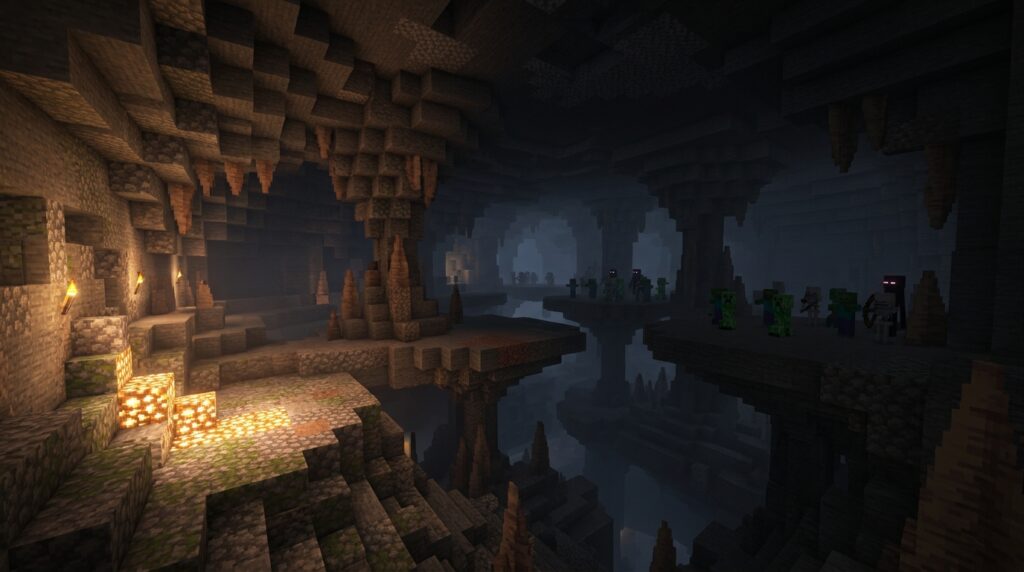
If mobs keep appearing in your base or your farm barely produces anything, understanding Minecraft’s mob spawning rules is the key. Spawns depend on light, your distance from the area, available blocks, and whether the chunks are loaded and ticking. Java Edition and Bedrock Edition also handle mob caps, simulation distance, and spawning attempts differently, so a farm that works well in one edition may fail in the other.
You also need to distinguish natural spawning from mob spawners, raids, patrols, structure events, breeding, and other special sources. Lighting a cave can stop ordinary hostile mobs, but it will not disable a nearby spawner or prevent a raid. Once you know which rules apply, you can control where mobs appear, build safer bases, and create more reliable farms.
Key Takeaways
- Natural mob spawning requires a valid block, sufficient space, appropriate lighting, and a loaded, ticking area; changing any of these conditions can stop unwanted spawns or improve a farm.
- Player distance and simulation distance determine whether spawning areas remain active. Java and Bedrock use different spawning ranges and rules, so farm designs must be tested in the edition and settings being used.
- Nearby caves, oceans, forests, and other eligible areas compete for limited mob-cap space. Spawnproofing or relocating these areas directs more natural spawns toward the intended farm.
- Lighting and non-spawnable blocks stop ordinary natural spawning but do not disable spawners, raids, patrols, breeding, commands, or other special mob sources; identify the source before choosing a fix.
Natural Spawn Conditions
Ordinary natural spawning only happens in loaded, active areas where the game can find a valid location. The spot must have a suitable block, enough room for the mob’s full body, and the correct light level. For example, many hostile mobs can spawn on solid blocks in dark caves, but they cannot appear when the ceiling is too low or the floor is covered with blocks they cannot use. In recent versions, most common hostile mobs require a block light level of 0, although some mobs follow different rules. Keeping areas well lit, sealed, or covered can reduce unwanted spawns, but it will not stop mobs created by spawners, raids, or other special events.
Animals usually follow different rules and often need open space and suitable terrain, such as grass blocks for many passive mobs. A cramped pen, a non-solid floor, or a location outside the mob’s allowed spawning area can prevent a spawn even when the light level is correct. Natural spawning attempts also depend on your distance from the area and its loading or simulation range, so mobs will not appear everywhere in the world at once. Java Edition and Bedrock Edition can handle mob limits and spawning distances differently, which matters when you build a farm. Check the blocks, light, space, terrain, and distance around your target area before changing the design.
Spawn Distance And Location Limits
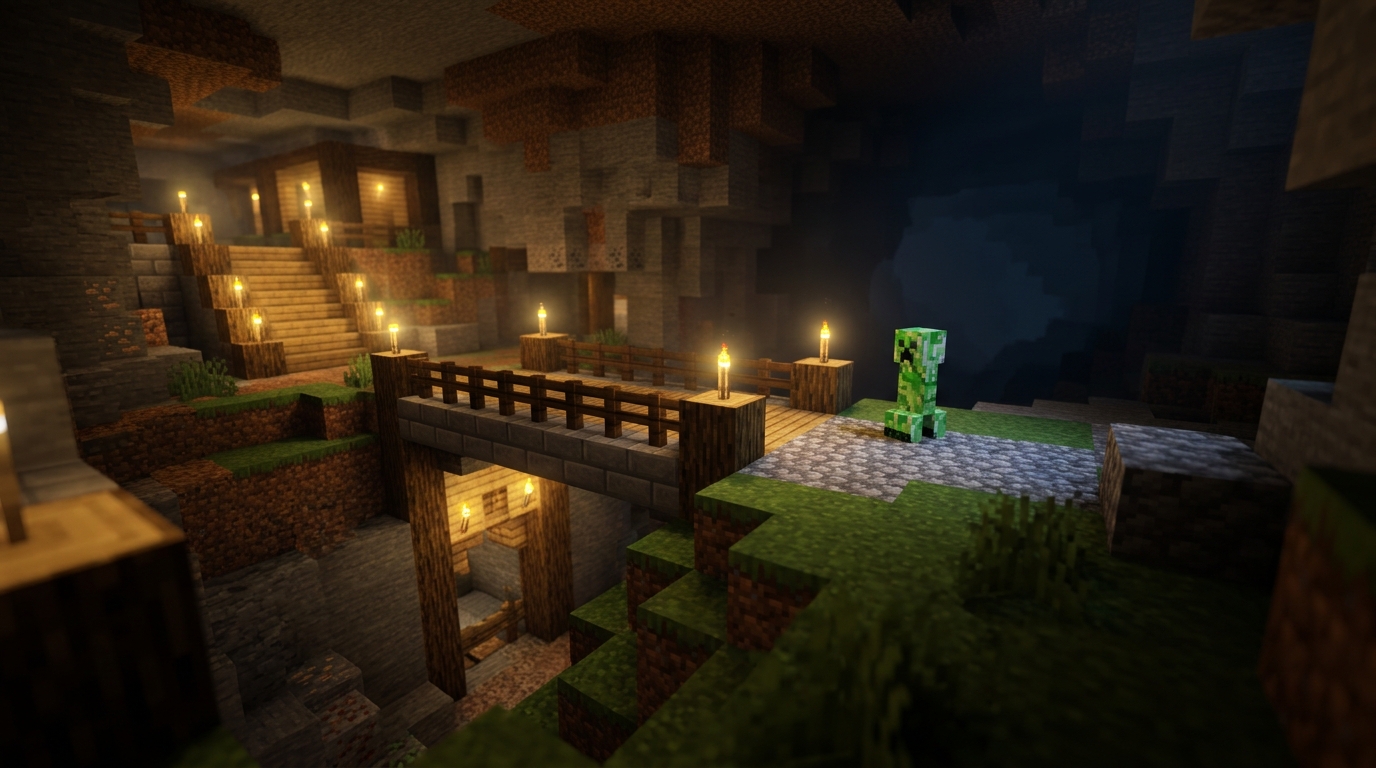
Natural mob spawning usually happens within a limited range around you. In Java Edition, hostile mobs generally need to be more than about 24 blocks away before they can spawn, while areas too far from you may stop being useful or cause mobs to despawn. Bedrock Edition uses different distance and simulation rules, so the exact range depends on your edition and settings. This is why standing beside a farm can prevent its platforms from filling, while standing too far away can stop the area from ticking properly.
Your simulation distance controls which chunks around you remain active, and natural spawning only works in loaded, ticking areas. A farm platform outside that range may look correct but produce nothing until you move closer or increase the setting. Vertical space matters too, because mobs need enough room for their full hitbox, and solid blocks, darkness, and other location rules must all be valid. For example, a low ceiling can prevent tall mobs from spawning even when the floor is dark.
Nearby caves, ravines, and underground tunnels can also compete with your farm for hostile mob spawns. If these spaces are dark and loaded, mobs may appear there instead of on your carefully built platforms, using up the available mob limit. Lighting or blocking nearby caves can redirect spawning toward the farm, but only if the farm remains within the useful simulation and distance range. Always check the area around and below your build, because a valid spawn location outside the intended farm area may be the reason your rates are low.
Java And Bedrock Mob Caps
Java and Bedrock both limit the number of naturally spawned mobs, but they calculate those limits differently. In Java Edition, hostile mobs commonly share a global cap of about 70 per player, with separate caps for creatures such as animals, water mobs, and ambient mobs. Mobs already loaded in caves, oceans, ravines, and other nearby areas use available cap space, so the game may attempt fewer spawns inside your farm. This is why lighting caves or building the farm above a large ocean can make hostile mob rates more consistent.
Bedrock Edition uses population controls that depend heavily on simulation distance, dimension, mob category, and nearby ticking areas. A mob outside your farm can still matter when it is close enough to remain active, especially if it is in a cave, underground water pocket, or another loaded space. However, Bedrock does not always count mobs in exactly the same way as Java, so a farm that works well at one height or distance may produce different results when copied to the other edition. Check your simulation distance and remove active spawn spaces within the area that your world keeps loaded.
For either edition, the best farm design gives the game one clear place to spawn. Use solid blocks with suitable headroom, keep hostile spawning areas dark, and prevent nearby caves, oceans, and land from competing for the same mob category. You can fill caves with light, cover surfaces with non-spawnable blocks, drain water, or move the farm far above the ground. These changes do not stop spawners, raids, breeding, or every special mob event, but they reduce competition from ordinary natural spawning and help more spawn attempts reach your farm.
Spawnproofing And Special Spawn Sources
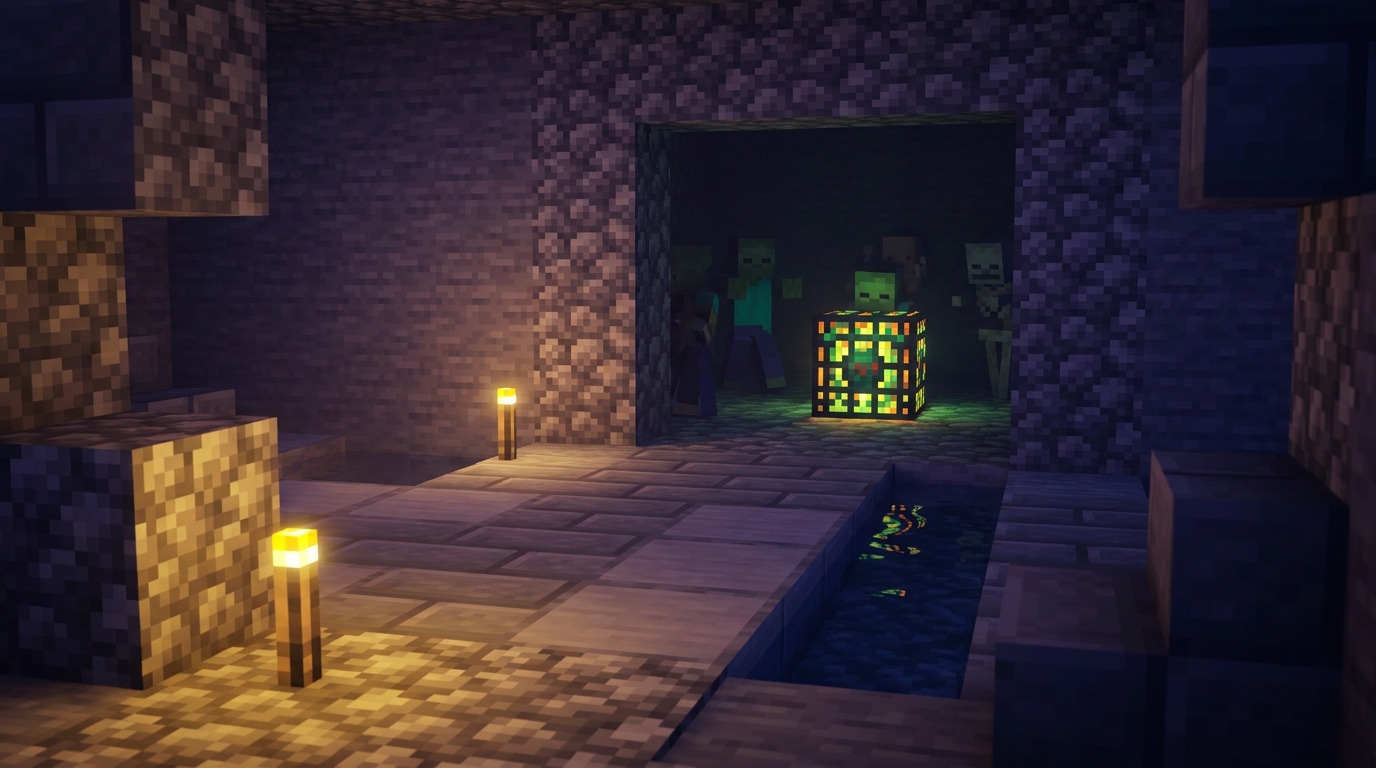
To stop unwanted natural spawns, light every eligible surface where you spend time, including the ground around your base, caves beneath it, and the roof of a mob-proofed building. For hostile mobs, use enough light to prevent dark spawn attempts, and place torches, lanterns, or other light sources so no shadowy gaps remain. You can also cover the ground with non-spawnable blocks such as glass, carpets, bottom slabs, leaves, or buttons, depending on your edition and build. Removing solid floors and ceilings works too. Filling a cave or platform with water removes the dry surface that most land mobs need. Remember that Java Edition and Bedrock Edition can differ in distance, simulation, and spawning details, so test your design in the edition you play.
Spawnproofing only affects ordinary natural spawning, not every way a mob can appear. A mob spawner has its own activation range and spawning rules, so lighting the surrounding area may not stop it unless you also block the mob’s spawning requirements. Raids, patrols, and some structure-based events can create mobs through special rules, while breeding, curing, commands, spawn eggs, and chunk generation use entirely different sources. A well-lit village can still experience a raid, and a lit dungeon can still produce mobs from its spawner.
For reliable results, first identify where the mobs are coming from before changing the area. If mobs appear across dark caves or an unlit roof, add light or replace the solid blocks. If they appear in a flooded space, check for dry ledges, air pockets, or nearby blocks that remain valid for spawning. To stop a spawner, move outside its activation range, block its spawn area, or remove it in a way that fits your goal. Events such as raids require you to prevent their trigger rather than simply adding torches. Checking caves, rooftops, overhangs, and nearby platforms is especially important because natural spawning can use any valid surface within the relevant player and world limits.
What Makes Mobs Spawn in Minecraft
Natural mob spawning works only when several conditions line up at once. The game checks loaded, ticking areas for valid blocks, enough open space, and lighting that matches the mob’s rules. For example, a hostile mob usually needs a suitable solid surface, room for its body, and low enough light, while water mobs and other creatures have their own block requirements. Your distance from the area matters too, since mobs generally cannot spawn right beside you or far beyond the active range.
Mob caps add another limit by restricting how many naturally spawned mobs can exist in the relevant area, and the exact system differs between Java Edition and Bedrock Edition. Nearby caves, dark forests, or unlit spaces can use up those available spawns, even when your farm platform is built correctly. Before changing your main design, test it in the edition and simulation settings you actually use. Then spawnproof nearby locations with light, blocks, or other methods that prevent spawning. This directs more available spawns toward your farm and helps you identify which rule is causing the problem.