
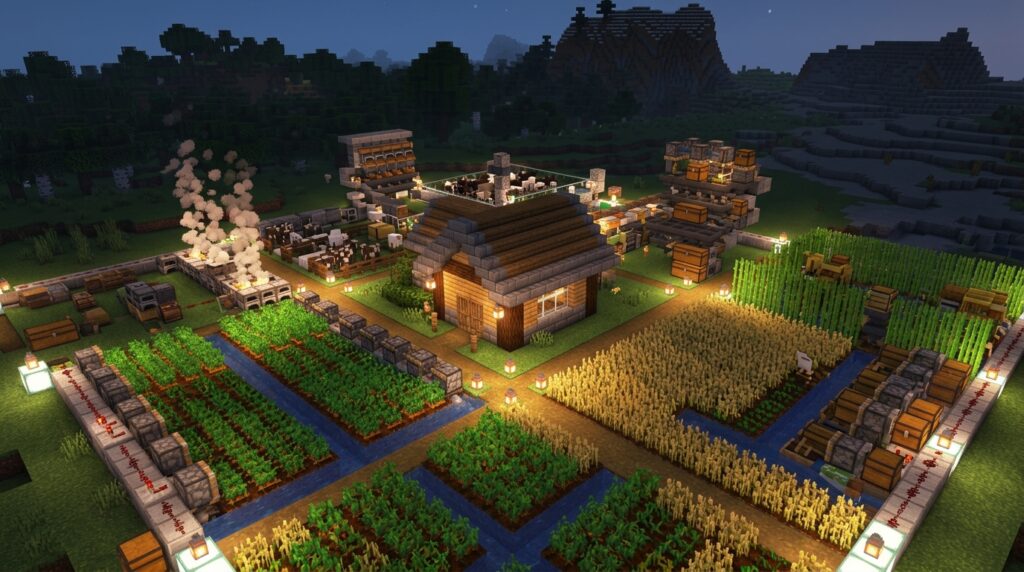
Your farms may stop working when you move away, and outdated advice about Minecraft spawn chunks may be the reason. In older Java Edition versions, the area around world spawn stayed loaded, which helped machines, farms, and redstone builds keep running. That system changed, so the version you play matters.
Before Java 1.20.5, spawn chunks covered a large area around world spawn. From 1.20.5 through 1.21.8, the default changed to a 3×3 area of entity-ticking chunks. In Java 1.21.9 and later, fixed spawn chunks no longer exist. Reliable automation now needs another option, such as /forceload or an active player nearby.
Key Takeaways
- Minecraft Java spawn chunks have changed significantly by version: before 1.20.5, a large area around world spawn stayed loaded; from 1.20.5 through 1.21.8, the default was a 3×3 entity-ticking area; and in 1.21.9 and later, fixed spawn chunks no longer exist.
- Do not assume a farm near world spawn will run while you are away. Mob spawning, entity movement, villagers, hoppers, and redstone may require entity-ticking chunks or a nearby player, so test each farm in your exact version.
- For reliable remote automation in Java, use
/forceload, an active player, or carefully designed portal-based loading instead of relying on traditional spawn chunks. Keep forced chunks limited because permanently active systems can increase server workload. - Bedrock Edition uses simulation distance rather than permanent Java-style spawn chunks; use
/tickingareato keep selected regions active, while remembering that ticking areas have limits and may not enable every mob or farm mechanic.
Java Spawn Chunks Before 1.20.5
Before Java Edition 1.20.5, the game kept a roughly 19×19-chunk area around world spawn loaded, covering about 304×304 blocks. This area was tied to the original world spawn, not the bed where you last slept, so moving your bed did not move the spawn chunks. A smaller area in the center received full entity ticking. This allowed mobs, items, villagers, hoppers, and redstone components to keep processing. The outer chunks stayed loaded in a more limited state, so not every farm worked equally well across the full 19×19 area.
This system let you build automation near world spawn and travel thousands of blocks away without turning it off. An iron farm in the entity-ticking center could continue checking villagers and spawning iron golems, while crop farms could keep growing when their ticking requirements were met. Hopper systems could move items, and redstone clocks could keep sending signals to pistons, dispensers, and other machines. For reliable results, place the farm in the active center and test it. A farm near the outer edge might load without running every part of its design.
Java Spawn Radius Changes
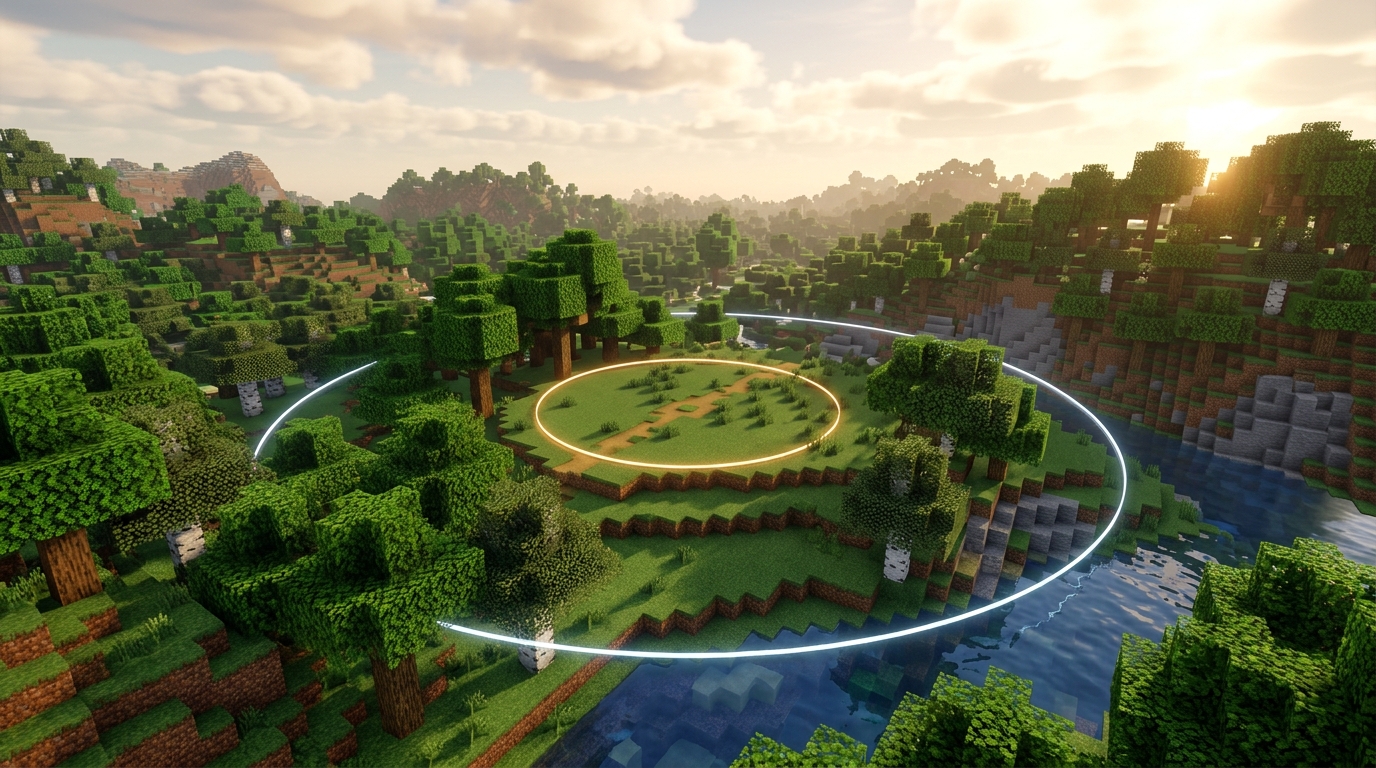
In Java Edition 1.20.5, the spawnChunkRadius gamerule made spawn chunks configurable. From Java 1.20.5 through 1.21.8, the default setting created a 3×3 area of entity-ticking chunks, covering 48×48 blocks around world spawn. If your iron farm, redstone clock, or item sorter sits inside this area, it can keep processing while you travel elsewhere. However, some farms still need a player nearby because of their game mechanics. If you have permission to use commands, you can check or change the setting with /gamerule spawnChunkRadius and /gamerule spawnChunkRadius <value>.
Java 1.21.9 and later removed fixed spawn chunks, so you should not assume that a farm near world spawn will keep running after you leave. For example, a creeper farm at spawn will stop being useful from a distance unless another method keeps its chunks loaded. For reliable remote automation, keep the area within your simulation distance, use /forceload when appropriate, or build the farm near a place where you regularly stay. Always check your server or world version before planning around Minecraft spawn chunks, because the same farm can behave differently after an update.
Keeping Farms Loaded Today
In current Minecraft Java Edition, you should not rely on traditional spawn chunks to run distant farms. Java 1.21.9 and later removed the fixed spawn-chunk system, while earlier versions may have a smaller or configurable loaded area. Use /forceload when you need a specific location to stay active, such as a sugar cane farm. Stand near the farm and run /forceload add ~ ~, or use two positions to cover a larger area. Then check the result with /forceload query.
A forced chunk can keep redstone, hoppers, and suitable farm mechanics running while you explore elsewhere, but it does not make every farm work automatically. For example, a sugar cane farm still needs its plants inside the loaded area, and its collection system must be built correctly. Remove the ticket later with /forceload remove ~ ~, or clear all forced chunks with /forceload remove all if you no longer need them. Keep the number of forced chunks reasonable because permanently active systems can increase server workload.
Portal-based systems offer another option for Java Edition item transport networks. An active Nether portal can load the area around its destination when entities pass through. A stream of items or minecarts may help keep both ends of a carefully designed network active, but a portal does not stay loaded forever just because it exists. In versions and servers that support ender-pearl chunk loading, a thrown pearl can also keep its current chunks loaded until it lands or disappears. This can help with temporary remote redstone tests. Check your version and server settings first, and use /forceload for dependable long-term automation.
Bedrock Ticking Areas Explained
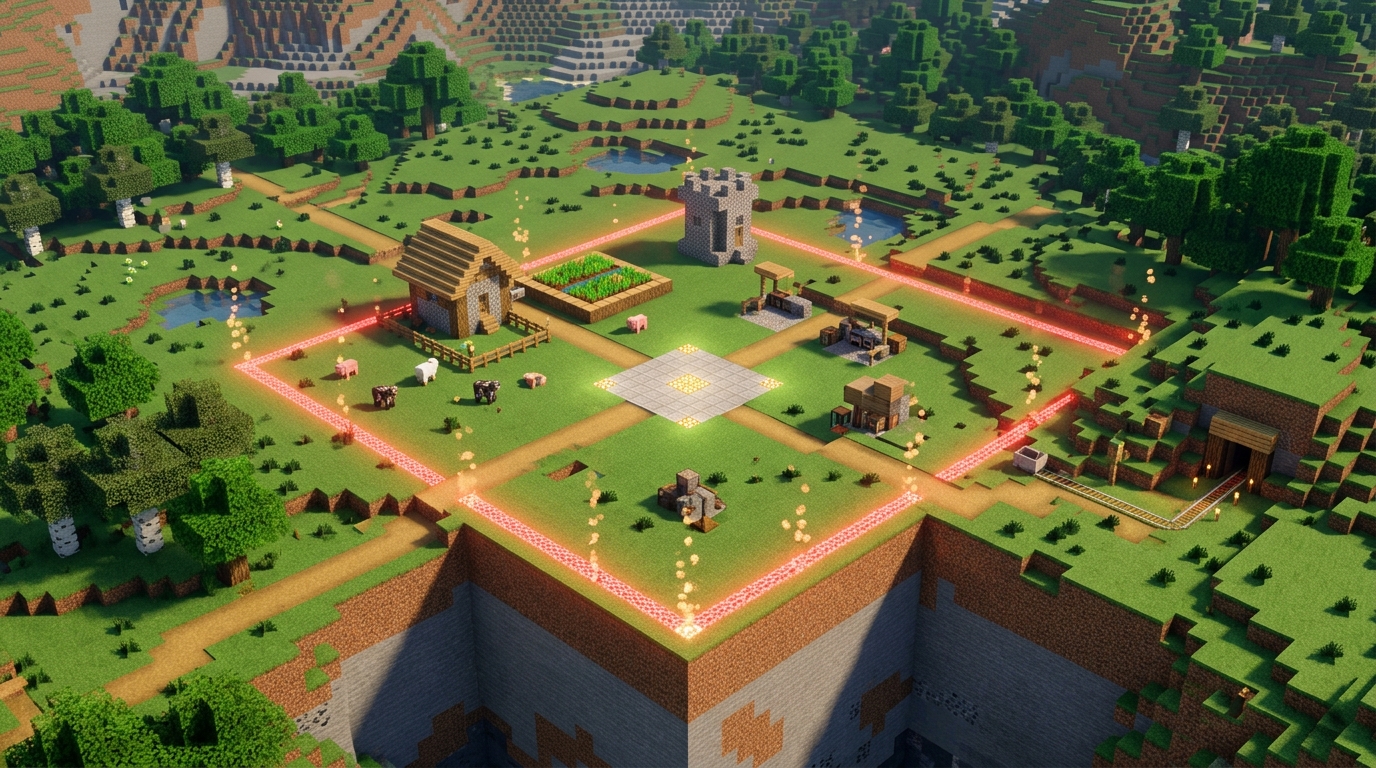
In Bedrock Edition, “Minecraft spawn chunks” do not work like a permanent Java-style area around world spawn. Instead, chunks near you run according to the world’s simulation distance. A redstone machine, crop farm, or command system will usually stop when you travel beyond that range. You can keep a specific location active with the /tickingarea command, such as /tickingarea add circle 100 64 100 2 Farm, which creates a ticking area around those coordinates. While you stay away, redstone components, command blocks, and many crop updates in that area can continue running.
Ticking areas have limits, so check your setup before relying on one for a large base or automation system. Bedrock allows up to 10 ticking areas, and each area can cover no more than 100 chunks. Circular areas also have their own radius limit. Make sure cheats or the required permissions are enabled, use /tickingarea list to confirm that the area exists, and check the world’s simulation distance. Simulation distance still affects many gameplay systems, especially mob spawning and entity activity. A ticking area cannot make every farm run perfectly while you are away, so test the exact redstone, crop, or command system in your world before leaving it unattended.
Check Your Edition’s Spawn Chunk Rules
Minecraft spawn chunks do not work the same way in every edition or version. In older Java Edition versions before 1.20.5, the area around world spawn stayed loaded, traditionally covering a 19 by 19 chunk region, with a smaller area processing entities. From Java 1.20.5 through 1.21.8, the spawnChunkRadius gamerule controlled the size, with the default reduced to a 3 by 3 entity-ticking area. In Java 1.21.9 and later, fixed spawn chunks no longer exist, so you should not rely on world spawn to keep a farm or redstone machine running.
Your farm may still process some block updates while you are away, but mob spawning, item movement, and other systems can depend on the chunks being loaded and entity-ticking. Test the exact farm in your Minecraft edition and version before building it far from your base. For example, leave the area, wait, and check whether items move through hoppers, villagers work, or mobs spawn as expected. This quick test can prevent you from assuming that an old spawn-chunk design still works.
When you need reliable automation away from your player, use a loading method that matches your edition and world settings. In Java Edition, /forceload can keep selected chunks active, and linked Nether portals may load chunks while items or entities travel through them. In Bedrock Edition, ticking areas can keep chosen regions running, making them useful for farms and command systems. These options give you more dependable control than relying on spawn chunks, especially in current versions.