
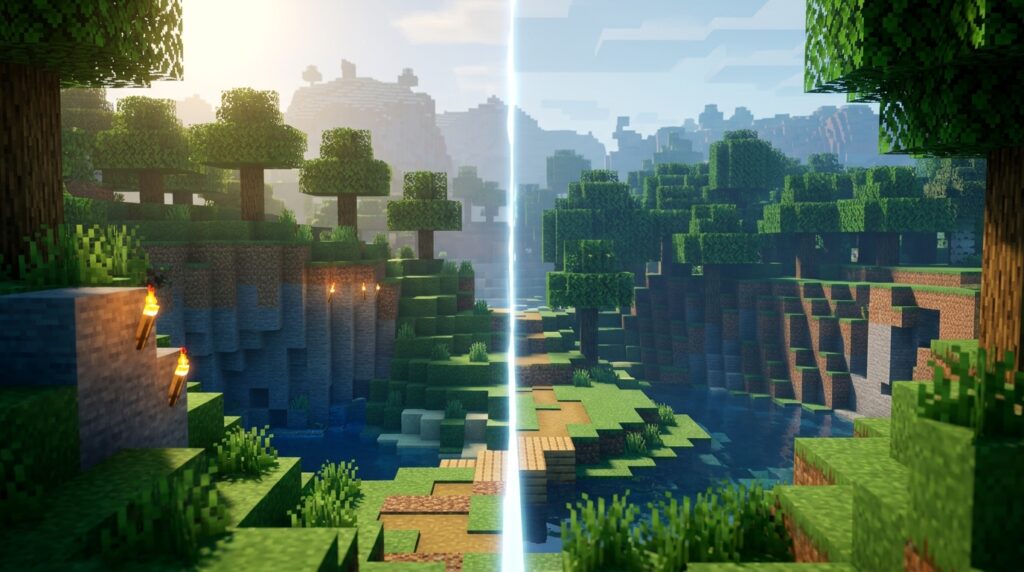
Choosing between Java and Bedrock can change how you play Minecraft, who you can join, and what you can build. The key Minecraft Java and Bedrock differences include supported devices, multiplayer networks, mods, world formats, and gameplay details such as redstone and mob behavior. Java is made for computer players who want deep customization, while Bedrock works across consoles, phones, and computers.
Both editions offer the same core survival and building experience, but they are not interchangeable. You cannot normally join a Java server from Bedrock, and worlds, add-ons, and mods may not work across editions. Knowing these differences helps you choose the right version for your device, friends, and favorite way to play.
Key Takeaways
- Choose Java Edition for computer-focused play, extensive mods, shaders, technical tools, and community servers; choose Bedrock Edition for cross-platform play across computers, consoles, and mobile devices, plus easier controller and split-screen support.
- Java and Bedrock use separate multiplayer networks, so players cannot normally join each other’s worlds, servers, or Realms. Choose the same edition as the friends you want to play with.
- Redstone, commands, mob behavior, combat, and technical farms can work differently between editions, so tutorials and contraptions may require edition-specific designs.
- Worlds, mods, add-ons, and progress are not directly interchangeable between Java and Bedrock. Conversions may require external tools and can alter gameplay features, mechanics, or world data.
Introduction To Minecraft Java Bedrock Differences
Minecraft Java and Bedrock differences matter when you choose an edition or try to play with friends. Both versions share Minecraft’s core survival and building experience, including mining resources, crafting tools, exploring worlds, and fighting mobs. They also receive the same major game updates, but Java Edition and Bedrock Edition use separate systems behind the scenes. Java Edition runs on computers, while Bedrock Edition works across computers, consoles, and mobile devices. Java and Bedrock players cannot join the same world through official multiplayer, so your friends’ devices should guide your choice.
Java Edition is a strong fit if you play on a computer and want deep customization through mods, community servers, shaders, and technical tools. Bedrock Edition focuses on cross-platform play, so you can join friends on supported computers, consoles, and phones, with controls designed to feel natural on each device. You may also notice different command behavior, redstone results, mob farms, combat details, and world features between the editions. For example, a redstone machine or farm that works reliably in Java may need changes in Bedrock. Understanding these differences helps you pick the right version and avoid surprises when following guides or troubleshooting a Minecraft world.
Platforms And Crossplay Networks
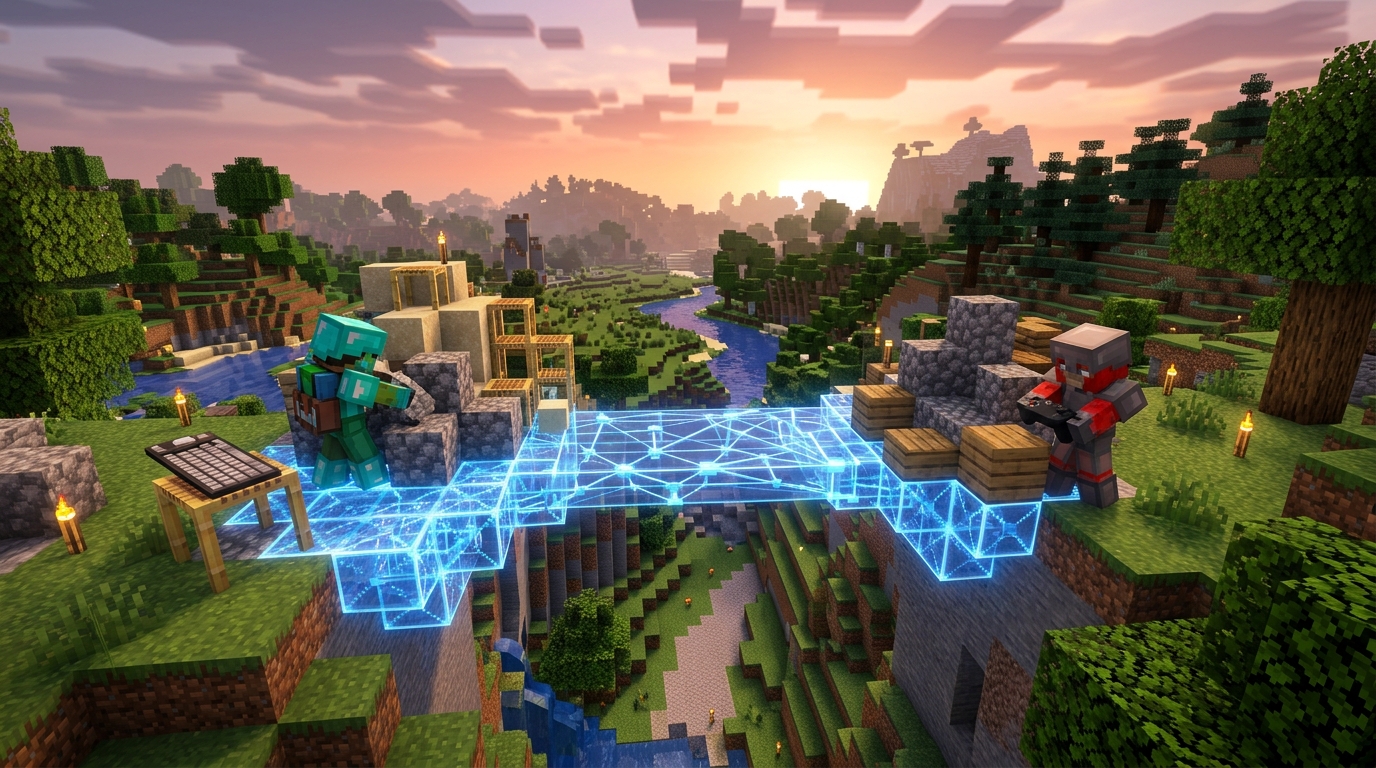
Java Edition runs on computers, so you can play with other Java players across supported computer systems. Bedrock Edition is built for computers, consoles, and mobile devices, letting you join friends across supported Bedrock platforms. This makes Bedrock the easier choice if your group uses a mix of consoles, phones, and computers. Both editions support survival, creative building, servers, and major game updates, but they use separate multiplayer networks.
Java and Bedrock cannot natively play together, even when both players are on computers. If you start a Java world, your friends need Java Edition to join, while a Bedrock Realm or featured server requires Bedrock Edition players. Keep this difference in mind when choosing an edition, because it also affects commands, redstone behavior, mods, add-ons, and world compatibility. A Java world cannot be opened directly in Bedrock, and switching editions may require a separate conversion process with possible gameplay or feature changes.
Mods Marketplace And Custom Content
Java Edition gives you the widest range of custom content on a computer. You can install mods through mod loaders, add shader packs for new lighting effects, and use custom resource packs to change textures and sounds. Large community servers can add modes such as skyblock, minigames, or economy systems that go far beyond standard survival. Many Java mods and packs are free, but you may need to manage compatible versions and install files yourself.
Bedrock Edition uses a simpler, more controlled system built around add-ons, behavior packs, and resource packs. Behavior packs can change how mobs act or add new gameplay rules, while resource packs can replace textures, sounds, and menus. You can also browse the in-game Marketplace for ready-to-use worlds, skin packs, texture packs, and add-ons, with many items sold for Minecoins and some content available for free. This makes customization easier to set up, but paid Marketplace purchases can raise the total cost over time.
If you play Minecraft on a computer, the standard PC bundle includes both Java Edition and Bedrock Edition, so you can try each system without buying them separately. Java is usually the better choice when you want deep customization, free community projects, shaders, or modded servers, while Bedrock works well when you want quick add-ons and content that is easy to install. Remember that Java and Bedrock use different multiplayer networks and do not natively play together, even when both are installed on the same computer. Your choice depends on whether you value maximum control or convenient, cross-platform-friendly content.
Commands Redstone And Gameplay Behavior
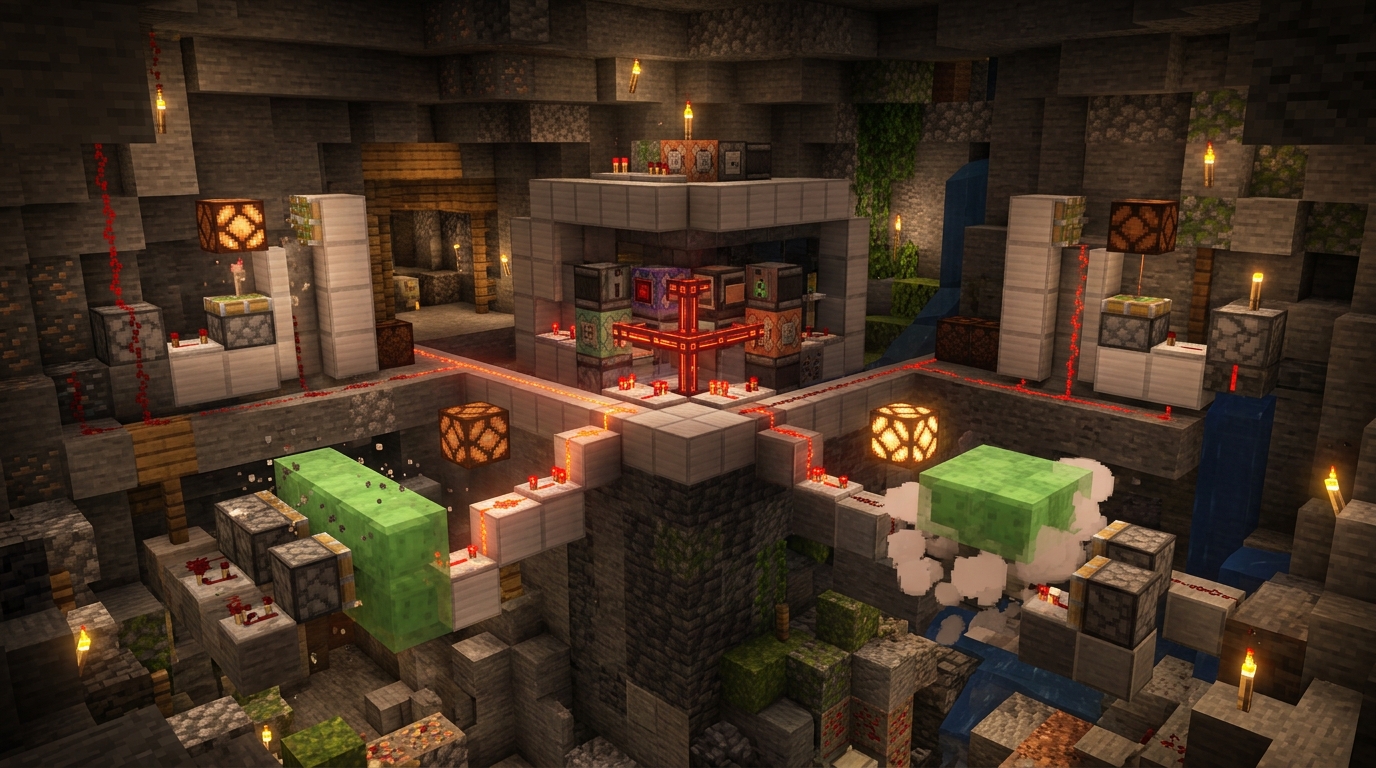
Commands and redstone can behave very differently in Minecraft Java and Bedrock, even when you build the same design. Java supports advanced tools such as /data, predicates, functions, and detailed NBT checks, while Bedrock has different command syntax and does not offer all of those options. For example, Java command creators often use /execute with entity data to make custom systems, but Bedrock usually requires simpler selectors, scoreboards, or add-ons. Redstone also differs because Java supports mechanics such as quasi-connectivity, while piston updates, observer timing, and signal behavior can change in Bedrock.
These differences matter most when you copy a technical farm or contraption from a tutorial. Iron farms, raid farms, villager breeders, mob grinders, and zero-tick-style designs may need major changes because spawning rules, mob caps, simulation distance, and random tick behavior are not identical. Java farms often rely on exact mob pathfinding or chunk-loading behavior, while Bedrock farms must follow its separate spawning and simulation rules. Crops and animals still use familiar systems in both editions, but their growth, breeding, and entity behavior can produce different rates.
Combat and mob behavior can also affect which edition feels right for you. Java uses an attack cooldown, so you deal the most damage by timing full-strength hits, and features such as sweeping attacks make fighting groups feel different. Bedrock combat generally lets you attack more quickly, with different damage, knockback, shield, and projectile behavior. If you enjoy building highly tuned farms, testing command systems, or learning precise combat timing, Java offers more technical depth, while Bedrock may be easier for cross-platform survival with its own set of mechanics to learn.
Worlds Servers And Local Play
Java and Bedrock use separate world formats, so a Java save cannot simply be opened in Bedrock. Although both editions store familiar blocks, mobs, and player data, their files and game systems are built differently. You need a converter or another supported conversion method, and even then, command behavior, redstone setups, farms, and certain world features may change. Servers follow the same split: Java servers accept Java players, while Bedrock servers and featured servers accept Bedrock players, with no native Java-to-Bedrock connection.
Realms also stay within one edition, so a Java Realm cannot be joined from a Bedrock device and vice versa. Bedrock is usually the easier choice for a console family because it supports split-screen on consoles, controller play, touch controls on phones and tablets, and cross-play across supported Bedrock devices. Java is designed mainly for keyboard and mouse play on computers, although you can add controller support with extra setup. Bedrock uses achievements and trophies tied to your platform account, while Java uses advancements, so progress does not transfer between editions.
Both editions now include Hardcore mode, but your exact options can depend on the game version and device. In Hardcore, you play on the hardest difficulty with one life, so death ends the world for that player. If your priority is couch co-op, simple controller support, or playing with friends on consoles and mobile devices, Bedrock is often the better fit. Choose Java when you want computer-focused servers, extensive mod support, or custom worlds built specifically for the Java edition.
Choosing Between Java And Bedrock
Minecraft Java and Bedrock share the same core survival and building experience, but they run on different platforms and networks. Java Edition is made for computers, while Bedrock Edition works on computers, consoles, mobile devices, and other supported platforms. Choose Bedrock if you want to play with friends across consoles, mobile devices, and computers, use built-in controller support, or enjoy split-screen on supported consoles. Java and Bedrock players cannot join each other’s worlds natively, so your friends’ edition should guide your choice.
Java Edition is the stronger fit for computer mods, technical play, and community servers. Its large modding scene lets you change how the game looks and plays, while technical players often prefer its detailed tools for testing farms, commands, and redstone machines. Bedrock supports add-ons and commands too, but command syntax, mob behavior, redstone timing, and some farm designs can work differently. If a Java tutorial does not work in Bedrock, check the edition before changing your build, because the mechanics may not match.
Your choice also affects worlds and multiplayer features, since Java and Bedrock use different world formats and cannot directly open each other’s saves. Pick Java when you mainly play on a computer, want deep customization, or plan to join computer-based community servers. Pick Bedrock when easy cross-platform multiplayer, console access, mobile play, controllers, or local split-screen matters most. Both editions receive the same major updates, so the best version is the one that matches your device, friends, and preferred way to play.
Choose Java or Bedrock for Your Playstyle
Choosing between Minecraft Java and Bedrock Edition comes down to how you play. Java Edition is designed for computers, and it gives you deeper mod support, more server options, and some different redstone and command behavior. Bedrock Edition runs on computers, consoles, and mobile devices, making it the better fit if you want to play with friends across consoles and mobile devices. Java and Bedrock players cannot normally join the same worlds or servers, so your friends’ edition should be part of your decision.
Both editions still offer the same core survival, building, exploration, and major update content, but small gameplay differences can affect your experience. Redstone machines, mob behavior, world features, commands, and technical farms may work differently, so a tutorial made for one edition might not work correctly in the other. Java is usually the stronger choice for advanced computer customization, while Bedrock is often more convenient for cross-platform multiplayer and playing on a console or phone. Before troubleshooting a farm, command, or multiplayer issue, check your edition first, since that detail often explains the difference.