
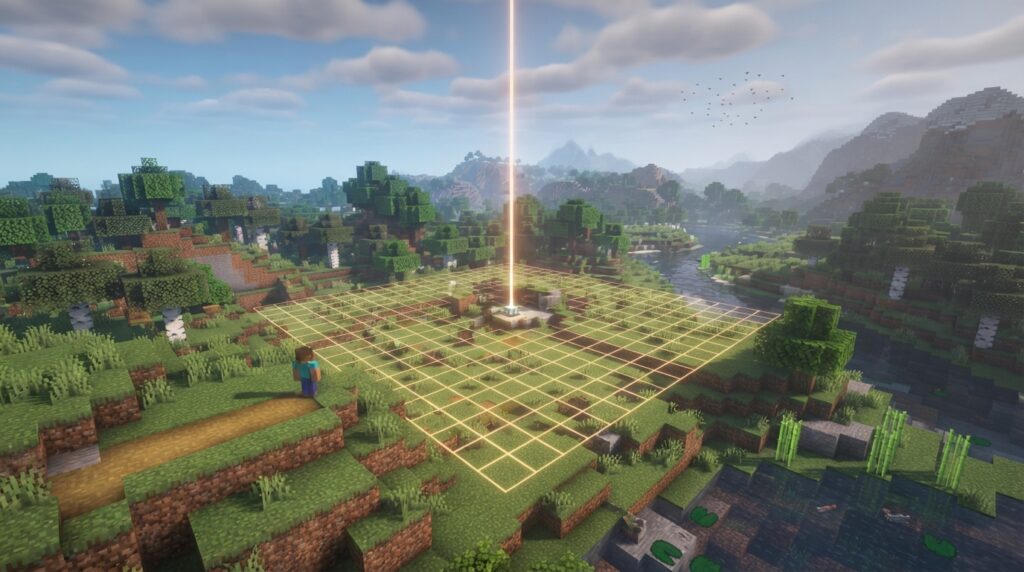
Older Java Edition versions kept chunks around the Overworld’s world spawn loaded without a nearby player. Java Edition 1.21.9 removed that fixed area. In Java Edition 1.20.5, the default spawnChunkRadius was 2, creating a 3×3 area of entity-ticking chunks. Java Edition 1.21.9 removed the game rule entirely. So if an older guide says your base stays active because it is near spawn, that advice may not apply to your version.
Keep in mind that loaded does not mean every farm keeps working. Chunk loading and game mechanics are separate. Java Edition 1.21.5 also changed random ticking. The newer system loads certain chunks before play begins, including forceloaded chunks and chunks active through Nether portals. Check your edition and version before relying on spawn chunks to run crops, mobs, or machines while you explore elsewhere.
Key Takeaways
- Java Edition 1.21.9 and later no longer keeps a fixed area around the Overworld world spawn loaded, so a base near spawn will not stay loaded for that reason.
- Java Edition 1.20.5 through 1.21.8 uses the spawnChunkRadius game rule, and the default value of 2 creates a 3×3 area of entity-ticking chunks; check the current rule because a value of 0 disables spawn chunks.
- A loaded chunk does not guarantee that crops grow, mobs spawn, or redstone machines work, and Java Edition 1.21.5 changed random ticking, so check the rules for your farm’s mechanics.
- In Java Edition 1.21.9, forceloaded chunks and chunks active through Nether portals can load before play begins, so check your world’s version and loading method before relying on a remote build.
What Are Spawn Chunks?
Spawn chunks were chunks around Java Edition’s global Overworld world spawn that stayed loaded in memory even when no player was nearby. Mojang described them as an area around the Overworld world spawn that remained loaded in memory.
Here, “loaded” means the game kept those chunks available even without a nearby player. It does not mean every block or game process inside them was constantly active. For example, crops in a loaded chunk were not guaranteed to grow.
The world spawn is the shared point used when you have no valid personal respawn point. It is different from the location where a bed or respawn anchor sends you after death. Older Java Edition spawn chunks were tied to the world spawn, not to your personal respawn point.
That distinction matters when you read older guides. A guide might say a redstone machine or farm stays loaded because it is near world spawn. That describes the historical Java Edition mechanic, not a general rule for every version or block update.
Java Edition 1.21.9 and later no longer has fixed spawn chunks. The old spawn-chunk description does not explain how current Java Edition keeps chunks loaded. This section covers Java Edition. Bedrock Edition has its own mechanics, so do not assume Java spawn-chunk behavior applies there.
How Did Spawn Chunk Size Change?
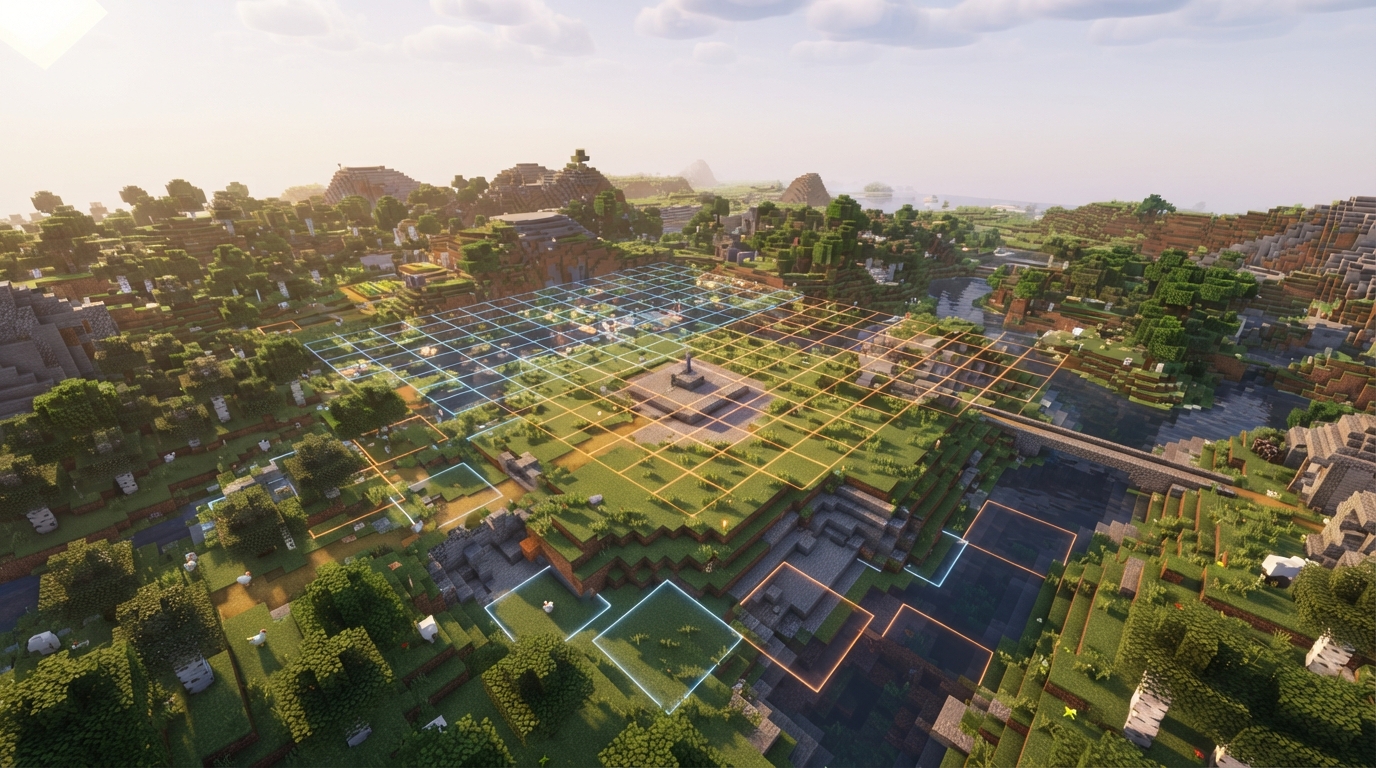
Spawn chunks became much smaller in Java Edition 1.20.5. Java Edition 1.21.9 then removed fixed spawn chunks and the setting that controlled their size. Before Java Edition 1.20.5, a spawn-chunk radius of 10 corresponded to a 19×19 area of entity-ticking chunks around the Overworld’s world spawn. That large area explains why older guides may say builds far from the exact spawn point keep running.
Java Edition 1.20.5 introduced the spawnChunkRadius game rule and lowered the default spawn-chunk size by 98%. The new default radius of 2 produced a 3×3 area of entity-ticking chunks, measuring 48×48 blocks. A guide written for the earlier radius of 10 describes a much larger area than the default in 1.20.5.
Snapshot notes for the change specified spawnChunkRadius values from 0 to 32. A value of 0 disabled spawn chunks, while a value of 10 restored the pre-change behavior. Because the rule was configurable, both your version and the rule value mattered when checking whether a build near world spawn was in the area.
Java Edition 1.21.9 removed fixed spawn chunks and the spawnChunkRadius game rule. Neither the old 19×19 area nor the 1.20.5 default 3×3 area describes a fixed spawn-centered area in that version. Older guides may accurately describe earlier Java versions, but their radius figures do not explain the later chunk-loading system.
Are Spawn Chunks Always Loaded?
No. “Always loaded” describes the older Java Edition spawn-chunk mechanic, not a promise that a fixed area around world spawn stays active in modern Java Edition.
In older Java Edition, chunks around the Overworld’s global world spawn stayed loaded without a nearby player. This behavior was tied to the shared world spawn, not to your bed or other personal respawn point.
Java Edition 1.20.5 made the spawn-chunk radius configurable through the spawnChunkRadius game rule. You or a server operator could change the radius, and setting it to 0 disabled spawn chunks. Even before the fixed area was removed, whether spawn chunks existed depended on both the version and the setting.
Java Edition 1.21.9 removed both the fixed spawn-chunk area and the spawnChunkRadius rule. The world spawn no longer guarantees that nearby chunks stay loaded. So an older guide describing a farm that runs simply because it is near spawn does not apply to that version.
Also, “loaded” does not mean every farm or game mechanic will work. A loaded chunk does not guarantee that mob spawning, crop growth, or a redstone machine will keep producing results. Each mechanic has its own conditions. A guide can accurately describe a chunk as loaded while overstating what a farm inside it will do.
How Do Spawn Chunks Differ From Player-Loaded Chunks?
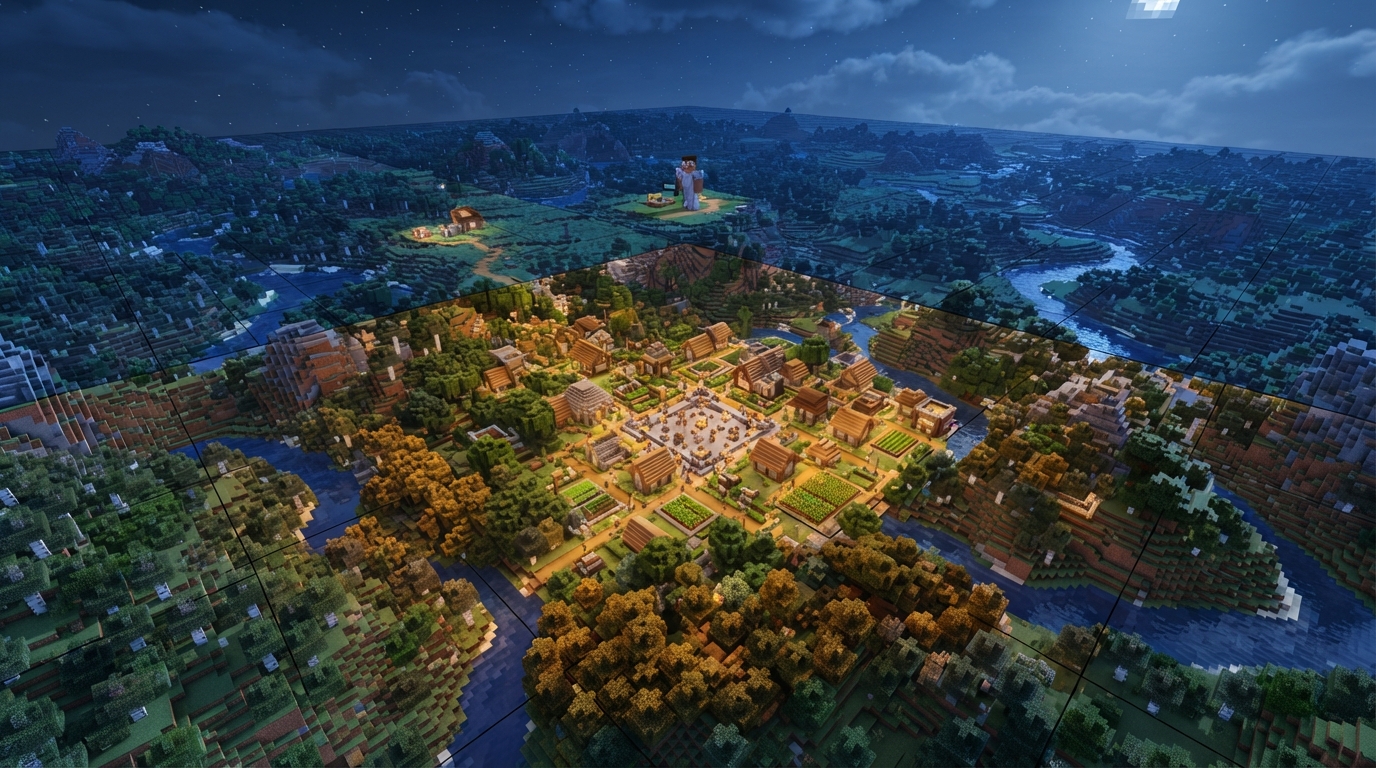
Spawn chunks and player-loaded chunks were active for different reasons. In older Java Edition, spawn chunks were tied to the Overworld’s global world spawn, not your current location. Player-loaded chunks, by contrast, were centered on you and associated with simulation distance. When you walked away from world spawn to build a base or explore, the player-centered area moved with you. Chunks left behind were no longer active because of your presence once they were outside the relevant simulation area. But moving away did not, by itself, make older spawn chunks behave like ordinary distant chunks. Those chunks could stay loaded even while you were far away. The two areas could overlap if you stood near world spawn, but they did not depend on each other. For example, while mining far from spawn, you could have chunks around you active through simulation distance while the old spawn area remained loaded elsewhere. A build near spawn could therefore be within the spawn chunks even when no player was nearby. Loaded status still does not tell you exactly which game processes will run. Java Edition 1.21.5 changed random ticking, so whether a chunk is loaded and whether random-tick mechanics operate in it are separate questions. For example, do not assume a crop plot near world spawn will grow just because its chunk is loaded. The same distinction matters when you compare older spawn-chunk guides with a player-centered area: the reason a chunk is active does not guarantee that every farm or block mechanic inside it will work.
What Loads Chunks In Java Edition 1.21.9?
Java Edition 1.21.9 loads certain chunks before play begins, including forceloaded chunks and chunks active through portals, instead of keeping a fixed area around world spawn loaded. The release removed fixed spawn chunks and the spawnChunkRadius game rule, so proximity to the Overworld’s world spawn no longer determines whether a chunk stays loaded. Forceloaded chunks are one category in the newer system. For example, you can forceload a chunk containing a remote redstone build instead of relying on its distance from world spawn. The /forceload command is one way to forceload chunks, but it does not restore the old spawn-chunk system or create a spawn-centered area. Chunks active through portals are another example named in the release information. Nether portal activity can make relevant chunks part of the chunks loaded before play begins. This differs from the old rule, where chunks qualified because they were near the shared Overworld world spawn. So a build’s location alone does not tell you whether Java Edition 1.21.9 loads its chunk. A base beside world spawn has no special loading status just because it is there. A forceloaded chunk or one active through a portal is a different case. Loaded status also does not guarantee that a farm or machine inside the chunk will produce results.
Does Loading Mean Every Farm Works?
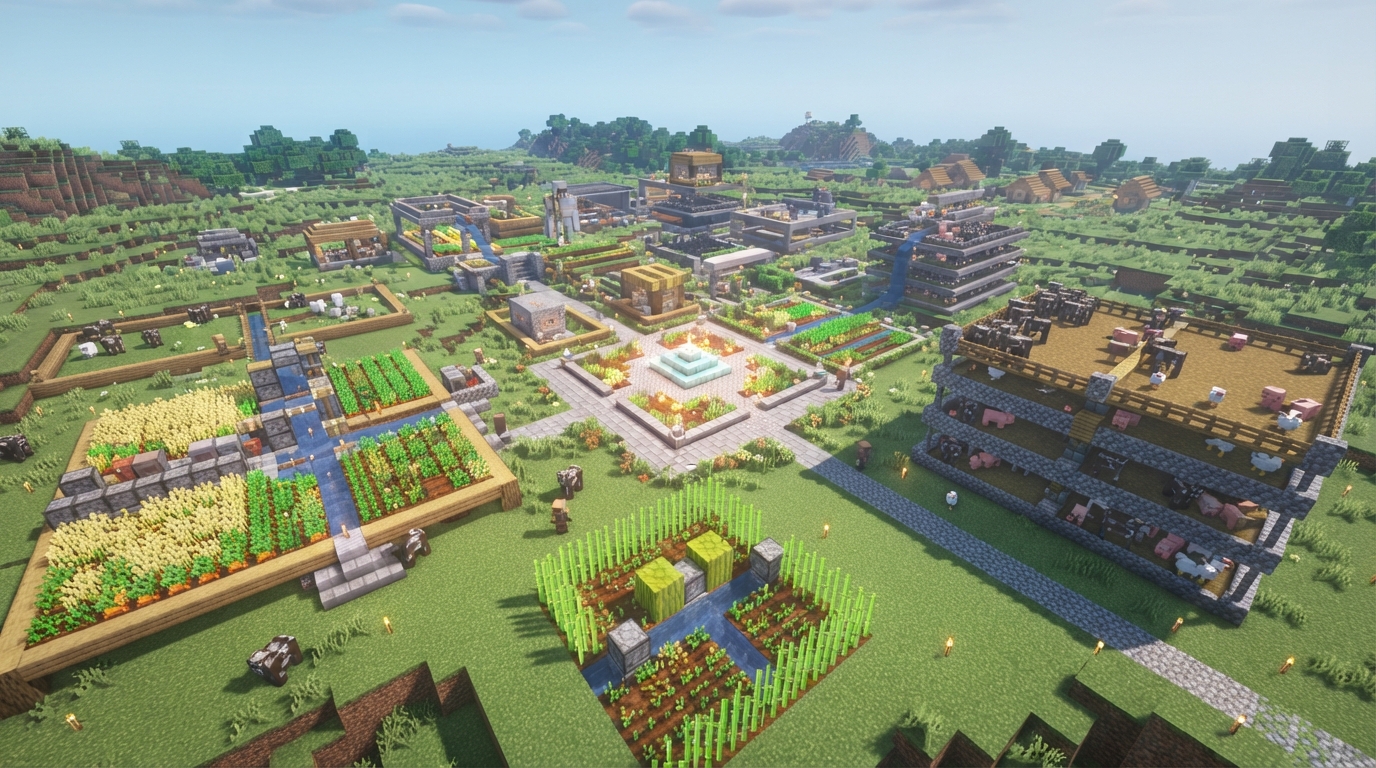
No. A loaded chunk is available to the game, but that does not mean every mechanic inside it can run. Crop growth, mob spawning, and redstone behavior each have their own conditions, so chunk loading alone cannot guarantee that a farm keeps producing. Java Edition 1.21.5 changed random ticking, so do not rely on an older spawn-chunk guide as a rule for every version. Random ticks affect mechanics such as crop growth, and a guide written for an earlier version may not describe how those mechanics work in your game. For example, a loaded chunk containing wheat does not prove the wheat will grow while you are away. A loaded chunk containing a mob farm does not prove mobs will spawn there, either. The chunk’s loading status and the conditions for mob spawning are separate questions. Before adapting an older guide, check which mechanic it relies on and which Java Edition version it covers. If a farm’s instructions depend on random ticks, check how that mechanic works in your version. If they depend on mob spawning, check those conditions separately.
Check Your Java Edition Version
Open the Java Edition title screen and note the version number. If you play through the Minecraft Launcher, check that the selected installation is the one you use to open the world. Different installations can use different versions. For a server, check the version the server runs, not just the version shown by your launcher.
If your world runs Java Edition 1.21.9 or later, do not use instructions that rely on a fixed spawn-chunk area or the spawnChunkRadius game rule. Check whether the chunks your build needs are loaded through another mechanism, such as /forceload or portal activity. Then check whether the farm’s mechanics can run in your version.
If your world runs Java Edition 1.20.5 through 1.21.8, ask the world operator to check the current rule with /gamerule spawnChunkRadius. The value can differ from the default, so do not assume an older guide’s radius matches your world. If your world runs an earlier Java version, use instructions written for that version instead of applying the 1.20.5 setting.
Before changing versions or settings, identify what your build needs. For example, wheat growth depends on random ticking, which Java Edition 1.21.5 changed. Check the relevant mechanic as well as the chunk-loading instructions.