
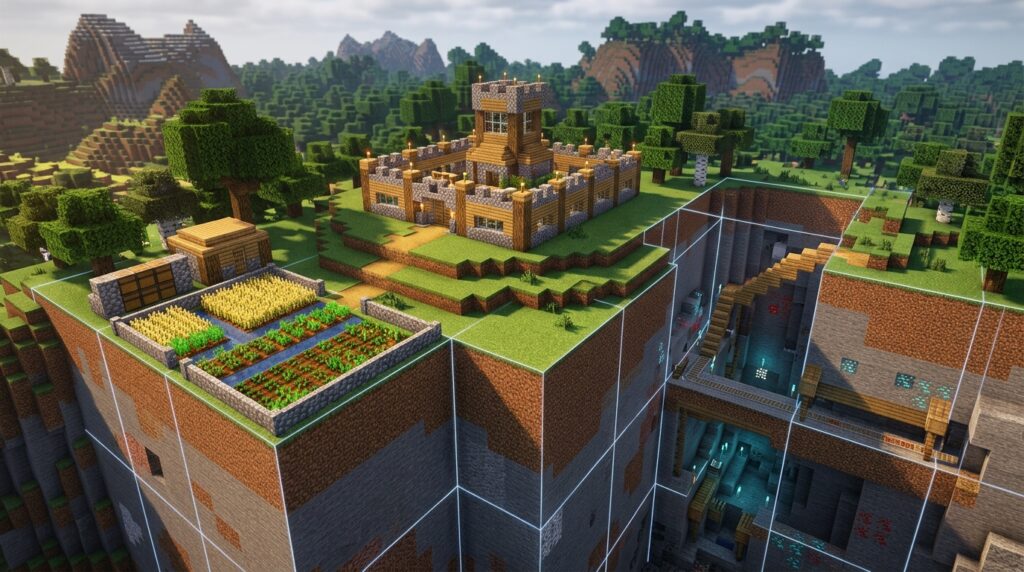
Minecraft chunk borders divide your world into invisible 16×16-block squares. Knowing where they are helps you place farms, align redstone, understand mob spawning, and troubleshoot areas that load slowly or behave strangely. Once you can see the grid, many technical Minecraft problems become easier to solve.
Finding a border is simple. In Java Edition, press F3 + G to display chunk lines, or use coordinates where X or Z is divisible by 16. Whether you are building a slime farm, planning a base, or checking why chunks load unevenly, these boundaries give you a clear view of what is happening around you.
Key Takeaways
- Minecraft chunks are fixed 16×16-block areas on the horizontal X and Z axes, with borders at coordinates divisible by 16. Use this grid to align farms, bases, mining areas, roads, and technical builds accurately.
- In Java Edition, press F3 + G to display chunk borders. In Bedrock Edition, enable Show Coordinates and identify boundaries where X or Z divides evenly by 16, then mark the lines with blocks or another visible pattern.
- Chunk borders help organize mob farms, slime farms, villager systems, and redstone, but they do not automatically determine whether a build works. Mob-spawning rules, simulation distance, and whether all relevant chunks remain loaded are equally important.
- Keep farms and redstone systems compact and plan which chunks contain each component, because unloaded or inactive chunks can stop machines and increase troubleshooting difficulty. Limiting unnecessary mobs, hoppers, and active chunks can also improve performance.
Introduction To Minecraft Chunk Borders
A Minecraft chunk is a fixed 16×16-block area that extends from the bottom of the world to the build limit. Chunk borders are the invisible grid lines between these areas, with boundaries at X or Z coordinates divisible by 16, such as 0, 16, 32, and 48. You cannot normally see this grid, but it affects how the game creates, loads, and updates parts of your world. In Java Edition, press F3 + G to display chunk borders. In Bedrock Edition, use your coordinates to find boundaries by checking for X or Z values divisible by 16.
Knowing where borders are helps you place farms, bases, and technical builds more accurately. For example, a mob farm may work differently when its spawning platforms cross several chunks, and a redstone machine can be easier to manage when you keep its parts inside one chunk or plan carefully across borders. Chunk lines also help you mark a base area, divide a village project into clear sections, or measure a mining site before you start digging. When you use commands that depend on coordinates, chunk borders give you a reliable way to plan exact locations.
Chunk borders also matter because Minecraft loads and processes the world in separate areas around you. Keeping large farms, redstone systems, and storage builds organized makes it easier to understand which parts are active and can reduce unnecessary lag. When mining, you can use the grid to plan tunnels, compare ore-finding strategies, or keep a long project aligned with your chosen coordinates. Whether you play Java or Bedrock, learning to read chunk boundaries gives you better control over building, commands, farms, and world performance.
Chunk Border Coordinates And Size
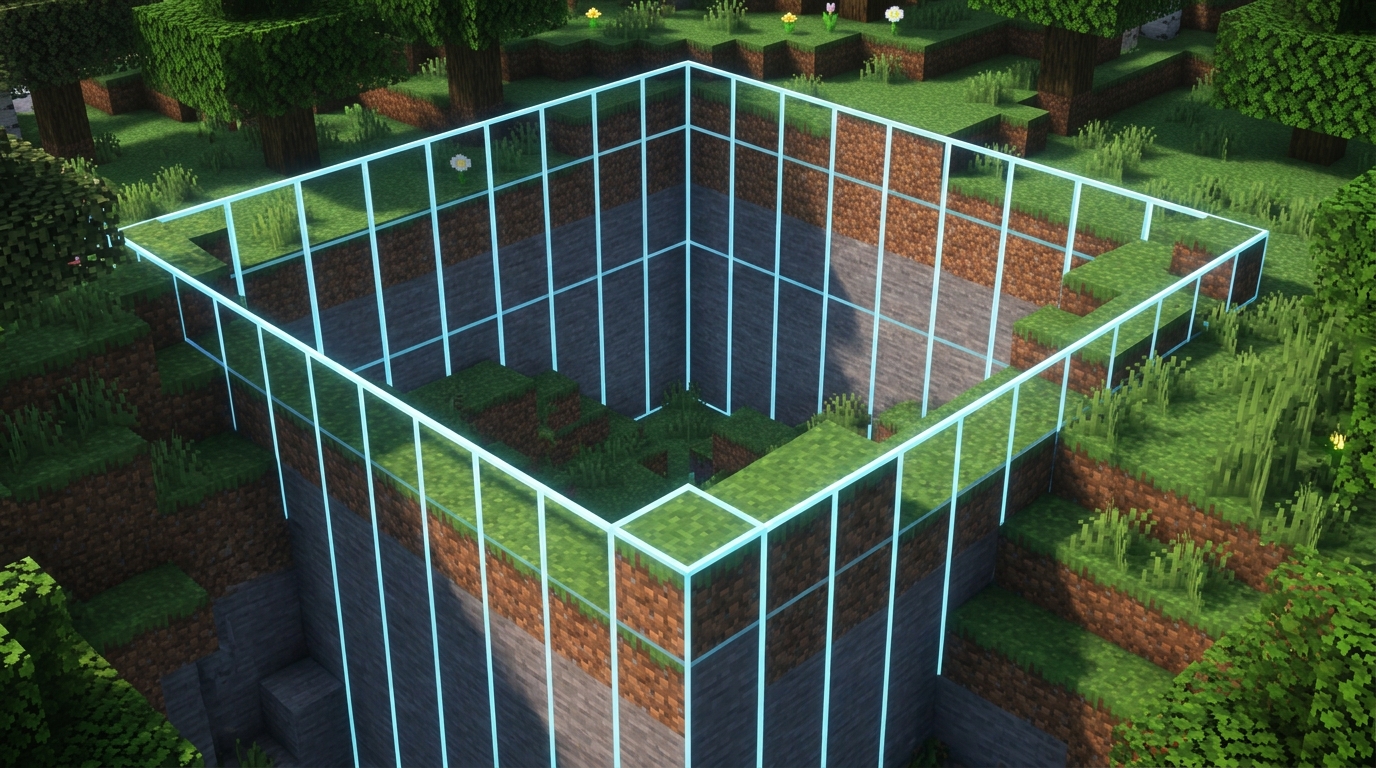
A Minecraft chunk covers 16×16 blocks across the horizontal X and Z axes. Its borders line up where either coordinate is divisible by 16, including X or Z = 0, 16, 32, and −16. For example, the chunk from X = 0 through X = 15 sits next to the chunk from X = 16 through X = 31, while the chunk from X = −16 through X = −1 meets it at X = 0. Use the same rule on the Z axis when you mark out a farm, base, or mining area.
You can check these lines directly in the game while planning your build. In Java Edition, press F3 + G to display chunk borders, then watch the X and Z coordinates as you move across the grid. In Bedrock Edition, enable Show Coordinates in the world settings and look for X or Z values that divide evenly by 16, since Bedrock does not use the same built-in border overlay. Keeping a farm or redstone system inside known chunk edges can make its layout and loading behavior easier to plan.
The 16×16 measurement describes a chunk’s horizontal size, not its full height. In current Java and Bedrock Overworld worlds, the build range extends from Y = −64 through Y = 319, for a vertical span of 384 blocks. The Nether and End in Bedrock use a 256-block vertical span. Versions and dimensions can differ, so check the height limits for your world before designing a tall base or vertical mining project. Chunk sections divide the space into 16×16×16-block pieces, but the chunk itself still follows the same 16-block X and Z grid.
Viewing Borders In Java And Bedrock
In Java Edition, press F3 + G to display chunk borders around your character. The overlay shows the 16×16-block grid, making it easy to line up a farm, base, or mining area with exact chunk edges. Press the same keys again to hide the borders when you are finished. If the shortcut does not work, check your keyboard’s function-key setting or try holding the function key while pressing F3 and G.
Bedrock Edition does not normally include the same built-in chunk-border overlay, but you can still find boundaries with coordinates. Turn on Show Coordinates in your world settings, then look for X or Z values that are divisible by 16, such as 0, 16, 32, or −16. You can mark those lines with temporary blocks, torches, fences, or a colored floor pattern, then use the grid to plan a farm or storage area. For a cleaner view, you can also install a trusted chunk-border resource pack made for your Bedrock version.
When an overlay is unavailable, mapping or world-editing tools can show chunk lines outside the game, but check that the tool supports your edition and world version before using it. For survival planning, coordinates and physical markers are usually enough to map a few nearby chunks. Marking both the X and Z boundary lines creates visible 16×16-block squares, which helps you place portals, redstone machines, and mob farms accurately. Always make a backup before using external tools or adding a resource pack to an important world.
Chunk Borders For Farms And Redstone
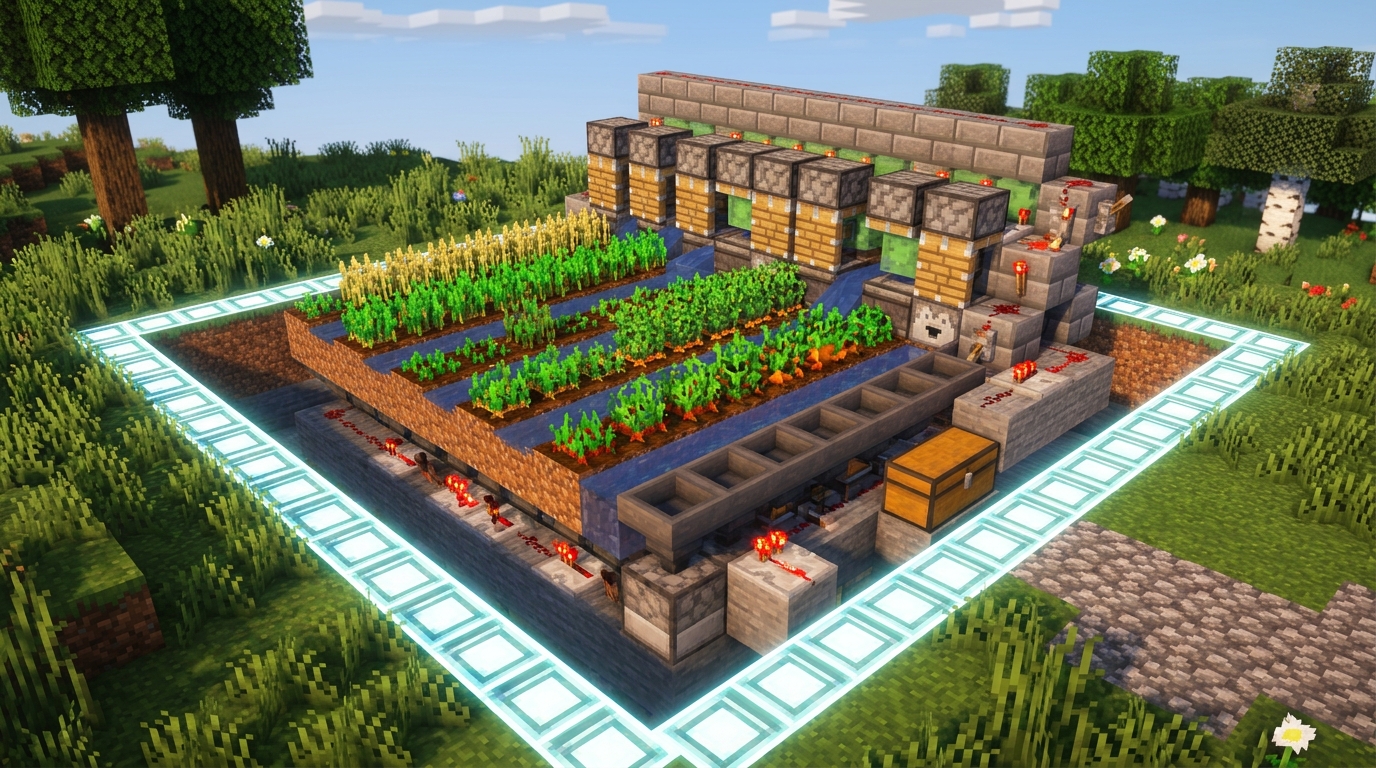
Chunk borders can help you plan a farm, even though a border does not automatically stop a build from working. Each chunk covers 16 by 16 blocks, and a border appears where the X or Z coordinate is divisible by 16. In Java Edition, press F3 + G to show the grid, then check whether beds, workstations, villagers, or redstone parts sit in the same chunk. In Bedrock Edition, turn on coordinates and divide the X and Z values by 16, using the whole-number result to identify each chunk. Keeping important parts together makes troubleshooting easier, but nearby chunks can work together as long as they remain loaded and active.
Mob farms and slime farms depend on where spawning checks happen, so mark chunk borders before choosing the farm’s footprint. A slime farm must use the correct slime chunk, and its platforms may cross into another chunk without making that second area a slime chunk. For an iron farm, check the positions of villagers, beds, and workstations, then make sure they are close enough and loaded together instead of assuming the chunk border controls the village. Mob farms also require you to stand at a suitable distance because mobs will not spawn or remain active outside the game’s allowed range. Nether portals should also be placed with their linked coordinates in mind. Traveling through a portal loads nearby areas for a short time, but it does not keep a distant farm running forever.
Redstone dust, pistons, observers, and hoppers can cross a chunk border, but they stop updating when one of the chunks is unloaded or outside the active simulation area. If a machine works while you stand beside it but stops when you walk away, check the simulation distance and whether every chunk containing its parts is loaded. In Java Edition, some areas around the world spawn receive special processing. Bedrock Edition can use simulation distance settings and, where available, ticking areas to keep selected regions active. Test a machine by placing its controller in one chunk and its output in the next, then walk away and return to see whether both sides resume correctly. Planning farms and bases around clean chunk boundaries will not solve every loading problem, but it makes loading issues, simulation range, and broken connections easier to find.
Chunk Borders For Bases Mining And Performance
Minecraft chunk borders mark the edges of fixed 16×16-block areas, so they give you a reliable grid for planning. In Java Edition, press F3 + G to show chunk lines while you build. Bedrock Edition does not include the same built-in border overlay, but you can turn on Show Coordinates and mark lines where the X or Z coordinate is divisible by 16, such as X = 160 or Z = −32. Once you find one border, count 16 blocks at a time to outline nearby chunks.
Use these lines to keep large bases, storage rooms, and transport routes organized. You might place a main storage system inside one chunk, build farms in separate chunks, and leave clear paths between them for rail lines or packed-ice boat routes. Chunk borders also help you map mining areas because you can record which chunks you have explored instead of digging through the same ground twice. For redstone builds, keeping connected parts within a planned area makes wiring easier to repair and reduces the chance of important components being separated by unloaded chunks.
Chunk borders do not create lag by themselves, but loading many chunks and filling them with mobs, hoppers, redstone clocks, or moving machines can reduce performance. Exploring quickly loads new terrain, while automated farms may keep several chunks active around your base, especially when simulation distance is high. If a system spreads across many chunks, parts of it can stop working when those chunks are outside the active area. Keep farms compact, limit unnecessary entities and hopper lines, and lower render or simulation distance when needed to make large bases and technical builds run more smoothly.
Minecraft Chunk Borders Conclusion
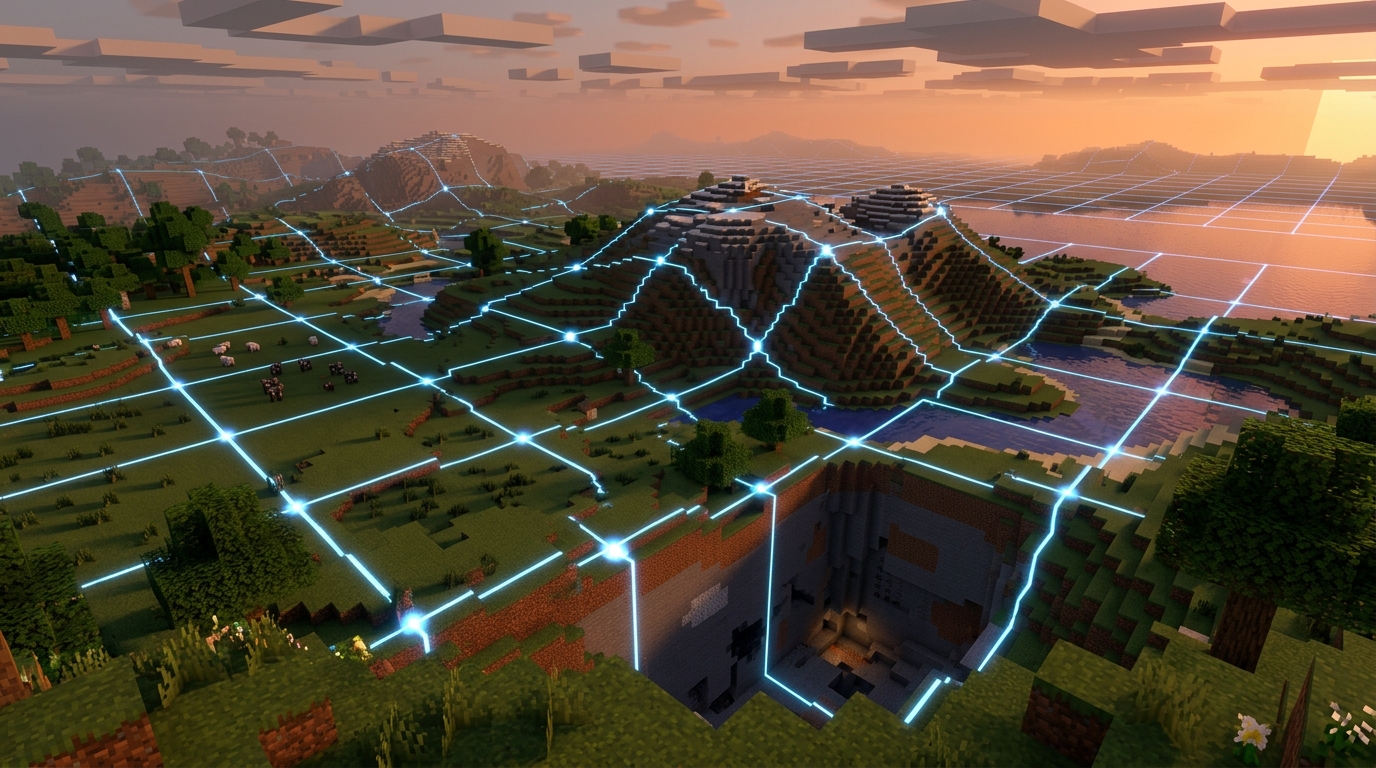
A Minecraft chunk is a fixed 16×16-block area across the horizontal X and Z axes, containing 256 blocks on each Y level. Chunk borders appear on coordinates where X or Z is divisible by 16, and each chunk runs from that boundary through the next 15 blocks. For example, a chunk beginning at X = 32 covers X = 32 through X = 47, while the same rule applies to Z. Remembering this pattern helps you line up farms, roads, storage areas, and large bases with the game’s natural grid.
Java Edition gives you the quickest way to see this grid. Press F3 and G at the same time to toggle visible chunk borders. Bedrock Edition does not include the same built-in shortcut, so you can use your coordinates to find X and Z values divisible by 16, mark those lines with temporary blocks, or use a compatible chunk-border resource pack. On either edition, marking the corners first and connecting them across the ground creates a clear 16×16-block planning area before you start building.
Checking borders before construction can prevent costly changes later, especially for iron farms, mob farms, redstone systems, villager halls, and projects spread across several chunks. Chunk alignment can affect where mobs spawn, which areas stay loaded, and how redstone or command systems behave when you move between regions. Before placing permanent blocks, outline the required chunks with dirt, wool, or torches, then confirm that every farm module and service area fits inside the intended grid. A few minutes spent marking borders can save hours of rebuilding a technical farm or oversized base.
Plan Smarter Builds With Chunk Borders
Minecraft chunk borders divide the world into fixed 16×16-block areas, so they give you a reliable grid for planning farms, bases, mining areas, and redstone builds. In Java Edition, press F3 and G to display the borders directly, then use them to check whether a build or farm fits inside one chunk or crosses into several. In Bedrock Edition, turn on coordinates and look for X or Z values divisible by 16, which mark chunk boundaries. Remember that a chunk’s height does not change its horizontal size, so every chunk still covers 16 blocks by 16 blocks from the bottom of the world to the build limit.
Using chunk borders can make technical projects more predictable, but they are not the only factor that matters. Mob spawning, redstone timing, simulation distance, and chunk loading can all affect how a farm works, especially when its parts sit in different chunks. Before you build, mark the nearby boundaries, place important components carefully, and test the design in your version of Minecraft. With this simple grid in mind, you can plan more accurately, reduce unwanted surprises, and make better use of every block in your world.