
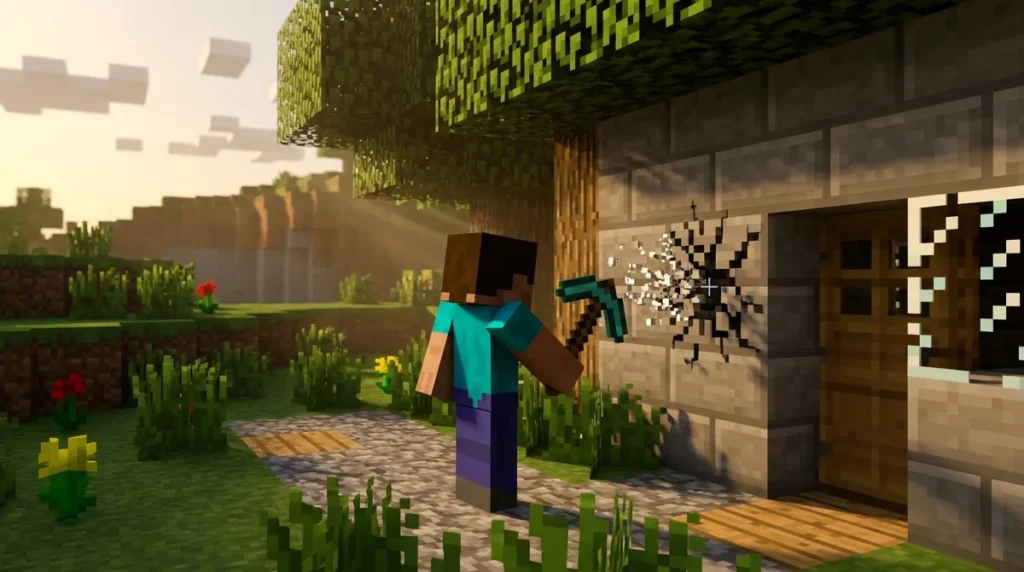
Adventure mode is a restricted play mode where you can’t break or place blocks by default, so the map creator decides what you’re allowed to change. That lock keeps custom maps intact, like a story, a puzzle or an obstacle course. You can still interact with the world, though. Pull a lever, trade with villagers, craft items and use items on entities. Exceptions are set up differently in Java Edition and Bedrock Edition, so the same map can behave differently on each.
Map makers can still open up specific blocks by giving items permissions. In Bedrock Edition, a can-destroy list sets which blocks an item can break in adventure mode, while a can-place-on list sets which blocks it can be placed on. Java Edition uses a different item-data system for these permissions, so the setup depends on your version.
Key Takeaways
- In adventure mode, you can’t break or place blocks by default, so the map creator decides what you’re allowed to change.
- You can still pull levers, press buttons, trade with villagers, craft items and use items on mobs in adventure mode.
- In Bedrock Edition, a can-destroy list sets which blocks an item can break, and a can-place-on list sets which blocks that item can be placed on.
- A diamond pickaxe won’t break a block that isn’t on its can-destroy list, so check the item in your hand if a block won’t break.
- Java Edition uses a different item-data system for these permissions, so check your version in the launcher before you download an adventure map.
Why Can’t You Break Blocks in Adventure Mode?
Adventure mode stops you from breaking or placing blocks because the person who built the map decided you shouldn’t change it. By default, you can’t alter the terrain, walls or structures at all. The map’s design, not your own choices, decides what you can touch.
Player-made maps rely on this rule heavily. Imagine a haunted house or a parkour course where the creator placed every staircase, trap and hidden switch. One mined wall could open a shortcut that ruins the challenge for everyone who plays after you. The Minecraft Wiki notes that custom maps use adventure mode for exactly this reason. Limiting block breaking and placement keeps players from spoiling the map or adding blocks nobody planned.
Think about a simple puzzle. In survival, you could dig around a locked stone door and reach the treasure from the side. In adventure mode, that stone stays where the creator put it, so you have to find the path the designer intended. That’s the whole point of the restriction: the build stays intact while you explore it.
The lock only covers changing the world, not playing in it. You can still walk through rooms, attack mobs, pull levers, press buttons and trade with villagers. Your actions still matter. They just happen inside the boundaries the creator set. If a door is meant to open when you flip a switch, you can flip it. If a wall is meant to stay solid, you’ll need to find another way around.
Keep in mind that the rules can differ from map to map. One adventure map might let you place a specific block to finish a puzzle, while another might lock down every block in sight. When you start a new map, look for signs, instructions or a short tutorial area. They often tell you what the creator expects you to do.
What Can You Actually Do in Adventure Mode?
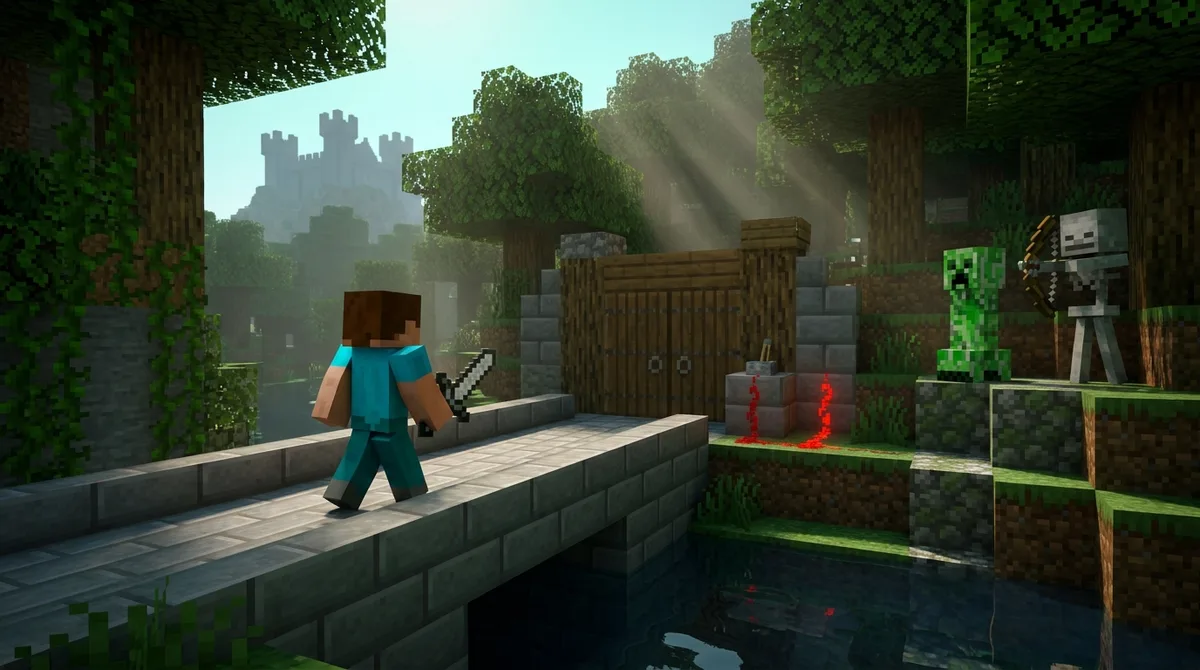
Adventure mode lets you do a lot of things, as long as they don’t change the map’s blocks. You can flip switches, use items on mobs, trade with villagers and craft new gear.
Levers are the easiest place to start. Say you’re in a puzzle map where a stone door blocks a hallway, and a lever is attached to the wall beside it. Walk up, use the lever, and the door swings open. Nothing was broken or placed. The creator built the lever and the door, and the lever was meant to control the door all along.
Your items also work on creatures and other entities. Here are a few common examples:
- Use shears on a sheep to collect wool.
- Use a bucket on a cow to get milk.
- Attach a lead to a cow, pig or horse to guide it around.
- Give a name tag to a mob to rename it, which can help you track a key creature in a story map.
Trading is another reliable option. Walk up to a librarian, and you can trade emeralds for enchanted books. A farmer will often sell bread, and a few other villagers offer items you may need for a quest. Trades depend on each villager’s profession, so check what each one sells before you spend your emeralds.
Crafting works just as it does in other modes. Open a crafting table, place sticks and planks in the grid, and you can make a wooden sword or a set of tools. Some maps hand you crafting materials as part of the story, so keep your inventory tidy and ready for the next puzzle.
Here’s a quick tip: a crafted item might be useful for an interaction even if you can’t place it. Shears, a lead or a bucket can solve a problem in a map without changing a single block.
How Map Makers Give Items Permission to Break or Place Blocks
Map makers control what you can change by attaching permissions to items. In Bedrock Edition, the scripting API uses two lists for this. A can-destroy list names the block types an item can break in adventure mode, and a can-place-on list names the blocks that item can be placed on.
Picture a map where a creator gives a pickaxe a can-destroy list that includes a cracked stone wall and a wooden crate. Swing that pickaxe at the crate and it breaks. Swing it at the stone floor or the castle wall beside it, and nothing happens, because those blocks aren’t on the list.
Placement works the same way. Suppose a creator hands you a block of red wool for a puzzle, with a can-place-on list that covers only the marked path tiles. You can set the wool down on the path to finish the puzzle, but trying to place it on the castle wall won’t work.
The tool in your hand doesn’t override the map. A player holding a diamond pickaxe can still be stopped cold if the block isn’t on that item’s can-destroy list. Strong tools don’t matter here. The permission does.
Java Edition handles these permissions through a different item-data system, so the setup a creator builds for Bedrock doesn’t carry over directly. The exact rules depend on the version you’re playing, which is why the same map can behave differently on each edition.
If a block won’t break, don’t assume it’s meant to be unbreakable. Check the item you’re holding first. You may simply need a different item the creator set up for that job, and the map’s signs or tutorial area often hint at which one it is.
How Does Adventure Mode Compare to Survival and Creative?
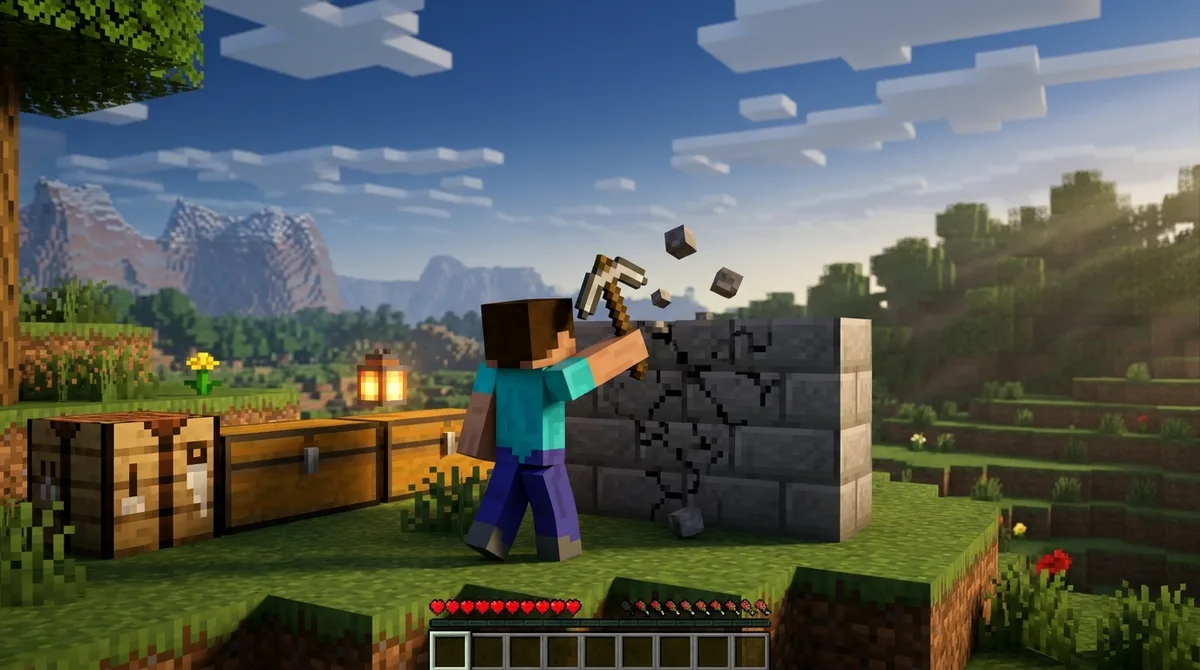
Adventure mode is the most restricted of the three because the map creator sets the rules, not you. Survival asks you to earn everything you use, creative lets you build with anything, and adventure falls somewhere in between as a guided experience. It is neither a survival challenge nor a sandbox.
In survival, you chop trees for logs, mine stone and cook food yourself. You also have to watch your health and hunger bars. If you go too long without eating, your hunger drops and your health stops recovering, so gathering food is part of the daily routine.
Creative mode works the other way. Your inventory gives you unlimited resources, you can fly, and you can break or place blocks anywhere. If you want a castle made of diamond blocks, you can grab a stack and start building without worrying about where the blocks come from.
Adventure mode gives you neither of those freedoms. You can’t collect or build whatever you like, and you won’t get unlimited resources. What you need comes from the map itself, like a key dropped by a guard or a chest the creator stocked with torches. Health and hunger still exist, but surviving them isn’t the point of the map. The creator’s rules are.
Here is how the three modes compare:
| Feature | Survival | Creative | Adventure |
|---|---|---|---|
| Breaking and placing blocks | Allowed, as long as you have the tools and materials | Allowed anywhere, with no limits | Blocked by default, with exceptions only where the creator has given items permission |
| Resources | You gather them yourself from the world | Unlimited from the inventory | Limited to what the map provides |
| Health and hunger | Central to play, and you must manage both | Not a concern | Present, but not the main challenge |
| Who sets the rules | You, within the game’s basic systems | You | The map creator |
Keep this table in mind when you load a new map. If a level feels slower than survival or more controlled than creative, that is by design. The map is asking you to play by its rules.
Why Do Custom Maps Use Adventure Mode?
Map makers choose adventure mode because it locks the blocks in place, so players can’t spoil the design or add pieces nobody planned. Without that lock, a carefully built map can fall apart after a few swings of a pickaxe.
Story maps are a good example. Imagine a map where a village elder hides a letter behind a brick wall that is meant to stay sealed until you reach the right chapter. If you could mine that wall early, you would skip the scene the creator wrote, and the story would lose its order.
Puzzle maps depend on the same idea. Picture a room where a glowing pressure plate opens the exit only after a key block sits in a specific alcove. If you could remove that key block, the door would stay locked for good, and nobody could finish the puzzle. The restriction keeps every part of the puzzle exactly where the creator put it.
Adventure challenges, like obstacle courses, face a similar risk. A parkour course might have a row of floating blocks spaced exactly one jump apart. If you could place an extra block to make a bridge, you would skip the jump the course was built to test. Blocking that kind of change keeps the challenge fair for everyone who plays after you.
Unwanted blocks cause trouble too. A stray block of cobblestone dropped into a shrine can hide a chest, block a path or ruin the view the creator planned. Adventure mode keeps the map looking the way it was built, so the next group of players sees the same scene you did.
Playing Your Next Adventure Map With Confidence
Before you jump into a new map, read its description. Creators often list their rules there, such as which blocks you can touch or whether a tutorial area sits at the start. Skipping this step is how players end up hunting for a way to break a wall that was never meant to move.
Next, try the interactions early. Pull a lever near the entrance, trade a few emeralds with a villager and craft a simple tool at a crafting table. Each test shows you how the map is wired, so you won’t waste time guessing later. If a lever does nothing, you’ve learned that it belongs to a different part of the build.
If a block won’t break, assume the map creator locked it on purpose. Look for a different item in your inventory or a nearby sign that hints at the next step. The designer almost always planned another route, so keep exploring with patience.
Check Your Edition and Start Small
Your next step depends on which edition you play. Check your version in the launcher before you download a map, because the permission setup for Java Edition doesn’t carry over to Bedrock. A map built for one edition may behave differently on the other, so if a map’s description mentions a specific edition, take that seriously.
Then pick a small adventure map for your first run instead of the biggest one in your library. Short maps with one puzzle or a single obstacle course let you test ideas quickly. Keep a simple log on your phone or a sheet of paper. Write down each block you try to break or place, the item you used and whether it worked. After one run, you’ll have a clear picture of what the creator allowed.
Carry that habit into every new world. Start by testing one lever, one villager trade and one crafting recipe, then note what happened. Players who keep notes spend less time stuck and more time enjoying the story, puzzle or course the creator built for them.