
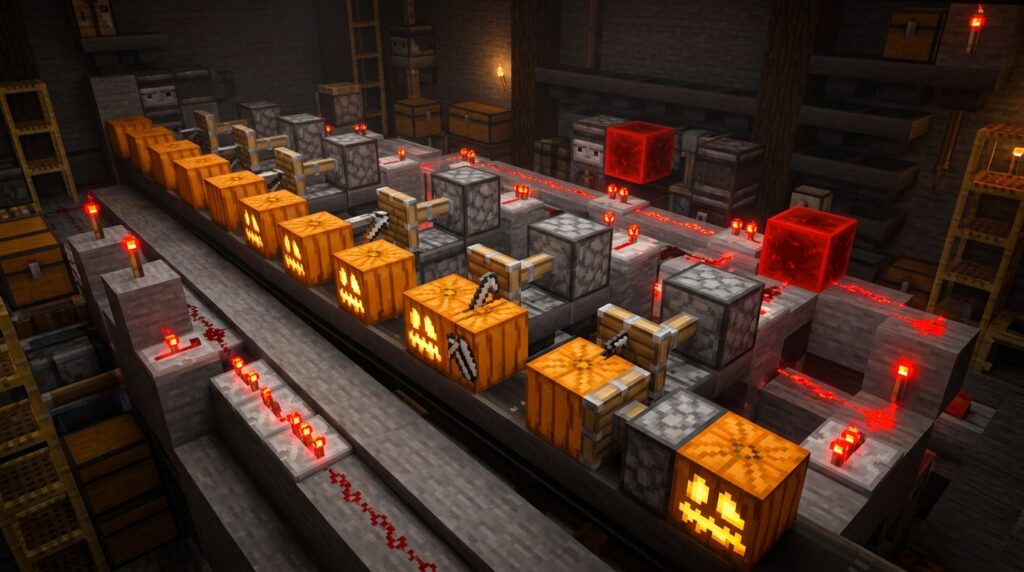
Ever since the Update Aquatic changed how pumpkins grow, you’ve probably noticed that your favorite orange blocks are missing their iconic faces. To get those spooky Jack o’ Lanterns or snow golem heads, you now have to shear every single pumpkin by hand, which can be a massive chore if you have a large farm. Building an automatic pumpkin carver redstone station is the best way to skip the manual labor and stock up on carved pumpkins and seeds while you’re away from your computer.
These clever machines use an observer to detect exactly when a pumpkin is placed, triggering a piston to harvest it for you instantly. By holding shears in your main hand and a stack of pumpkins in your off-hand, you can simply hold down your right-click button to carve hundreds of blocks in minutes. It turns a tedious survival task into a fast, hands-free process that keeps your chests full of carving supplies and crafting materials.
Key Takeaways
- Modern Minecraft mechanics require players to manually shear pumpkins to obtain carved versions, making an AFK redstone station essential for large-scale production.
- A basic carving station uses an observer to detect block updates and a piston to automatically harvest the pumpkin into a hopper system for hands-free collection.
- Integrating the 1.21 Crafter block into your collection line allows for the fully automated production of Jack-o’-Lanterns by combining carved pumpkins with a torch supply.
- Efficient operation requires holding pumpkins in the off-hand and shears in the main hand while using the F3+T reload trick to lock the right-click action for AFK farming.
Why Manual Shearing Requires An AFK Redstone Station
Back in the early days of Minecraft, pumpkins would grow with their spooky faces already attached, but the Update Aquatic changed everything. Now, when a pumpkin grows in your garden, it stays smooth and faceless until you step in with a pair of shears. This change means you cannot simply use a piston to break them if you want to make Jack o’Lanterns or build a Snow Golem. Since dispensers cannot use shears to carve the pumpkins for you, you need a specialized redstone station that allows you to do the work yourself.
Building an AFK station is the best way to handle this manual requirement without wasting your afternoon clicking on individual blocks. These machines work by placing a pumpkin in front of you while you hold down the right-click button with your shears. An observer detects when you have successfully carved the face, which then signals a piston to push the pumpkin into a hopper for collection. It is a simple project that uses basic redstone components like chests and observers to turn a tedious chore into a hands-free process.
These stations are especially helpful for beginner builders who want to stock up on decorative blocks or create a massive army of Iron Golems. You can set up the machine to cycle pumpkins from your off-hand directly into the carving slot while your main hand does the shearing. This setup ensures that every pumpkin you grow is ready for crafting or lighting up your base. By using this semi-automatic method, you get all the seeds and carved pumpkins you need while you step away from your keyboard for a snack.
Essential Redstone Components For Your Carving Machine
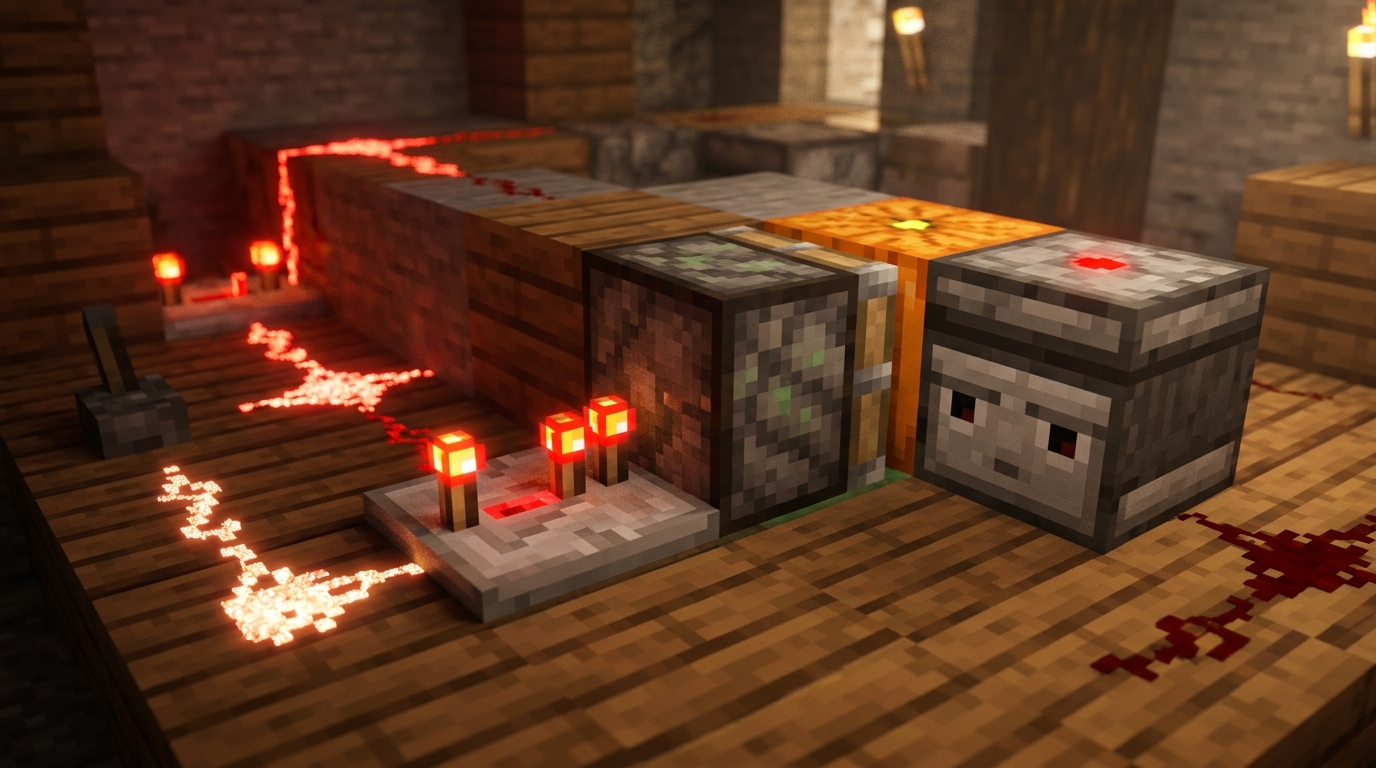
Building your first automatic carver relies on a clever loop between an observer and a regular piston. The use an observer is the brain of the operation, as it sits directly behind where you place your pumpkin to watch for block updates. When you place a fresh pumpkin down, the observer sends a quick redstone signal to the rest of your machine. This signal can be routed through a solid block or a piece of redstone dust to trigger your piston. Since you want to collect the pumpkin after you shear it, the piston’s job is to push and break the block for easy pickup.
To make the collection process smooth, you should place a hopper directly underneath the block where the pumpkin sits. This hopper will automatically suck up both the carved pumpkin and the seeds that drop during the shearing process. You can connect this hopper to a chest so you can stay in your AFK position for long periods without filling your inventory. If you want to get fancy, you can even add a note block or a lamp to give you a visual cue every time a pumpkin is successfully processed. This simple setup ensures you have plenty of decorative blocks for Halloween builds or iron golem guards for your village.
Setting up the redstone is straightforward enough for any beginner to master in just a few minutes. You simply need to ensure the observer is facing the correct direction so its red sensor eye can see the pumpkin. Once the piston breaks the carved pumpkin, you can hold your placement button to put a new one down instantly. This creates a fast rhythm that lets you stock up on carved pumpkins much faster than doing it by hand in the field. It is a perfect project for expanding your base with functional automation that feels rewarding to use.
Using The 1.21 Crafter For Automatic Jack-o-Lanterns
The 1.21 update introduces the 1.21 Crafter block, which is a significant upgrade for your pumpkin carving station. In the past, you would end up with stacks of carved pumpkins that you had to manually combine with torches to make light sources. Now, you can place a Crafter at the end of your collection hopper line to handle this task for you. By locking the crafting grid slots to match the Jack-o-Lantern recipe, the machine will automatically combine your freshly carved pumpkins with torches. This setup is perfect for beginner builders who want to brighten up their base without spending hours at a crafting table.
Setting up this automation is simple and saves you a lot of time when preparing for large builds or lighting up dark caves. You just need to feed your torches into the Crafter alongside the output from your pumpkin carver. Since the carver already produces the carved pumpkins you need, the Crafter acts as the final step in a seamless production line. This is especially helpful if you are mastering automatic crafter redstone setups for your base, as it allows you to build iron golem farms or decorate a massive spooky garden with ease. Having a chest full of ready-to-place Jack-o-Lanterns makes your creative projects feel much faster and more rewarding.
To keep the system running smoothly, make sure your torch supply is consistent so the Crafter doesn’t get stuck. You can use easy redstone clock designs or a comparator to tell the Crafter when to spit out the finished light block. This small addition transforms a basic shearing station into a high-tech factory for decorative blocks. It is a great way to learn how the new 1.21 mechanics can improve your everyday survival world. Once you see how easy it is to automate lighting, you will want to add a Crafter to all your specialized farms.
Setting Up Your AFK Controls And Inventory
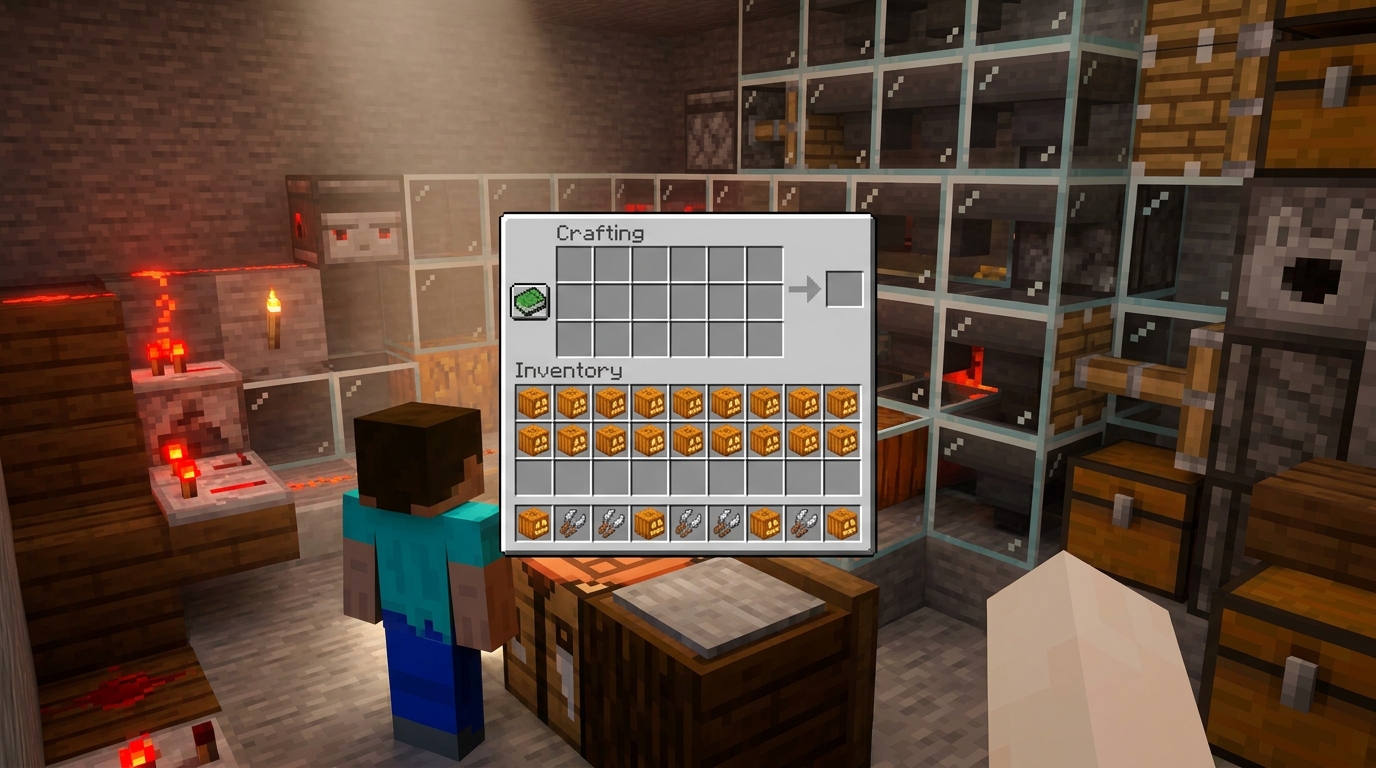
To get your automatic pumpkin carver running smoothly, you need to set up your hotbar with the right tools for the job. Place a large stack of pumpkins in your off-hand slot and hold your shears in your main hand. This setup allows you to place a fresh pumpkin and immediately carve it with a single click. Make sure you have a few extra pairs of shears in your inventory because they will lose durability quickly as you work. You can even enchant your shears with Unbreaking III or Mending to keep the machine running for much longer without needing a replacement.
Staying at your station for a long time is easy once you learn how to lock your controls. On the Java Edition of Minecraft, you can hold down your right-click button and then press F3 and T at the same time to reload your resource packs. While the game is loading, let go of your mouse button and the game will keep performing the action for you automatically. This trick lets you step away from your computer to grab a snack while your character continues to carve pumpkins and collect seeds. Just be sure to stand in a safe spot where your hoppers can easily pick up every item that drops.
Light Up Your World Faster
Building this redstone machine is a major win for your Minecraft world because it turns a tedious task into a quick, satisfying process. Now that your AFK station is ready, you can start mass-producing carved pumpkins to light up your base with rows of glowing Jack o’Lanterns. These decorative blocks add a cozy atmosphere to any build, especially during spooky season or in dark underground tunnels. Simply load up your off-hand with pumpkins, grab your shears, and let the redstone do the heavy lifting for you. You will be amazed at how quickly your storage chests fill up with both carved pumpkins and useful seeds.
Beyond just decoration, this farm is the secret to building a massive army of Snow Golems or Iron Golems to protect your village. Since every Golem requires a carved pumpkin for its head, having a steady supply means you can spawn defenders whenever you need them. You can set up a defensive perimeter around your house or fill a snowy biome with frozen soldiers to keep the mobs away. This project is a perfect introduction to redstone because it solves a specific problem while teaching you how to use redstone and pistons work together. Your new automation setup makes it easier than ever to master your Minecraft world and keep it safe from creepers.
Frequently Asked Questions
1. Why do I need a redstone station to carve pumpkins now?
Since the Update Aquatic, pumpkins grow with smooth faces and require shears to get their classic spooky look. Because dispensers cannot use shears to carve them for you, a redstone station is the only way to automate the process while you are AFK.
2. How does the observer help with the carving process?
The observer acts as the eyes of your machine by watching the block space in front of you. As soon as it detects that you have used your shears to change the pumpkin into a carved pumpkin, it sends a signal to the piston to harvest it.
3. What items do I need to hold to make the machine work?
You should hold your shears in your main hand and your stack of uncarved pumpkins in your off-hand. This setup allows you to place a new block and carve it almost simultaneously by simply holding down your right-click button.
4. Can I use this machine to get pumpkin seeds?
Yes, every time you use your shears on a pumpkin at the station, it will drop pumpkin seeds along with the carved block. These items will fall into your hopper system so you can use them for crafting or replanting your farm.
5. Why can’t I just use a regular automatic pumpkin farm?
Regular automatic farms use pistons to break pumpkins as soon as they grow, which only gives you uncarved pumpkins. If you want Jack o’ Lanterns or Snow Golems, you must use this specific redstone station to apply the shears before the block is broken.
6. Is this redstone build difficult for beginners to make?
This is one of the easiest redstone projects you can build because it only requires a few basic components like a piston, an observer, and some hoppers. It is a perfect starter project if you want to save time on your survival world chores.