
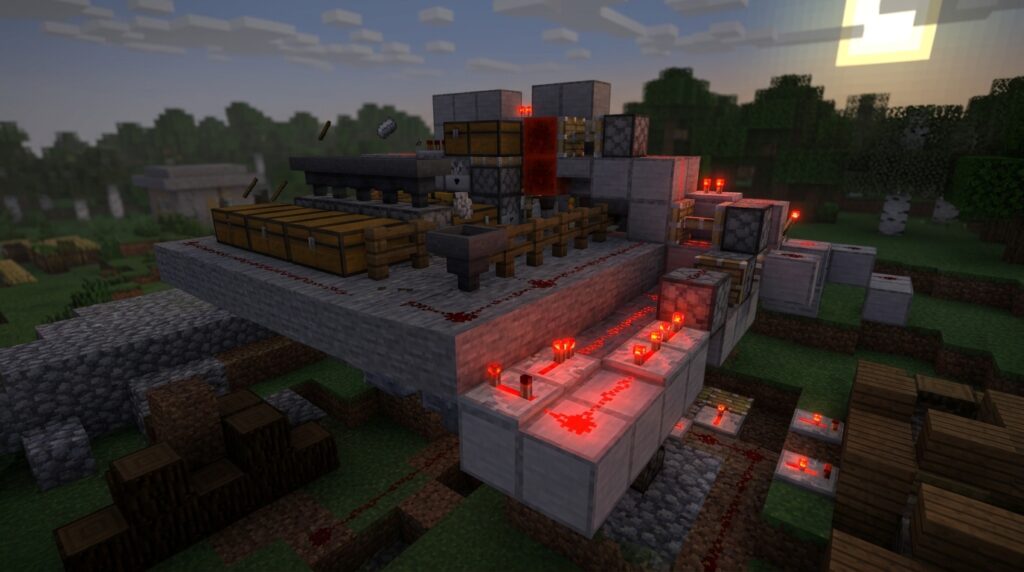
Want your iron farm, smelter, or Nether item system to keep running while you explore elsewhere? With a redstone chunk loader, you can use a timer, pistons, dispensers, or minecarts to send entities through a Nether portal and keep nearby chunks active in vanilla Minecraft Java Edition. Redstone dust does not load chunks by itself. Repeated portal activity creates the loading effect.
A working loader can save time by keeping remote farms and transport systems running without a player nearby. Choose a reliable design, place it carefully, and check that it matches your Minecraft version. These methods mainly apply to Java Edition, while Bedrock Edition handles chunk loading differently.
Key Takeaways
- Redstone dust does not load chunks by itself; it must control repeated entity movement through a Nether portal or maintain an ender-pearl stasis setup to create the loading effect in Java Edition.
- Nether portal loaders and ender-pearl loaders can keep remote farms, sorters, smelters, transport systems, and redstone machines running while you are away, but each design has a limited active area.
- Reliable loaders require correctly linked portal coordinates, stable redstone timing, and all essential components placed within the intended loaded chunks. Use F3 and G to check chunk boundaries and test the system from a distance.
- These techniques mainly apply to vanilla Java Edition and may fail after server restarts, due to portal misalignment, unloaded route sections, server settings, or version changes; Bedrock Edition handles chunk loading differently.
Introduction To Chunk Loader Redstone
Redstone chunk loaders help you keep distant parts of your Minecraft Java world active, even when you are far away. With a working loader, an automatic sorter can move items, a crop farm can grow, or a smelter can process materials without you standing nearby. You can also use one to keep a remote redstone machine, villager setup, or Nether item route running while you explore elsewhere. This makes long-running automation more useful because the system does not stop as soon as you leave the area.
Redstone dust does not load chunks by itself. Instead, you use redstone to control pistons, dispensers, droppers, or a timer that repeatedly moves an entity through a Nether portal or maintains another loading setup. Portal activity creates the chunk-loading effect, while redstone keeps the process timed and reliable. Before building one, check that your design works in your Java Edition version, since chunk-loading behavior differs from Bedrock Edition.
Nether Portal Redstone Chunk Loaders
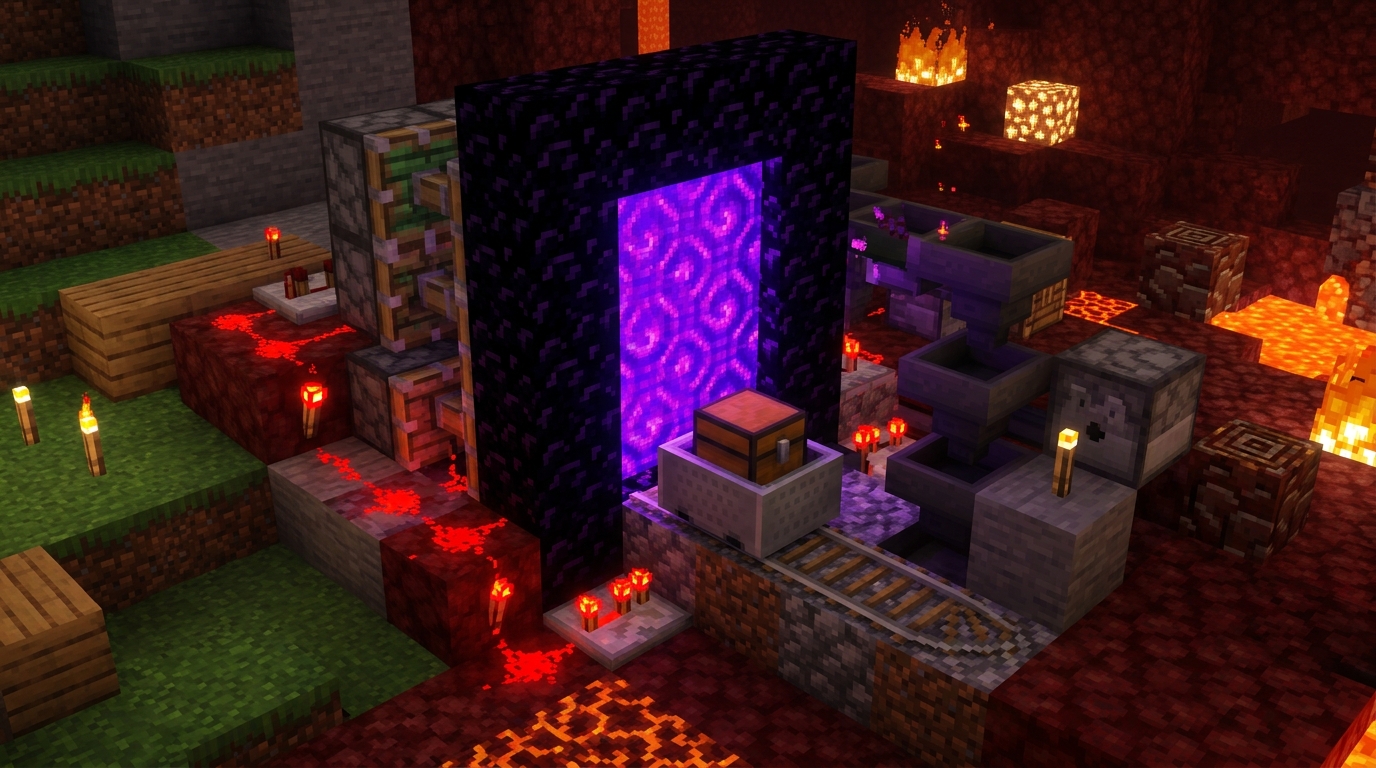
A working Nether portal redstone chunk loader keeps a remote area active by repeatedly sending an item, minecart, or another entity through a Nether portal. Redstone dust does not load chunks by itself, so a clock must control the moving parts that create regular portal trips. In a common design, pistons push a minecart or item toward the portal, while dispensers or droppers move and recycle items on a timer. Each crossing refreshes the portal’s activity, allowing nearby farms, sorters, and redstone machines to keep working while you are far away.
Portal placement is the key to making the loader reliable. Build a linked portal in the Overworld near the machine you want to run, then place its Nether partner at coordinates that are about one-eighth of the Overworld location. For example, an Overworld portal near X 800 and Z 400 should connect to a Nether portal near X 100 and Z 50. Check both portals carefully, because a poor match can send the entity to an unexpected portal or prevent the loader from cycling correctly.
Use a timer that sends the entity through often enough to maintain the loading effect without creating unnecessary traffic. A dispenser can fire an item into the portal, a dropper can pass items between chambers, and pistons can return a minecart or block the path until the next redstone pulse. Keep the portal, transport path, and powered components inside the loaded area. Then test the system by leaving and checking whether your distant crop plot or sorter continues processing. This design is mainly for vanilla Java Edition, and it may not work the same way in other editions or on servers with portal restrictions.
Ender Pearl Chunk Loader Designs
In Java Edition, a suspended ender pearl can keep the nearby chunk active while you work somewhere else. You create a stasis chamber that holds the pearl in a bubble column, usually with water, signs, trapdoors, or a piston-controlled opening. Redstone controls the chamber, letting you release the pearl when you want to stop the loader or trigger a linked system. The redstone does not load the chunk by itself. The active ender pearl creates the loading effect. This design is intended for a small area, so place the chamber close enough to the farm or machine that needs to run.
Keeping the pearl from landing is the most important part of the build, because a collision ends its flight and removes the loading effect. Test the water flow, chamber blocks, and redstone timing before leaving the area. Then make sure the pearl stays suspended after you walk away. You can use this setup to keep a distant crop farm growing, run an automatic sorter, or move items through a hopper and minecart transport line while you build elsewhere. It also works well for remote smelting systems and other compact machines that need redstone and item movement to keep processing. Avoid relying on it for a large base, since the loaded area is limited and the pearl chamber must remain intact.
Redstone Timing And Chunk Boundaries
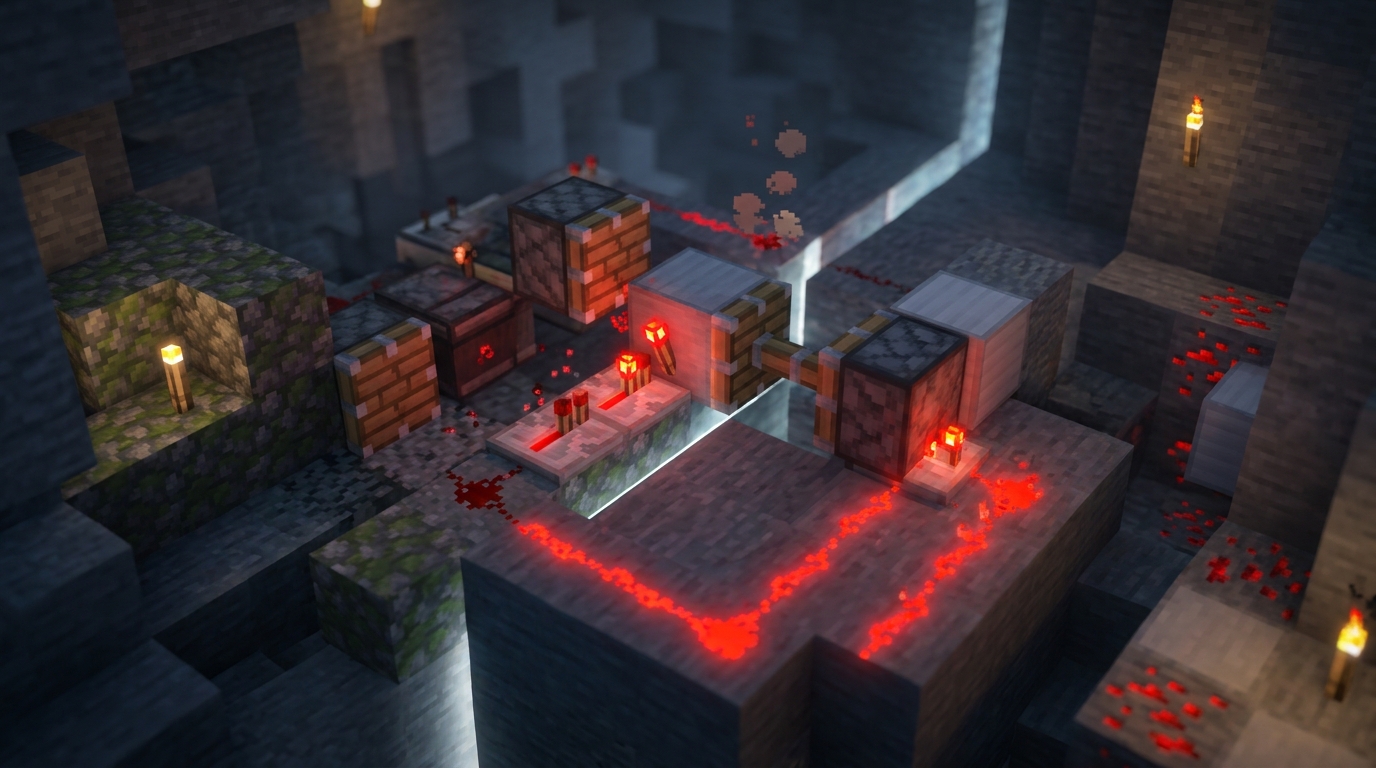
Redstone timing controls how often your chunk loader activates, so build a steady cycle instead of leaving components powered constantly. A repeater chain can create a simple delay before a piston or dispenser sends an item through the portal, while a redstone clock can repeat that action at set intervals. Observers are useful for compact triggers, but rapid observer pulses can create extra block updates and unnecessary lag. Set the delay long enough for the item or entity to finish its trip before the next activation, especially when the loader supports a distant sorter or crop plot.
Use F3 and G to display chunk borders before placing the circuit. Keep the portal, redstone clock, repeaters, observers, pistons, and dispensers inside the area your design is meant to keep loaded. Components placed across a border may stop working if that neighboring chunk is not included in the loader’s active range. Leave enough space for portal blocks and moving pistons, and check that no key dust line or power source sits just outside the loaded area. This layout check helps prevent a redstone chunk loader from working only when you stand nearby.
Test the loader in survival conditions by starting the cycle, moving far enough away for the chunks to unload normally, and returning after several minutes. Check whether items still arrive in hoppers, minecarts, or storage, and confirm that a crop plot or sorter processed materials while you were gone. If movement stops, lengthen the repeater delay, reduce the clock speed, and inspect chunk borders again with F3 and G. A reliable cycle should keep the remote system active without firing pistons, observers, or dispensers more often than necessary.
Chunk Loader Limits And Edition Differences
Redstone chunk loaders can fail when part of the portal route is not loaded. If the destination chunks are unloaded, items, minecarts, or mobs may pause before reaching the other side. A redstone clock can also stop when its own chunk unloads, so a timer that worked during testing may not restart from a distance. Keep the clock, portal, and receiving area close enough to the loaded region, and test the full route from both dimensions.
Entities may also arrive in the wrong location if portal frames are too close together or the matching portal coordinates are not set up carefully. A piglin, item, or minecart can enter a nearby portal instead of the one you intended. This can jam an item sorter or send materials to the wrong farm. Chunk loaders may stop after a server restart as well, especially if the mechanism depends on an entity being in motion or a clock being active. After restarting, check the portal, reset the clock, and confirm that the remote crop plot or storage system is processing before leaving it unattended.
These redstone chunk loader methods mainly apply to vanilla Java Edition, where portal and ender-pearl techniques are common technical builds. Bedrock Edition uses different chunk behavior and generally does not support the same portal-based or ender-pearl-based loaders. When commands or server extensions are allowed, you can use /forceload to keep selected chunks active, or use a server plugin that provides controlled chunk loading. Those options are often more reliable for distant farms and sorters, but they may not be available in a survival world with strict vanilla rules.
Conclusion For Chunk Loader Redstone
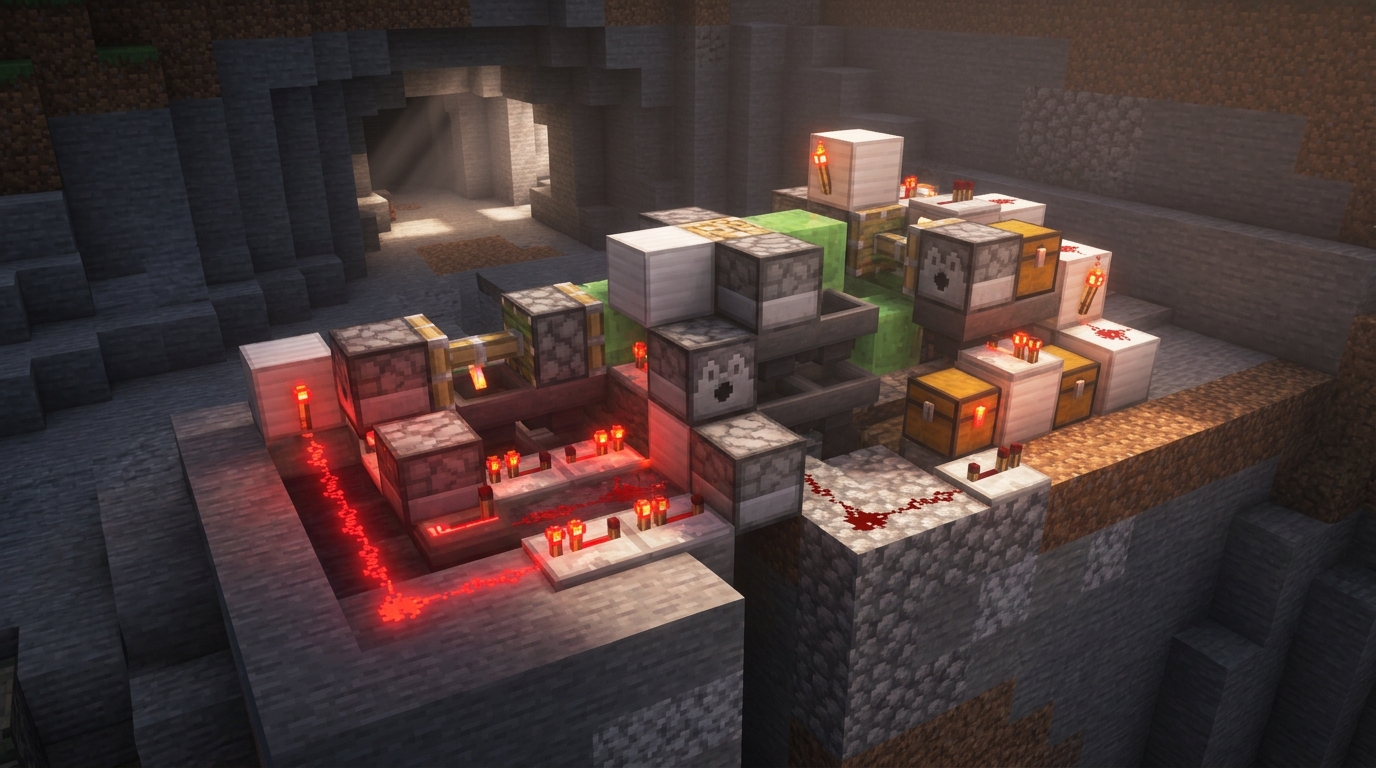
Portal loaders and ender-pearl loaders can keep distant Minecraft systems running while you work somewhere else. A portal loader repeatedly sends an entity through a Nether portal, while an ender-pearl loader uses a loaded pearl to keep the target area active in Java Edition. Redstone provides the timing and control, powering dispensers, pistons, droppers, or simple clock circuits that keep the loader working. This lets a remote crop plot grow, an item sorter process materials, or a cross-dimension transport line continue operating without a player nearby.
Before connecting a chunk loader to your main storage or largest farm, build a small test version in a safe area. Check that the portal cycle, pearl setup, redstone timing, and chunk boundaries behave as expected. Then watch the system for several minutes while you travel away. Redstone dust alone does not load chunks, and Bedrock Edition does not generally use these Java Edition loader methods. Once your test is reliable, connect it to the farm, sorter, or transport line you want to keep running.
Keep Remote Machines Running with Redstone
Redstone chunk loaders let you keep distant automation running in vanilla Minecraft Java Edition, even when you travel far away. Redstone dust does not load a chunk by itself, so you use it to control a portal loader, timer, dispenser, piston, or minecart system. For example, a repeating redstone circuit can send an item or minecart through a Nether portal to keep the linked area active. This can keep a remote sorter moving items, process hopper lines, or run a technical machine while you work elsewhere. Test the design in your Minecraft version, because server settings and simulation distance can affect which farms continue working.
A reliable chunk loader should be simple, protected, and easy to inspect when something stops working. Place it away from crowded portal areas, keep the redstone clock at a safe speed, and make sure the item or minecart cannot get stuck. A loaded chunk does not guarantee that every crop or mob farm will operate normally, since crop growth, spawning, and other rules depend on Minecraft mechanics and server settings. With careful testing, redstone chunk loaders can connect distant farms and storage systems into one useful base network.