
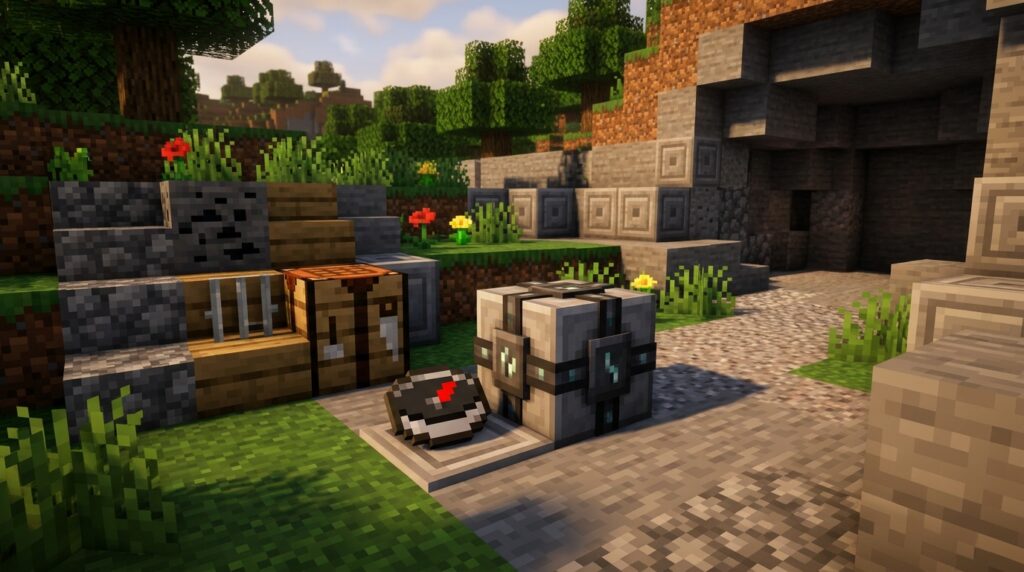
Getting lost far from home can cost you valuable time or even your best gear. Minecraft lodestones help you mark your base, Nether portal, stronghold, or any location you want to find again. Bind a compass to a lodestone, and it will point to that location instead of world spawn.
You can place lodestones in the Overworld, Nether, and End, which makes them useful waypoints in every dimension. With a few lodestone compasses, you can map your world, find your way back after dangerous expeditions, and travel between important locations with confidence.
Key Takeaways
- Lodestones convert ordinary compasses into precise waypoint markers that point to a specific location instead of world spawn. Craft one with eight chiseled stone bricks and one netherite ingot, then use a regular compass on it to create a lodestone compass.
- Use lodestones to mark bases, Nether portals, strongholds, fortresses, End gateways, farms, mines, and other important destinations. They are especially valuable in the Nether and End, where ordinary compasses are unreliable.
- A lodestone compass works properly only when its linked lodestone exists and both are in the same dimension. The compass may spin if the lodestone is destroyed or if you travel to another dimension.
- Build an organized waypoint network by linking multiple compasses, labeling them with an anvil, storing them safely, and protecting each lodestone. This system reduces the risk of getting lost and makes long-distance exploration more efficient.
Introduction To Minecraft Lodestone Uses
A lodestone turns an ordinary compass into a dependable waypoint marker. You can craft one with eight chiseled stone bricks and one netherite ingot, then place it where you want to return. Hold a normal compass and use it on the lodestone to create a lodestone compass with an enchanted-looking glint. Instead of pointing toward world spawn, it leads you back to that specific block. This makes Minecraft lodestones especially useful when you travel far from home.
You can place lodestones at your main base, a secondary base, or beside important structures such as strongholds and fortresses. Marking a Nether portal with one gives you a clear target when tunnels, lava lakes, and unfamiliar terrain make the route home difficult to remember. You can also name different compasses with an anvil, using labels such as “Base,” “Nether Hub,” or “End Gateway.” If the lodestone is destroyed or you use its compass in another dimension, the compass cannot guide you normally and may spin. Keep each marker and compass matched to its location.
Across a large survival world, a simple lodestone system can save time and prevent lost supplies. Place one at each major destination, store the matching compasses in a labeled chest, and use paths or signs to connect nearby markers. In the Overworld, Nether, and End, these waypoints help you return to bases, portals, farms, and discovered structures with less guesswork. A lodestone does not teleport you, but it gives every long journey a reliable direction to follow.
Crafting And Finding Lodestones
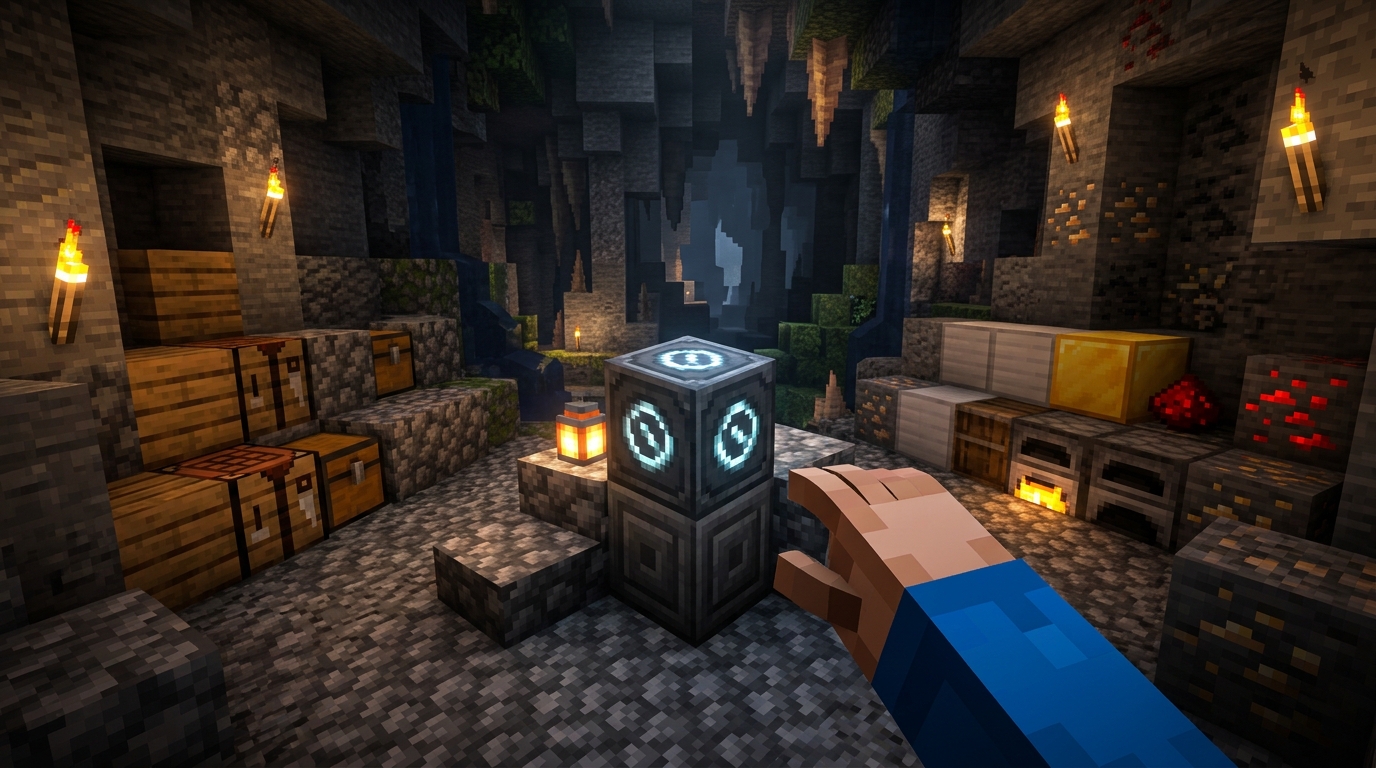
Crafting a lodestone requires one netherite ingot and eight chiseled stone bricks. Place the netherite ingot in the center of a crafting table and surround it with the eight chiseled stone bricks. This recipe uses valuable netherite, but the result is worthwhile when you need reliable markers across a large survival world. Gather the materials before planning long-distance trips so you can set up navigation points as soon as you reach important locations.
You can also find lodestones in chests inside bastion remnants, including bridge areas, although searching these dangerous structures requires preparation. After placing a lodestone, use a regular compass on it to create a lodestone compass that points back to that exact block. This works in the Overworld, Nether, and End, where a normal compass may point toward world spawn or behave unpredictably. Link compasses to your main base, Nether portals, fortresses, strongholds, or remote resource sites to create a dependable travel system.
Binding Compasses To Lodestones
One of the most useful Minecraft lodestone uses is marking a location that a normal compass cannot find. Craft a lodestone with one netherite ingot and eight chiseled stone bricks, then place it at your base, Nether portal, or another important location. Hold a normal compass and use it on the placed lodestone to bind the compass to that block. It will gain an enchanted-looking glint and become a lodestone compass that points to the marked location instead of world spawn.
You can bind multiple compasses to the same lodestone, which makes it easy to share one destination with teammates. Give each player a linked compass for a group trip to a Nether portal, fortress, stronghold, or remote base. Lodestone compasses work in the Overworld, Nether, and End, but the compass and lodestone must be in the same dimension or the needle will spin without showing a useful direction. Since ordinary compasses behave unreliably outside the Overworld, lodestones provide a dependable marking system for large survival worlds.
Navigating The Nether And End
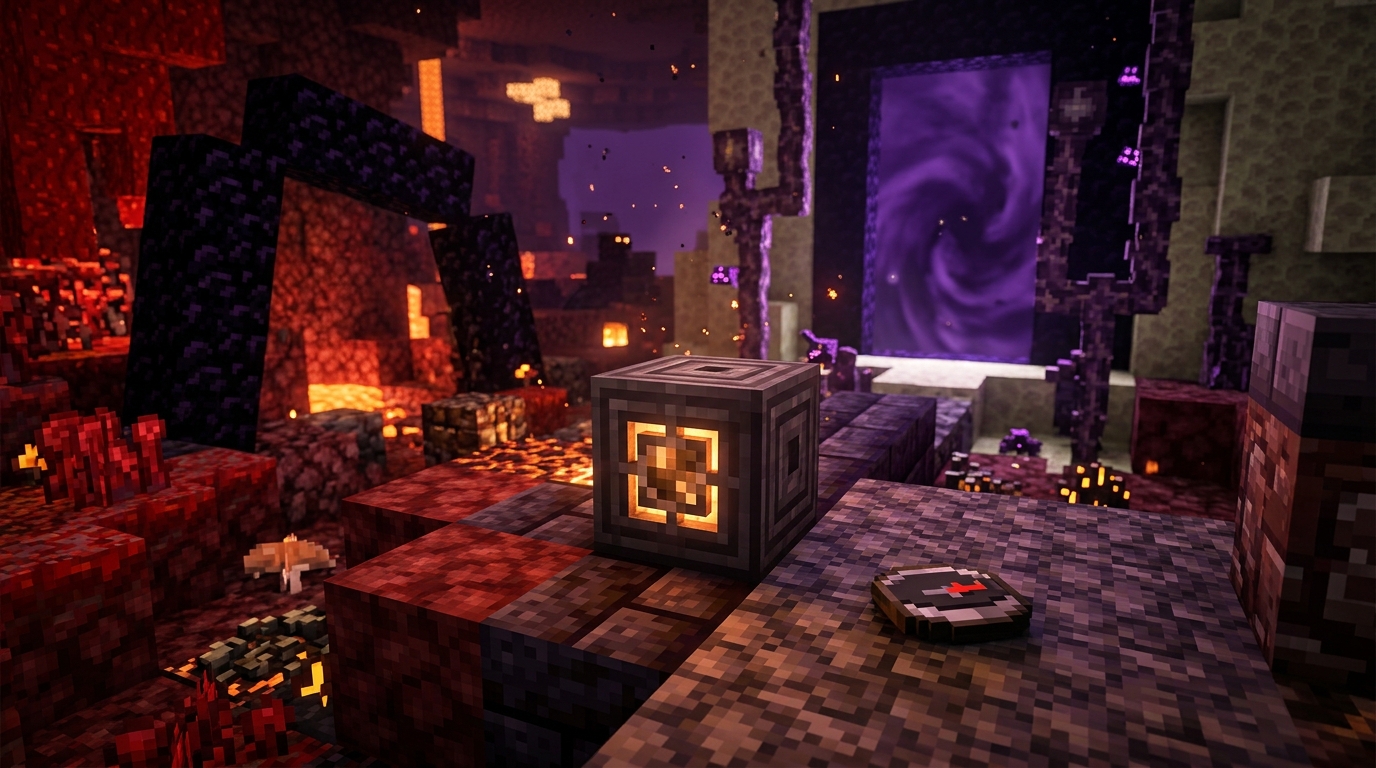
A lodestone compass gives you a reliable way to navigate the Nether, where an ordinary compass spins instead of pointing toward world spawn. Place a lodestone beside a Nether portal, then use a regular compass on it to create a lodestone compass. The compass will point back to that marked location, helping you find your way home after exploring lava caves or distant biomes. For long-term use, carry separate lodestone compasses for important locations in each dimension.
You can also mark a route to a Nether fortress, bastion, or remote mining area with a lodestone. In the End, place one near an End gateway or your main island base so you can retrace your path after exploring the outer islands. In the Overworld, lodestones can mark a stronghold, secondary base, or rare resource area that you may not visit often. Label each compass with an anvil so you know exactly which destination it leads to.
Remember that you need a lodestone and a normal compass to create a linked compass. Crafting a lodestone requires one netherite ingot and eight chiseled stone bricks. Build the lodestone in a safe, visible spot, such as beside a portal platform or inside a small shelter. If you move between dimensions, use the compass linked to a lodestone in your current dimension, since a compass linked elsewhere may spin or fail to guide you. This simple marking system makes large survival worlds and dangerous Nether and End trips much easier to manage.
Building A Lodestone Waypoint System
A lodestone waypoint system starts with one netherite ingot and eight chiseled stone bricks. Place the lodestone at an important location, then use a normal compass on the block to create a lodestone compass that points there instead of toward world spawn. Set one up at your main base first, then add markers for a secondary base, village, mine entrance, or large farm. Keep each lodestone in a small, well-lit room or behind a wall so it is easy to find and protected from accidental damage. Store a spare compass nearby in case you lose the linked one.
Organize your waypoints by giving each compass a clear name with an anvil, such as “Oak Base,” “Iron Farm,” “Trading Hall,” or “Deep Mine.” You can also organize compass storage with colored shulker boxes, wool rooms, or labeled item frames, since you cannot dye the compass itself. Place lodestones near safe entrances, roads, portal rooms, or central village buildings rather than in dangerous caves or open areas. This makes your system useful when you are carrying supplies and need a reliable route home. For several bases, use matching names and colors so you can choose the correct compass at a glance.
Lodestones are especially helpful in the Nether and End, where a regular compass does not provide dependable guidance. Link compasses to Nether portals, fortress routes, bastions, strongholds, End gateways, or shared multiplayer landmarks, and build each lodestone inside a protected shelter. In multiplayer, label shared waypoints with the destination and owner, such as “North Portal” or “Ice Farm,” so everyone knows what each compass leads to. Remember that a lodestone compass only works while its linked lodestone exists in the same dimension. Avoid breaking the block, and mark important locations on a map as a backup.
Minecraft Lodestone Uses Conclusion
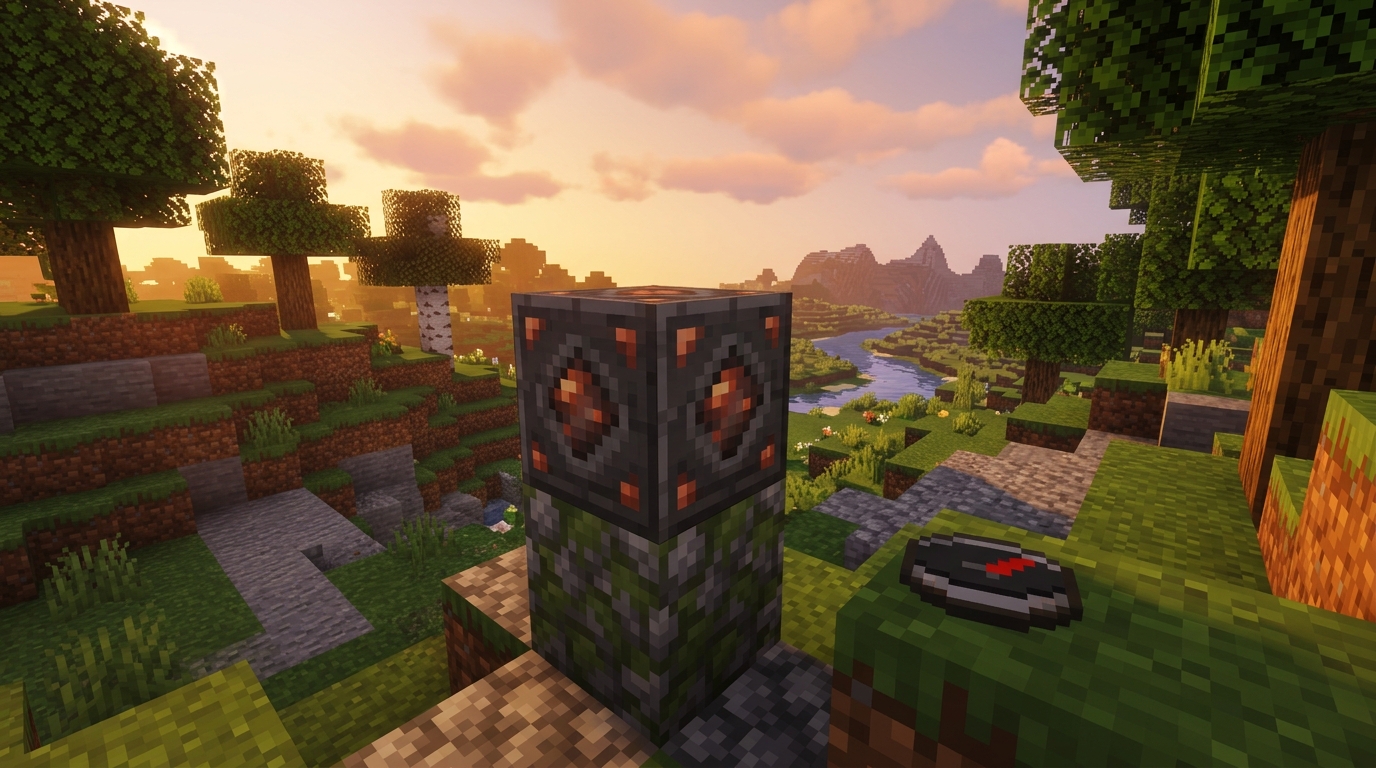
Lodestones turn ordinary compasses into dependable waypoints for your Overworld, Nether, and End journeys. To make one, combine a netherite ingot with eight chiseled stone bricks, then place it where you want a permanent marker. Use a normal compass on the lodestone, and it will gain an enchanted glint and point back to that exact location instead of world spawn. This makes it ideal for marking your main base, a Nether portal, a fortress, or an End outpost. Remember that the compass works best when you are in the same dimension as its linked lodestone. It may spin if the block is destroyed or you travel to another dimension.
You can make long trips much easier by linking several compasses to different lodestones and labeling them clearly. For example, keep one compass for your main base, one for your Nether hub, and another for a distant mining area or stronghold. Use signs, colored buildings, or unique blocks around each lodestone so you can quickly recognize every waypoint when you return. A simple marking system prevents confusion in large survival worlds and helps you travel safely through dangerous areas. With a few well-placed lodestones, exploration becomes easier to plan, and finding your way home becomes far less stressful.
Use Lodestones to Mark Key Locations
Lodestones are useful navigation tools because they let you mark important locations in your Minecraft world. You craft one with eight chiseled stone bricks and one netherite ingot, then place it at a base, portal, village, or discovered structure. Use a normal compass on the placed lodestone to create a lodestone compass that points back to that exact spot instead of world spawn. This gives you a reliable way to return home, even when ordinary compass navigation is not useful.
A lodestone compass is especially helpful in the Nether and End, where a regular compass does not guide you reliably. Place a lodestone beside a Nether portal, then link a compass to it before exploring fortresses, bastions, or distant tunnels. You can also mark an End gateway, stronghold entrance, or secondary base and keep the matching compass in a labeled chest. Remember that the compass works properly when you are in the same dimension as its lodestone. It may spin without showing a clear direction if the lodestone is destroyed or you travel to another dimension.
For large survival worlds, lodestones make your travel system easier to organize and safer to use. Set up a small network of marked locations, such as your main base, mining area, trading hall, and portal hub, with a linked compass for each one. Although the netherite cost makes lodestones an investment, their permanent waypoint function can save time and prevent you from getting lost. Once you understand these Minecraft lodestone uses, you can turn distant landmarks and dangerous routes into dependable destinations.