
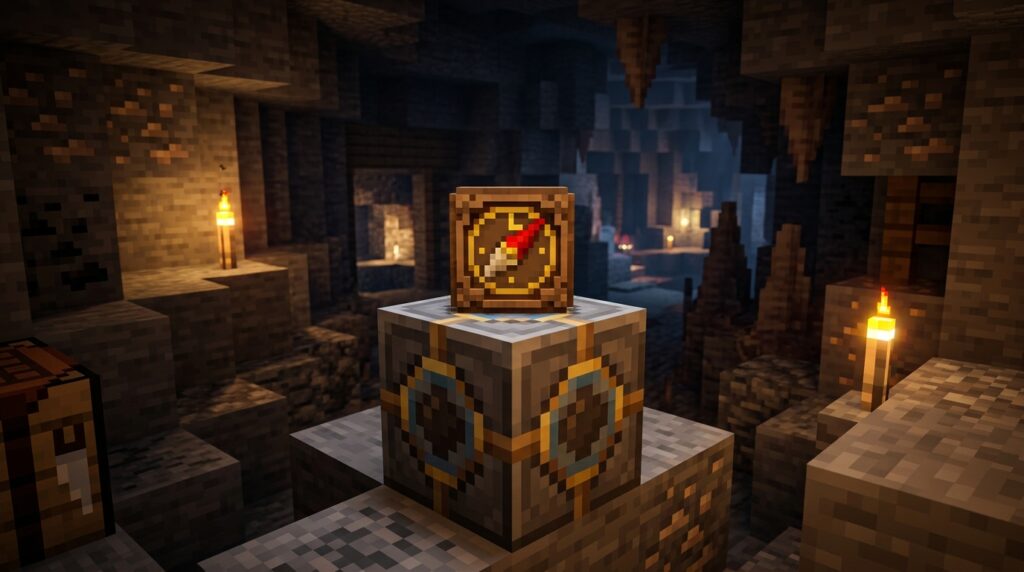
A Minecraft lodestone compass gives you a reliable way to find important locations instead of wandering back toward world spawn. Link it to a lodestone at your base, Nether portal, village, or hidden mine, and it will point back to that spot. Its enchantment-style glint makes it easy to recognize in your inventory.
You can use a lodestone compass in the Overworld, Nether, and End, but you must be in the same dimension as the lodestone for it to work. This makes it useful for marking dangerous routes and hard-to-find destinations. With the right setup, you can explore farther while keeping a clear path home.
Key Takeaways
- A lodestone compass points to a linked lodestone instead of world spawn, helping you return to bases, portals, villages, mines, and other important locations.
- Craft a lodestone with one netherite ingot and eight chiseled stone bricks, then use a regular compass on it to create the link; the enchantment-style glint identifies the linked compass.
- The compass works only when you and the lodestone are in the same dimension. Use separate lodestones for Overworld, Nether, and End destinations, and remember that breaking the lodestone disables reliable tracking.
- Label and test lodestone compasses before long expeditions, especially in multiplayer worlds or dangerous Nether and End routes, and keep backups for critical destinations.
Minecraft Lodestone Compass Introduction
A Minecraft lodestone compass points to a chosen lodestone instead of world spawn. To link one, use the compass on a lodestone. When the connection succeeds, the compass gains an enchantment-style glint. You can place a lodestone beside your main base, a Nether portal, a village, or a shared storage area so you can find that location again. This makes navigation easier when you travel far from home or explore a large multiplayer world.
The compass works in the Overworld, Nether, and End, but you must be in the same dimension as the lodestone for it to point correctly. For example, a compass linked to a Nether lodestone will guide you through the Nether, while it will not lead you to that target from another dimension. Marking important End islands, portal routes, and multiplayer landmarks with lodestones can help you avoid getting lost. If the lodestone is broken, the linked compass no longer provides reliable directions.
Minecraft Lodestone Compass Crafting And Linking
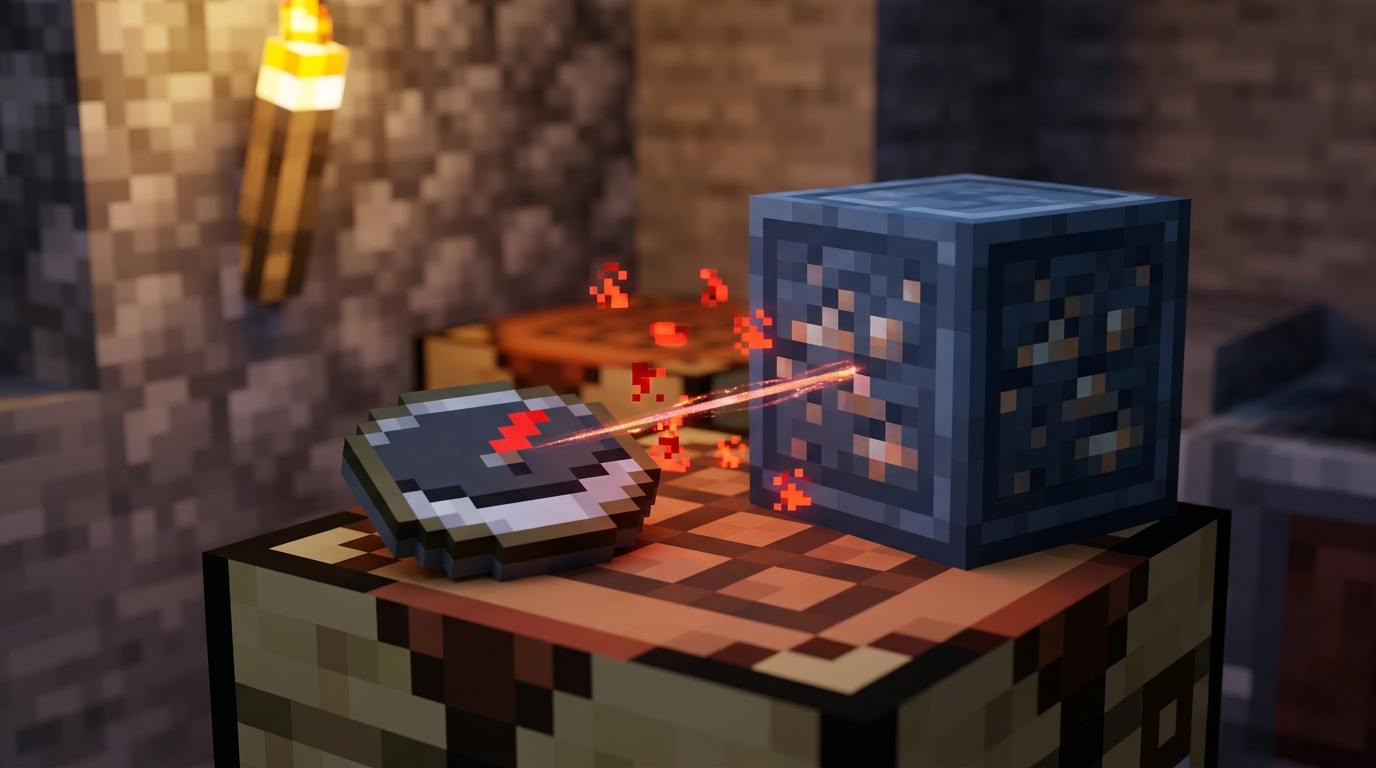
To craft a lodestone, you need one netherite ingot and eight chiseled stone bricks. Place the netherite ingot in the center of a crafting table and surround it with the eight chiseled stone bricks. This creates a lodestone that you can place near a base, portal, fortress route, or another important location. Because netherite is valuable, choose a spot you expect to use often, especially in the Nether or on a large multiplayer map.
After placing the lodestone, use a regular compass on it to link the compass to that location. The compass gains an enchantment-style glint, showing that it now tracks the lodestone instead of world spawn. Carry it while exploring to find your way back to a marked base, portal, village, or End destination. The compass works only when you and the lodestone are in the same dimension, so a compass linked in the Nether will not guide you from the Overworld.
Minecraft Lodestone Compass Dimension Rules
A linked Minecraft lodestone compass works in the Overworld, Nether, and End, but only when you and the lodestone are in the same dimension. For example, a compass linked to a lodestone beside your Nether base will point to that base while you explore the Nether. It will not guide you there from the Overworld or End. Use separate lodestones to mark important locations in each dimension, such as a portal, fortress route, End base, or shared multiplayer meeting point.
When you carry the compass into another dimension, its needle spins randomly instead of pointing toward the lodestone. It starts working again when you return to the lodestone’s dimension, as long as the lodestone still exists. If someone breaks the linked lodestone, the compass also spins randomly and can no longer guide you to that location. Before destroying or moving a marked spot, link the compass to a new lodestone so you do not lose your route.
Minecraft Lodestone Compass Navigation Uses
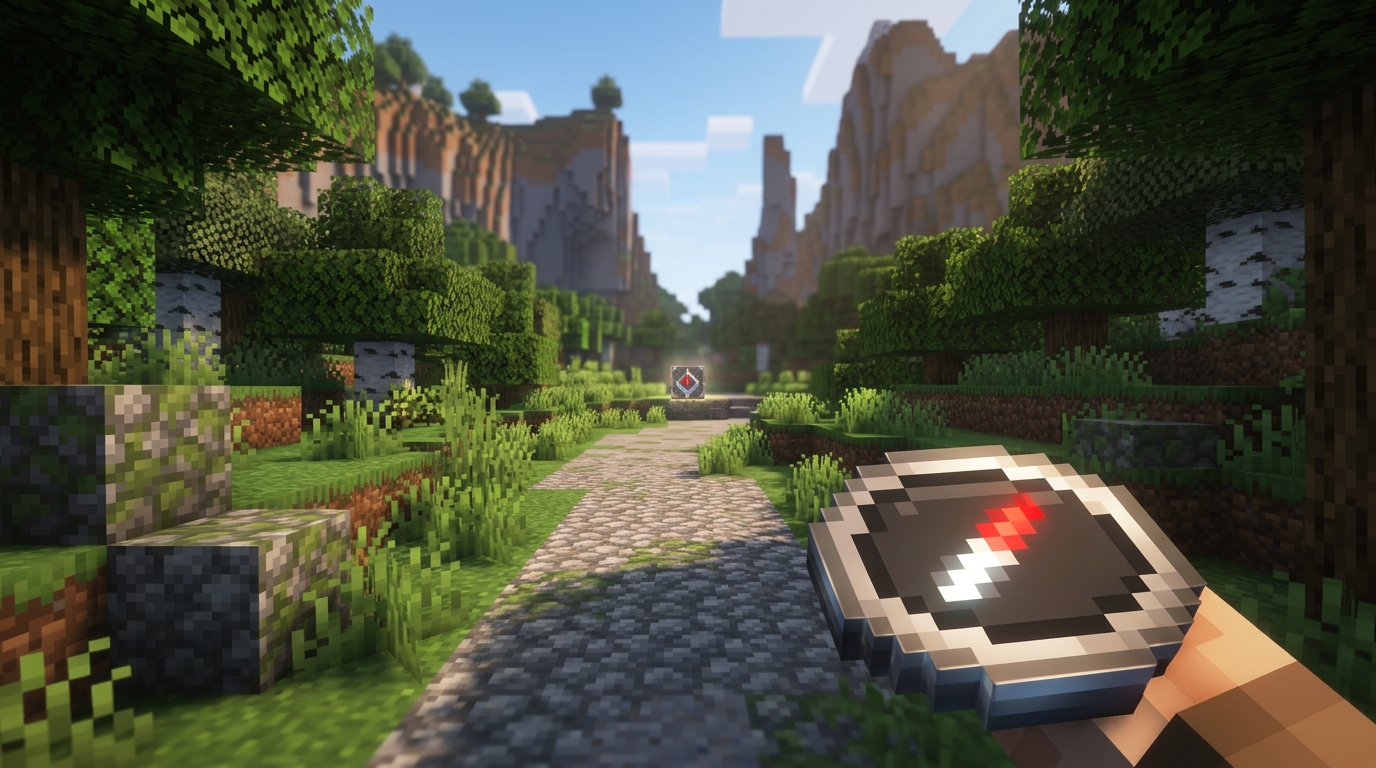
A Minecraft lodestone compass can guide you back to a Nether hub when you link it to a lodestone placed there. Keep that compass in your Nether travel kit, and use a sign or item frame to label it “Nether Hub” so you do not confuse it with other compasses. Since the compass tracks a lodestone only in the same dimension, create and link the lodestone inside the Nether. Carrying a backup compass is also helpful in case you lose your main one on a dangerous route.
You can use another lodestone compass to mark an End city, an important portal, or a remote village. Place the lodestone at the destination, link a compass to it, and store the compass with a clear label such as “End City” or “Snow Village.” This makes long exploration trips safer because you can follow the compass back instead of relying on memory or rough coordinates. Remember that a compass linked in the End will not guide you to that location from the Overworld or Nether.
In multiplayer worlds, give teammates clearly labeled lodestone compasses that point to your base, community farms, or a shared mining camp. Link separate compasses to different lodestones, then keep them in labeled slots or chests so each one has a specific purpose. You might store “Base,” “Nether Hub,” and “Village” compasses together while carrying only the one needed for your current trip. Make extra copies when possible, but verify each compass before leaving by checking that it points toward the intended destination.
Minecraft Lodestone Compass Limits And Tips
A Minecraft lodestone compass does not lose durability, so you can use it repeatedly during long trips without repairing or replacing it. You can stack up to 64 lodestone compasses when they are linked to the same lodestone, but compasses pointing to different lodestones will not stack together. This makes it practical to carry a full stack for a shared base or portal route. Keep separate stacks clearly organized if you use several lodestones in the Nether, End, or a large multiplayer world.
Java and Bedrock handle the compass as different item types behind the scenes. In Java Edition, it is generally a regular compass with lodestone-tracking data, while Bedrock Edition gives it the distinct lodestone_compass item identity. This difference can matter when you use commands, data packs, or item storage systems, especially when moving plans between editions. In normal survival play, the result is the same: a linked compass points to its lodestone only while you are in the same dimension.
Test every compass before trusting it on a long expedition. Link it at the destination, walk a good distance away, and check that its needle leads back to the lodestone. Try the test in the same dimension where you plan to use it, such as linking one at a Nether fortress and checking it elsewhere in the Nether. If the compass spins or behaves unpredictably, confirm that the lodestone still exists and that you have not crossed into another dimension. Once it passes the test, label or store it separately so you do not confuse it with a compass linked to another base or portal.
Minecraft Lodestone Compass Conclusion
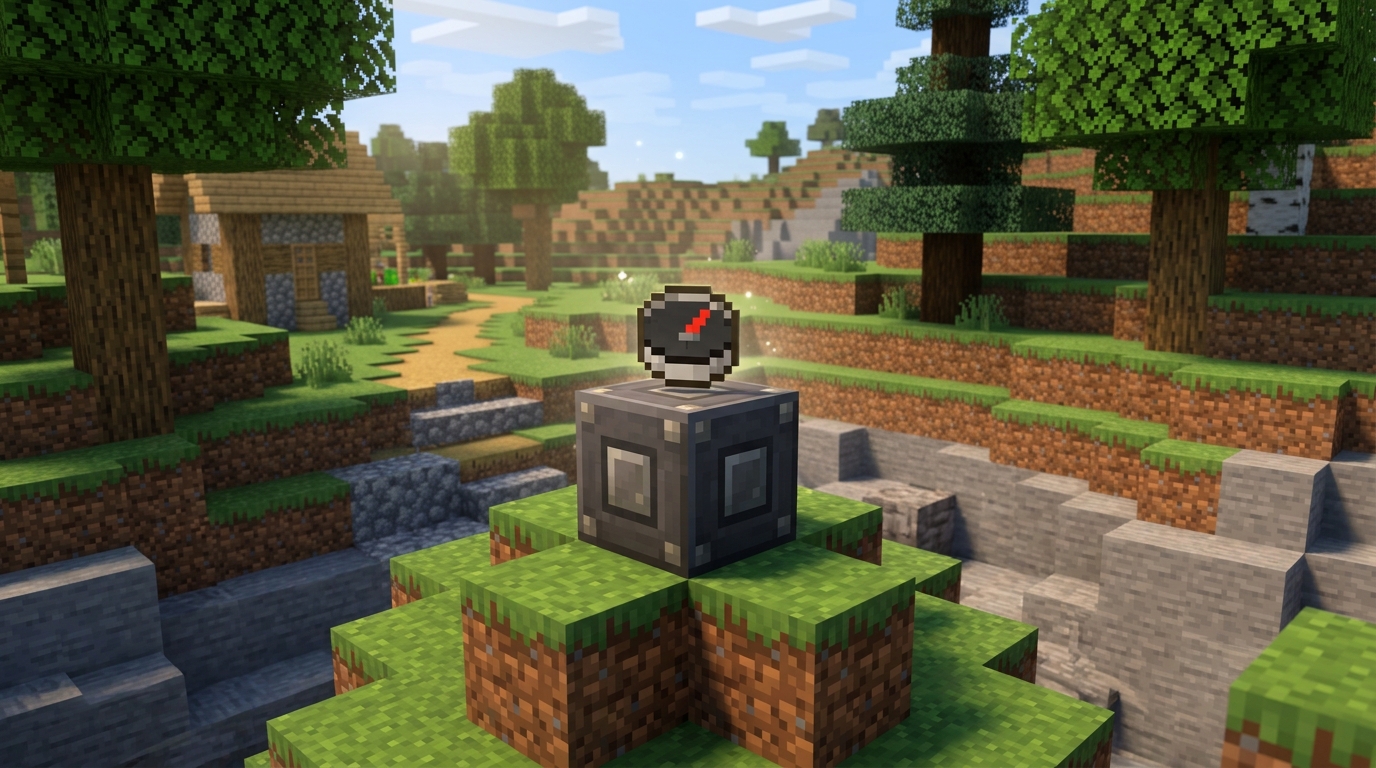
A Minecraft lodestone compass gives you reliable directions after you link it to a lodestone. First, craft a lodestone with a netherite ingot and eight chiseled stone bricks, then use a compass on it to create the link. The compass points toward that lodestone instead of world spawn, helping you return to a base, village, portal, or Nether route. Its enchantment-style glint also makes it easy to identify among your other items.
This tool is especially valuable in the Nether, End, and large multiplayer worlds where familiar landmarks can disappear quickly. Remember that you must be in the same dimension as the lodestone for the compass to work, so use separate lodestones for destinations in different dimensions. Marking key locations can help you avoid getting lost and keep long expeditions from becoming one-way trips. Place lodestones at the destinations you visit most often, such as your main base, portal hub, and favorite mining area.
Use a Lodestone Compass to Find Home
A Minecraft lodestone compass gives you a reliable way to find an important location instead of pointing toward world spawn. Link a compass to a lodestone at your base, Nether portal, village, or End shelter, and it will point back to that lodestone while you remain in the same dimension. The enchantment-style glint helps you recognize a linked compass in your inventory. This makes it useful when normal landmarks are hard to spot or when you travel far from home.
Remember that a lodestone compass works only when you and the lodestone are in the same dimension. A compass linked to a Nether lodestone will not guide you from the Overworld, so consider placing separate lodestones along major routes. With a few carefully marked locations, you can explore large worlds, return to important builds, and keep your direction in dangerous areas. Used properly, the Minecraft lodestone compass is a simple but powerful navigation tool for solo adventures and multiplayer travel.