
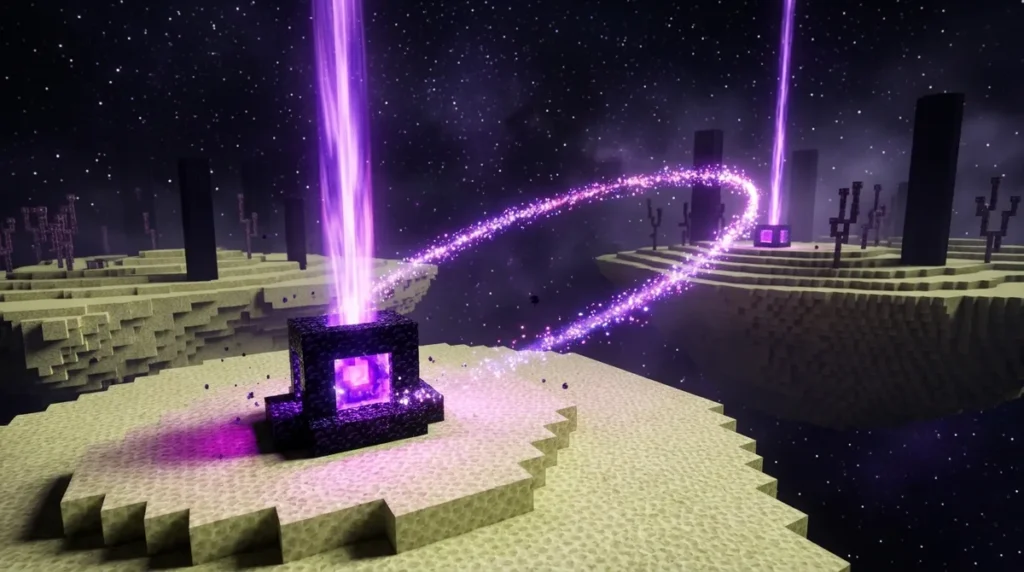
An End gateway is a small portal that appears around the central End island after you defeat the Ender Dragon. Step into one and you can travel roughly 1,000 blocks across the void to the outer islands. In Java Edition, the game places up to 20 of these gateways in a ring at a height of Y=75, each one 96 blocks from the island’s center. Put simply, each gateway sends you outward in the direction it sits on that ring.
The first time you step through, the game builds a linked gateway near your landing spot that returns you to the original central gateway. Gateways you find naturally on the outer islands work differently. They send you back to the End’s obsidian platform instead.
Key Takeaways
- Each Ender Dragon defeat adds one new End gateway to the central island in Java Edition, and the ring stops growing once it reaches 20 gateways.
- Each central End gateway sends you roughly 1,000 blocks across the void in the direction it sits on the ring, so choosing your gateway is how you choose your destination.
- The first time you step through a central End gateway, the game builds a linked gateway near your landing spot that always returns you to that original gateway.
- Natural gateways in the End Highlands send you to the End’s obsidian platform instead of a specific central gateway, so they are your backup route back to the main island.
- In Java Edition, a central End gateway searches an 11-by-11 area around itself for a safe landing block, and if it finds none, you land two blocks above the gateway.
Where Do End Gateways Appear After the Dragon Fight?
Defeating the Ender Dragon adds one new End gateway to the central End island each time, until there are 20. In Java Edition, your first kill gives you one gateway, your second kill adds another, and so on. Once the twentieth dragon falls, no more gateways generate, so your collection is complete.
The gateways never appear all at once. Each defeat places only one, so the ring fills in slowly over many fights. The spot each new gateway takes depends on your world seed. Two players with different seeds will see the gateways appear in different orders, so no guide can promise that your fifth gateway will sit on the north side of the island.
In Java Edition, the central gateways form a ring at Y=75, 96 blocks from the island center at coordinates (0, 0). That’s a wide circle, and every gateway on it sits at the same height. Because each gateway sends you outward in the direction of its position relative to the center, the side of the ring you pick decides where you land. A gateway on the east side launches you toward the eastern outer islands, while one on the west side sends you west.
Here’s a simple way to see the ring for yourself. Stand near the island center at (0, 0) and watch the edge of the island after the dragon dies. The new gateway appears on the ring around you, so you can read its direction without leaving the island.
It helps to keep a short note as the ring fills. Write down the kill number and the side of the island where each gateway appeared, such as “kill 1: north-east” or “kill 4: south.” Then, when you want to reach a particular outer island, check your notes and head straight for the gateway that faces it instead of guessing.
How Does Entering a Gateway Send You Across the Void?
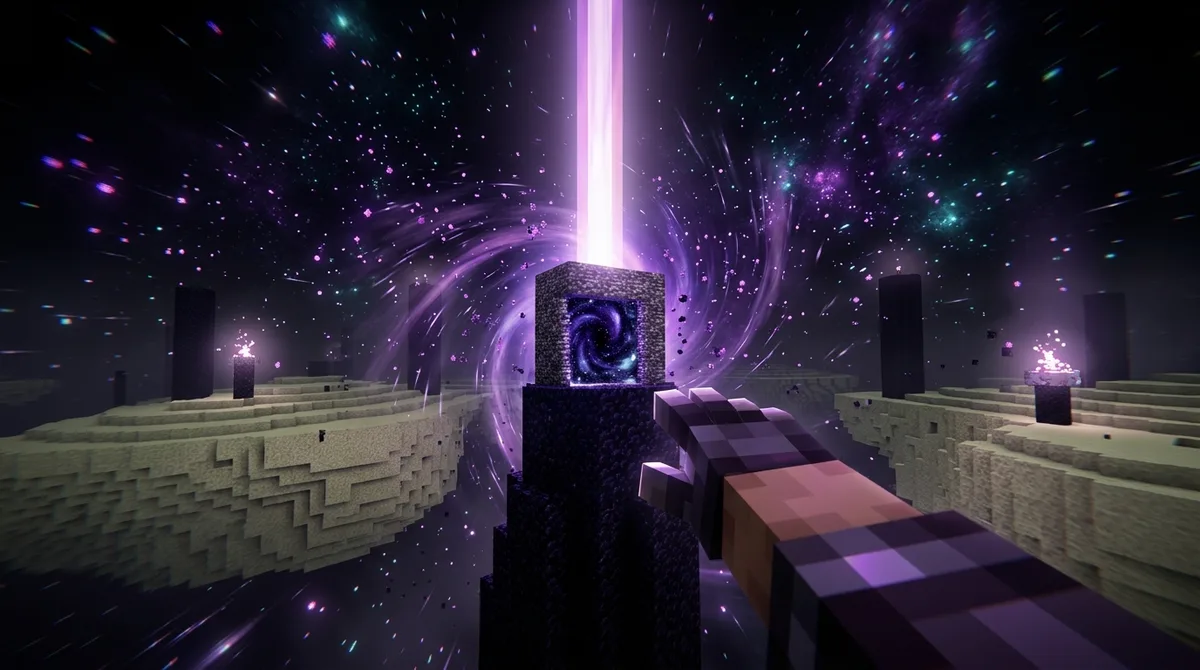
A central gateway sends you outward from the island, in the same direction the gateway sits from the island center. The trip covers about 1,000 blocks of void before you reach the outer islands. Your gateway’s spot on the ring decides where you land, so you never choose the direction yourself.
You can start the trip in two ways. Walk straight into the gateway, or throw an Ender Pearl at it. A pearl that hits a gateway teleports you as if you had stepped inside.
Here’s what happens from start to finish when you use a gateway for the first time:
- Walk into the central gateway, or throw an Ender Pearl at it, to start the trip.
- Cross the void toward the outer islands on the side the gateway faces.
- Check your landing spot. In Java Edition, the game looks for a safe block within an 11-by-11 area around the gateway. If it finds none, it places you two blocks above the gateway.
- Find the linked gateway the game created near your landing area.
- Step into the linked gateway to return to the original central gateway.
The linked gateway is the key to getting home. It’s created only when you first activate the central gateway, so every later trip uses that same pair. You can bounce back and forth as often as you like, whether you’re checking a loot room or grabbing something you forgot.
Keep an eye on the landing spot, because the ground there may not look like the island you left. The void is empty, so see the land and the linked gateway clearly before you move away from them. Once you know where the linked gateway sits, you can always find your way back.
What Are Return Gateways on the Outer Islands?
Naturally generated gateways in the End Highlands are return gateways. They send you to the End’s obsidian platform, not to a specific central gateway. You’ll find them out on the outer islands, away from the ring you left from.
They work differently from the linked gateway you get after your first trip. That linked gateway always takes you back to the one central gateway you originally activated. A natural gateway doesn’t care which central gateway you came through, so it’s useful when you’ve lost track of your starting point.
Say you flew out from a gateway on the east side, explored a few outer islands, and can’t remember which way you came. Instead of hunting for that east-side gateway, step into a natural gateway in the Highlands and land on the obsidian platform in the middle of the End.
Here’s how the two return routes compare:
| Linked return gateway | Natural outer-island gateway | |
|---|---|---|
| Where you find it | Near your landing area, after you first use a central gateway | Out in the End Highlands on the outer islands |
| Where it sends you | Back to the original central gateway | To the End’s obsidian platform |
| How it appears | Generated when you first activate a central gateway | Generated naturally on the outer islands |
| Best for | Returning to the exact gateway you left from | Getting back to the main island without the original gateway |
Pick the linked gateway when you want to return to one specific spot. Pick a natural gateway when you just want to get back to the central island. Keep in mind that the natural gateway drops you on the platform, so you’ll need a central gateway again if you want to head back out to the islands.
Why Do Java and Bedrock Land Players Differently?
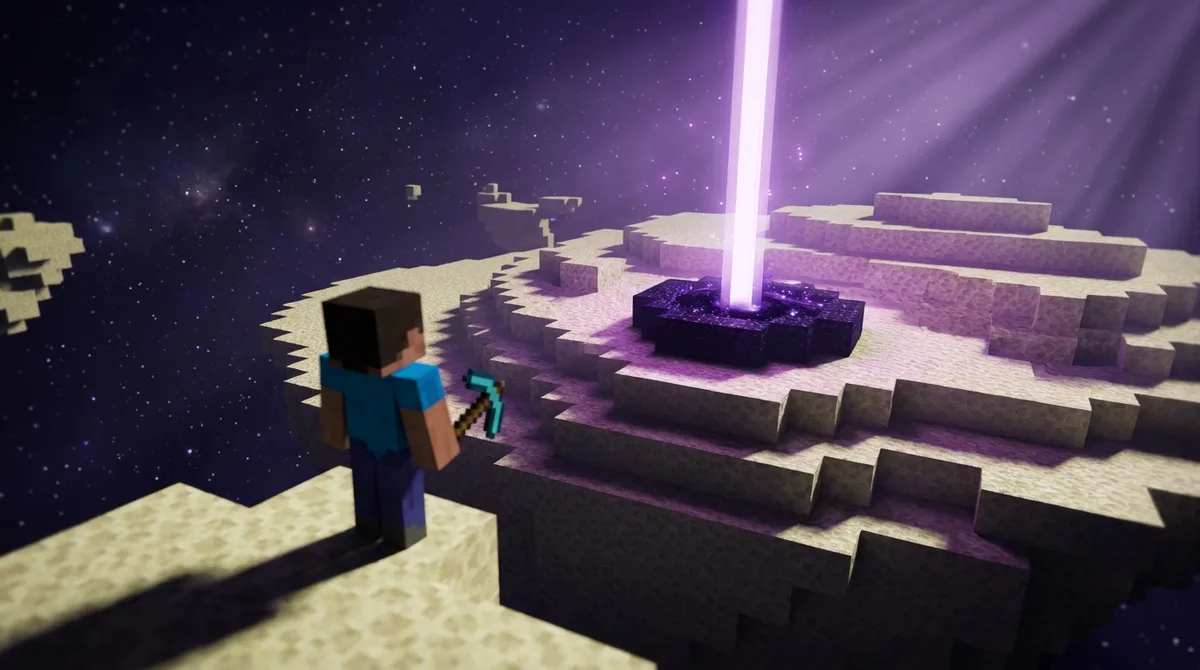
Java and Bedrock land you differently because each edition has its own rules for finding a safe spot when you step out of a gateway. Java’s rules are fairly predictable, while Bedrock’s can drop you in places you wouldn’t expect.
In Java Edition, the gateway searches an 11-by-11 horizontal area around itself for a valid landing block. If it finds one, you land on it. If it finds none, you’re placed two blocks above the gateway, so you won’t drop into the void. Keep that backup in mind when the ground around you looks empty, because it means the game couldn’t find solid footing nearby.
Bedrock Edition uses a different landing method. The reference page for End gateways notes that you can land on partial blocks, somewhere farther than 11 blocks away, or on a floating island the game generates when it cannot find a valid spot. A landing like that can look nothing like the Java result you were picturing.
Bedrock’s landing system has also changed over time. Mojang’s Bedrock 1.9.0 patch notes from 2019 describe two gateway fixes. The first made gateways work when their destination area had already been generated. The second stopped gateways from generating too close together, which could block your return trip.
Because the landing depends on the terrain at the destination, two gateways that look identical can send you to very different spots. A gateway beside a finished island might drop you right on the edge, while one out over open void might leave you hovering over nothing. So before you commit to a jump, take a moment to look. Walk to the edge of the landing area, check whether you can see solid blocks, and confirm that a linked gateway is close enough to find again. If the spot looks strange, step back through and try again rather than walking off a ledge you can’t see clearly.
Can You Use an Ender Pearl on an End Gateway?
Yes, you can. A thrown Ender Pearl that hits an End gateway teleports you as if you had walked straight into it, so the trip across the void and the landing rules stay the same.
The pearl is most useful when you’re standing some distance from the gateway. If a gateway sits across the central island and you’re on the opposite edge, throw from where you stand instead of walking all the way over. Just make sure the gateway is in your line of sight and you have a clear throw.
The pearl doesn’t change where you land. The gateway decides that, not your throwing spot. In Java Edition, the game searches an 11-by-11 horizontal area around the gateway for a valid landing block. Bedrock Edition can drop you somewhere less predictable, so look at the landing area before you commit.
Pearls also cost you a little something, so don’t waste them on a gateway you could reach by walking. Save them for when the gateway is across a gap or a stretch of void that would take too long to cross on foot.
When Did End Gateways First Appear in Minecraft?
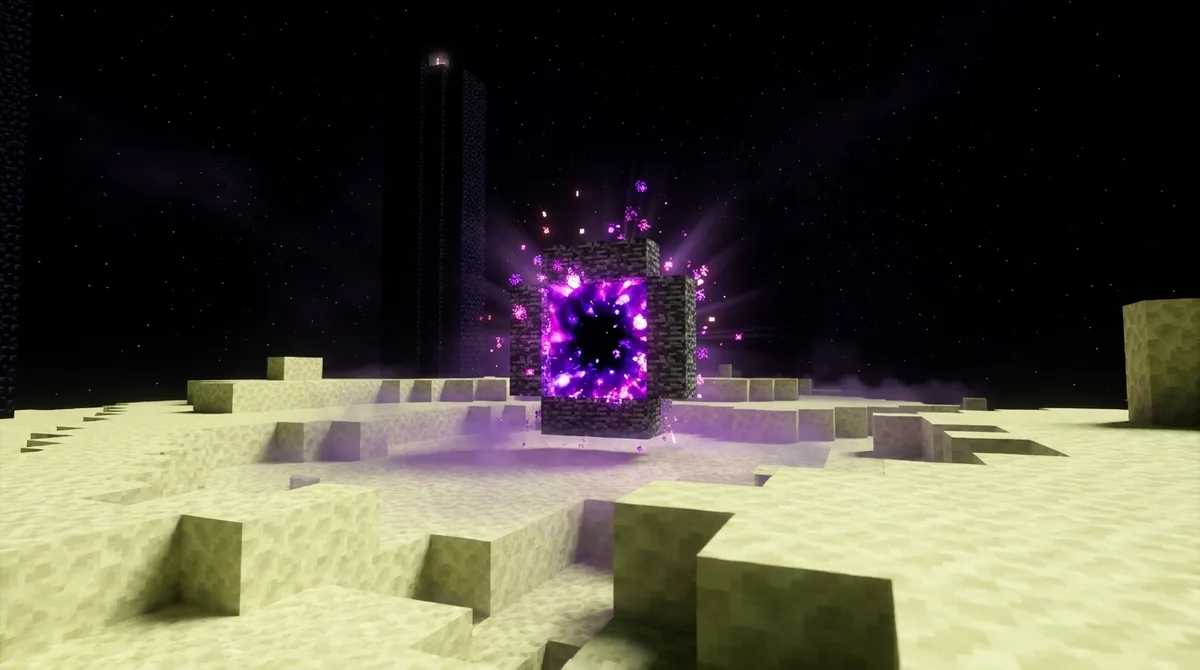
Java Edition 1.9 introduced End gateways when it arrived on February 29, 2016. That update opened up the End’s outer regions, and the gateways were the portals that let you reach them.
The gateways came in the same update that expanded the End beyond the central island. Before that, the End was just the one island where you fight the dragon. With 1.9, you could step through a gateway and land on islands floating in the void, so the ring you see after a dragon fight is your ticket out to new land.
Bedrock Edition players got the related fixes later. Mojang worked on gateway travel problems in 2019, including gateways that led to areas already generated and gateways placed too close together to allow a safe return trip. If you play Bedrock, expect your gateways to behave a little differently from the Java version.
How Do You Plan a Safe Trip Through End Gateways?
To plan a safe trip, build your way home before you leave the central island. These steps follow that order.
Work through these steps the first time you try the gateways:
- Defeat the Ender Dragon, then walk around the edge of the central island to find the ring of gateways. Each kill adds one new gateway, so note how many you can see.
- Pick one central gateway and step into it. The game creates a linked gateway near your landing spot, and that pair becomes your guaranteed route home.
- Before you walk away from the landing area, find the linked gateway and place a torch on solid ground next to it. The torch will help you spot it from a distance.
- If you ever lose track of the linked gateway, head for a natural gateway in the End Highlands. It will take you to the obsidian platform, where you can start over.
Pack a few spare blocks before you jump. If the landing looks thin, use them to bridge a gap or wall off an open edge while you look around.
Planning Your First Trip Through the End Gateways
Your next step is a short test run. Pick the gateway that faces the outer island you most want to visit, step through, and stay near the landing area until you spot the linked gateway. Then step back through to confirm the pair works before you plan anything bigger.
Before you jump, check which edition you play. In Java Edition, you can estimate your landing area from the ring, since the game searches an 11-by-11 space around the gateway. Bedrock players should treat the first landing as a scouting trip and look at the terrain carefully before walking off.
Keep your kill log open while you play. Count how many gateways you have so far and note which side of the island each one sits on. If you have fewer than 20, each new dragon defeat adds one more, so the log will show which direction is still missing. Once you reach 20, the ring is complete and you can plan trips to any outer island.
Start with one gateway you can reach on foot today. Make the round trip, write down what the landing looked like, and then decide where to go next.