
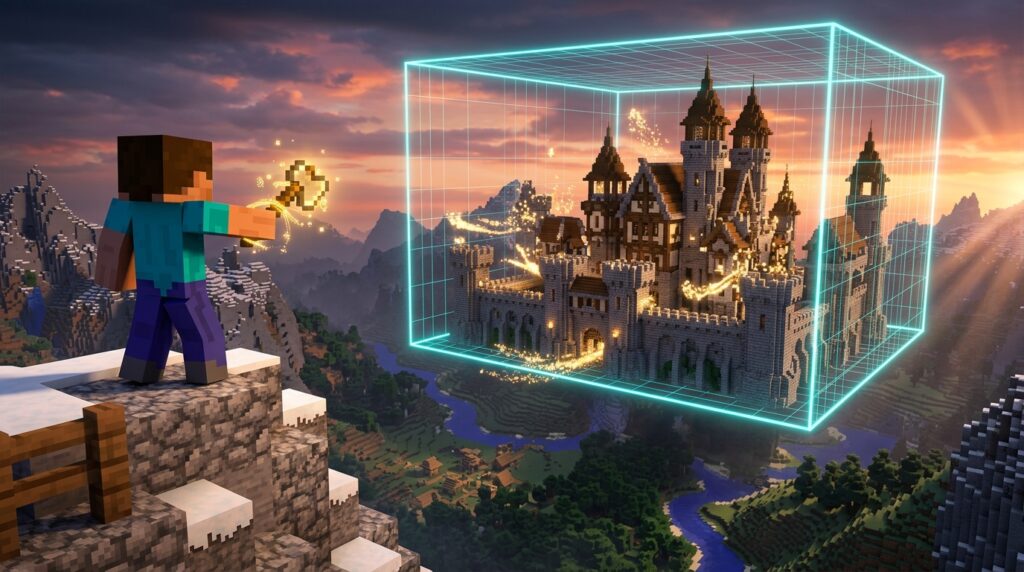
Imagine placing thousands of stone blocks by hand just to build a simple castle wall or flatten a hill. It takes hours, tires out your hands, and slows down your best Minecraft projects. Mastering WorldEdit commands changes everything by letting you create, fill, and shape massive terrain in seconds. Instead of placing blocks one by one, you can replace entire mountains of dirt with glowing sea lanterns or smooth quartz instantly.
All it takes is grabbing a wooden axe using the //wand tool to select your area and transform your map. You can copy entire medieval houses, smooth out jagged mountains into natural hills, or fix mistakes instantly with a quick undo. Whether you are building a custom survival spawn or a massive mega-base, these shortcuts give you total control over every block. You will save countless hours of grinding and bring your biggest build ideas to life hassle-free.
Key Takeaways
- The //wand selection tool combined with core commands like //set and //replace allows you to instantly fill massive regions and swap block types without placing individual blocks.
- Duplication commands such as //stack, //copy, and //paste multiply complex structures, walls, and detailed builds in seconds relative to your player’s position.
- WorldEdit brush, mask, and smooth tools function as a digital paintbrush, making it effortless to shape organic mountains, rolling hills, and custom landscapes.
- Mastering essential WorldEdit shortcuts removes the tedious grind of manual building, unlocking complete creative freedom for large-scale Minecraft projects.
Essential Commands for Selecting and Setting Blocks
Hand-placing thousands of blocks for your massive Minecraft builds takes forever, but the wooden axe selection tool completely transforms how you build. By typing //wand into your chat, you instantly get a special wooden axe that serves as your primary editing tool. To mark a region, simply left-click a block to set your first corner point and right-click another block to set your second corner point. This action creates an invisible box around your selected area, ready for whatever changes you want to make. Coordinates will pop up in your chat to confirm that your selection points are locked in place.
Once you highlight your area, you can instantly fill it with any block type using the //set command. For example, typing //set stone fills your entire selection with solid stone in less than a second. If you want to mix things up, you can combine different materials, like typing //set 50%dirt,50%coarse_dirt to create a realistic ground pattern. This simple shortcut saves you hours of tedious clicking when flattening land, raising giant walls, or filling in hollow structures. If you ever make a mistake, simply type //undo to instantly revert your last action without stressing about ruining your build.
//wand: Summons the wooden axe selection tool straight to your inventory.//set [block]: Fills your entire selected region with a specific block or pattern.//replace [from] [to]: Swaps specific blocks in your selection with new ones.//undo: Reverses your last edit instantly if you make a mistake.
Beyond filling empty spaces, you can easily swap specific block types without destroying your surrounding layout using the //replace command. If you built a huge castle out of dirt templates and decide stone bricks look better, just type //replace dirt stone_bricks to swap them instantly. This targeted editing keeps all your windows, decorative stairs, and air spaces completely untouched while updating the main frame. Mastering these core tools lets you focus on designing creative worlds and mega-builds instead of spending all night placing blocks one by one.
Quick Duplication Tools for Stacking and Copying
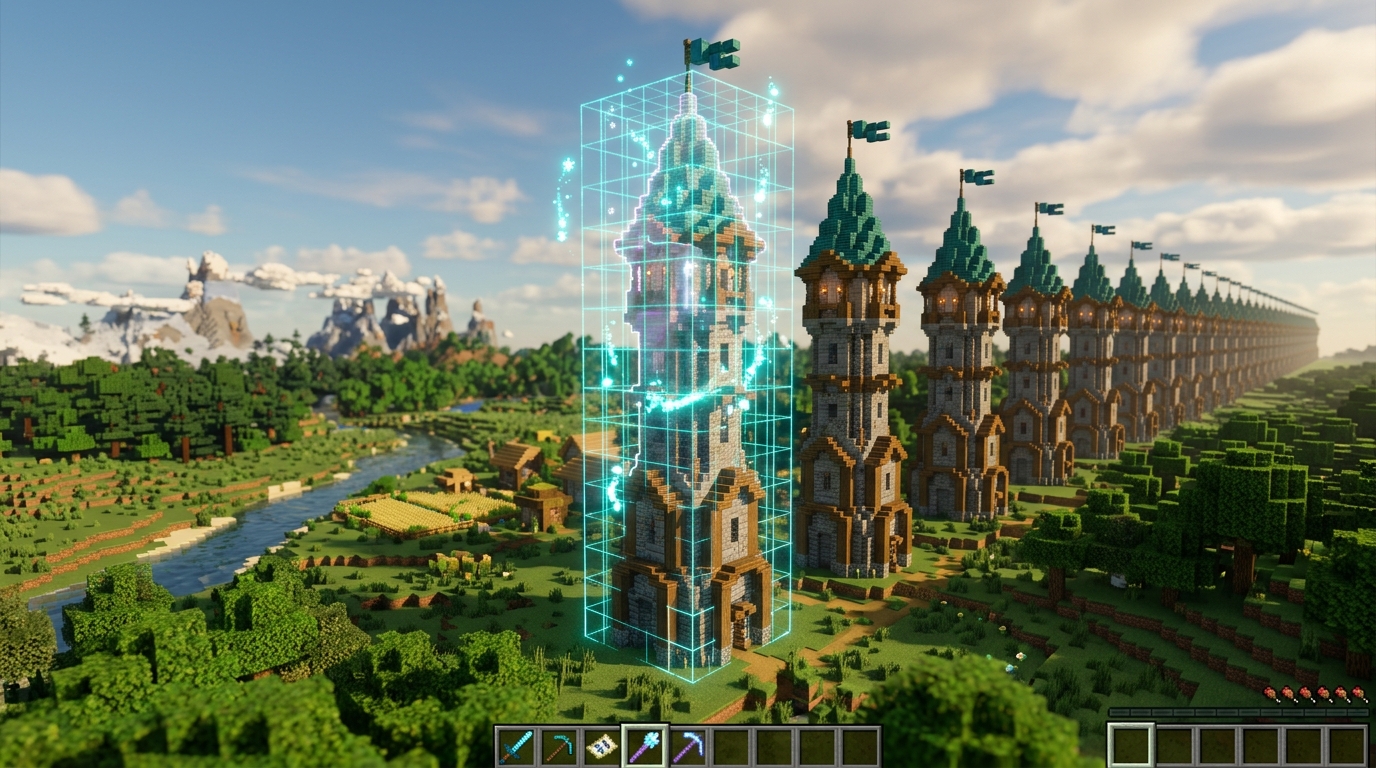
Building massive structures in Minecraft can quickly turn from a fun creative project into a tedious grind. Instead of laying down thousands of stone bricks one by one for a giant castle wall, you can let WorldEdit do the heavy lifting in a single second. The //stack command is your ultimate shortcut for repeating existing patterns in whatever direction you are looking. You simply select your build, type //stack followed by a number, and watch as your wall or tower multiplies instantly ahead of you. This handy tool automatically uses your exact viewing angle, making it effortless to build long bridges, tall pillars, or detailed perimeter fences without missing a beat.
//stack [amount]: Repeats your selected area a set number of times in the direction you are facing.//copy: Saves your selected blocks to a temporary clipboard relative to where your player is standing.//paste: Places your copied build at your current position using the exact same distance and angle from your original copy point.
When you need to move intricate designs across your map like custom trees, detailed window frames, or street lamps, the //copy and //paste commands give you complete creative freedom. The key to mastering these tools is paying close attention to where your character stands when you copy your original structure. WorldEdit uses your exact player position as an anchor point, which means pasting happens relative to where you stand later on. For example, if you stand right in front of a detailed doorway when typing //copy, standing directly in front of an empty wall frame and typing //paste will align your door perfectly. Learning this simple positioning trick eliminates the frustration of pasting structures accidentally inside walls or floating high up in the sky.
Combining these simple duplication commands dramatically cuts down build time on mega-projects like sprawling medieval cities or modern skyscraper networks. If you ever make a quick miscalculation with your direction or distance, typing //undo instantly reverses the action without ruining your surrounding build. You can even spin your copied builds before placing them down by using the //rotate command, allowing you to place identical houses at different angles along a road. Embracing these quick duplication shortcuts lets you skip the boring block placement so you can spend your time focusing on creative grand designs.
Powerful Terraforming Tools for Custom Minecraft Terrain
Hand-placing thousands of dirt blocks to make a simple hill can quickly drain all your creative energy in Minecraft. Luckily, WorldEdit turns your favorite tool into a magic paintbrush that shapes massive environments in just a few clicks. By holding an item like a wooden shovel, you can bind a brush command to build large stone spheres or smooth hills right where you look. This lets you quickly paint the outline of towering mountain peaks, deep river valleys, or custom island shores without breaking a sweat. You get total control over the height and thickness of your terrain while watching your custom world come to life instantly.
//brush sphere [block] [radius]: Generates large shapes of your chosen block wherever you aim your tool.//smooth [radius]: Blends harsh, blocky edges into soft, rolling hills and natural-looking terrain.//mask [block]: Restricts your brush so it only changes specific blocks while leaving the rest of your build untouched.
Once you paint the basic shape of your terrain, your hills might look a bit blocky or rough around the edges. Running the smooth command over your creation will blend those harsh corners into soft, flowing slopes that look like natural Minecraft terrain. If you want to cover a stone mountain with a fresh layer of grass, you can use a mask to only replace the top layer. This clever trick prevents you from accidentally filling in hollow caves or ruining details you already built underneath. Digging out massive lakes becomes just as easy when you swap your building brush for an air sphere to scoop out deep water basins in seconds.
Managing massive world builds is much easier when you use quick stack shortcuts to duplicate complex landforms across your map. Instead of sculpting every single mountain peak by hand, you can select an existing peak and stack it seamlessly across a horizon. This approach saves you hours of tedious work while keeping the natural look and feel of your custom biome consistent. You can spend more time adding fun details like custom trees, winding paths, and hidden caves instead of placing individual blocks. With these simple terraforming commands in your toolkit, huge build projects suddenly feel completely effortless and fun.
Build Massive Minecraft Castles in Seconds
You no longer have to place every single block by hand when building massive creations on your Minecraft server. Using essential WorldEdit tools like the wooden axe wand and quick commands like //set or //replace transforms hours of tedious clicking into just a few simple seconds of work. Instead of spending your entire afternoon laying down thousands of stone bricks for a castle base, you can select your region and fill it instantly. This huge boost in speed means you can take on massive projects without getting burnt out on repetitive tasks. When you stop worrying about the grind of placing blocks manually, your building momentum stays high and your creative ideas keep flowing naturally.
Mastering these core shortcuts also unlocks complete creative freedom over your custom worlds. Powerful actions like //stack let you expand detailed castle walls instantly, while brush commands make shaping natural mountains feel as easy as painting on a canvas. You can experiment with complex designs, swap block palettes instantly, or fix mistakes in seconds without breaking down structures block by block. Having total control over your terrain lets you bring any wild concept to life exactly how you imagined it in your head. Your Minecraft server becomes a true sandbox where your imagination, rather than your clicking speed, sets the only limit on what you can build.
Keep a handy list of these core commands nearby as you jump back into your game. Start small by practicing simple selections, and soon you will be flying through massive terraforming projects with complete confidence. Every builder benefits from having these shortcuts in their back pocket, whether you are hosting a server for friends or crafting an epic adventure map. Grab your wooden axe, step into your world, and get ready to construct your next masterpiece in record time.