
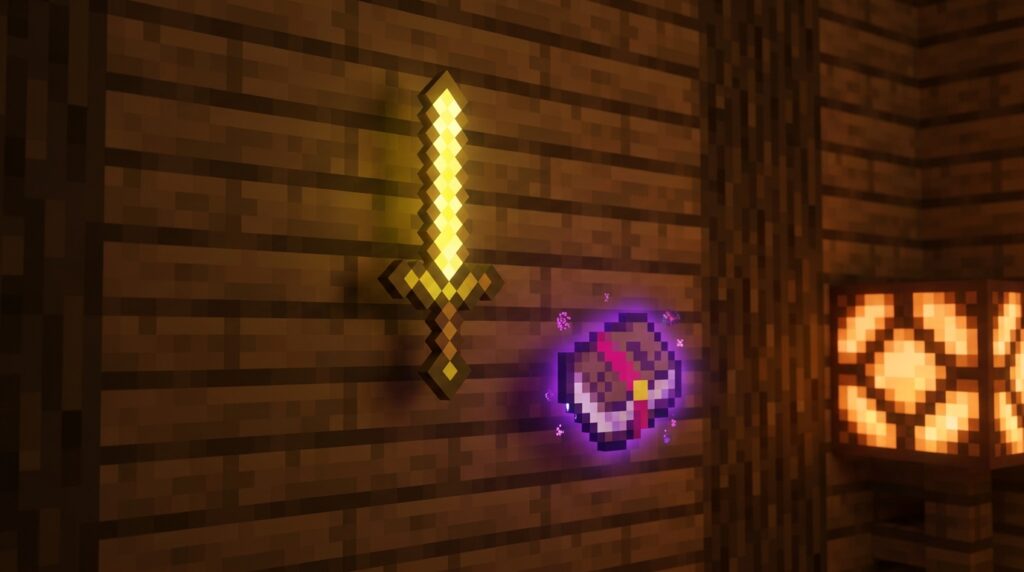
You’ve likely seen incredible Minecraft builds where swords rest directly on tables or lanterns hang against a wall without any visible support. These professional details are made possible by the invisible item frame glitch, a trick that lets you hide the wooden border of a frame while keeping the item inside. It is one of the most powerful tools in your building kit for adding realistic clutter and decorations to your base.
While the game has changed with the recent 1.21 updates, you can still easily pull off this effect in your own world. In Java Edition, you will use a specific command to get these special frames, while Bedrock players can use resource packs to achieve the same clean look. Mastering this technique allows you to place food on plates or tools on workbenches, making your survival home feel lived-in and detailed.
Key Takeaways
- Java Edition players must use the updated 1.21 command syntax
/give @s itemframe[entitydata={id:"minecraft:item_frame",invisible:1b}]to account for the shift from NBT tags to Data Components. - Bedrock Edition players can achieve the invisible frame effect by using custom resource packs that turn frame textures transparent or by using invisible armor stands to mimic floating items.
- Invisible item frames allow for high-level interior design details, such as placing food directly on pressure-plate ‘plates’ or hanging tools on walls without bulky wooden borders.
- Items placed within invisible frames remain fully functional and can be rotated to achieve precise, realistic angles for professional-grade decorations.
Master The Java Edition Invisible Command
If you are still trying to use the old NBT tags to summon invisible item frames, you have probably noticed that your commands are no longer working. Since the 1.20.5 update, Minecraft Java Edition has moved away from traditional NBT data in favor of a new system called Data Components. This change means you need to update your library of cheats to match the modern format used in version 1.21 and beyond. Instead of feeling frustrated by a broken command, you can easily master the new syntax to keep your builds looking clean and professional.
To get your hands on these hidden frames, you will need to use a specific give command that targets the entity data component. You can type /give @s item_frame[entity_data={id:"minecraft:item_frame",invisible:1b}] to receive a frame that disappears as soon as you place it on a wall. This allows you to float items like tools, food, or decorative blocks directly against surfaces without the wooden border blocking your view. It is the perfect way to create a realistic kitchen with knives on the counter or a library with books resting on shelves.
Using this invisible item frame glitch is a major upgrade for interior designers who want to avoid using bulky mods. While Bedrock players still rely on resource packs, you can use these official Java commands to create intricate details that were never possible in standard survival. These frames act just like regular ones, meaning you can still rotate your items to get the perfect angle for your decorations. Once you start using this technique, you will find it hard to go back to using visible frames in your creative projects.
Bedrock Edition Workarounds And Resource Packs
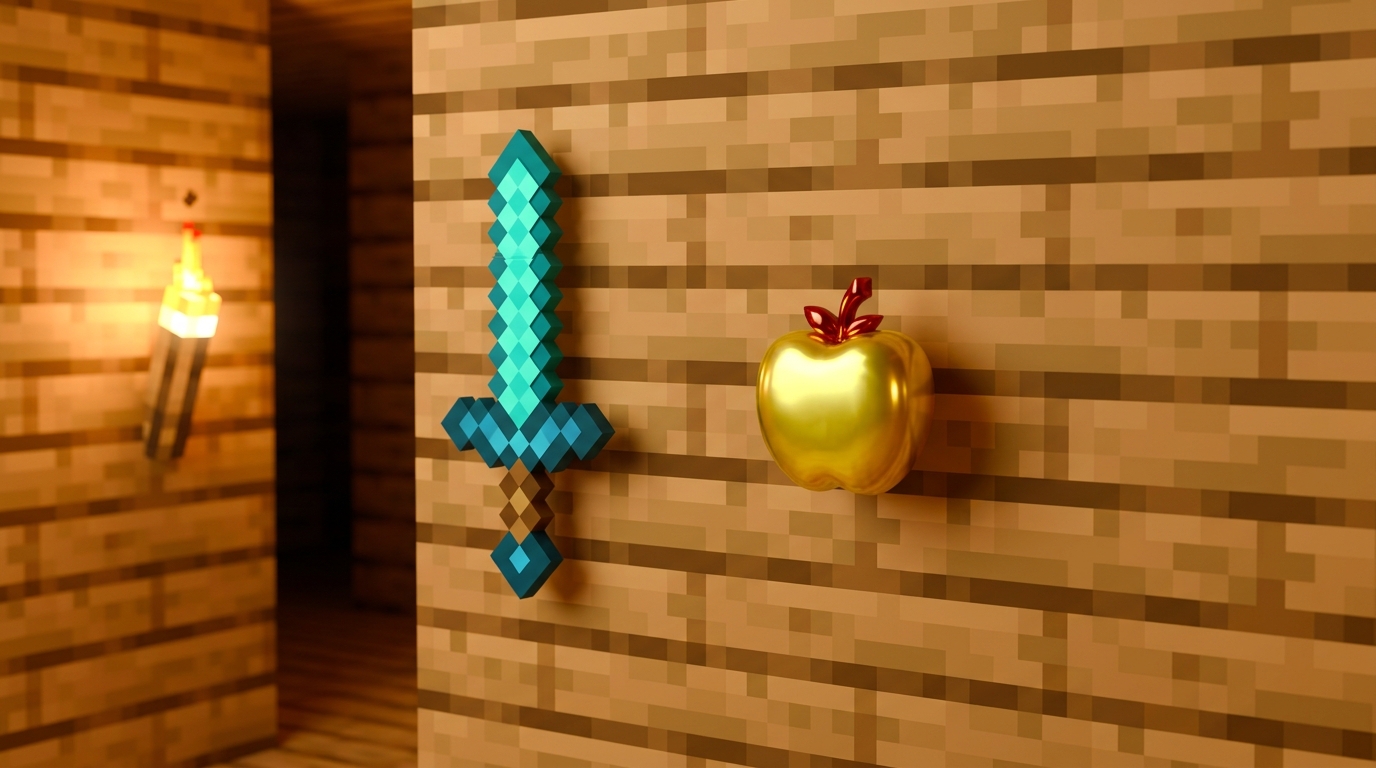
Since you cannot use the standard Java command on consoles or mobile devices, you have to get a little creative to hide those bulky item frame borders. One of the most popular community workarounds is using a custom resource pack that turns the item frame texture completely transparent. You can find these packs on various community sites and apply them to your world settings to make your items look like they are sitting directly on your tables or walls. This is a significant improvement for interior design because it allows you to place food on plates or tools on workbenches without a wooden square ruining the vibe.
If you prefer not to use external downloads, you can use a clever trick involving armor stands to mimic the look of floating items. By placing an armor stand inside a block and using a potion of invisibility on it, you can make the item it is holding appear as if it is resting naturally on a surface. You will need to use a piston to push a block into the same space as the invisible stand to finish the effect. This technique is perfect for creating realistic kitchen counters or cluttered bookshelves where you want specific items to stand out.
These methods bridge the gap for Bedrock players who want to achieve that professional builder look seen in many famous maps. Whether you choose a quick texture pack or the more hands-on armor stand approach, you can finally decorate your base with the precision you have always wanted. You can place a clock on a wall or a compass on a map table without any distracting frames getting in the way of your vision. Learning these hidden item frame secrets will give your survival world or creative build a much more polished and intentional feel.
Creative Interior Design Hacks Using Invisible Frames
You can transform a standard room into a lived-in masterpiece by using invisible item frames to place items directly on your furniture. Instead of seeing a bulky wooden square around every object, this trick lets you rest a loaf of bread or a glistening golden apple right on a wooden table. You can even place a clock or a compass on a desk to make it look like a functional workspace for a cartographer. This technique adds a layer of depth that makes your interior feel much more realistic and detailed. It is the perfect way to bridge the gap between simple block building and high-level aesthetic design.
Hanging tools on your walls is another fantastic way to use this hidden feature to your advantage. You can place a diamond axe or a shovel directly onto a stone wall in your forge to create a professional tool rack. This removes the clutter of chests and lets you show off your gear as part of the decor itself. In a kitchen setting, you might place a bowl or a potion bottle on a shelf to mimic a spice rack or a set of dishes. These small 3D details pull a room together and make your house feel like a real home.
If you are playing on Java Edition, you will need to use a specific command to give yourself these special frames since they cannot be crafted. For Bedrock Edition players, you can achieve the same look by using a resource pack or experimenting with armor stand posing tricks to add subtle clutter to your builds. Once you have them, try placing a pressure plate over an invisible frame to create a plate with food on it. You can even use Minecraft furniture glitches and tuck small items into bookshelves or behind stairs to add subtle clutter to your builds. These simple hacks are the best way to get that professional look without ever leaving the vanilla game.
Level Up Your Builds with Invisible Frames
Mastering the invisible item frame glitch is one of the most effective ways to transform your Minecraft builds from basic to professional. Whether you are playing on Java Edition using the latest 1.21 data component commands or using custom player head commands on Bedrock, these hidden frames allow you to place items directly on surfaces without any bulky borders. You can finally create a realistic kitchen by placing a loaf of bread on a counter or design a cozy workshop with tools hanging neatly on the wall. This simple trick bridges the gap between standard survival building and expert level interior design.
Getting started with these invisible tools is easy once you have the right command or pack ready to go. Remember that for Java Edition players, you will need to use the give command to receive a frame with the invisible component already active. For those on Bedrock, choosing a reliable resource pack will ensure your decorations look seamless every time you log in. Start experimenting with different item combinations, like placing a pressure plate under a food item to create a realistic dinner plate. To ensure your hard work stays protected, you can also learn stress free building techniques to keep creepers from ruining your new decorations. Your creative projects will reach a whole new level of detail now that you have this secret building hack in your toolkit.
Frequently Asked Questions
1. What exactly is the invisible item frame glitch?
It is a clever building trick that hides the wooden border and background of an item frame while leaving the item inside visible. You can use this to make it look like a sword is resting on a table or a plate of food is sitting on your kitchen counter.
2. How do I get invisible item frames in Minecraft Java Edition?
You need to use a special command because these frames cannot be crafted at a crafting table. Type /give @s item_frame[entity_data={id:"minecraft:item_frame",invisible:1b}] into your chat console to receive one immediately.
3. Why did my old commands stop working in version 1.21?
The game recently updated its coding system from NBT tags to something called Data Components. You just need to use the updated command syntax to match the new 1.21 format so your frames disappear correctly.
4. Can I use this trick if I play on Bedrock Edition?
Yes, though it works a bit differently than it does on Java Edition. Since Bedrock does not use the same commands, you will need to download and apply a resource pack to make your frames invisible.
5. Will the item I put inside the frame also be invisible?
No, only the frame itself disappears from view. Your tools, food, or decorative blocks will remain perfectly visible, making them look like they are floating or resting directly on the surface.
6. What are some cool ways to use these frames in my house?
You can place a pressure plate on a table with an invisible frame to make it look like a real plate with food on it. They are also great for hanging lanterns on walls without any bulky supports or placing tools directly on top of a workbench.