
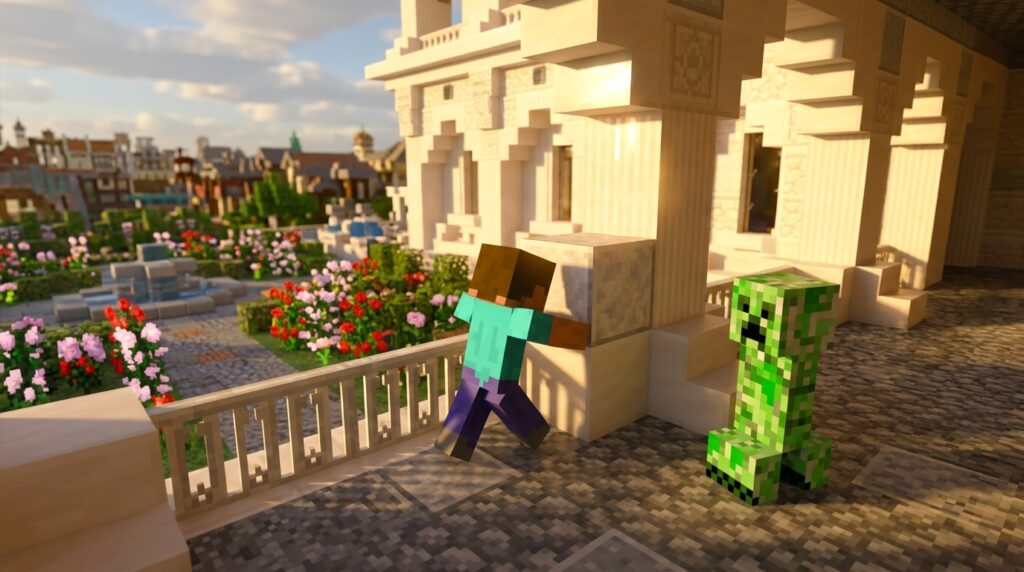
Tired of returning to your base only to find a gaping hole where your chest room used to be? Using mob griefing toggle commands is the best way to protect your hard work from explosive Creepers and pesky Endermen stealing your grass blocks. By simply typing /gamerule mobGriefing false into your chat, you can finally stop worrying about Ghast fireballs or Wither destruction ruining your builds.
This command gives you total control over how much the environment can be changed by the creatures around you. While it keeps your walls safe, remember that it also stops Villagers from picking up crops and prevents Sheep from regrowing wool by eating grass. It is a powerful tool if you want to focus on building and adventuring without the constant headache of repairing unexpected blast damage.
Key Takeaways
- Use the command /gamerule mobGriefing false to prevent Creepers, Ghasts, and Withers from destroying blocks while still maintaining the challenge of survival combat.
- Disabling mob griefing stops Endermen from stealing blocks and altering your landscape, ensuring your builds and gardens remain exactly as designed.
- Be aware that this setting is a global toggle that disables automated villager crop farms, villager breeding, and the ability for sheep to regrow wool.
- Activating this command requires cheats to be enabled, which will permanently disable achievements on Bedrock Edition and requires operator status in Java Edition.
How To Use The MobGriefing False Command
To stop those pesky creepers from ruining your hard work, you simply need to open your chat window and type the command exactly as it appears. In Java Edition, press the T key to open your console and type /gamerule mobGriefing false before hitting Enter. You must make sure that cheats are enabled in your world settings or that you have operator status on a server for this to work correctly. Remember that the G in mobGriefing must be capitalized, as the game will not recognize the command otherwise. Once you see the confirmation message in your chat, you can build your base without worrying about explosions destroying your blocks ever again.
If you are playing on Bedrock Edition, the process is very similar but requires a quick check of your world settings first. You will need to toggle the Cheats option to on, though keep in mind that this will permanently disable achievements for that specific world. After that is set, open your chat and type /gamerule mobGriefing false to lock down your environment. This single command is a lifesaver for survival players who want a stress-free experience while designing intricate gardens or detailed structures. Just remember that this is a global setting, so it will also stop villagers from harvesting crops or endermen from picking up grass blocks.
Using this command is the best way to maintain the beauty of your builds while still enjoying the challenge of survival mode. You can still fight mobs and collect their loot, but their ability to break your walls or blow up your chests will be completely gone. If you ever decide you want the extra challenge back, you can simply swap the word false for true in the same command to restore original gameplay. This flexibility allows you to focus on your creativity during big projects and only turn risks back on when you feel ready. It makes a huge difference for builders who are tired of repairing holes in the ground after every single night.
Why Disabling Mob Griefing Saves Your Survival Base
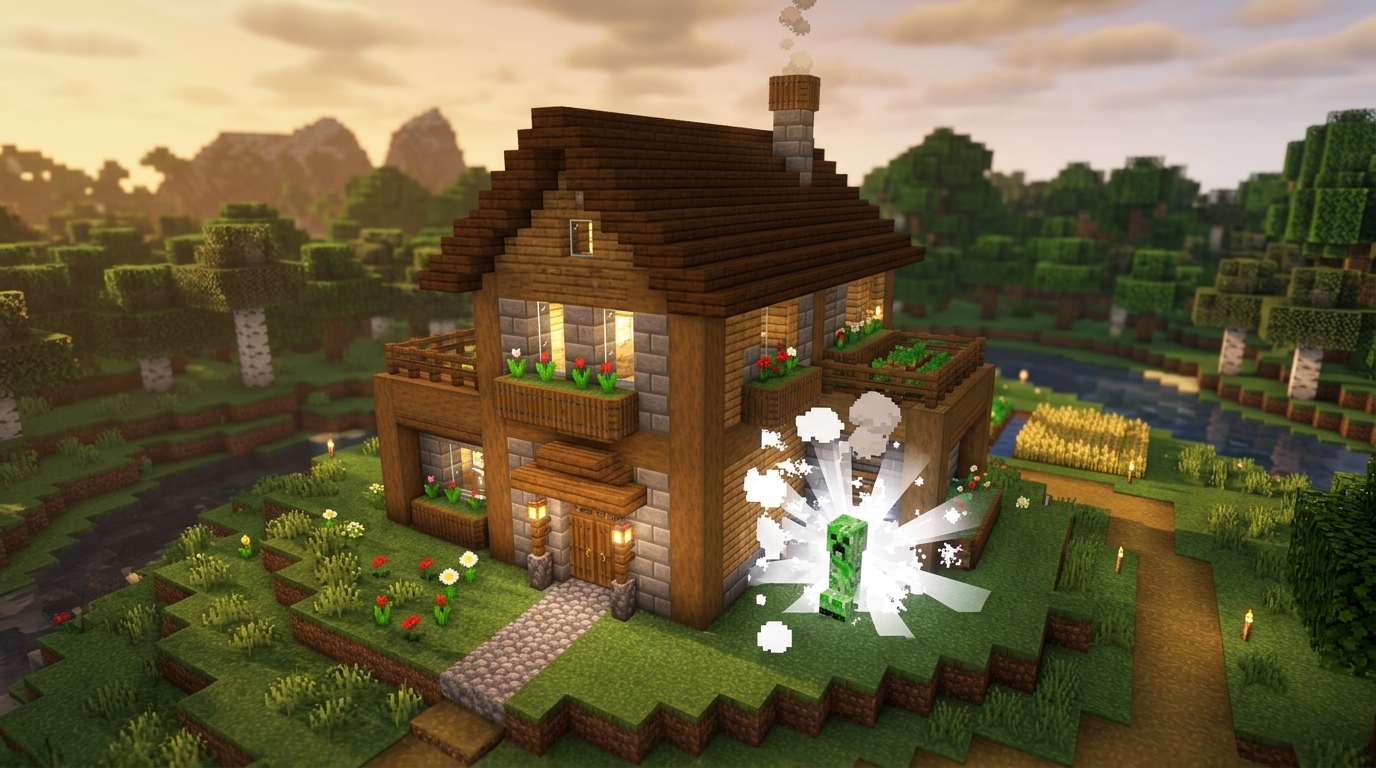
Nothing ruins a long building session faster than the sudden hiss of a Creeper behind you just as you finish your masterpiece. When a Creeper explodes in survival mode, it does not just hurt your character, it also destroys the blocks you carefully placed and leaves a messy crater in your lawn. By using the command gamerule mobGriefing false, you can permanently stop this destruction without losing the challenge of fighting monsters. This simple cheat ensures that even if a Creeper catches you off guard, your structures remains perfectly intact and your hard work stays safe.
Beyond the threat of explosions, this command also solves the annoying problem of Endermen stealing blocks from your landscape. These tall mobs love to pick up grass, dirt, and sand, often leaving random holes in your hills or gaps in your garden walls. Turning off mob griefing prevents them from interacting with the environment, so your world stays exactly the way you designed it. It is the perfect solution for players who want a stress free experience where they can focus on aesthetics and base building.
Keep in mind that this global setting affects all mobs, including helpful ones like Villagers. When you disable griefing, Villagers will no longer be able to harvest crops or share food, which can pause your automatic farm designs. However, for most players, the trade off is well worth it to prevent Ghast fireballs from wrecking a Nether hub or Sheep from eating all your decorative grass. It is a powerful tool that gives you total control over the physical safety of your Minecraft home.
Important Side Effects On Villagers And Sheep
While turning off mob griefing is a lifesaver for your beautiful builds, you should know it changes how your villagers behave. When you set this command to false, villagers lose the ability to pick up items like bread or carrots from the ground. This means they can no longer share food with each other, which completely stops them from breeding and creating new villagers for your town. Even worse, your automated villager crop farms will stop working because villagers from picking up crops is no longer possible under this rule. You will have to manually farm your own food and hand-breed your villagers if you want your population to grow.
Sheep are also heavily impacted by this global setting in ways you might not expect. Normally, a sheep eats grass to regrow its wool after you shear it, but disabling mob griefing prevents them from actually breaking the grass block. Because they cannot successfully eat the grass, their wool will never grow back naturally. This can be a huge problem if you are trying to collect lots of colorful wool for a large building project. You will find yourself stuck with a field of naked sheep unless you turn the gamerule back on or use master your Minecraft world spawn eggs to get new ones.
Remember that this command is an all-or-nothing switch for your entire world. You cannot choose to stop creepers from exploding while still allowing your villagers to tend to their gardens. If you decide to keep griefing off for a stress-free experience, you should plan your resource gathering accordingly. Much like how you might save your items after a dangerous fall, many players choose to toggle the command on briefly when they need to run their farms and then turn it back off when they return to building. This keeps your structures safe from surprise explosions while ensuring your automated systems do not stay broken forever.
Protect Your Builds From Creeper Blasts
Taking control of your Minecraft world allows you to focus on your builds without the constant fear of a Creeper blast ruining hours of hard work. By using the mob griefing toggle, you can finally stop those green monsters from blowing holes in your landscape or destroying your intricate redstone circuits. This simple command transforms the experience into a peaceful creative outlet where your structures stay exactly how you built them. It is the perfect solution for players who love the challenge of survival mode but hate the frustration of repairing terrain damage. You can spend more time gathering rare materials or save time decorating your base instead of patching up dirt patches caused by random explosions.
Mastering this toggle is helpful for anyone who wants a stress free experience while still playing with their favorite mobs. While it does disable some helpful features like villager farming or Endermen picking up blocks, the peace of mind you gain is often worth the trade-off. You will no longer have to worry about Ghast fireballs destroying your Nether bridges or Withers wrecking your underground bunkers. This command gives you the power to dictate how the world interacts with your creations, ensuring your legacy in the game remains intact. Using these survival tips will help you play smart and keep your Minecraft world alive. Just remember to have your cheats enabled so you can switch the rule back and forth whenever you feel like a new challenge. If you are looking to expand your world even further, you can learn to build massive structures using other powerful console commands.
Frequently Asked Questions
1. How do I turn off mob griefing in my Minecraft world?
To disable mob griefing, open your chat window and type /gamerule mobGriefing false then hit Enter. Make sure you capitalize the G in mobGriefing and ensure that cheats are enabled in your world settings for the command to work.
2. Will this command stop Creepers from hurting me?
No, this command only stops Creepers from destroying blocks when they explode. You will still take damage if you are standing too close to the blast, but your house and grass will remain perfectly intact.
3. Does disabling mob griefing affect my Villager farms?
Yes, turning this setting off prevents Villagers from picking up food or seeds. This means they will no longer be able to farm crops automatically or share food with each other to breed.
4. Can I use this command on a console or mobile phone?
You can use this on Bedrock Edition by toggling the Cheats option to on in your world settings. Once cheats are active, simply type /gamerule mobGriefing false into the chat to protect your builds.
5. How do I turn mob griefing back on if I change my mind?
You can easily reverse the setting by typing /gamerule mobGriefing true into your chat console. This will allow Endermen to pick up blocks and Sheep to regrow their wool by eating grass once again.
6. Will turning on cheats affect my progress?
If you are playing on Bedrock Edition, enabling cheats to use this command will permanently disable achievements for that specific world. On Java Edition, you can use the command as long as you have operator status or enabled cheats during world creation.