
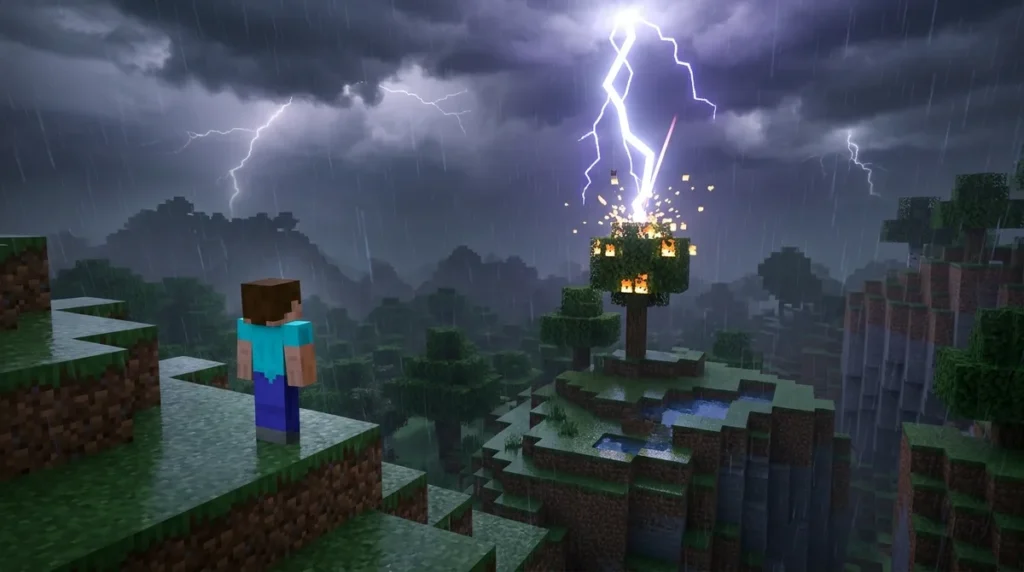
The Weather command in Minecraft lets you switch your world to clear skies, rain, or thunder by typing one line in chat. In Java Edition, enter /weather followed by clear, rain, or thunder. You can also add a duration, such as /weather rain 600s for ten minutes of rain. Java accepts t for ticks, s for seconds, and d for in-game days, and there are 20 ticks in one second.
Bedrock Edition uses the same three weather types, but it measures the optional duration in game ticks. That means /weather thunder 600 gives you only 30 seconds of storm. Bedrock also needs cheats turned on before the command works in a single-player world. Be careful with older examples, too, since Java changed how durations are entered in version 1.19.4. The Minecraft Wiki keeps the full syntax list if you want every option in one place.
Key Takeaways
- In Java Edition, you can set the weather with /weather clear, rain, or thunder and add a unit like 900s, 1200t, or 2d to control how long it lasts.
- In Bedrock Edition, the /weather duration must be a whole number of game ticks, so /weather clear 18000 gives you 15 minutes of clear skies because 20 ticks equal one second.
- Bedrock single-player worlds need Allow Cheats turned on before /weather works, and enabling Allow Cheats permanently disables achievements in that world.
- In snowy plains and taiga, the rain weather type produces falling snow and the thunder type produces a blizzard, so you should test the command in a creative world before using it on a build site.
- If you leave out the duration in Bedrock Edition, the game picks a random length between 300 and 900 seconds, so you should set a duration yourself when you need a specific storm length.
Which Weather Types Can You Set With /weather?
You can set three weather types with /weather: clear, rain, and thunder. Each one changes the sky, the ground, and the sounds you hear while you build, mine, or explore.
Here is what each type does in play:
- clear removes rain and thunderstorms and brings back a bright sky.
- rain starts a normal rainfall over your world. Rain falling on open water or exposed fires is a good way to see the change right away.
- thunder is a heavier storm that adds dark clouds and lightning on top of the rain.
Cold biomes change the picture. In snowy plains and taiga, the rain type produces snow instead of raindrops, and the thunder type produces a blizzard. The same command works everywhere, but the weather you see depends on the biome you are standing in.
Say you stand in a snowy taiga next to a row of spruce trees and type /weather rain. Instead of water hitting your head, you see snowflakes drifting down between the trees, and snow starts to collect on the ground around you. If you switch to thunder in the same spot, the snow turns into a blizzard, and the view can quickly become hard to see through.
On Bedrock Edition, thunder includes lightning and sky noises, so the storm sounds as dramatic as it looks. It is a good way to test how a storm affects a build site or a night-time mob fight before you commit to it.
How Do You Write the Weather Command in Java Edition?
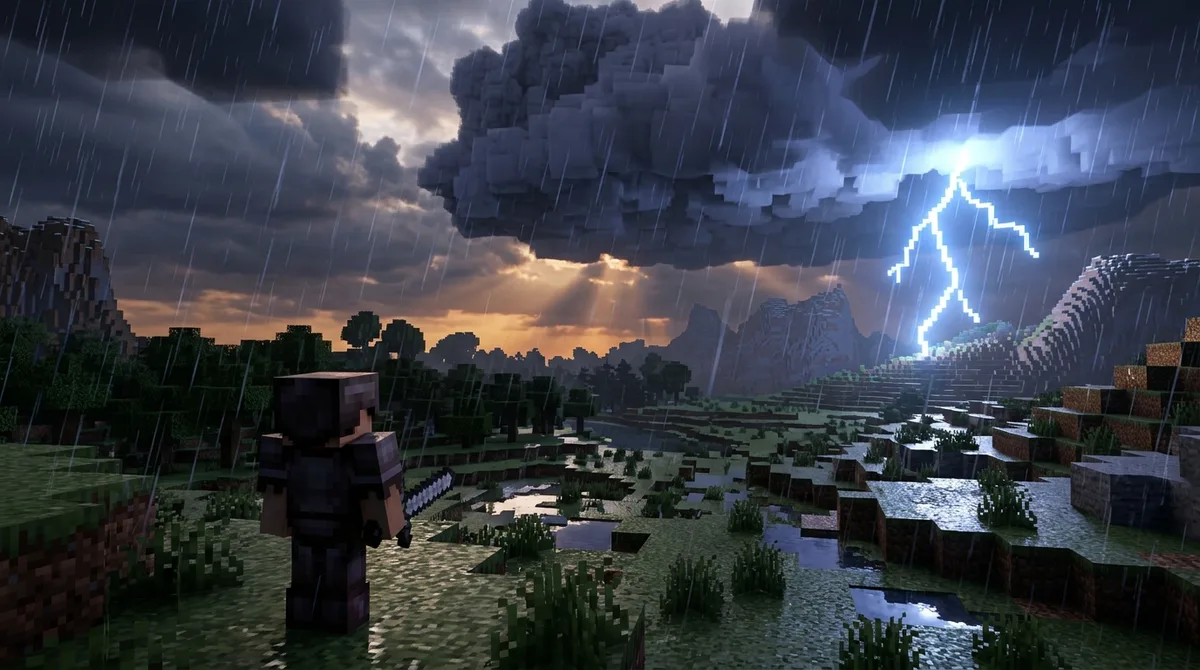
To write the weather command in Java Edition, type /weather, then clear, rain, or thunder, and optionally add a duration. The full pattern is /weather (clear|rain|thunder) [<duration>]. The duration is the only part you can leave out.
The duration is a number followed by a unit letter. Java accepts t for ticks, s for seconds, and d for in-game days. Game time runs on ticks, with 20 ticks in one second and 24,000 ticks in one in-game day. That means /weather clear 1200t lasts 60 seconds, while /weather thunder 2d gives you two in-game days of storm, or 48,000 ticks.
Follow these steps to set the weather in a Java world:
- Press T to open the chat window.
- Type /weather, a space, and then clear, rain, or thunder.
- Add a space and a duration with a unit, such as 1200t, 90s, or 2d.
- Press Enter and watch the sky change in your world.
Pick the unit that matches the length you want. Seconds are easy to read for short storms, while days work better when you want a storm to last through a full night and morning. If you are building at night, a duration in days keeps the weather steady while you work.
Be careful with older tutorials. Java Edition 1.19.4 changed how weather durations are entered, so older command examples may need adjustment before they work in your world. If an example from an older guide does not behave as described, rewrite the duration using the units above and test it in a spare world.
What Changes in the Bedrock Weather Command?
Bedrock Edition uses the syntax /weather <clear|rain|thunder> [duration: int]. You choose one of the three weather types, and the duration is optional. The duration must be a whole number. Bedrock does not accept unit letters the way Java does, so you type the number by itself.
That number counts game ticks, and 20 ticks make one second. A value of 1200 gives you one minute of rain, and 6000 gives you five minutes. Always convert the number to ticks before you type it, or the storm will end sooner than you expect.
The duration argument changed in version 1.18.30. Before that version, Bedrock read the number as seconds, so /weather rain 600 lasted ten minutes. Since 1.18.30, the same number is read as ticks, which makes the storm 20 times shorter. If you copy a command from an older guide, multiply the number by 20 to keep the same length.
Follow these steps to set a timed storm in a Bedrock world:
- Open chat in your Bedrock world with the T key.
- Enter /weather, then a space, then clear, rain, or thunder.
- Add a space and a whole number of ticks, such as 1200.
- Press Enter to run the command and watch the sky change.
Bedrock also supports /weather query, which checks the current weather state of your world. Type it in chat when you return to a world after a break and want to know whether the rain is still falling or the thunder has stopped. It is a quick check before you start digging or building outdoors.
Do You Need Cheats Turned On to Use /weather?
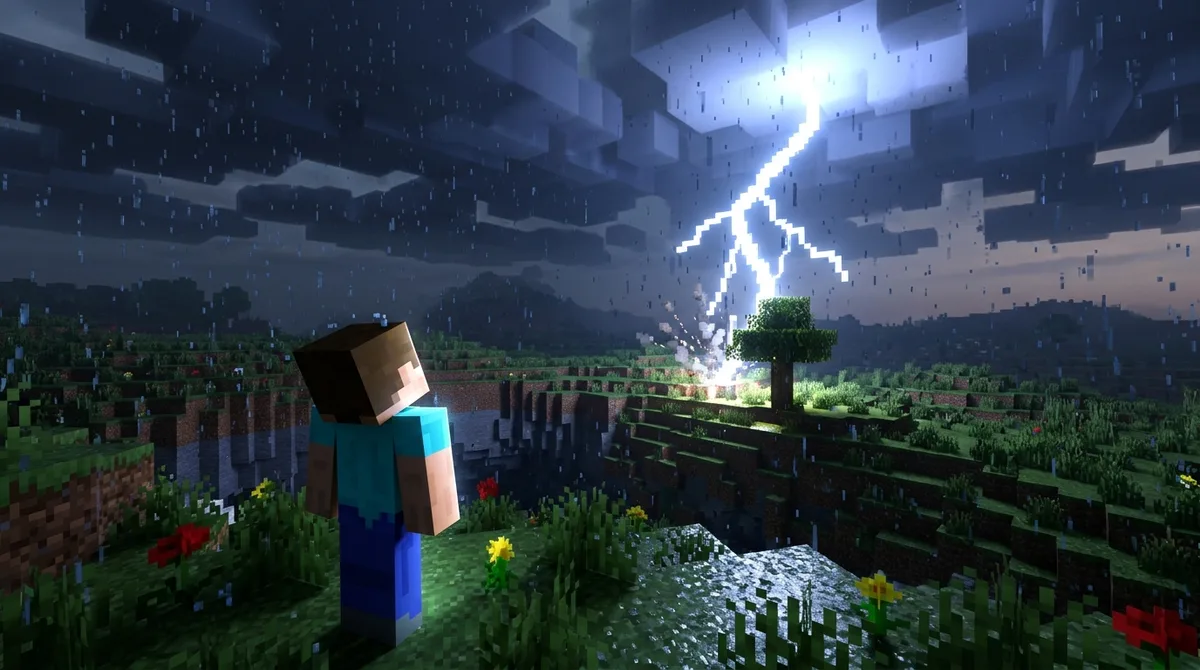
Yes, you need cheats or the right permissions before /weather works, and the rules differ between editions. In Bedrock single-player, the world must have Allow Cheats turned on before the command runs. You can set this when you create a world or change it in the world settings.
Turning on Allow Cheats permanently disables achievements in that world. Once cheats have been enabled there, achievements you earn in that world will not unlock, even if you turn cheats off later. If you want to keep your achievement progress, use a separate world for experiments and leave your main survival world alone.
Microsoft Learn lists the permission level for the Bedrock /weather command as Game Directors. Check your world’s permission settings before you assume the command will work for everyone in a shared game, because a player without that level cannot run it.
Java Edition has its own rule. To run /weather, you need cheats enabled in the world or operator-level permissions on the world or server. If you play solo, enabling cheats when you create the world is the simplest route. On a server, an operator can run the command for the players who need it. Regular players without permission will see the game reject the command.
Before you change anything in your main world, test each command in a separate creative world first. A creative world lets you see how rain, snow, and thunder look over your build site without putting a survival base or your achievement progress at risk. Try /weather thunder with a few different durations, note which ones fit your plans, and then use the same commands in your main world.
How Long Does Weather Last Without a Duration?
If you leave out the duration, the game chooses a length for you, and the range depends on your edition. Bedrock Edition picks a random time between 300 and 900 seconds, which is five to fifteen minutes of weather. Java Edition uses a separate random range for each weather type, measured in game ticks.
Bedrock uses that same 300 to 900 second window for every weather type, so a plain /weather thunder or /weather clear ends somewhere in that span. You will rarely get a long, quiet storm from a default, so set a duration yourself if you need a specific length.
Java works differently. Here is how the default ranges compare, with the real-time length at 20 ticks per second:
| Edition | Weather type | Default range when omitted | Approximate real time |
|---|---|---|---|
| Bedrock | Clear, rain, or thunder | 300 to 900 seconds | 5 to 15 minutes |
| Java | Clear | 12,000 to 180,000 ticks | 10 minutes to 2.5 hours |
| Java | Rain | 12,000 to 24,000 ticks | 10 to 20 minutes |
| Java | Thunder | 3,600 to 15,600 ticks | 3 to 13 minutes |
The same command can end at very different times in each edition. A bare /weather clear in Java can keep the sky bright for two and a half hours, while the same words in Bedrock stop after at most fifteen minutes. A bare /weather thunder in Java can end after three minutes, so a night-time build could be interrupted almost right away.
When you plan a build session, decide on the length first, then type the command. In Java, add a unit such as 1200t or 90s. In Bedrock, type a whole number of ticks.
Why Does My Weather Command Not Work as Expected?
If your /weather command does nothing or behaves strangely, the cause is usually one of four things: cheats or permissions are off, you copied an old syntax, the duration unit is wrong, or you are in a dimension your Java version does not support. Work through these in order, starting with the simplest check.
Start with permissions. In Bedrock single-player, the world must have Allow Cheats on. In Java, you need cheats enabled in the world or operator rights on the server. If a friend on your server cannot run the command, they probably lack operator status, so ask an operator to run it for them.
- Cheats are off, or your account has no operator rights, so the game blocks the command.
- You copied a duration format from a guide written before Java 1.19.4, which handles durations differently.
- You typed a bare number in Java, such as /weather rain 600, when Java expects a unit after the number.
- You are in the Nether or The End on a Java version older than 1.20.5, where /weather did not work outside the Overworld.
The dimension issue catches many players by surprise. Say you are in the Nether near a fortress and type /weather thunder in a Java world running 1.20.5 or newer. The storm starts there, just as it would in the Overworld. If you are on an older version, the same command does nothing in that dimension, so update your game or return to the Overworld to test it.
For the duration, add t, s, or d after the number in Java. For example, write /weather rain 600s instead of /weather rain 600. Bedrock is different, since it takes a plain whole number of ticks with no unit letter.
When a command still fails, check the latest syntax on the weather page linked in the introduction. Then test the command in a spare creative world. That way you can fix the problem without touching your main survival save.
Setting Your Perfect Weather for the Next Build Session
Start with the session you have planned. If you want fifteen minutes of clear skies for a daytime build, Bedrock players can type /weather clear 18000, since 900 seconds at 20 ticks each equals 18,000 ticks. Java players can type /weather clear 900s for the same length.
Before you run either command, confirm your permissions. In Bedrock, open the world settings and check that Allow Cheats is on. In Java, make sure cheats are enabled in your world or that you have operator rights on your server. If you play on a shared Bedrock world, remember that Allow Cheats blocks achievements in that save, so use a copy of your world for any experiments.
Next, run a short test in a flat creative world. Stand next to a spruce tree in a snowy plains biome and type /weather rain 600s in Java or /weather rain 12000 in Bedrock. Watch whether the rain turns into snow, then count how long the weather lasts. If the timing matches what you expected, you can apply the same command to your main build.
Keep a small note on your phone or a sheet of paper with the command you used for each edition and the duration it gave you. Players who switch between Java and Bedrock often mix up units, and a written note saves you from a storm that ends halfway through building your roof.