
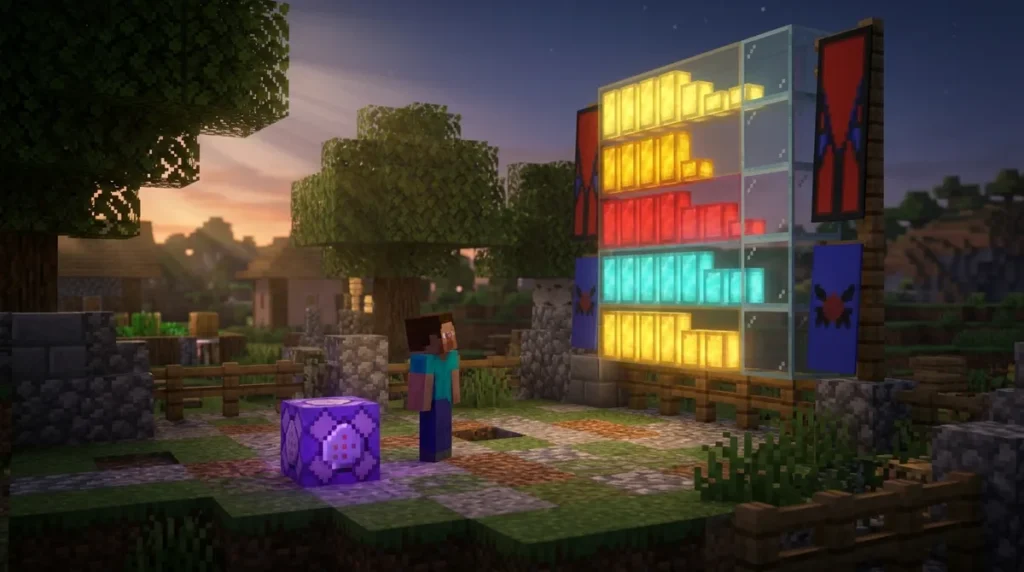
The /scoreboard command in Minecraft lets you create objectives that count scores for each player and show them on screen. Think of an objective as a named counter, such as shearedSheep, which you can make with /scoreboard objectives add shearedSheep dummy. Scores are stored as 32-bit integers, so they can run from -2,147,483,648 to 2,147,483,647, which is more than enough for any minigame.
On Bedrock Edition, you need cheats turned on before the command works. Then you can show results in one of three display slots: belowName, list, or sidebar. Java Edition has had scoreboards since version 1.5, released March 13, 2013, and it can also update some player stats automatically. That makes the /scoreboard command a handy tool for maps and minigames, where you need to set, change, test, and reset scores as players play.
Key Takeaways
- Bedrock Edition players must turn on cheats in their world settings before the /scoreboard command will run at all.
- Java Edition’s deathCount and playerKillCount criteria update death and kill scores automatically, so you can skip command blocks for those counts.
- Your scoreboard objectives can hold any whole number from -2,147,483,648 to 2,147,483,647, which is far more than any minigame needs.
- Removing an objective with /scoreboard objectives remove permanently deletes all of its scores, so you should run /scoreboard objectives list before you remove anything.
- Your players must use /scoreboard players enable @a checkpoint again after each trigger use, because a trigger locks until someone re-enables it.
How Do Objectives Track Scores in Minecraft?
An objective is a named counter that the scoreboard keeps for each player, and you create one with the /scoreboard objectives add command. Microsoft’s Bedrock tutorial uses sheep shearing as its example: an objective called shearedSheep can count how many times a sheep is sheared. A dummy objective doesn’t count anything on its own, so you need to change the score yourself, usually with a command or a command block, each time a sheep gets sheared.
The name you type, shearedSheep, is the objective’s internal ID. The text in quotes, “Top Shearers”, is the friendlier name that players see when the objective appears on screen.
Scores are stored as 32-bit integers, so an objective can hold any whole number from -2,147,483,648 to 2,147,483,647. A sheep-shearing contest will never come close to that limit.
Here is the order to follow in a test world:
- Turn on cheats in your Bedrock world settings, because the command won’t run without them.
- Type
/scoreboard objectives add shearedSheep dummy "Top Shearers"in chat and press Enter. - Type
/scoreboard objectives listto see every objective in the world, with shearedSheep among them. - Type
/scoreboard objectives remove shearedSheepwhen you want to delete it.
The list command is handy once a map has several objectives, since it shows each one by its internal name. Removing an objective deletes it for good, and any scores stored under it go with it, so check your list before you remove anything.
Which Criteria Can Your Objective Use?
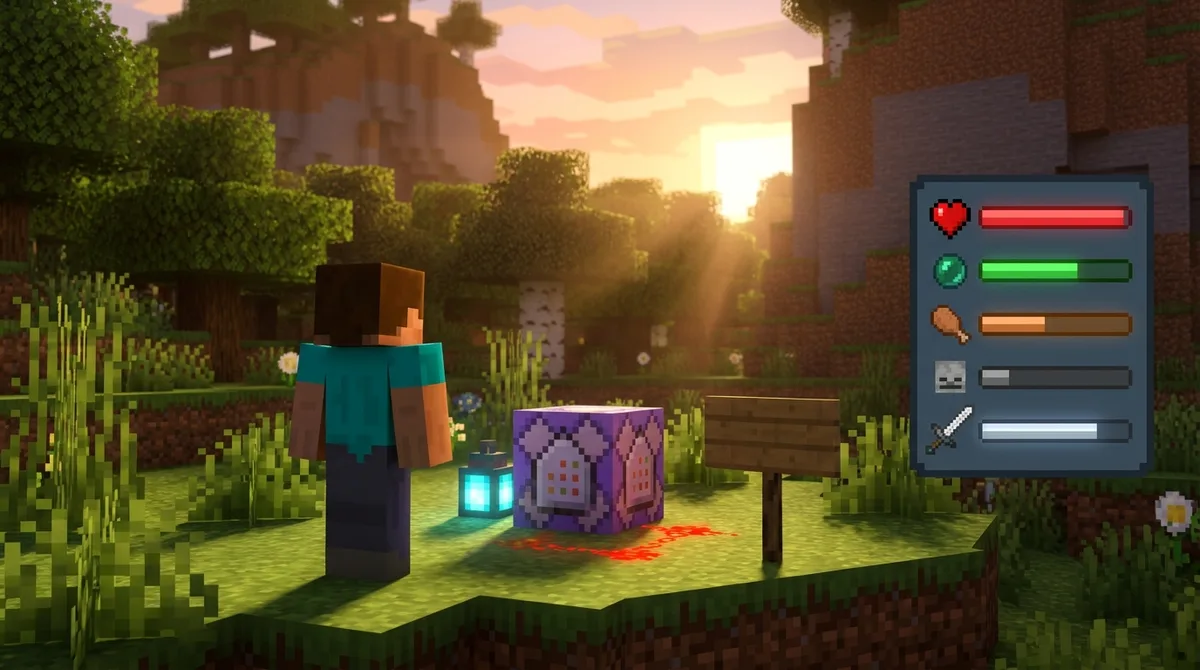
Each objective uses one criterion, and that criterion decides whether its scores change on their own. Bedrock Edition supports only the dummy criterion, so every score there is one you set yourself with commands. The game never updates a dummy objective for you, which makes it a good fit for custom counts like coins collected in a parkour map or checkpoints reached in a race.
Java Edition offers more choices. Alongside dummy, it includes criteria that follow game statistics automatically, such as health, xp, and level. Two of them are especially useful in combat minigames. The deathCount criterion goes up by one each time a player dies, and playerKillCount goes up each time a player kills another player.
For a simple player-versus-player game in Java, you could create a kill counter like this:
– /scoreboard objectives add kills playerKillCount “Kills” – /scoreboard objectives list to confirm that kills appears with the playerKillCount criterion
Bedrock players can’t do this. They would create a dummy objective and add points with a command each time a kill happens. That takes more setup, but it works on every version of the game that supports scoreboards.
The criterion is locked in when you create the objective. If you pick dummy by mistake, you’ll need to remove the objective with /scoreboard objectives remove and create it again, which also clears its scores. Before you type the command, decide where your scores should come from. If you’re building for both editions, plan a separate setup for each. Players can also change their own scores with the trigger criterion, which is covered later in this guide.
Where Do Scores Show Up on Screen?
The /scoreboard command can place an objective in three display slots: sidebar, belowName, and list. Each slot shows the scores in a different spot, so you can pick the one that fits your map or minigame.
– sidebar: a panel on the right side of the screen – belowName: the score floats under each player’s name – list: the score appears in the player list
To put shearedSheep in the sidebar, type /scoreboard objectives setdisplay sidebar shearedSheep in chat and press Enter. Swap sidebar for belowName or list to move it somewhere else. Each slot holds one objective at a time, so assigning a new objective to the sidebar replaces the old one. To clear a slot, run the same command without an objective name at the end.
The title players see comes from the quoted display name. In the add command, “Top Shearers” becomes the header above the scores. On Java Edition, you can change that text later with the modify subcommand and its displayname option, and your existing scores stay in place. Bedrock players should set the title when they create the objective, since that is the step where the quoted name is entered.
Java Edition has a few newer options worth knowing. Its 1.21.5 update changed the styled number format in /scoreboard from JSON to SNBT, so any styling you add to a score must be written in SNBT. Recent Java updates also let you give individual scoreboard entries a custom display name, so a score line can show a player’s nickname instead of their username.
Before a match, run a short test in a flat world. Set the objective to the sidebar, score a few sheep, and check that the title and numbers look right on both a wide and a small window.
How Can You Set, Add, and Calculate Player Scores?
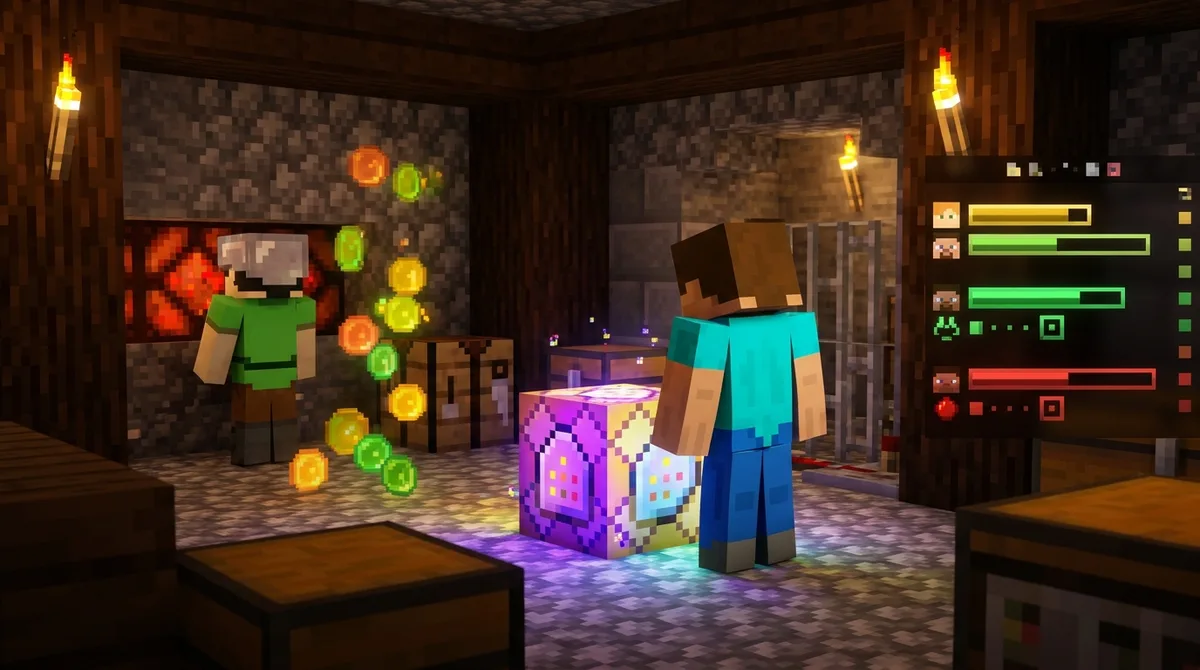
You change a player’s score with the /scoreboard players subcommands. Set, add, remove, and reset adjust the number directly, while random and operation handle more creative jobs. Every players command follows the same pattern: the player or selector comes first, then the objective, then the value.
Set, add, and remove are the commands you’ll use most. Picture a coin-collecting minigame where each coin adds 1 to a player’s coins objective. Each pickup adds to the player’s total, so the score builds up over the match.
Here is a sequence for that minigame, using a player named Alex:
- Type /scoreboard players set Alex coins 0 in chat to start the round at zero.
- Type /scoreboard players add Alex coins 1 each time Alex picks up a coin.
- Type /scoreboard players remove Alex coins 5 to take away five coins as a penalty.
- Type /scoreboard players reset Alex coins to wipe the coins score when the round ends.
The random subcommand picks a number between a minimum and a maximum, and both endpoints can be chosen. For example, /scoreboard players random @a reward 1 3 gives every player a reward score of 1, 2, or 3.
The operation subcommand combines two objectives with math. To add each player’s reward to their coins, type /scoreboard players operation @a coins += @a reward. The += operator adds the reward score to coins, while -= subtracts and *= multiplies.
Scores also control what happens in a map. Using execute if score Alex coins matches 10.. runs a command only when Alex has 10 or more coins, such as opening a gate to the next room.
Can Players Change Their Own Scores With Trigger?
Trigger objectives let players change their own scores by typing a /trigger command, so you don’t have to run a command for every change. Create one with the trigger criterion, for example /scoreboard objectives add checkpoint trigger “Checkpoint”.
Players can’t use a trigger right away. First, each player needs the enable subcommand, such as /scoreboard players enable @a checkpoint, which unlocks the trigger for everyone in the world. After a player uses a trigger, it locks again until someone enables it once more.
Picture a race map with a checkpoint at each gate. When a runner reaches the first gate, they type /trigger checkpoint in chat, and their score changes to the value you set. If you want the checkpoint to count up, you can use /trigger checkpoint add 1 instead. Put a sign beside each gate that shows the exact command to type, so runners don’t have to guess.
To react to the new score automatically, pair the trigger with a repeating command block. This command checks every player and fires only when the score is 1 or higher:
/execute as @a[scores={checkpoint=1..}] run title @s actionbar Checkpoint reached
After the message appears, reset the score with /scoreboard players reset @a[scores={checkpoint=1..}] checkpoint, then enable the trigger again so the next gate works.
How Do You Track Kills, Deaths, and Time in a Minigame?
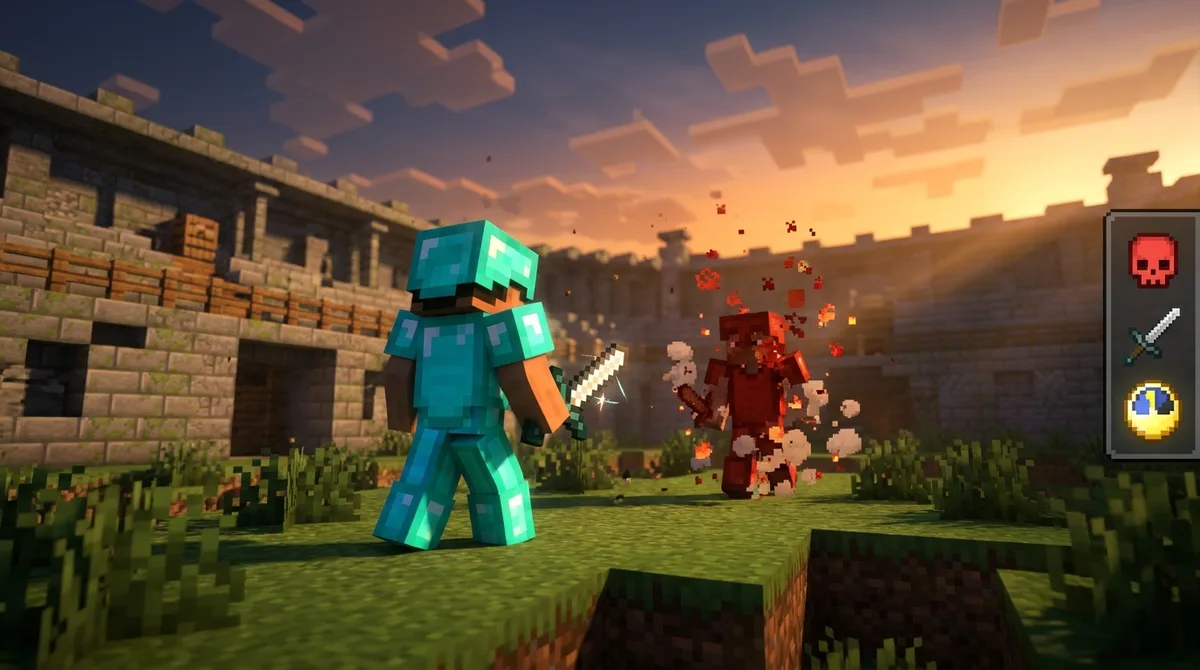
To track kills, deaths, and time in a minigame, you can let Java Edition count kills and deaths for you, or have Bedrock command blocks add points when they happen. You can then use a fake player’s score as a countdown clock. Java players can start with the deaths objective, which updates itself.
Java Edition’s deathCount criterion goes up by one whenever a player dies, so you don’t need any command blocks for deaths. The kills objective you made earlier with playerKillCount works the same way for kills. Bedrock players need dummy objectives and command blocks instead. Here is the full setup for a duel arena:
- On Java Edition, type /scoreboard objectives add deaths deathCount “Deaths” in chat to create an objective that counts deaths automatically.
- Type /scoreboard objectives setdisplay sidebar deaths to show the death count in the sidebar.
- On Bedrock Edition, type /scoreboard objectives add kills dummy “Kills” and then /scoreboard objectives add deaths dummy “Deaths” to create two objectives you update yourself.
- Place a command block beside the arena’s kill switch and set it to run /scoreboard players add Alex kills 1 when a kill is confirmed, changing Alex to the scoring player’s name.
- Place a repeating command block in the spawn room that runs /scoreboard players add @a[y=60,dy=10] deaths 1 for players who fall into the kill floor.
- Type /scoreboard objectives add clock dummy “Time Left” to create a timer objective, then type /scoreboard players set #timer clock 300 to start a five-minute round.
- Chain a command block after the spawn room and set its tick delay to 20, which is one second at normal game speed. Have it run /scoreboard players remove #timer clock 1.
- Add a command block that runs /execute if score #timer clock matches 0 run say Round over, so the match announces its end when the countdown reaches zero.
- Between rounds, type /scoreboard players reset @a kills and /scoreboard players reset @a deaths to clear both counters.
- Type /scoreboard players set #timer clock 300 again so the next round starts at five minutes.
The timer uses #timer, a fake player name that isn’t tied to any real player, so it never mixes up with a score belonging to someone in the match. You can also remove and re-add an objective to reset it, but that deletes its scores and its display setting, so the reset command is usually the faster choice.
What Changes Between Java and Bedrock Syntax?
The main difference is that Bedrock Edition supports only the dummy criterion, while Java Edition also supports stat criteria such as deathCount and playerKillCount. The basic add, set, and remove commands work the same way on both editions, so most of your differences come from how each score gets updated.
| Task | Bedrock Edition | Java Edition |
|---|---|---|
| Count a custom value, like coins | Dummy objective, updated by command or command block | Dummy objective, updated the same way |
| Count deaths | Dummy objective plus a command block | deathCount criterion, updates itself |
| Count kills | Dummy objective plus a command block that adds a point on each kill | playerKillCount criterion, updates itself |
| Show a custom name for a score line | Not covered in this guide | Available in recent versions |
If you play Java, a kill counter takes one command. On Bedrock, the same counter needs a dummy objective and a command block that adds a point every time a kill is confirmed. That extra step is the main cost of building for both editions.
Older Java releases, from before the command system was reworked, used different syntax for some of these tasks. A command copied from a newer tutorial may fail on an older version, so check which version you play before you paste anything into chat.
Before you build a large map, look up the exact syntax for your version in a version-specific reference. One wrong word can break every trigger and score in the map, and it’s much easier to catch that in a small test world first.
How Do Teams and Friendly Fire Fit Into a Scoreboard?
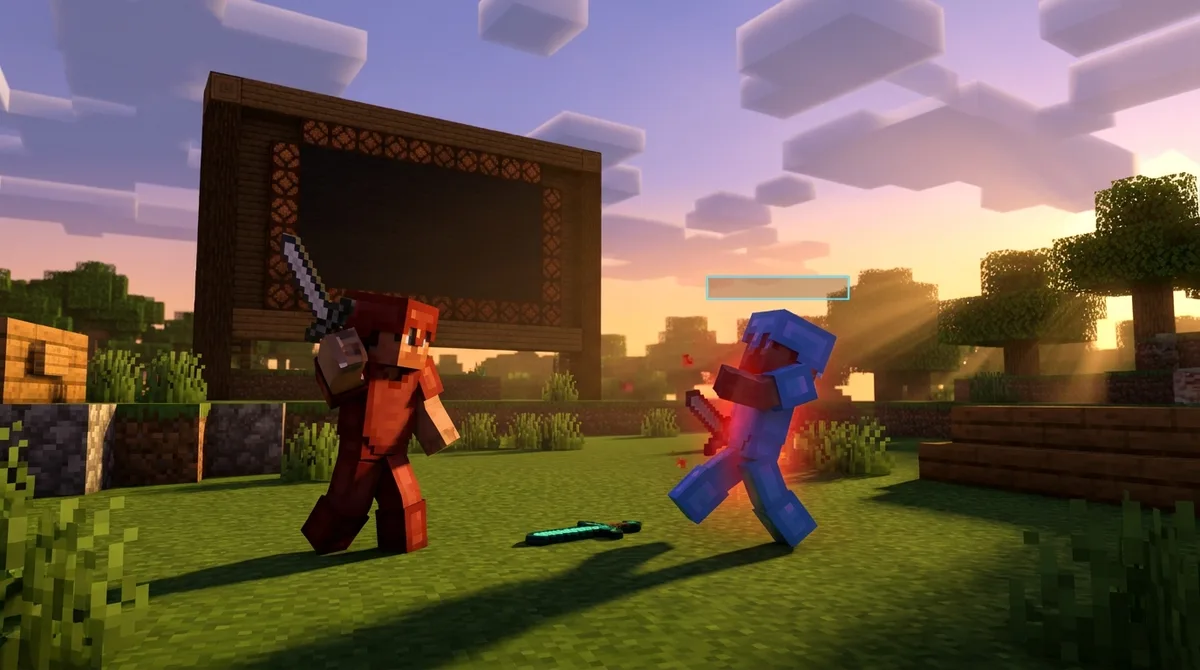
Teams let you group players, color their names, and give each group its own score, which is what makes capture-the-flag and similar games work. On Java Edition, create a team with /team add red "Red Team", then put a player on it with /team join red Alex. Set the name color with /team modify red color red, and that color appears in chat, above heads, and anywhere the team’s name shows up on screen.
For a capture-the-flag map, give the red and blue teams their own scores on one objective. Use fake player names such as #red and #blue as the score holders, then type /scoreboard players add #red flags 1 each time a red player brings the blue flag home. The two totals stay separate, so the sidebar can show both at once.
Team kill criteria count eliminations for each team. On Java, teamkill.blue raises a player’s score each time they kill a member of the blue team, and killedByTeam.blue raises the score of a blue player each time another team eliminates them.
Team settings control how players interact. You set these with /team modify:
– friendlyFire false stops teammates from damaging each other. – nametagVisibility hideForOtherTeams hides enemy nametags, so players rely on colors. – collisionRule pushOwnTeam makes players push only their own teammates.
Bedrock Edition handles teams differently, so check its command reference before you copy these settings.
Building Your First Minigame Scoreboard
Start small in a flat test world, because one objective is the easiest way to confirm your setup works. If you play Bedrock, turn on cheats first. Then type /scoreboard objectives add coins dummy “Coins” and put it on screen with /scoreboard objectives setdisplay sidebar coins.
Next, place a command block that runs /scoreboard players add @a coins 1, and put a button beside it. Press the button a few times and watch the sidebar climb. Then run /scoreboard players reset @a coins to clear the score before your next try.
Once that works, add one feature at a time: a five-minute timer, then a checkpoint trigger, then the kill counter. Test each addition before you move on. A broken command is much harder to find when three new ones are already in place.
Finally, invite a friend into the test world or log in on a second account. Check that @a updates both players, and that a kill changes only the score of the player who made it. When two players can finish a full round without errors, copy your commands into the real minigame map and play it with your group.