
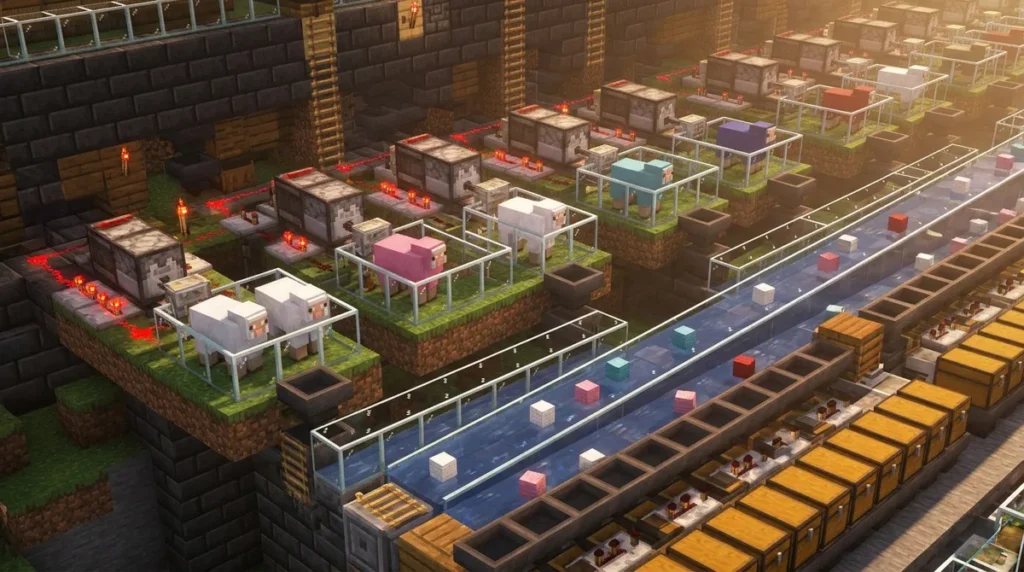
An automatic wool farm shears sheep for you, so wool keeps piling up while you work elsewhere. The loop is simple: a sheep eats grass, an observer spots the grass block changing, and a powered dispenser holding shears cuts the wool from the sheep in front of it. The Minecraft Wiki’s wool farming guide estimates a 63% chance of regrowth after 50 seconds and over 90% after 2 minutes, so the sheep sets your pace.
Each shearing of an adult sheep yields 1 to 3 wool blocks, and the dispenser fires in about 0.2 seconds, so the sheep is the slow part. Shears have 238 durability in Java Edition and 239 in Bedrock Edition, and a failed attempt on a bare sheep costs nothing. Hopper minecarts under the grass catch the drops, so you only need to empty them now and then.
Key Takeaways
- The sheep sets the pace of your automatic wool farm, because the dispenser fires in about 0.2 seconds while a sheep needs 50 seconds to 2 minutes to regrow its wool.
- Your automatic wool farm needs the doMobGriefing gamerule turned on, since sheep won’t eat the grass block when it is set to false and the observer will never fire.
- Each dispenser in your automatic wool farm needs its own set of shears, which you craft from two iron ingots and which last 238 durability in Java Edition or 239 in Bedrock Edition.
- Each module in a stacked automatic wool farm should have its own fence, its own grass block, and one sheep, so two sheep never compete for the same grass.
- A dyed sheep keeps its wool color when its wool regrows, so one dyed sheep in a module produces the same wool color every time the dispenser shears it.
How Does an Automatic Wool Farm Work?
An automatic wool farm uses the sheep’s grazing as the trigger for every shearing, so the wool regrows and gets harvested again without you lifting a finger. A sheared sheep has no wool left, and it only grows new wool after it eats grass.
The chain works in a fixed order. When the sheep eats the grass block in its pen, that block turns into dirt. The observer sits next to the grass block and watches for that exact change. When it sees the change, it sends a pulse of redstone power into the dispenser, which holds shears and faces the sheep. The dispenser shears the sheep in the block directly in front of it, and the wool drops out.
Because the sheep has to graze before it regrows, the farm’s speed depends on the animal, not on the redstone. Regrowth is random, so the farm tends to produce wool in bursts rather than on a steady timer. A sheep that grazes quickly will keep the dispenser busy, while a slow one leaves it idle for a while.
Hoppers or hopper minecarts gather the drops as they fall, so the wool doesn’t scatter across the grass. A hopper line can also end in a chest, which gives you one storage spot instead of a row of minecarts to empty.
Keep the doMobGriefing gamerule turned on. The Minecraft Wiki’s sheep page notes that sheep still regrow wool when doMobGriefing is set to false, but they won’t eat the grass. That leaves the observer with no change to detect, so the dispenser never fires and your farm stops.
What Parts Do You Need for a Simple Wool Farm?

A simple wool farm needs a horizontal dispenser, a grass block one block lower and in front of it, an observer aimed at that grass block, redstone dust, a sheep pen, shears loaded into the dispenser, and hopper minecarts beneath the grass.
The dispenser does the cutting, so start there. Place it horizontally so it faces the pen, then put the shears in one of its slots. You craft shears from two iron ingots, and they have 238 durability in Java Edition or 239 in Bedrock Edition. The Minecraft Wiki’s shears page explains that a dispenser can shear a sheep in the block directly in front of it, and a failed attempt on a sheep with no wool doesn’t use up any durability. That means you can leave the shears loaded through long waiting periods without worrying about wearing them down.
Here’s what your starter build needs:
- A horizontal dispenser with shears inside
- A grass block one block lower and in front of the dispenser
- An observer aimed at that grass block
- Redstone dust running from the observer to the dispenser
- A sheep pen fenced in so the sheep stay in front of the dispenser
- Hopper minecarts placed under the grass to catch the wool
The grass block placement matters more than it looks. Put it one block lower than the dispenser so the sheep can graze it from the pen, and so the observer has a clear, fixed block to watch. If you move the grass, the observer loses its target, and the chain breaks.
Use a fenced pen with enough room for the sheep to walk around. Keep the sheep in the pen, and make sure the grass block is inside the enclosure. A sheep that wanders off can’t graze the block the observer is watching.
For the hoppers, use minecarts on rails under the grass, not loose hoppers, if you want the drops to collect in a place you can empty later. Check that the minecarts sit where the wool falls, so nothing lands on the floor.
How to Build a Single-Sheep Wool Farm Step by Step
Build the cell in the order below, because the observer needs its target grass block in place before you wire it up. Work on a flat stretch of ground with enough room for a small pen.
- Place a grass block on the ground where the sheep will graze.
- Place a dispenser one block higher than the grass and behind it, facing horizontally toward the grass block.
- Place an observer on a block beside the grass so its front face looks straight at the grass block.
- Run redstone dust from the back of the observer to the dispenser, so the pulse reaches the dispenser.
- Build a fenced sheep pen around the grass block, leaving the dispenser’s front block inside the pen.
- Open the dispenser and put a set of shears in one of its slots.
- Place hopper minecarts on rails under the grass block, so the wool drops land inside them.
- Add a sheep to the pen and check that it can reach the grass block and stand where the dispenser can shear it.
Once everything is placed, watch the first cycle. The sheep grazes, the observer sends its pulse, and the dispenser shears the sheep. A dispenser takes 4 game ticks, or 0.2 seconds barring lag, to use an item after it’s activated, so you’ll see a short pause between each shearing.
That pause is tiny compared with the time a sheep needs to graze, so the animal sets your pace, not the redstone. Don’t waste time adding extra redstone to speed things up. If the sheep is still standing still after a few minutes, check that the grass block is whole and that the pen gives the sheep access to it.
Can You Stack Wool Farms for More Wool?
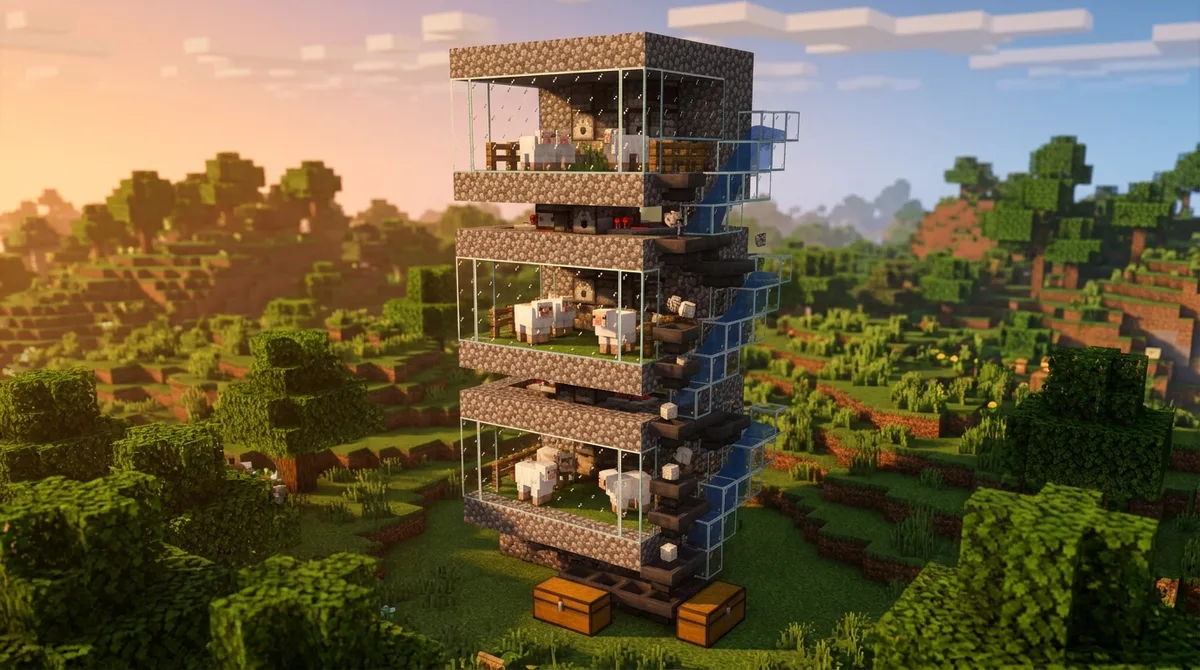
Yes, you can stack single-sheep modules side by side to build a larger farm. Automatic shearing modules can be stacked this way, and the key is to repeat the same cell rather than redesign it. Every copy then runs the same graze, observe, and dispense loop, so each one behaves the way you already tested.
Build each new module in the same block order: a grass block, an observer aimed at that grass block, a horizontal dispenser facing the pen, and one sheep in that pen. Give each pen its own fence so a sheep can’t wander onto a neighbor’s grass. Two sheep sharing one grass block would compete for it, and the observer would react to whichever sheep ate it.
Every dispenser needs its own set of shears. Shears in one dispenser can’t shear the sheep in another module, so a module without shears just sits idle. Craft one set per dispenser before you start, and keep a spare set on hand for replacements.
Plan your hopper minecart routes before you place the first module. Run one rail line under all the grass blocks so every drop lands in a minecart that feeds into the same collection point, such as a chest at the end of the line. If the routes split or cross, wool from one module can end up in another module’s cart, and sorting it later becomes a chore.
As you add sheep, keep an eye on the grass. A block that a sheep eats turns into dirt, and a module stops if its grass block is missing. Walk the rows every so often and re-place any grass block that has turned to dirt.
How Do You Get Specific Wool Colors Automatically?
To get a specific wool color from an automatic farm, dye one sheep and keep it in the module. Minecraft has 16 sheep wool colors, and applying dye changes a sheep’s wool to that color until you dye it again. Hold the dye you want and right-click the sheep to recolor it.
A dyed sheep keeps its color when its wool regrows. The Minecraft Wiki’s dye page confirms this, so one dyed sheep in a module produces the same color every time the dispenser shears it. If you want red wool, dye one sheep red and leave it in its pen with its own grass block.
Breeding can create colors you didn’t dye on purpose. Sheep bred from parents whose dye colors can be combined may inherit the mixed color. A blue sheep and a white sheep, for example, can produce a light-blue lamb. Keep your breeding sheep in a separate pen so a surprise lamb doesn’t end up in a production module.
Sheep colors at spawn also depend on where you find them. In Java Edition 1.21.5, the wool colors sheep spawn with changed in different biomes. If you’re collecting sheep from the wild, check each one’s color before you move it into a module, since the spawn color may not be the one you expected.
Here’s a simple routine for a new color. Dye one sheep, let it graze, and shear it once. Check the wool that lands in your hopper minecart, then add more sheep of that color to a new module, one pen at a time. Dyeing a lamb again later will override any inherited color, so you can change a module’s output whenever you need to.
Why Is My Wool Farm Not Working?
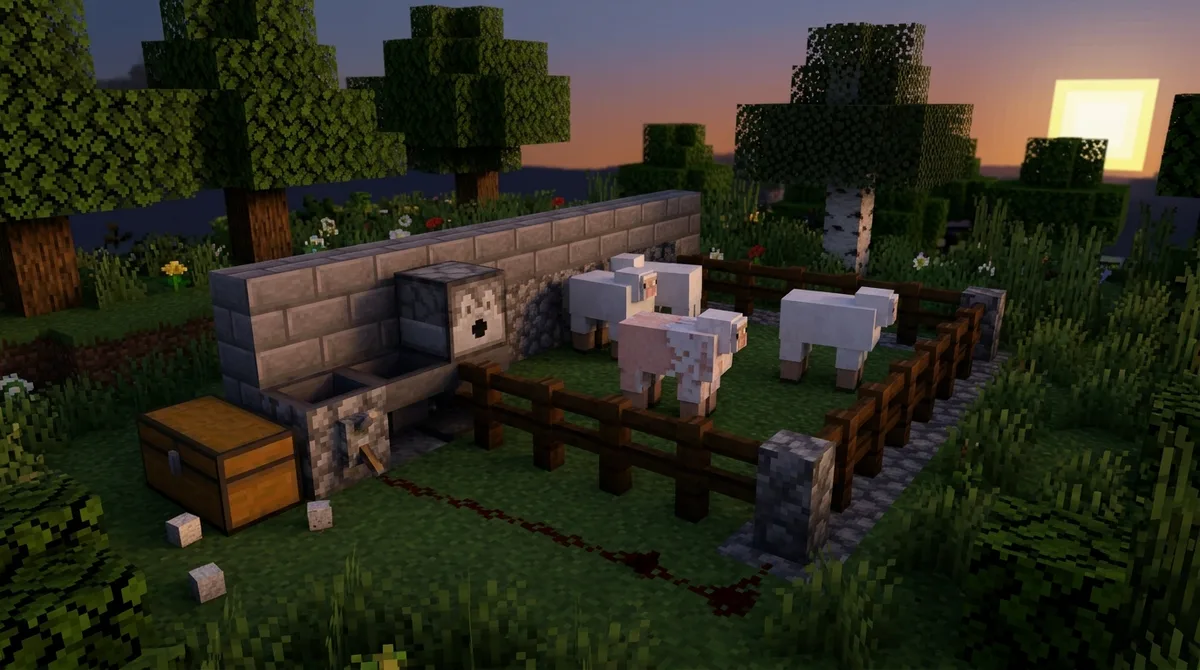
Usually, one link in the chain has broken. Start with the grass block, since the observer fires only when it sees that block change. If the grass has turned to dirt, been moved, or been replaced with another block, the observer has nothing to react to and the dispenser stays quiet.
Next, check the doMobGriefing gamerule. When it is set to false, sheep still regrow their wool, but they won’t eat the grass block. The grass stays intact, so the observer never sees a change and the dispenser never fires. Turn the gamerule back on, then give it a few minutes, because the regrowth timing is random.
A sheared sheep also needs to graze before its wool returns. A sheep that can’t reach the grass, because the fence is too tight or a block sits on top of the grass, will stop producing altogether. Walk through the pen and make sure the sheep can stand next to the grass block.
If production is slower than you expect, check your game version. Java Edition 1.21.9 fixed a bug that affected how often sheep eat grass, so sheep on earlier Java versions may graze less often than they should. Update the game and watch the next few cycles before you rebuild anything.
Finally, go through the dispenser and wiring. Confirm that:
- The dispenser holds a set of shears in one of its slots.
- Redstone dust runs unbroken from the observer to the dispenser.
- The sheep stands in the block directly in front of the dispenser.
- The grass block sits one block lower and in front of the dispenser.
A missing gap in the redstone dust is easy to miss in the dark, so place a torch or walk the line with your eyes at ground level. If every item on that list checks out, the problem is almost always the grass or the sheep, not the redstone.
Choosing the Right Wool Farm for Your World
Start with one single-sheep cell. Build it, let the sheep graze, and watch a full cycle: the observer fires, the dispenser shears, and wool lands in your hopper minecart. Once you’ve seen that work, copy the module. Don’t stack a dozen pens before the first one runs.
Next, decide what you need the wool for. If you want one steady color for a build, dye one sheep in each module and keep it in its own pen. If you’re after a mix, check the Minecraft Wiki’s wool page for the full list of colors before you plan your dye run.
Your edition matters too. Shears last 238 durability in Java Edition and 239 in Bedrock Edition, so a spare set is worth crafting either way. If you play Bedrock, follow the same steps, but check your version notes before copying a Java-specific design.
Finally, write down your grass block coordinates and the Y-level of each dispenser. When you add a second module or move a pen, you’ll know exactly which blocks to restore, and you won’t have to rebuild the chain from memory.