
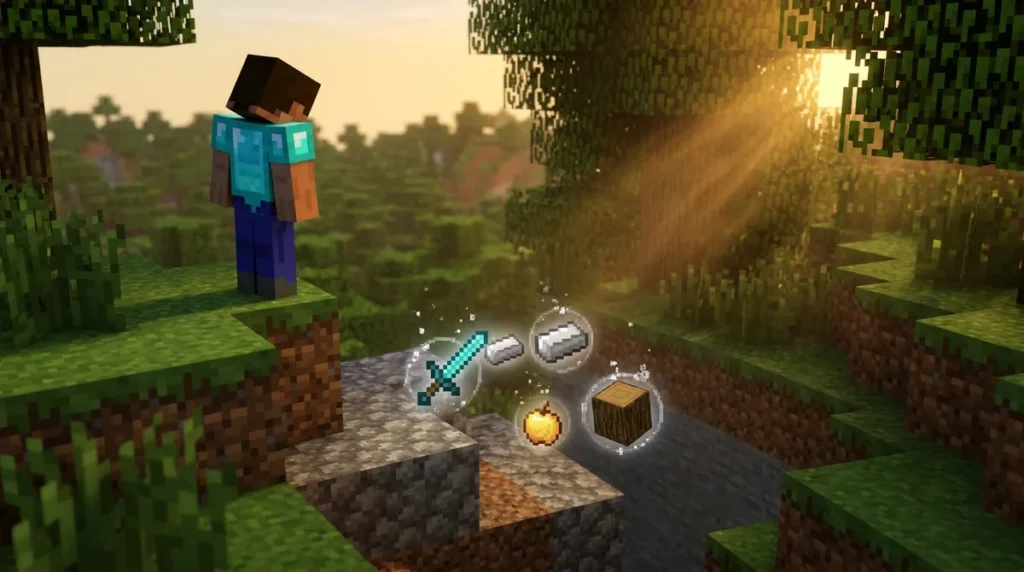
The despawn time for most dropped items in Minecraft is 6,000 game ticks, which works out to five minutes. The Minecraft Wiki’s item entity page explains that this timer only counts while the item sits in a loaded, entity-ticking chunk. That means the clock can pause when the chunk holding the pile unloads, which happens when you walk far enough away.
That detail matters more than the number itself. Say you drop a stack of cobblestone in a mineshaft and head back to the surface. The timer may pause as soon as the chunk unloads, then start again when you return close enough for the game to process that area. Lava, fire, cactus, and explosions can also destroy items well before five minutes are up, so a drop near a river of lava is never safe, even if the clock looks fine.
Key Takeaways
- Dropped items in Minecraft despawn after 6,000 game ticks, which is five minutes, but only while they sit in a loaded, entity-ticking chunk.
- Your simulation distance setting decides which dropped piles keep counting down, so you should leave a pile only inside that range.
- Lava, fire, cactus, and explosions can destroy dropped items long before the five-minute timer runs out, so never drop valuables near them.
- Running /gamerule keepinventory true on Bedrock Edition keeps your gear in your inventory when you die, so nothing scatters across the ground.
- A recovery compass points to your last death only in the same world and dimension, and you craft one with a regular compass surrounded by eight echo shards from Ancient Cities.
How Long Do Dropped Items Stay on the Ground?
Most dropped items stay on the ground for 6,000 game ticks, or five minutes, but only while they sit in a loaded, entity-ticking chunk. Your simulation distance setting decides which chunks count as entity-ticking, so a low value can keep the timer from running on items near you.
Picture a mineshaft entrance at X 112, Y 64, Z -207. You mine 10 iron ingots deep inside, carry them up, and drop them beside the rails while you stand there. Because the chunk stays active, the ingots vanish five minutes after they hit the ground.
Now suppose you drop a second stack of 10 iron ingots two minutes later on the same spot. The game merges them into one stack, and when two stacks merge, the combined stack takes the timer of whichever stack has more time left. The first stack had three minutes left, so the merged pile of 20 ingots gets the full five minutes from your second drop, not the three minutes the first one had.
The simplest habit is to drop valuables only where you plan to stay close, and to head back before the timer runs out. If you need to leave a pile for a while, choose a spot inside your simulation distance, not at the far end of a long tunnel.
Why Do Some Items Vanish Before Five Minutes?

Dropped items vanish early when they land on something that destroys them or when they fall out of the world. Lava, fire, cactus, and explosions can erase items before the five-minute timer runs out, and the void takes anything that drops too far.
Picture dying on a stone ledge above a lava lake at X 40, Y 11, Z 300 in the Overworld. Your armor and tools scatter across the ledge, and the ones that land on the lava burn before you can walk back to collect them. The timer may still show minutes left, but the lava decides their fate.
Explosions are just as harsh. A creeper blast in a narrow cave can wipe out a stack of diamonds lying on the floor, even though the timer still has time left. Fire works the same way, so drops on or beside burning netherrack in the Nether are at risk too.
Items also despawn immediately if they fall too far down. The exact cutoff depends on the dimension:
- Overworld: any item below Y=-128
- Nether: any item below Y=-64
- End: any item below Y=-64
Merging can cut both ways near a hazard. A merged pile keeps the longest timer of its parts, but that timer does not protect the stack from lava or fire sitting right beside it. When you drop items to sort your inventory, pick a flat, dry floor with no lava, fire, or cactus within several blocks, and stay close enough that the chunk keeps processing them.
What Happens When Chunks Unload During Your Trip?
Dropped items pause their despawn timer when their chunk unloads or stops processing entities, and the timer resumes once the game starts processing that area again. Five minutes away from a pile does not mean the pile is gone. The clock only moves while the game is actively working on that spot.
Your simulation distance controls how much of the world stays active around you. Chunks inside that range are entity-ticking, so the items in them keep counting down. Chunks outside it can go quiet, which means a pile you left at the far end of a long tunnel may sit frozen instead of expiring. Raise or lower the setting in your video options, and the timers change speed with it.
Say you die in a grassy clearing in the Overworld and your gear scatters across the grass. You then walk to a distant village to find food. When you return, those items may still have time left on their timers, or they may have been paused the whole trip, depending on whether the clearing stayed inside your simulation distance.
To get your gear back safely, stay close to the death site until you have collected everything. Walk straight back to the pile, grab every stack in one trip, and avoid chasing mobs into another biome. If you need to leave the area, make sure the pile is still within the range the game keeps active. Don’t count on the timer to keep your gear safe while you’re gone.
Do Nether Stars Despawn Differently in Java and Bedrock?
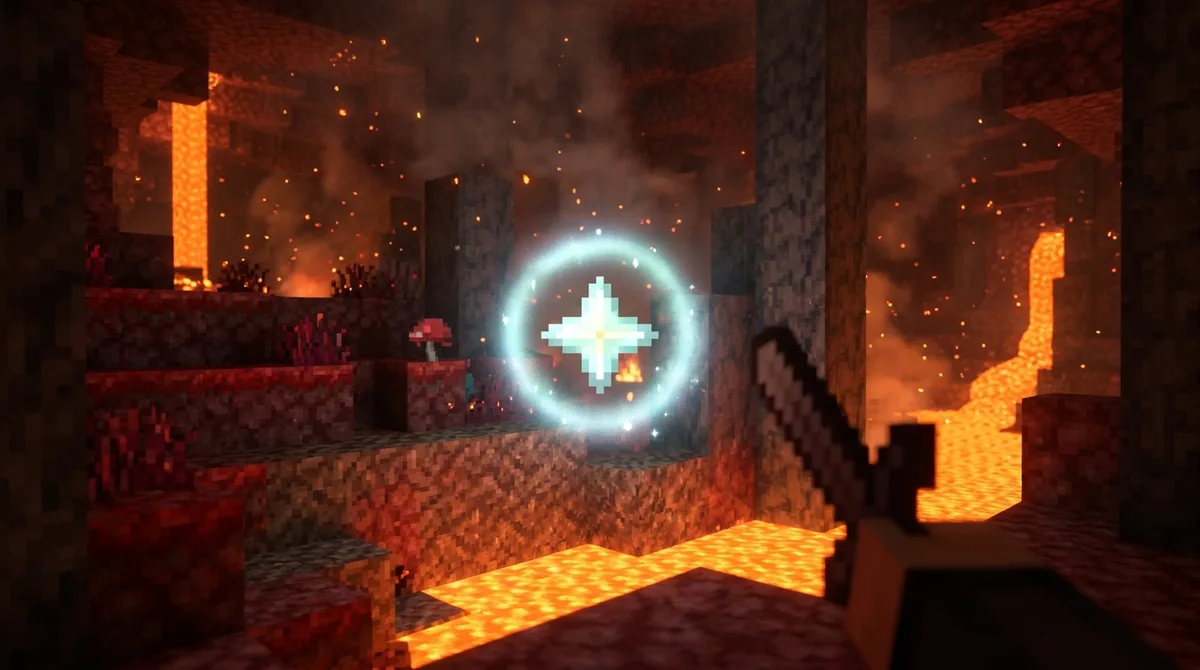
On Java Edition, a Nether star dropped by a wither lasts 10 minutes, while a Nether star dropped by any other means lasts five minutes. On Bedrock Edition, Nether stars do not despawn at all, so one you leave on the ground stays there until you pick it up.
That difference matters after a wither fight. You summon a wither by stacking four soul sand or soul soil blocks with three wither skeleton skulls on top, and the star appears where the boss falls. On Java, walk over and grab it right away, since the 10-minute timer only runs while the chunk around it is active.
Say you defeat a wither in an open soul sand valley at X 512, Y 40, Z -96. The star lands in the middle of the valley. Pick it up before you gather other drops or loot nearby chests, and stay inside the area your simulation distance keeps active so the timer keeps moving.
On Bedrock, you have more breathing room, but the star still needs to be safe from lava and fire. Put it in your inventory as soon as you can, and don’t drop it near a burning netherrack patch just because the timer isn’t a concern there.
How Can You Keep Your Gear After Dying?
You can keep your gear after dying by turning on the keepinventory game rule. Without it, every item in your inventory scatters around the spot where you died, and you have to race back to collect it before the timer runs out or lava, fire, or a creeper blast destroys it.
Some items never reach the ground. Anything enchanted with Curse of Vanishing is excluded from ordinary death drops, so it is lost when you die even if keepinventory is off. Check your armor and tools before a risky trip, especially if you have enchanted gear you can’t replace.
On Bedrock Edition, you set the rule with a command. The Microsoft Learn gamerule documentation defines keepinventory as the rule that controls whether players keep their inventory when they die. Here is how to set it:
- Open your world with cheats turned on, since commands do nothing without them.
- Open the chat window by pressing T.
- Type /gamerule keepinventory true and press Enter.
- Type /gamerule keepinventory with no value to confirm the current setting.
On Java Edition, the same rule exists under the name keepInventory, so the command is written with capital letters in the middle.
Keep-inventory protects your gear, but it changes the challenge. A death no longer sends you back to a pile of scattered items, which takes away the risk that makes survival runs tense. If you want that tension, leave the rule off and carry a backup set of tools in a chest at your base.
Can a Recovery Compass Find Your Lost Items?

A recovery compass points to the place where you last died, but only in the same world and the same dimension. If you die in the Nether and then stand in the Overworld, the needle spins in a circle and gives you no direction at all. The same thing happens if you have never died in that world.
To craft one, place a regular compass in the center square of a crafting table and surround it with eight echo shards. The shards fill every other square of the 3×3 grid.
Echo shards come from Ancient Cities, the deep ruins found in the Deep Dark biome. That is also where you will meet the Warden, so go in with full health, a good sword, and a few blocks to wall off a retreat route. Plan this trip before you need the compass. If you die in a lava-filled cave at Y 11 with no shards in your pack, you can’t craft a compass on the spot, and your gear may be gone before you can make one.
Once you have a compass, hold it in your hand and watch the needle. Walk toward the direction it points, then look for your scattered items on the ground. Keep an eye on your coordinates too, since the compass gives you a direction, not an exact pile location.
Pack a Death Recovery Kit Before Your Next Expedition
Before your next trip into a risky area, pack a separate recovery kit and keep it ready. Store a spare set of basic tools, a stack of food, and a few building blocks in a chest at your base. Label that chest so you never mix it up with your everyday storage, and make sure you can reach it within a few minutes of your return.
Carry the kit’s most useful piece with you: a recovery compass, plus eight spare echo shards so you can craft a replacement if you need one. Without those shards, a lost compass is a lost route back to your gear.
Plan your route so you avoid lava, cactus, and fire, and don’t fight near them. If you do die, write down your X, Y, and Z coordinates and your dimension as soon as you respawn. Then head straight back to the pile while it sits in a loaded chunk, and grab every stack before the timer runs out.
Build and Test Your Recovery Kit
Your next step is to build the kit while you are safe at home. Pick a chest near your base, label it “Recovery Kit,” and fill it with a full set of stone tools, a stack of cooked food, and a few spare blocks for walling off a ledge or a lava edge.
Then run a quick test before you head out. Drop one stone block in your base, walk to the spot where you usually mine, and make sure the way back stays inside your simulation distance. You want to learn how far you can roam before the game stops processing your area, not find out when your gear is already on the ground.
If you have no echo shards yet, make them your first goal. You need eight to craft a recovery compass, and they only come from Ancient Cities in the Deep Dark biome. Go in with a full set of armor, a sword you trust, and a planned escape route, then bring back enough shards for two compasses. One compass lives in your pack, and the other stays in the kit.
Finally, practice the recovery routine once in a safe place. Die on purpose in a flat, dry area with no lava or cactus nearby, write down your Overworld coordinates, and walk back to the pile. Doing it once means you’ll know exactly what to do when the stakes are real.