

If you’ve built an iron farm, redstone machine, or crop setup near world spawn, you may have wondered why it kept working while you were far away. “Minecraft spawn chunks explained” once meant understanding the Overworld chunks that stayed loaded around the global spawn point. That Java Edition mechanic was removed in version 1.21.9 on September 30, 2025, so many older guides are now outdated.
Check your Minecraft version before relying on spawn-chunk advice. Older Java worlds could keep certain systems running at spawn, while modern Java worlds no longer have fixed spawn chunks. This explains why a farm may work in one tutorial but stop when you travel away.
Key Takeaways
- Fixed spawn chunks were removed from Java Edition in version 1.21.9, released September 30, 2025. Modern Java worlds no longer keep farms near world spawn automatically loaded while you travel away.
- World spawn is not the same as a player’s bed or respawn anchor location. Older spawn chunks surrounded the global world spawn point, not your personal respawn point.
- A loaded chunk does not guarantee that every mechanic is active: crops need random ticks, hostile mobs need correct player distance, and entity or villager systems follow separate rules.
- For reliable automation, keep farms near an active player or use supported loading tools such as Java’s
/forceloador Bedrock’s ticking areas. Always verify the Minecraft edition and version before following older spawn-chunk guides.
Minecraft Spawn Chunks Explained
A world spawn chunk once meant an area around Minecraft’s global world spawn point, not the place where you last respawned. Your bed or respawn anchor can change your personal respawn location, but it does not move the world spawn. In older Java Edition versions, chunks near that global point stayed loaded even when you traveled thousands of blocks away. This made the area useful for farms, storage systems, and redstone builds that needed nearby blocks to keep processing.
For example, you could build an iron farm or redstone clock near world spawn and return later to find it still running. Some systems worked more reliably than others because mob spawning, crop growth, redstone, and block updates each follow different rules. The main planning idea was to place long-term systems inside the loaded spawn area instead of building them near your base and expecting them to run while you explored. You still needed to check the rules for each farm because a loaded chunk did not guarantee that every part of it would work normally.
Version numbers matter because fixed spawn chunks no longer exist in modern Java Edition. The mechanic was removed in Java 1.21.9, released on September 30, 2025, so older guides may give outdated advice about building farms at world spawn. In current Java and Bedrock worlds, assume that a distant farm will pause unless a player or another supported loading method keeps its area active. Treat world spawn as a useful location marker, not as a permanent, automatic chunk loader.
The Old Global Spawn System
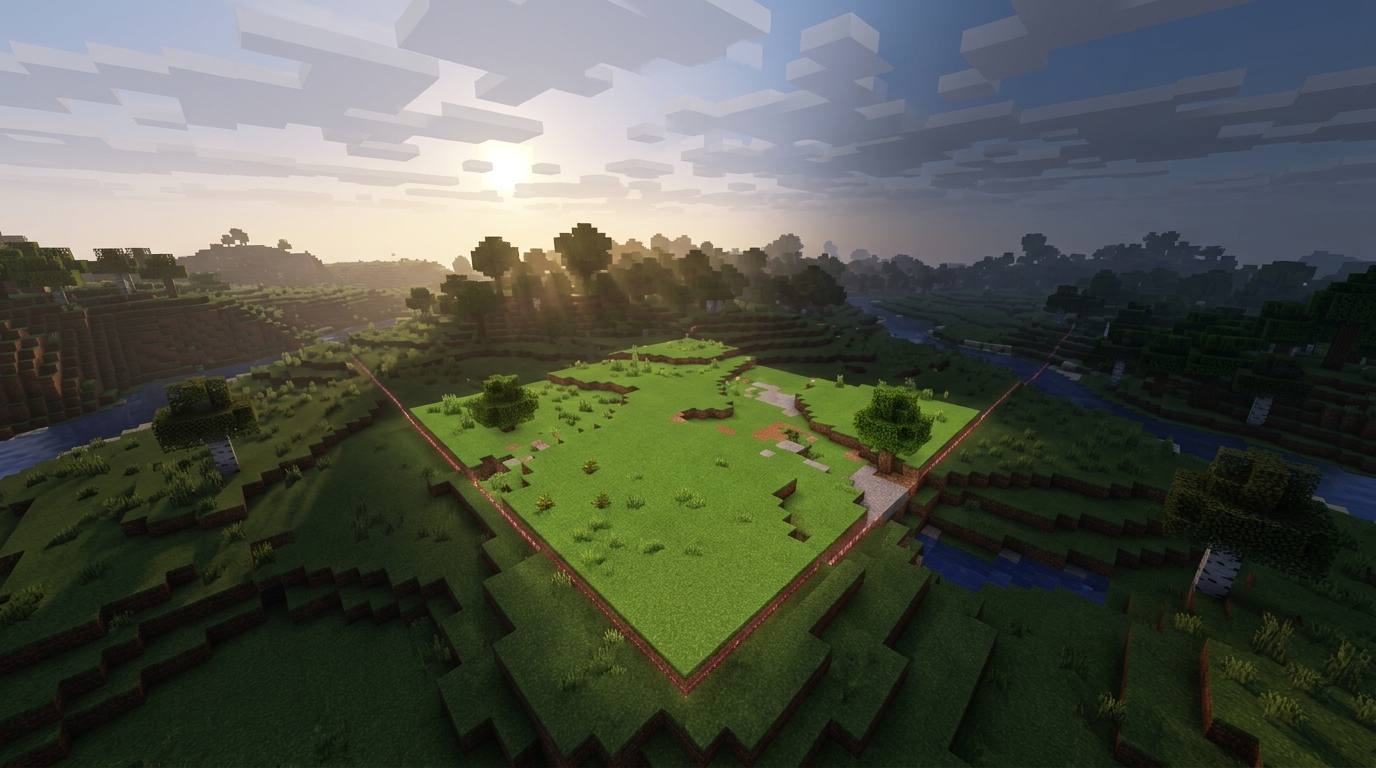
In older Java Edition worlds, spawn chunks were a group of chunks around the global world spawn point that stayed loaded even when you traveled far away. Because the game kept these chunks active without a nearby player, machines built there could continue running while you explored, mined, or visited another dimension. A redstone clock could keep sending signals, while hoppers moved items and furnaces continued smelting as long as their chunks and related game systems remained active. This made the area near global spawn useful for hands-off automation.
You could also place villager systems, crop farms, and item-processing stations in or near the spawn chunks to keep them available in the background. However, “loaded” did not mean every farm worked perfectly at all times because random ticks, mob rules, entity activity, and chunk position affected the results. For example, a redstone and hopper machine was often more dependable than a crop farm that needed random growth ticks. Villager behavior could also depend on how the chunks were being processed. Planning a reliable setup meant testing the exact farm and knowing which parts needed a player nearby.
This old system is now mainly historical context because fixed spawn chunks no longer exist in modern Java Edition. The mechanic was removed in Java 1.21.9, released on September 30, 2025, so current farms generally need a nearby player or another supported chunk-loading method. If you are following an older guide, check its Minecraft version before building a permanent farm at global spawn. This explains why a setup that once ran continuously may now stop when you travel away.
Loaded Chunks Versus Active Mechanics
A loaded chunk is not the same as a chunk where every game mechanic is active. Before Java Edition 1.21.9, released on September 30, 2025, chunks around the world spawn could stay loaded even when you traveled far away. That loading could let some redstone, hoppers, furnaces, and block updates continue, but random ticks, entity processing, and mob spawning followed separate rules. Crops and sugar cane need random ticks, while hostile mobs need a player at the right distance, usually more than 24 blocks away but within 128 blocks. In current Java Edition, fixed spawn chunks no longer exist, so you should not expect an unattended farm near world spawn to stay loaded by default.
The difference becomes clear when you compare common farms. A crop farm may stop growing because no player is close enough for random ticks. A hostile mob farm will not spawn mobs if you leave the required spawning range, even if its blocks remain loaded. Villager-based farms, animal breeders, and systems that rely on moving entities can also pause when entity processing or player-distance rules are not met. A redstone clock or furnace might behave differently because block updates and block entities can continue under conditions that do not activate random ticks or mob spawning. When planning a reliable farm, check whether it needs chunk loading, random ticks, mob spawning, entity processing, or a nearby player. Do not assume that “loaded” means “fully active.”
Java 1.21.9 Changes Everything
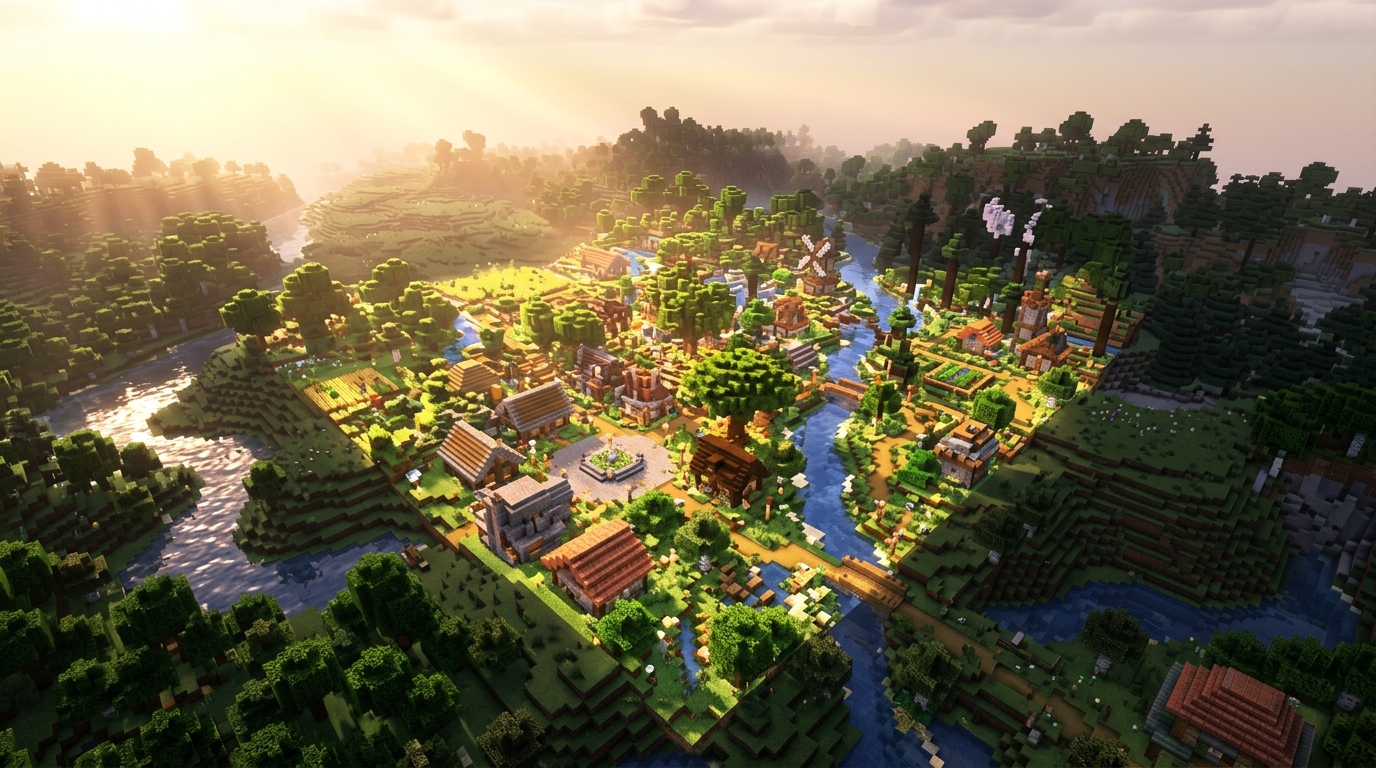
Java Edition 1.21.9, released on September 30, 2025, removed fixed spawn chunks. In older Java versions, a group of chunks around the world spawn point stayed loaded even when you traveled far away, so farms built there could keep running without a nearby player. That is why older guides often recommend placing iron farms, crop farms, or redstone machines near world spawn. In current Java Edition, those guides are outdated because world spawn no longer provides a permanently active area.
You should now plan a farm around player distance and simulation behavior instead of relying on the world spawn location. A mob farm, villager setup, or redstone machine generally needs you close enough for its chunks to remain active, so test the farm from the place where you expect to spend time. Moving the farm near your base, building an AFK spot, or using the correct simulation distance can make it more reliable. The spawn point still matters for respawning and locating your original area, but it no longer acts as a guaranteed always-on farm zone.
Bedrock Edition follows different simulation rules and does not use Java-style spawn chunks. Its behavior depends on settings such as simulation distance, and you can use ticking areas to keep selected regions active without standing nearby. Because of these differences, you should not apply a Java guide about spawn chunks directly to Bedrock. Check your edition and game version first, then choose a farm location or ticking-area setup that matches how your world keeps chunks active.
Reliable Farms Without Spawn Chunks
In modern Minecraft Java Edition, fixed spawn chunks no longer exist. The mechanic was removed in Java 1.21.9, released September 30, 2025, so a farm near world spawn is not automatically kept active in current versions. Older Java worlds and guides may still describe spawn chunks, which were chunks around the global spawn point that stayed loaded without a nearby player. Check your version before planning an always-on iron farm, smelter, or item sorter around world spawn.
Instead, choose a loading method that matches your farm. In Java, use /forceload add <x> <z> for the chunks that contain your automation. Then use /forceload query to confirm them, and remember that forced chunks can affect performance. In Bedrock Edition, use a ticking area when the feature is available, such as /tickingarea add circle <x> <y> <z> <radius>, and check it with /tickingarea list. Keep the area as small as possible because forcing large regions to stay active can cause lag.
Loading a chunk does not make every farm work without a player nearby. Crop and sapling farms need random ticks, while many hostile mob farms require a player within the correct spawning range and still follow mob-cap rules. Farms that move items, process redstone, or depend on nearby entities are more likely to benefit from a forced chunk or ticking area, but you should test the exact design after traveling away. Plan around the farm’s actual requirements instead of assuming world spawn will keep it running.
Planning Reliable Loading Methods
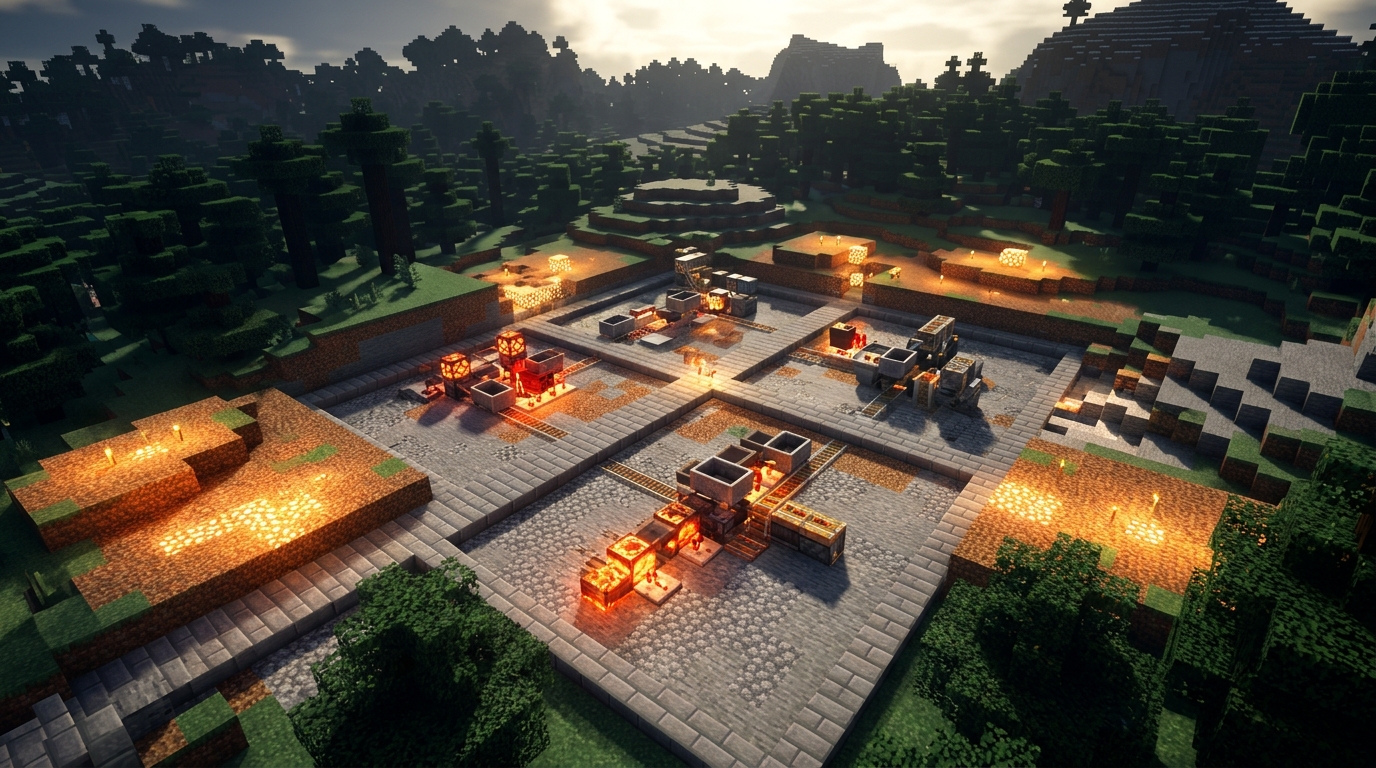
Older Java Edition worlds had “spawn chunks,” a set of chunks around the global world spawn point that stayed loaded even when you traveled far away. This made world spawn a useful place for some farms, storage systems, and redstone builds that needed chunks to remain active. However, spawn chunks did not follow exactly the same rules as chunks around a player, so mobs, items, redstone, and other game systems could behave differently there. A farm that worked at spawn was not guaranteed to work the same way in a normal loaded area.
In modern Java Edition, fixed spawn chunks were removed in version 1.21.9, released September 30, 2025, so you should not build a new farm assuming world spawn will keep it running. Bedrock Edition also does not use the old Java spawn-chunk system, and older guides may describe rules that no longer apply to your version. Before building around world spawn, test the farm in the exact edition and version you play, then check whether it still works after you move far away. For reliable results, design around the loading methods your world supports instead of treating the spawn point as a permanent loading zone.
Minecraft Spawn Chunks No Longer Stay Loaded
Minecraft spawn chunks explained simply: in current Java Edition, fixed spawn chunks no longer exist. The always-loaded spawn area was removed in Java 1.21.9, released September 30, 2025. This means you cannot rely on chunks around world spawn to keep a farm running while you are far away. Older guides may still describe spawn chunks as permanently active, so check the Minecraft version before following their advice.
For reliable farms, build them near your usual base or stay within the farm’s simulation distance while it works. A sugar cane farm, iron farm, or mob farm will generally stop processing when its chunks are no longer active, although some systems may follow different rules. If you play an older Java version, spawn chunks can still matter, but you should test the area and confirm which chunks remain loaded. Understanding this change helps you plan farms around your actual location instead of assuming world spawn will keep everything running.