
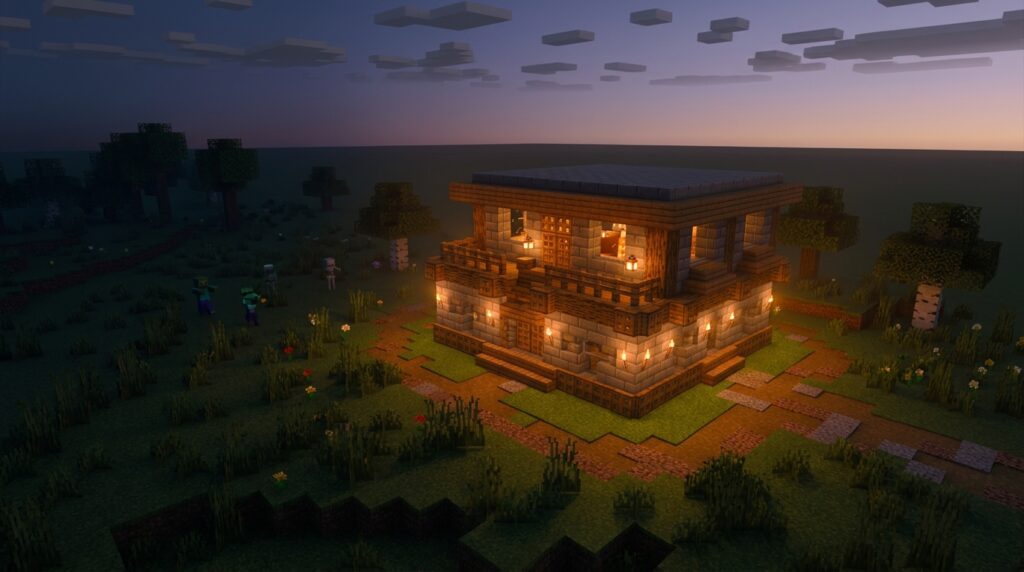
Spawn proofing means stopping hostile mobs like zombies and skeletons from appearing around your base. You can do this by adding light or by covering the ground with blocks they can’t spawn on. In Java Edition 1.18, monsters only spawn where block light is 0, so you need block light above 0 on every spot they could land on. Sky light still matters, so open areas at night can still produce mobs.
Covering the floor is the other option. Bottom slabs stop spawning on their own, and carpets, glass, and leaves work too, according to the Minecraft Wiki’s spawn-proofing guide. Snow layers only help when they are two to seven blocks thick, since a single layer doesn’t work. Torches are a common light source, and placing them about 14 blocks apart is the efficient spacing, but that only goes so far.
Key Takeaways
- In Java Edition 1.18 and later, you need block light above 0 on every patch of ground where a zombie could stand, because monsters only spawn where block light is 0.
- You can stop spawns on bottom slabs, carpets, glass, leaves, and snow layers that are two to seven blocks thick, but you should avoid top slabs, double slabs, and upside-down stairs since mobs can still spawn on those squares.
- You should place torches about 14 blocks apart on open ground, but you can’t rely on torch spacing alone since any dark corner you miss becomes a spawning spot.
- You should press F3 in Java Edition and check the block light value on each spot where a mob could land, adding a torch or a safe block wherever the number is 0.
- You should deal with any mob spawner directly, because since Java Edition 1.18 spawners can override light checks and keep producing mobs on ground that is fully lit.
How Does Spawn Proofing Work in Minecraft?
Spawn proofing means changing the ground around your base so ordinary hostile mobs like zombies and skeletons can’t appear there. Mobs spawn on valid surfaces in dark areas, so your goal is to make every nearby patch of ground unsafe for them. There are two main ways to do that. You can raise the light on the spawning surfaces, or you can cover those surfaces with blocks that don’t allow spawning at all.
Think of each patch of ground as its own question: can a mob appear here? If the answer is yes, that square needs light or a safe covering. Miss one dark square in a field, and that’s where the zombie will show up.
That’s why one torch in the wrong spot isn’t enough. A torch only brightens the ground close to it, so the dark corners a few blocks away still count as valid spawning space. Check the whole area around your base, not just the spot where you placed the torch.
Spawn proofing also has a limit. It only stops new mobs from appearing. Any zombie that already wandered into your base before you finished will stay there until you deal with it.
Mob spawners are a special case. Since Java Edition 1.18, spawners can override light checks, so a spawner nearby can still produce mobs on ground that looks well lit.
What Light Level Do Java Edition Mobs Need?
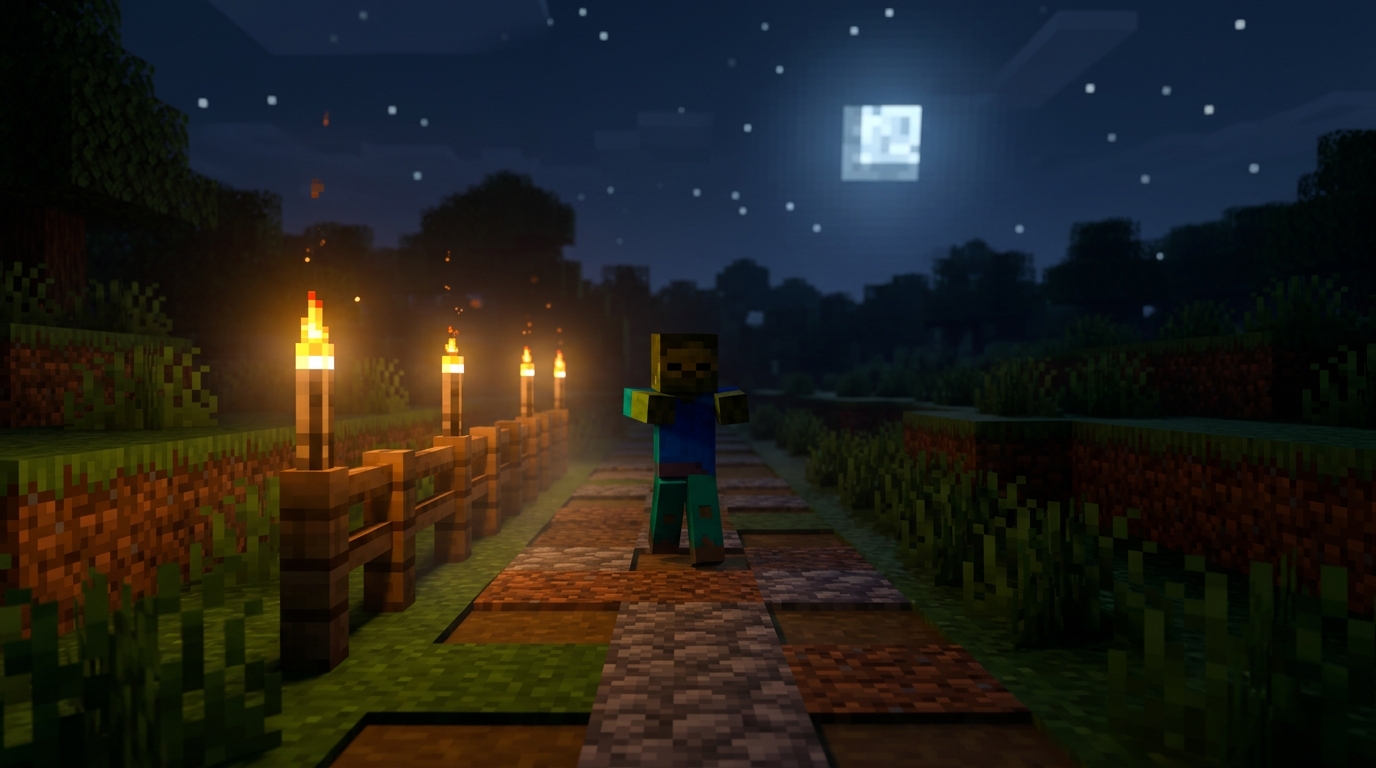
In Java Edition, monsters spawn only where block light is 0, so you want block light above 0 on every patch of ground a mob could stand on. The 1.18 update introduced this rule, which makes block light your main tool against most hostile mobs. Block light comes from sources you place yourself, like torches and lanterns.
Sky light still works the way it did before 1.18. Open ground under the night sky can still produce mobs even when torches glow nearby, so a field outdoors needs more thought than a single lit room. Check the whole field, not just the corner next to your house.
Mob spawners are the big exception. Since 1.18, spawners can override light checks, so a spawner can keep producing mobs on ground that is fully lit. If a spawner sits in or near your base, lighting alone won’t stop those mobs. You’ll need to deal with the spawner itself.
Not every mob follows the usual hostile rules, either. The official Minecraft guide notes daylight-spawning exceptions, so some mobs can appear even in bright daylight. Before you plan your lights, figure out which mob is causing trouble. A zombie problem and a problem with a different mob may need different fixes.
To check your light levels, press F3 in Java Edition and read the light values on the debug screen while you stand in the spot you’re worried about. If the block light number is 0 in a spot where a mob could land, that square needs a torch or a safe block.
Which Blocks Stop Mobs From Spawning?
Bottom slabs, carpets, glass, leaves, stacked snow layers, and a few redstone parts like buttons and levers all stop hostile mobs from spawning on them. Each one works for a different reason, so you can mix them to cover the ground in your build.
- Bottom slabs
- Carpets
- Glass and leaves
- Snow layers, two to seven blocks thick
- Buttons, levers, pressure plates, and rails
Bottom slabs are the easiest pick. A bottom slab stops spawning on its square even when the ground is fully bright, so a row of them along a dark cave path blocks spawns without any torches. Top slabs and double slabs don’t have this effect, so check the slab shape before you place it.
Carpets work because they aren’t full blocks. Lay a carpet over a dirt floor, and that square can’t host a spawn. That makes carpets a cheap way to cover a large area.
Glass and leaves are transparent or partly transparent, and mobs can’t spawn on them either. Glass lets you see across a room while still covering the floor.
Snow layers need some depth. Stack two to seven layers on the same square, and mobs can’t spawn there. A single layer leaves that square open, though. If you stack three layers in one corner, check the rest of the floor too.
Buttons, levers, pressure plates, and rails also count as blocks mobs can’t spawn on. String isn’t on that list, so don’t use a string tripwire to cover a square.
Here’s a simple example. Say you’re building a storage hall in a flat field, and you don’t plan to run a farm there. A floor of glass or carpets covers the whole surface, so you won’t need a single torch on the floor to keep spawns out.
Which Slabs and Stairs Still Let Mobs Spawn?
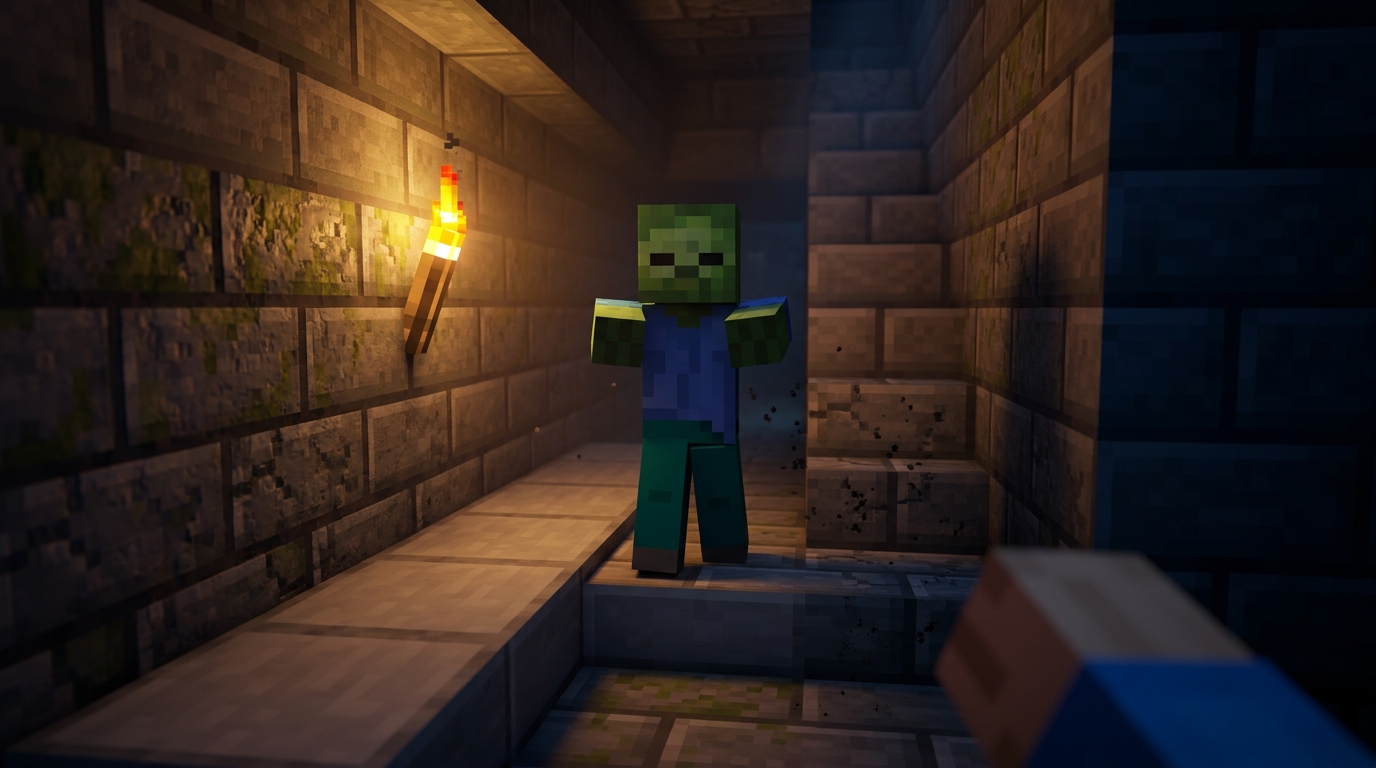
Top slabs, double slabs, and upside-down stairs all still let hostile mobs spawn on them, so none of them make a safe floor. Unlike bottom slabs, which stop spawning on their own, these shapes are easy to mix up when you’re building fast.
| Block | Stops Spawning | Notes |
|---|---|---|
| Bottom slab | Yes | Stops spawning on its square regardless of light level. |
| Top slab | No | Sits in the upper half of its square, so mobs can still spawn on that square. |
| Double slab | No | Fills the whole square, but mobs can still spawn on top of it. |
| Upside-down stairs | No | Solid top half, but mobs can still spawn on that square. |
Top slabs are the sneakiest mistake. They look like a solid half block from the side, so it’s easy to assume the floor is covered. The square still counts as valid ground, and a zombie can appear there in a dark corner of your hall.
Double slabs have a full block shape, so you might expect them to work like glass or carpet. They don’t. Every double slab square still needs block light above 0 or a safe covering.
Upside-down stairs follow the same pattern. Their top half is solid, which makes the square look blocked, but mobs can still spawn there. Don’t use them as a cheap floor.
Here’s a quick check: look at the full block shape, not just the top. Walk around the block and look at the bottom, the top, and the sides. If the square isn’t a bottom slab, carpet, glass, leaves, or a stack of two to seven snow layers, treat it as spawnable and add light. For example, if you built a barn floor from upside-down stairs and a zombie appears in the corner, that corner needs a torch too.
Can Torch Spacing Replace Safe Blocks?
No, torch spacing can’t fully replace safe blocks, because torches only fix the squares their light actually reaches. The efficient spacing is about 14 blocks between torches, and it works on open ground where light spreads evenly across the floor. Light moves through open air but stops at solid walls, so a torch on the far side of a wall does nothing for the floor in your hall.
Gaps are where spawning sneaks in. Every ground square a mob could stand on needs block light above 0, so a missed corner or a dark pocket behind a pillar still counts as spawning space. Stretching torches to the full 14 blocks across a big field leaves more room for dark patches, so you’ll need to walk the whole grid to find them.
Lighting also doesn’t work on every mob. Slimes, magma cubes, and hoglins don’t depend on low light, so a field full of torches can still produce them. Adding more torches won’t stop those mobs, so plan on covering the ground for them instead.
Why Does Light Fail for Slimes and Hoglins?
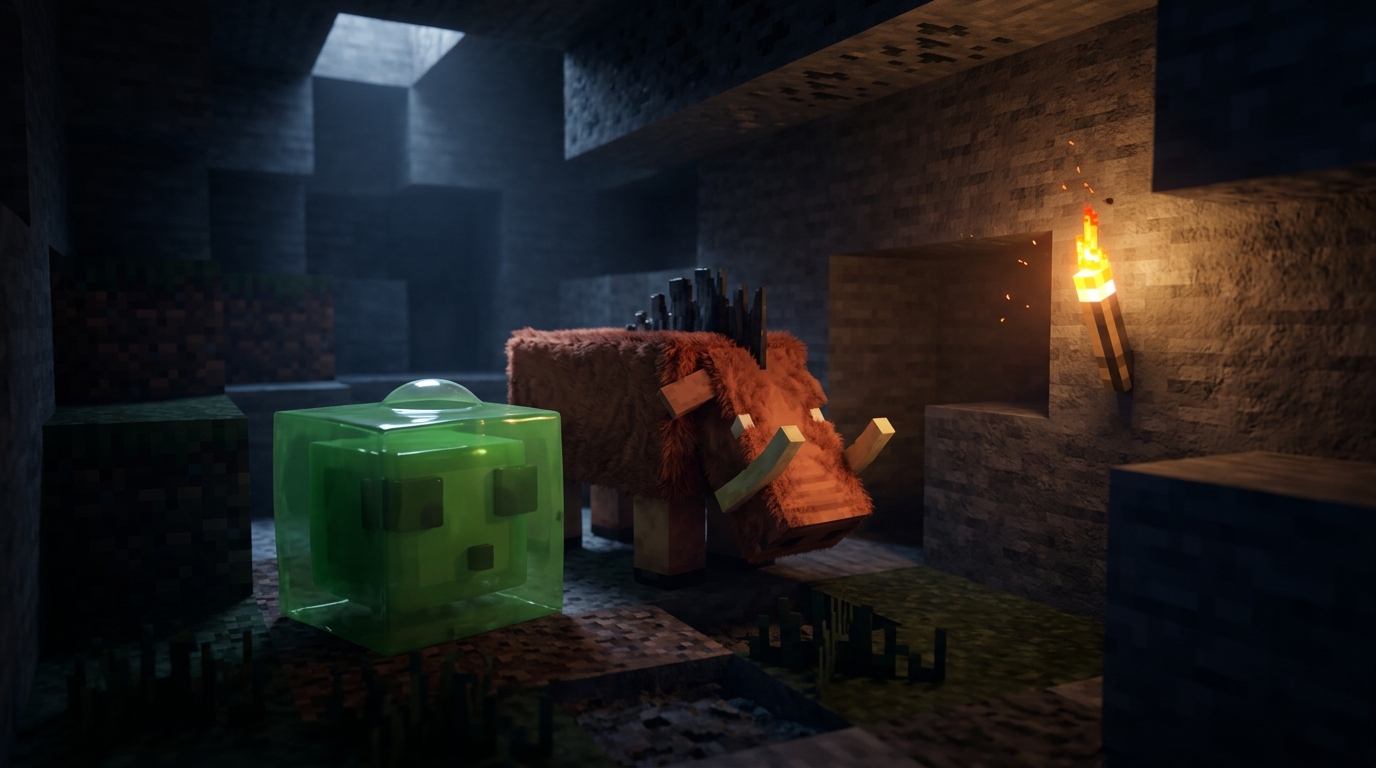
Light fails for slimes, magma cubes, and hoglins because their spawning doesn’t depend on low light. Adding torches around them won’t stop them. Slimes can appear in swamps and in slime chunks, so a torch-lit hall can still get one. Magma cubes and hoglins show up in the Nether, where a lit base is no safer than a dark one.
Bedrock Edition handles a couple of mobs differently. In version 1.18.30, drowned can no longer spawn where block light is above 0, so torches do more work there than they once did. The same update stopped mobs from spawning on campfires, so a campfire square no longer counts as spawning ground.
Before you choose a fix, check two things: your edition and the mob you’re dealing with. Java and Bedrock don’t treat every mob the same way, so a fix that works on one version may not work on the other. If the mob is a slime, magma cube, or hoglin, skip more lighting and cover the ground instead. If it’s a drowned or a zombie, light the squares it could stand on.
How Do You Spawn Proof a Build Site Step by Step?
To spawn proof a build site, identify your edition and target mob, map the ground, cover what you can with safe blocks, light the rest, and then recheck the finished build. Follow the steps in order so you don’t miss a square.
Say you’re building a wooden cabin on a grassy hill with a dirt yard around it. The yard is open ground, so every square there needs a covering or light, and the cabin floor is a separate job you check on its own.
- Check whether you’re playing Java Edition or Bedrock Edition, and write down the mob you want to stop, such as zombies or drowned.
- Walk your build area and mark every dark square and every patch of ground a mob could stand on, including grass, dirt, and stone.
- Cover the open ground your design allows with bottom slabs, carpets, or glass. Carpet works well for a storage floor where you don’t plan a farm.
- Place torches on the remaining open squares, about 14 blocks apart, then stand on each spot and confirm the block light is above 0.
- Once the cabin is finished, walk every slab, stair, and snow layer again, because a top slab or a single snow layer can still leave a spawnable square.
Planning Your Spawn-Proofed Build Next
Your next step is to pick one real build and test it at night before you spawn proof anything else. Start small, such as a small storage hall, so you can check every square without losing track.
Write down two answers first: which edition you play and which mob you want to stop. On Java Edition, if the mob is a zombie, block light is your main tool. If it’s a slime, magma cube, or hoglin, skip the torches and plan to cover the ground instead.
Next, sketch the floor on graph paper, one square per block. Mark each square as a bottom slab, carpet, glass, leaves, snow layers, or open ground. Any square you can’t match to that list gets a torch, so write the torch positions on the grid too.
Then walk the hall after dark. Stand on the squares farthest from your torches, press F3, and read the block light value. Any spot above 0 is protected from zombie spawns on Java Edition, but open ground under the sky still needs its own check. Repeat the walk after the build is finished, because one missed corner is usually where the first zombie appears.