
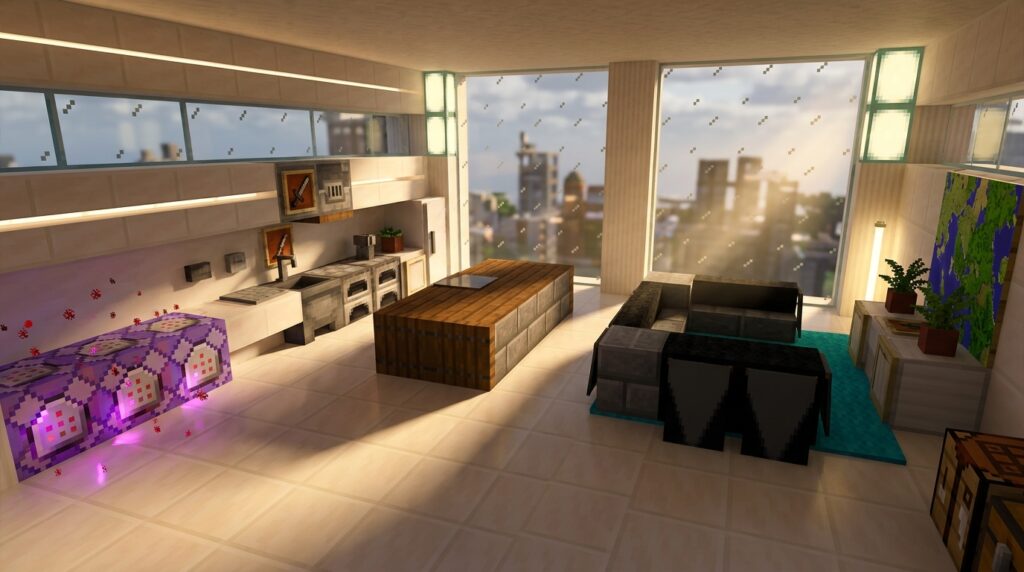
Building a cozy home in Minecraft used to mean using stairs as chairs and signs as armrests, but minecraft furniture command blocks have completely changed how you can decorate. While you can now use the new 26.3 Cushions to sit anywhere or place a Straw Bed for a quick nap without losing your spawn point, command blocks allow you to go even further. You can create working refrigerators that dispense apples or spinning ceiling fans that actually move.
You no longer need to download risky mods to make your base look professional and lived-in. By using modern 26.x command strings, you can hide invisible armor stands to hold items on tables or stack colored cushions to build a custom sectional sofa. These tools give you the power to design a kitchen with functional cabinets and a bedroom that looks like it belongs in a real house.
Key Takeaways
- Command blocks eliminate the need for external mods by allowing you to create functional, professional-grade furniture like working refrigerators and moving ceiling fans directly in vanilla Minecraft.
- Summoning invisible armor stands with ‘Invisible’ and ‘NoGravity’ tags transforms standard stairs and slabs into interactive seating that players can actually sit on.
- Display entities and advanced command strings enable you to bypass the standard block grid to place, scale, and rotate decorative items with surgical precision for a hyper-realistic look.
- Combining modern 26.x features like Cushion blocks with command-based scripts allows for the creation of complex, multi-player furniture such as custom sectional sofas and fully set dining tables.
Summoning Invisible Armor Stand Chairs
You can transform a simple wooden stair into a functional throne by using a hidden armor stand as your seat. While newer updates like Cushions provide easy sitting options, using command blocks allows you to turn any custom build into a piece of interactive furniture. You will need to summon an invisible armor stand exactly in the center of your chair block using the ‘Invisible’ and ‘NoGravity’ tags. This trick makes the game think there is a rideable entity inside the block, allowing you to right click the air and sit down instantly. It is the perfect way to add a professional touch to your dining rooms or outdoor patios without relying on bulky mods.
Setting up this command block station is easy once you understand the basic coordinates for your furniture. You can use a repeating command block or a simple impulse block to spawn the entity directly inside a slab or stair. For the best results, make sure to add a custom name tag to your armor stand so you can target it later if you need to move your furniture. This method gives you total control over the height and rotation of your seat, ensuring your character looks natural while resting. You can even master the art of armor stand posing to create rows of theater seating or functional benches for your city builds.
To keep your world running smoothly, remember to set the armor stand to be invulnerable so it does not accidentally break during a fight. Using these advanced commands allows you to maintain a clean, vanilla look while enjoying the luxury of high end furniture builds. If you want to get creative, you can even stagger the height of the armor stands to make custom sofas that fit multiple players. This approach bridges the gap between standard building and complex scripting, giving you the best of both worlds. Your friends will be amazed when they see you actually sitting in a chair made of simple blocks.
Spawning Custom Furniture With One Command
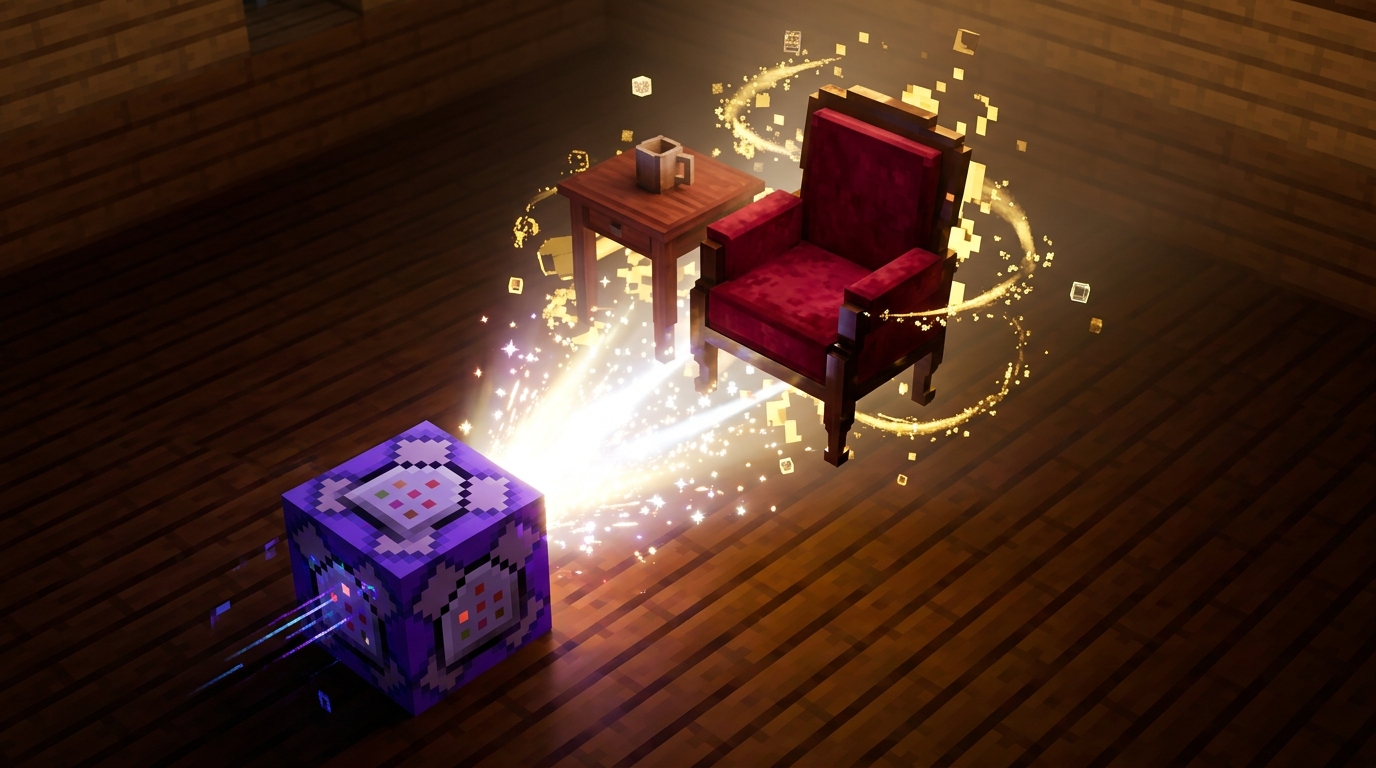
You can transform your house from a basic wooden box into a modern masterpiece by using massive command strings that generate detailed 3D furniture instantly. While standard blocks are great for building walls, these commands allow you to bypass the usual grid limitations to create complex items like functional, professional-grade furniture including working refrigerators and spinning ceiling fans. You simply paste a single, long string of code into a command block to summon a collection of armor stands and custom items that look like professional 3D models. This method is perfect if you want to add a high level of realism to your kitchen or living room without installing any external mods.
These advanced scripts take advantage of the latest updates to give you functional pieces like chairs that you can actually sit on. Instead of just placing a stair block and pretending it is a couch, you can use Minecraft furniture glitches and command strings to spawn a cushioned seat with perfect proportions and a sitting prompt. You will find that these custom creations often include interactive elements, such as drawers that open or lamps that actually toggle light when you click them. It is the ultimate shortcut for builders who want their interiors to look polished and professional while staying within the vanilla game environment.
Setting up these furniture sets is incredibly easy once you have your command block ready to go. You give yourself a command block using the chat console, paste the specific furniture string, and activate it with a redstone torch or button. The game will automatically handle the complex math and positioning required to assemble your new desk, television, or wardrobe right where you stand. This technique allows you to focus more on the aesthetic design of your base rather than struggling with awkward block shapes that do not quite fit your vision.
Using Display Entities For Detailed Decor
If you want to move beyond basic blocky shapes, display entities are your new best friend for high-end interior design. These specialized commands allow you to summon items like plates, books, or tools as visual objects that you can manipulate with surgical precision. You can scale a golden pressure plate down to look like a small coaster or rotate a book so it leans realistically against a wall. By using these commands, you are no longer limited by the standard grid system that usually restricts your creativity. This technique bridges the gap between standard building and advanced scripting to give your rooms a professional, custom look.
Mastering the transformation settings within these command blocks lets you create hyper-realistic tabletop decorations that look like they belong in a professional map. You can position a single amethyst shard to look like a spilled drink or stack thin item displays to create a realistic pile of papers on a desk. Since these entities can be rotated on any axis, you can finally place items at a diagonal to make your home feel lived-in and natural. This level of detail is perfect for players who want to push the limits of vanilla Minecraft without installing any external software. It turns a simple wooden table into a fully set dining area with tiny forks, knives, and napkins.
Combining these visual tricks with the newer functional blocks like cushions makes your furniture both beautiful and interactive. While you use display entities to handle the small details like a steaming mug of cocoa, you can hide a cushion or a command-based sitting script underneath to make the chair actually work. You can even use custom player head commands to add tiny details like toaster ovens or fruit bowls to your counters. This approach ensures that your house looks incredible during a walkthrough while remaining a functional part of your survival world. You can experiment with different scales to make oversized decorative pillows or tiny chess pieces for a game room. Using these advanced tools allows you to express your personal style in ways that standard blocks simply cannot match.
Build Functional Furniture with Command Blocks
Mastering command blocks allows you to break free from the standard grid and add incredible detail to your home. By using these scripts alongside the new 26.3 Cushions, you can finally create a lounge area where you can actually sit down and relax. You can hide invisible armor stands within your custom builds to turn a decorative bench into a fully functional seat. This advanced technique bridges the gap between basic block placement and professional level interior design. Your base will stand out because it offers a level of polish that standard vanilla building simply cannot match.
Designing a stylish space is now easier than ever with the latest Straw Beds and colorful seating options. You can use command blocks to precisely position items, creating the look of a cozy throw pillow or a stack of books on a side table. These small touches make your server feel lived in and unique compared to a basic survival hut. You can also learn how to use invisible item frames to place tools and food directly on surfaces for a more realistic kitchen. Experimenting with different color combinations of Cushions ensures your furniture matches your specific aesthetic perfectly. You now have all the tools needed to build the most comfortable and functional home in your world.
Frequently Asked Questions
1. Do I need to download mods to get furniture in my Minecraft world?
You do not need to download any risky mods to create a professional look. Using modern command strings allows you to build functional items like moving ceiling fans or kitchen cabinets directly in the vanilla game.
2. How do I make a chair that I can actually sit on?
You can turn any chair or slab into a seat by summoning an invisible armor stand inside the block. Use the Invisible and NoGravity tags in your command block so you can right-click the air and sit down instantly.
3. Can I make furniture that actually does something?
Yes, you can use command blocks to build working appliances like refrigerators that dispense apples. These tools let you go beyond decoration to create interactive items that make your base feel like a real home.
4. What is the easiest way to add seating without using commands?
If you want a quick solution without command blocks, you can use the new 26.3 Cushions to sit anywhere you like. You can even stack different colored cushions to build a custom sectional sofa for your living room.
5. How do I keep track of the armor stands I hide in my furniture?
It is best to add a custom name tag to your armor stand when you summon it. This makes it easy for you to target and remove the entity later if you decide to move your furniture to a different room.
6. Can I use command blocks to decorate my kitchen?
Command blocks are perfect for designing a kitchen with functional cabinets and hidden items. You can use invisible armor stands to hold items on tables, making your dining area look lived-in and detailed.
7. Do these furniture commands work in any version of the game?
These tricks work best with modern 26.x command strings found in recent updates. These specific versions offer the tags you need to keep entities invisible and perfectly positioned inside your builds.