
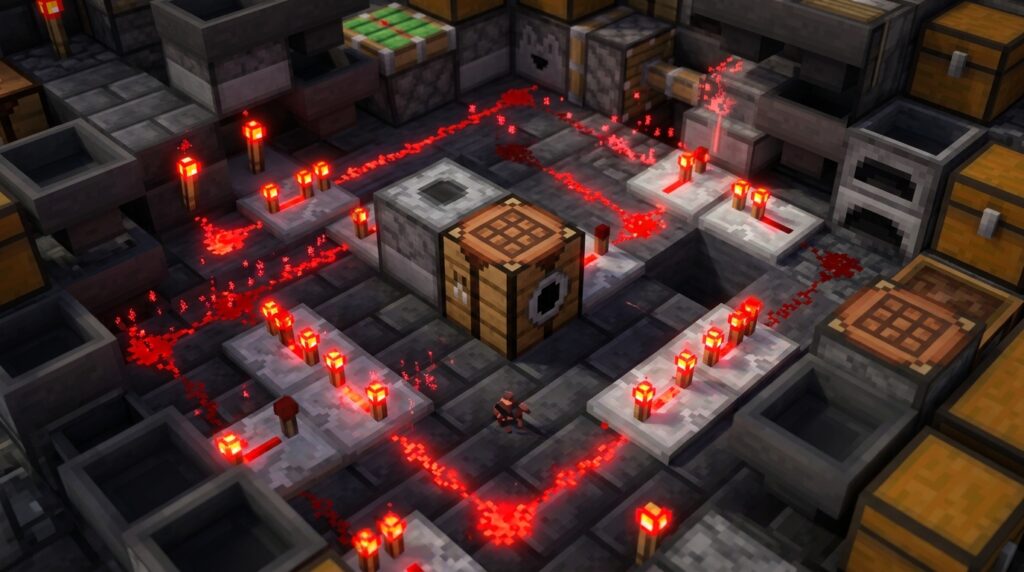
The addition of the Crafter block in Minecraft 1.21 has changed how you play, finally giving you a way to automate your crafting tables. However, you will quickly notice that a simple lever isn’t enough to keep things moving. You need crafter block redstone loops to provide the constant pulses required for production. Since the Crafter only fires when it receives a fresh signal, mastering these loops is the secret to turning a pile of iron ingots into endless stacks of hoppers or buckets without lifting a finger.
By using a comparator to read how many slots are filled, you can build a smart loop that only triggers when your recipe is perfectly ready. This prevents your machine from firing too early and spitting out unwanted items like iron pressure plates instead of the armor you actually wanted. Whether you are building a simple gold nugget packager or a complex firework factory, setting up a reliable pulse system is the most important step in your automation.
Key Takeaways
- The Crafter block requires a fresh redstone pulse for every item produced, meaning a constant power source like a lever will only trigger a single craft.
- Observer clocks provide the high-speed pulsing necessary for rapid, single-material manufacturing such as compacting gold nuggets or iron ingots into blocks.
- Smart comparator loops ensure production accuracy by only triggering a pulse once the specific number of required recipe slots are filled.
- Matching redstone repeater delays or Etho Hopper Clocks to hopper transfer speeds prevents system jams and ensures the machine only fires when materials are ready.
Pulsing The Crafter For Continuous Item Production
The Crafter is a great addition to your Minecraft factory, but it functions differently than other redstone components because it needs a fresh redstone pulse for every item it makes. If you try to power it with a constant signal like a lever or a redstone block, it will only craft one item and then stop. To keep your production lines moving, you need to create a redstone loop that sends repeated signals to the block. This allows the Crafter to reset and fire again as soon as it has the materials it needs. Without a proper clock, your automated factory will simply sit idle after the first craft.
Setting up a high-speed observer clock is one of the most efficient ways to handle rapid block manufacturing. You can do this by placing two observers facing each other, which creates a fast, constant pulsing signal that triggers the Crafter continuously. This setup is perfect for simple items like iron blocks or gold nuggets where you want to process materials as fast as the hoppers can move them. If you want to get more advanced, you can place a comparator behind the Crafter to detect when all the slots are full. This ensures the machine only pulses when a recipe is actually complete, preventing it from spitting out the wrong items.
For a more controlled factory setup, you can connect your observer clock to a sticky piston to turn the machine on and off. When the piston pushes the observers together, the loop starts and your Crafter begins pumping out items at incredible speeds. This is especially useful for massive projects like building a guardian farm or a gold farm where you have thousands of items to compress. By using these loops, you transform a manual crafting task into a fully automated system that works while you are busy elsewhere. Just remember to use hoppers or water streams to carry your finished products away to a storage chest.
Building Smart Comparator Loops For Complex Recipes
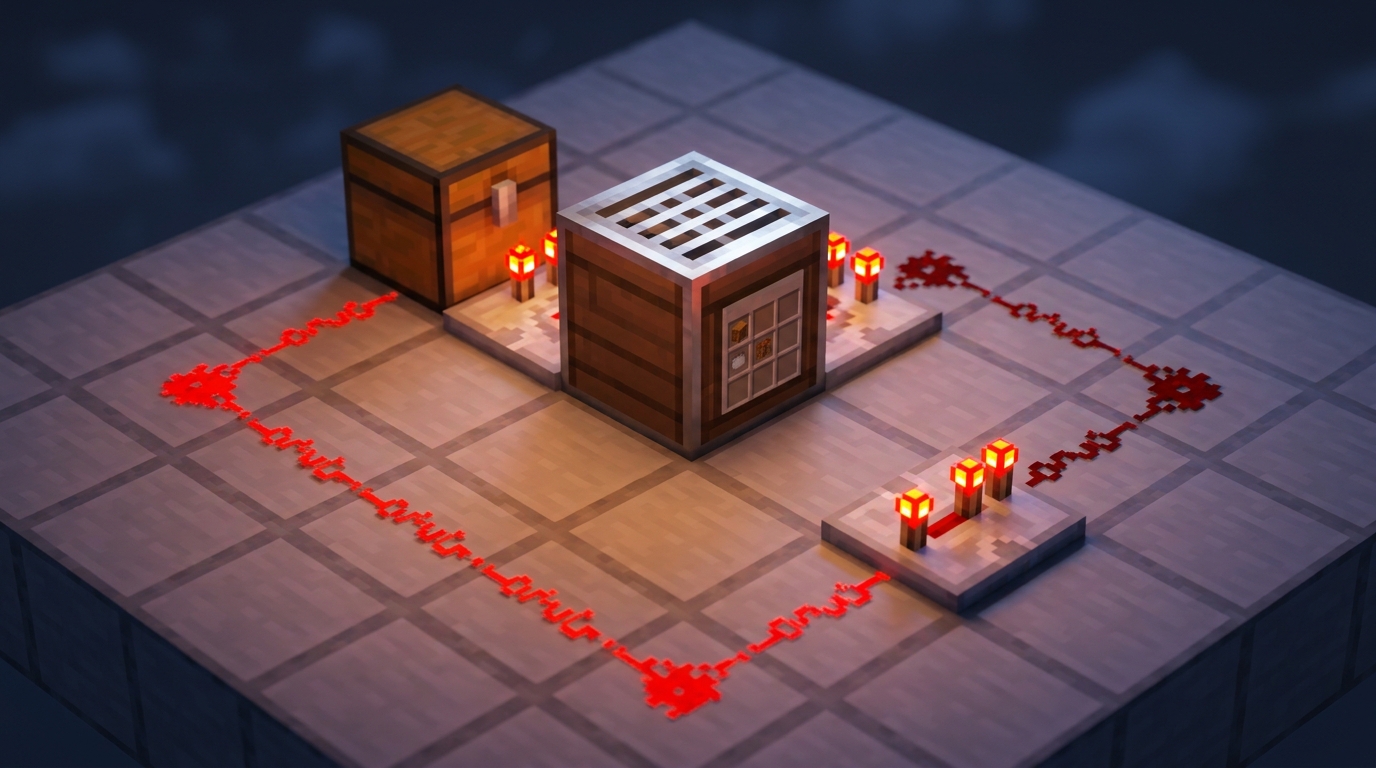
Building a smart comparator loop is the best way to ensure your factory never gets jammed with the wrong ingredients. Since the Crafter block outputs a signal strength based on how many slots are filled, you can use a comparator to count your items before triggering a pulse. For a recipe like a piston, which requires four different types of items, you want to set your comparator to only send a signal once the ninth slot is occupied. By placing a solid block behind the comparator and a redstone torch on the side, you create a simple gate that only fires when the recipe is perfectly balanced. This prevents the machine from trying to craft with missing pieces, which would otherwise break your high speed production line.
Once you have established the correct signal strength for your recipe, you need to loop that signal back into the Crafter to act as a trigger. You can use a small pulse extender or a pair of observers to create a quick flicker that tells the Crafter to work exactly once. This setup is perfect for complex items like dispensers or observers where every single slot needs a specific item. If you are building a massive automated workshop, mastering automatic crafter redstone setups allow multiple Crafters to run side by side without needing manual refills. Your hoppers will continue to distribute items evenly across the slots, and the comparator will wait patiently until the very last ingredient arrives.
To make your system even more efficient, try using a target block next to your Crafter to redirect redstone dust directly into the machine. This saves space and allows you to pack your auto-crafting modules tightly together for a true factory feel. You can also add a small chest on top of your hopper to act as a buffer, ensuring there is always a steady flow of materials for the next cycle. By mastering these comparator loops, you move away from simple button presses and toward a fully autonomous base that handles all your crafting needs. It is a rewarding way to use the new 1.21 mechanics to produce infinite stacks of complex components while you focus on building.
High Speed Timing With Repeater And Etho Loops
To keep your factory running at top speed, you need to master the timing between your item intake and the Crafter’s trigger pulse. A simple repeater loop is perfect for recipes that use a single material, like turning iron ingots into blocks, because you can match the delay to the exact speed of a hopper. Since a hopper moves one item every four redstone ticks, setting your repeater clock to this same interval ensures the Crafter pulses the moment the ninth ingot arrives. This prevents the machine from clicking empty air or getting backed up with extra materials that could break your sorting system.
For more complex recipes that require multiple different ingredients, an Etho Hopper Clock provides the stability you need for long term automation. You can customize the timing by changing the number of items inside the hoppers, allowing the Crafter to wait until every slot is perfectly filled before it fires. This is especially helpful for 24/7 gold farms where you need to process nuggets into ingots and then into blocks without any manual intervention. By using the comparator output to lock the clock until the recipe is ready, you create a fail-safe loop that never wastes a single redstone pulse.
Balancing these loops is the secret to a high-efficiency workshop that produces thousands of items while you are away exploring or building. If your pulse is too fast, the Crafter will trigger before the recipe is complete, but if it is too slow, your hoppers will back up and stall the entire production line. You should always test your timing with a single stack of items first to make sure the rhythm matches your input speed. Once you find that perfect sweet spot between the repeater delay and the hopper transfer rate, your automated factory will run smoothly forever without a single jam.
Automate Your Crafting With Redstone Loops
Mastering these redstone loops allows you to transform a simple Crafter into a high-speed factory line that never stops. By using comparator-based clocks, you ensure your Crafter only fires when every slot is filled with the correct ingredients. This precision prevents your machines from clogging up with useless items or broken recipes. You can now connect these loops to massive iron farms or gold grinders to process raw materials into blocks automatically. Building a central workshop with these designs means you spend less time clicking in menus and more time exploring your world.
Integrating these pulsing circuits into your base changes the way you play Minecraft. You can set up a dedicated station that constantly produces rockets for your Elytra or keeps your chests stocked with golden carrots. The beauty of these loops is how easily they scale, allowing you to stack multiple Crafters for complex items like dispensers or observers. No more manual crafting grids are necessary when your redstone logic handles the heavy lifting for you. To ensure your system never jams, you can Master The Art Of Automatic Crafter Item Filters to keep your production lines organized. Start experimenting with different clock speeds to find the perfect rhythm for your ultimate automated factory.
Frequently Asked Questions
1. Why won’t my Crafter keep making items when I flip a lever?
The Crafter needs a fresh redstone pulse for every single item it creates. If you use a constant power source like a lever, it will craft one item and then stop until you flip the switch again. You need a redstone loop to provide the repeated pulses required for continuous production.
2. How do I make a simple loop for fast crafting?
The easiest way is to place two observers facing each other to create a rapid pulse. This setup sends a constant stream of signals to your Crafter, which is perfect for quickly turning gold nuggets into ingots. Just make sure you have enough items flowing in to keep up with the speed.
3. How can I stop the Crafter from firing before the recipe is ready?
You can use a comparator to read the Crafter and detect when the specific number of slots are filled. This creates a smart loop that only sends a pulse once the exact recipe is laid out. This prevents mistakes like accidentally making iron pressure plates when you were trying to craft iron doors.
4. What is the best way to automate block compacting?
A basic observer clock is your best friend for compacting items like raw iron or diamonds into blocks. Since these recipes use all nine slots, you can just let the loop run constantly while hoppers feed in the materials. It is a set and forget system that saves you tons of inventory space.
5. Can I use a redstone repeater to control the crafting speed?
Yes, building a loop with repeaters allows you to slow down the signal to match the speed of your item hoppers. By adding more repeaters and adjusting their delay, you can ensure the Crafter only pulses when it has enough materials. This is a great way to save lag in your world by not pulsing an empty machine.
6. What happens if I don’t use a redstone loop?
Without a loop, your automated factory will simply sit idle after the very first item is made. You would have to manually break and replace redstone torches or flip levers constantly to get your items. Mastering these loops is the only way to achieve true, hands free automation in your base.