
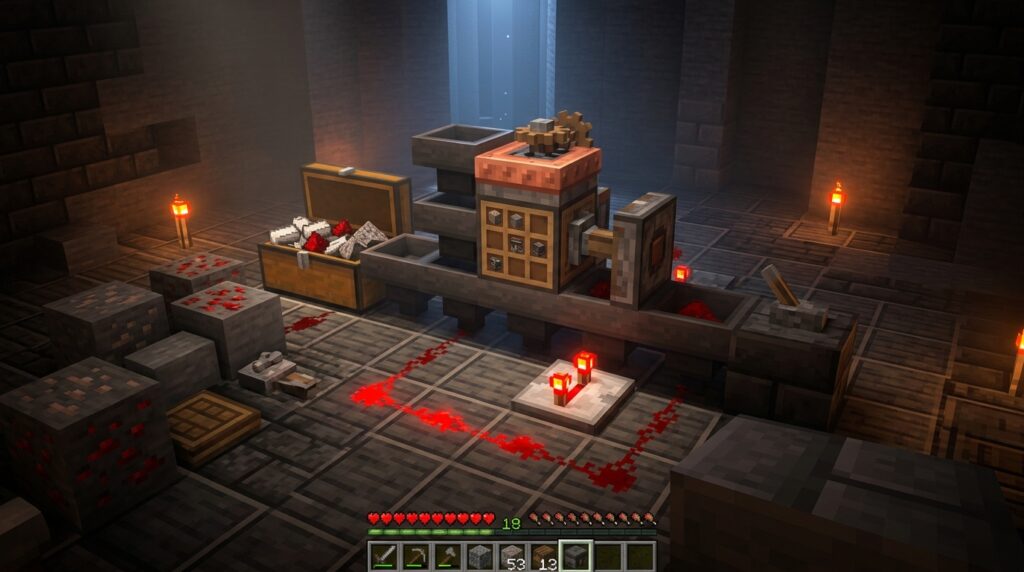
The 1.21 Tricky Trials Update has changed how you manage your resources by introducing the Crafter block. Its true power lies in mastering automatic crafter item filters to ensure your items land in the right spots. By toggling specific slots in the 3×3 grid, you can prevent hoppers from filling spaces you do not need, making it easy to automate recipes like iron swords or wooden pressure plates.
Since items fill the grid from the top-left to the bottom-right, setting up your filters correctly prevents your machines from clogging. You can use a redstone comparator to check how many slots are full, allowing you to trigger a craft only when the recipe is perfect. Whether you are building a massive gold farm or a simple bread maker, these filtering techniques turn a pile of items into a streamlined production line.
Key Takeaways
- Utilize slot toggling to lock specific squares in the 3×3 grid, preventing hoppers from filling unused spaces and ensuring ingredients land in the correct recipe layout.
- Master the top-left to bottom-right filling sequence by combining item sorters and precisely timed inputs to prevent machine clogs and material overflows.
- Connect a redstone comparator to the Crafter to detect when all enabled slots are full, triggering an automatic pulse to craft the item only when the recipe is complete.
- Implement clock circuits and droppers to manage item ratios, ensuring complex recipes receive the exact number of ingredients required for a single crafting cycle.
Using Slot Toggling To Control Recipe Layouts
Slot toggling is the secret to making your Crafter work perfectly without you having to watch over it. By clicking on specific squares in the 3×3 grid, you can turn them red to lock them down completely. These locked slots will refuse to take any items from hoppers or droppers, which is essential for recipes that do not use all nine spaces. If you are making a simple pair of shears, you only want two slots open so the iron ingots do not accidentally fill up the rest of the grid. This trick ensures your Crafter stays organized even when it is connected to a massive storage system.
The order in which items enter the Crafter is just as important as locking the right slots. When a hopper pushes items into the block, they will always fill the first available open slot starting from the top left and moving to the bottom right. For a recipe like a diamond sword, you would lock every slot except for a vertical line of three spaces in the middle. Because the slots are locked, the hopper will put two diamonds in the top two open spots and one stick in the bottom one. This prevents your ingredients from getting mixed up and keeps your factory running smoothly.
Setting up these filters turns your Crafter into a set and forget machine for your base. You can build advanced systems that produce items like pistons or observers by carefully choosing which slots to leave open. Without these toggled filters, a hopper might dump a full stack of cobblestone into every single slot and break your entire production line. Taking a moment to click those slots saves you from having to manually fix jammed machines later on. It is the best way to ensure your automatic farm produces exactly what you need every single time.
Preventing Clogs With Item Sorter Inputs
Connecting an item sorter to your Crafter is the best way to keep your factory running without any annoying jams. This design uses a hopper, a comparator, and a bit of redstone dust to make sure only one specific item type can pass through at a time. If you are making iron swords, you can set up two sorters to feed exactly one stick and two iron ingots into the machine. This setup prevents random items from clogging your grid and stopping the crafting process. You will find that this level of control is essential for complex recipes that require different materials in a specific order.
Setting up these filters allows you to build a reliable system for your base. You can link your main storage or a mob farm directly to the Crafter and trust that it will only pull the ingredients it needs. Since the Crafter fills slots from top-left to bottom-right, the sorters ensure that your items arrive in the correct sequence every single time. This prevents a surplus of one material from taking over slots meant for another part of the recipe. You can spend more time adventuring while your machine handles the work of organizing and crafting your gear.
Smart Crafting With Comparator Signal Strength Logic
To turn your Crafter into an autonomous machine, you need to master the relationship between the grid slots and redstone comparator signals. When you place a redstone comparator directly against a Crafter, it reads how many slots are currently occupied by items or have been manually disabled. For a recipe like a Diamond Pickaxe, you would disable six slots and leave three open for your materials. The comparator will then output a signal strength of nine only when every enabled slot contains at least one item. This logic prevents your hoppers from shoving extra sticks into a slot meant for a diamond, which would otherwise jam your entire production line.
Once your comparator reaches that signal strength of nine, you can use a simple redstone wire to loop that power back into the Crafter itself. This creates a self-triggering loop where the machine only fires a crafting pulse the exact moment the recipe is complete. You can even use a target block or a small torch tower to keep the footprint compact for your underground factory. This setup ensures that your items are ejected immediately, clearing the grid so the next batch of ingredients can flow in without any manual intervention. It is the best way to build a system for complex items like pistons or dispensers.
This advanced filtering method is much more reliable than using basic clocks or timers that might fire when the grid is empty. By relying on the fullness of the block, you guarantee that every redstone pulse results in a finished product rather than a wasted click. You can even chain multiple Crafters together using this logic to build assembly lines that turn raw ores into finished tools. Just remember to keep your input hoppers filled, and your smart crafting station will handle the rest of the work for you. Mastering automatic crafter redstone setups turns a simple block into the heart of a fully automated Minecraft industrial setup.
Designing Multi Item Ratios For Complex Recipes
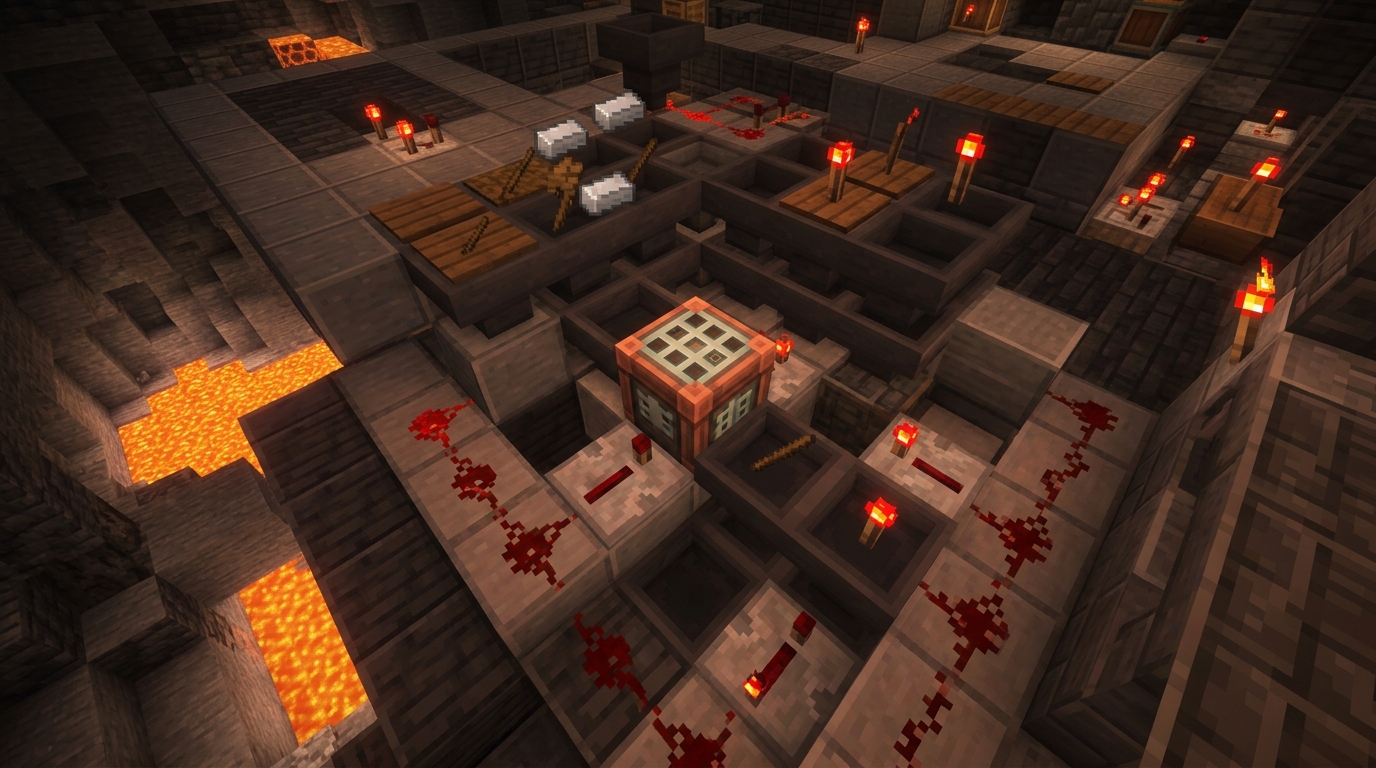
Mastering the delivery of items is the secret to building a reliable factory. When you are crafting something like bread, you need exactly three wheat to fill the slots before the Crafter receives a redstone pulse. If your hoppers move too fast or without a plan, you might end up with five wheat in the first slot and nothing in the others, which breaks your automation. You can solve this by using a clock circuit that triggers a dropper to spit out the exact number of items required for a single recipe. This ensures that every slot gets exactly what it needs in the correct order every single time.
To handle more complex recipes like pistons, you need to coordinate multiple inputs so they do not clog the grid. You can use a series of repeaters to delay certain hoppers, ensuring the cobblestone arrives only after the iron ingot and redstone dust are already in place. If one item type arrives too quickly, it will spill over into the wrong slots and stop the machine from working. By balancing the timing of your item streams, you create a loop where the Crafter only fires when the 3×3 grid is perfectly arranged. This level of control turns a simple block into a high speed production line for your base.
Test Your Automatic Crafter Setup
Testing your final setup is the most rewarding part of building an autonomous factory. Start by tossing your raw materials into the input chests and watch as the hoppers fill the crafter in the exact order you designed. You should see the items land only in the enabled slots, skipping over any squares you toggled off for your specific recipe. If you are crafting something like a wooden sword, make sure the sticks and planks are landing in the center and bottom slots without any overflow. A successful test means your redstone comparator picks up the signal at the perfect moment to trigger the crafting pulse.
Once you are sure the item ratios are correct, you can walk away and let the machine do the heavy lifting. Mastering the Crafter block for automatic crafting ensures that your factory never gets jammed with extra items that could break the recipe sequence. Whether you are mass producing iron blocks or complex tools, your factory will now run smoothly as long as you keep the supply chests full. You can even use these techniques to build infinite fuel systems that keep your furnaces running forever. You have successfully turned a simple redstone block into a fully independent workstation that requires zero manual clicking. Enjoy your new freedom while your automatic crafter works in the background of your Minecraft world.
Frequently Asked Questions
1. What exactly is a Crafter block and what does it do?
The Crafter is a block from the 1.21 Tricky Trials Update that automatically builds items for you using redstone. It uses a 3×3 grid just like a crafting table, but it can be powered by hoppers and droppers to make items without you clicking a single button.
2. How do I stop items from filling up the wrong slots?
You can lock specific slots in the 3×3 grid by clicking on them until they turn red. Once a slot is locked, hoppers will ignore it and only put items into the open spaces you have chosen for your recipe.
3. In what order do items fill the Crafter grid?
Items always enter the Crafter from the top-left corner and move across to the right before dropping down to the next row. Because of this path, you need to lock the unused slots to make sure your ingredients land in the exact spots required for your recipe.
4. Can I use redstone to tell the Crafter when to craft?
Yes, you can place a redstone comparator next to the Crafter to see how many slots are currently filled with items. This allows you to send a signal to the block so it only crafts once the grid has the perfect amount of ingredients for your item.
5. What is a simple example of using slot toggling for a recipe?
If you want to make a pair of shears, you only need two iron ingots. You should lock seven of the nine slots so the iron ingots are forced into the only two open spaces, preventing your machine from getting clogged with extra materials.
6. Why is the Crafter better than crafting items by hand?
The Crafter allows you to turn raw materials from your farms, like gold or iron, into blocks or tools completely automatically. This saves you time and keeps your storage systems from overflowing with unstacked items.