
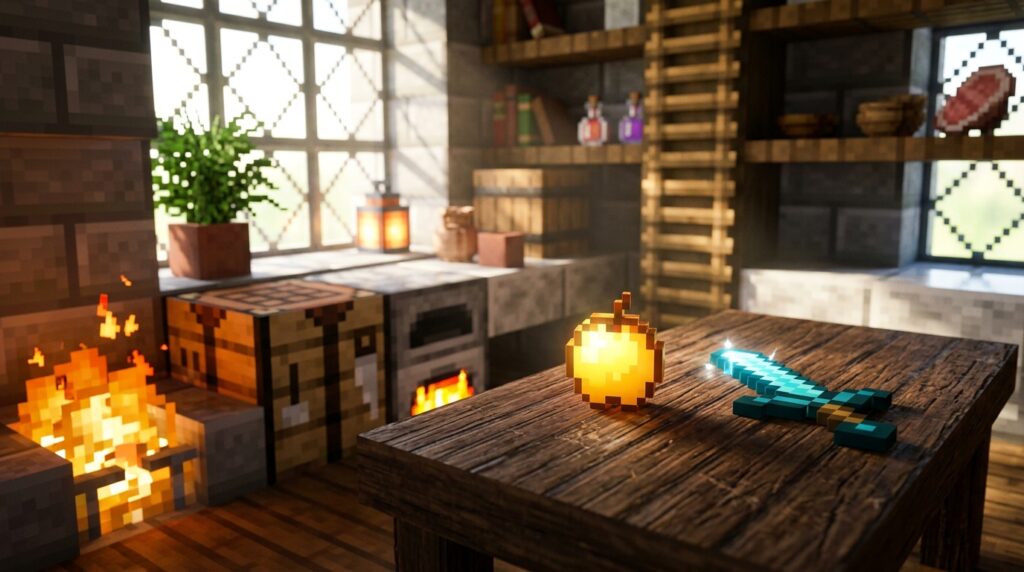
Have you ever wanted to place a sword directly on a table or hang a shield on your wall without that bulky wooden border getting in the way? Using invisible item frames is the secret to making your builds look professional and realistic. By hiding the frame itself, you can make any item look like it is resting naturally on a surface or floating in mid-air. It is the perfect trick for adding detailed decorations like plates of food to a dining room or tools to a workshop bench.
While these frames are excellent for your creative designs, they still won’t show up in your standard creative inventory. Since the 1.21 update changed how Minecraft handles item data, the old commands you might have used in the past no longer work. You will need to use a specific updated command to get your hands on them, but the effort is worth it for the aesthetic boost. Whether you want a standard look or a glowing item that shines in the dark, mastering this hidden feature will transform how you decorate your world.
Key Takeaways
- Invisible item frames are the key to professional interior design, allowing items like tools, food, and weapons to rest naturally on surfaces without bulky wooden borders.
- You must use specific updated commands to obtain these frames in version 1.21, as they are not available in the standard Creative inventory and the old syntax is obsolete.
- Utilizing the invisibility tag on glow item frames ensures that decorations remain vibrant and visible in low-light environments while keeping the frame itself hidden.
- While these features are native to the Java Edition via data commands, Bedrock Edition players must typically rely on external add-ons or resource packs to achieve the same aesthetic.
Using The 1.21 Command To Get Invisible Item Frames
Getting your hands on invisible item frames is a great way to improve your interior design projects in Java Edition. Since these frames are not available in the Creative inventory, you need to use a specific command to add them to your hotbar. With the 1.21 update, the way Minecraft handles item data has changed, so you must use the updated syntax to make it work. Simply open your chat and type /give @s item_frame[entity_data={id:"minecraft:item_frame",invisible:1b}] to receive the special item. This command tells the game to give you a standard frame that possesses a hidden invisibility tag.
Once you have these frames, you can transform a cluttered room into a sleek and realistic space. You can place a sword directly on a stone wall or set a delicious cake right on a wooden table without that clunky brown border getting in the way. This trick is perfect for builders who want their decorations to look like they are sitting naturally on surfaces rather than being stuck inside a box. If you want your items to stand out even more in dark rooms, you can swap the command to use a glow_item_frame instead. These small details make your Minecraft house feel much more professional and polished.
Decorating Tables And Walls With Floating Items
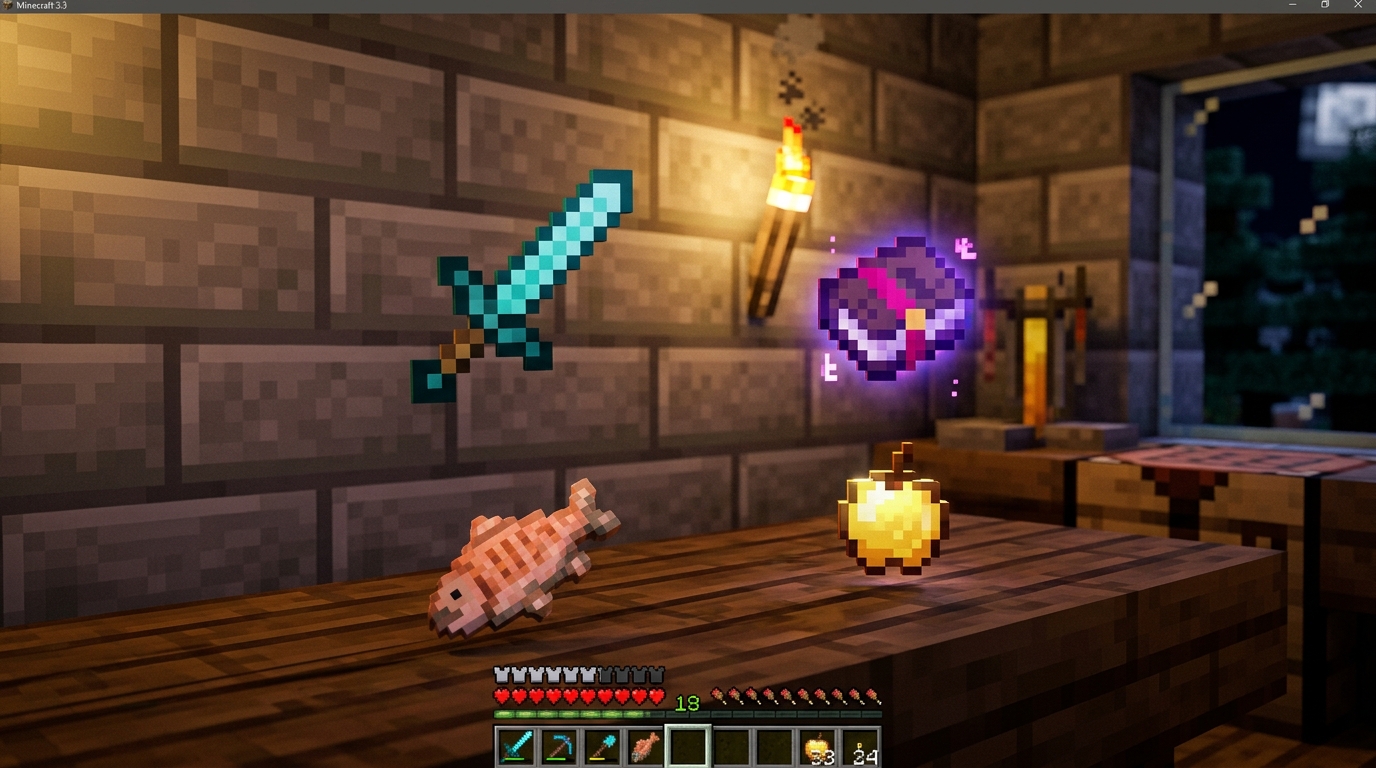
Invisible item frames are helpful for anyone who wants to add a touch of realism to their Minecraft builds. By using a simple command to remove the clunky wooden border, you can make objects look like they are sitting naturally on any surface. Imagine placing a delicious cooked steak directly on a heavy weighted pressure plate to mimic a real dinner plate. You can also set a book on a dark oak desk or lean a sword against a stone wall for a more lived in feel. This technique turns flat surfaces into detailed displays that feel much more authentic than standard blocks.
Creating a functional kitchen or workshop becomes much more exciting when you can hang tools and utensils right where they belong. You can place a set of iron shears on a wall to look like a tool rack or put a glass bottle on a shelf as if it were a fresh potion. If you want your decorations to stand out even in the middle of the night, you can even apply the invisibility property to glow item frames. This makes your items pop with a soft light while keeping the frame itself completely hidden from view. It is the perfect way to add tiny details that make a massive difference in your interior design.
Since these special frames are not available in the standard creative menu, you will need to use a specific command to get them into your inventory. As of version 1.21 and beyond, the way the game handles item data has changed, so make sure you are using the most up to date syntax for your world. These frames are currently a hidden feature primarily for Java Edition players, though Bedrock users can often find similar results through external add ons. Once you have them, you can start transforming your house from a simple wooden box into a cozy, realistic home. Just aim at a block, place your frame, and watch as your favorite items appear to float or rest perfectly in place.
Lighting Up Rooms With Invisible Glow Item Frames
You can take your interior design to the next level by using invisible glow item frames to make your decorations truly shine. While standard frames often look bulky with their wooden borders, these invisible versions let your items sit directly on surfaces like tables or shelves. By adding the glow property to an invisible frame, your displayed items will remain perfectly visible even when the sun goes down or if they are tucked away in a dim corner. This trick is perfect for creating a cozy atmosphere in a library or a mysterious vibe in a wizard tower. You can place a lantern or a potion bottle on a desk, and it will look like a natural part of the room rather than a floating entity.
Achieving this look requires a specific command since these special frames are not found in the regular creative inventory. For players using version 1.21 and later, you will need to use the updated item data syntax to give yourself a glow item frame with the invisibility component set to true. Once you have the frame, simply place it on a wall or floor and add your favorite item to see the magic happen. The item will appear to be resting naturally on the block while emitting a soft, constant brightness that ignores the surrounding light level. This technique is useful for builders who want their pro designs to feel realistic and polished without the clutter of visible frames.
Imagine walking into your kitchen and seeing a golden apple resting directly on a cutting board or a map glowing softly on a dark stone wall. These small details make your Minecraft base feel lived in and professional. Because the frame itself is completely hidden, your friends will wonder how you managed to place tools and food items in such specific spots. Using glow frames ensures that your hard work is never lost in the shadows, keeping your most prized possessions front and center at all times. It is a simple adjustment that provides a massive boost to the overall aesthetic of any build you create.
Elevate Your Builds with Invisible Frames
Mastering the use of invisible item frames is one of the quickest ways to elevate your Minecraft builds. By using the updated 1.21 command, you can finally remove those bulky wooden borders that usually clutter your walls and furniture. This simple trick allows you to place a loaf of bread directly on a kitchen counter or a compass flat on a study desk. It creates a much more realistic environment where items look like they actually belong in the room. You will notice an immediate difference in how clean and polished your interior spaces feel once the frames disappear.
These invisible frames are also perfect for adding tiny details that make a house feel lived in and cozy. You can place a pair of shears on a garden bench to look like discarded tools or put a clock directly on a mantle without a frame blocking the view. If you want to learn how to use easy mob head commands in Minecraft, you can combine those custom skulls with these frames for even more unique decorations. You can also better building to create life-like scenes that complement your new invisible item displays. Even though you still need to use commands to get them, the visual payoff is worth the extra step. Your friends will be amazed at how you managed to balance items on surfaces so perfectly.
Frequently Asked Questions
1. Can I find invisible item frames in the Creative inventory?
No, you cannot find these special frames in the standard Creative menu. You must use a specific chat command to add them directly to your hotbar.
2. What is the exact command for the 1.21 update?
To get the frame, type /give @s item_frame[entity_data={id:"minecraft:item_frame",invisible:1b}] into your chat window. This updated syntax is necessary because the 1.21 update changed how the game reads item data.
3. Will the item I put inside the frame also be invisible?
No, only the wooden border of the frame disappears. Your items, like a shiny diamond sword or a loaf of bread, will remain perfectly visible and look like they are resting directly on your furniture.
4. Can I make glowing item frames invisible too?
Yes, you can use the same command logic for glowing frames to make items pop in the dark. Just replace the item name in the command with glow_item_frame to get a version that shines without a visible border.
5. What are the best ways to use these frames for decoration?
You can place a shield on a wall to make it look like a mounted display or put a plate of food on a table for a realistic dining room. They are also perfect for hanging tools above a smithing table to create a workshop look.
6. Do these invisible item frames work on the Bedrock Edition of Minecraft?
This specific command and feature are designed for the Java Edition of the game. Bedrock players usually need to use resource packs or add-ons to achieve the same look since the data commands work differently there.
7. Will my invisible frames stay hidden if I break them?
If you break the frame, it will drop as a normal item and lose its special invisibility tag. You will need to use the command again to get a new invisible frame to replace it.