
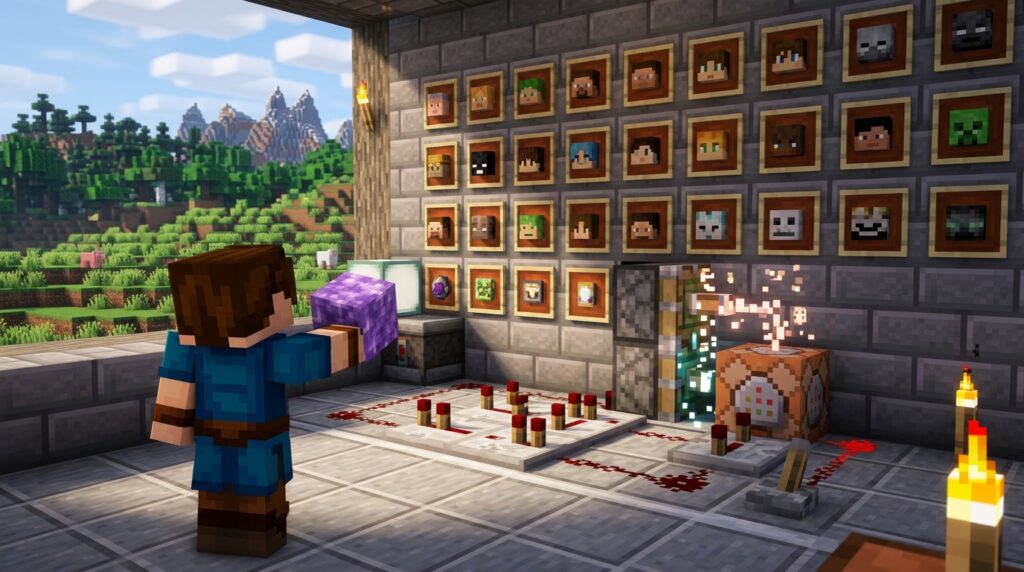
Decorating your base with the skulls of your defeated enemies is a classic Minecraft tradition, but waiting for a lightning storm to get a Charged Creeper is a huge hassle. You can skip the grind and decorate your walls instantly by using easy mob head commands right in your chat box. Whether you want a Piglin head for your trophy room or a Dragon head for your Redstone contraptions, these simple shortcuts give you exactly what you need without the wait.
Minecraft versions 1.20.5 and 1.21 changed how these commands work, so you need the updated syntax to avoid errors. You can now use the profile component to grab a specific player’s look or use the standard give command for basic mob skulls. These commands work perfectly in Creative mode or any world where you have cheats enabled. Now you can focus on building your dream museum instead of hunting for rare drops.
Key Takeaways
- Use the updated 1.20.5 and 1.21 syntax, such as /give @s minecraft:player_head[minecraft:profile={name:”Username”}], to successfully obtain custom heads in Java Edition.
- Access a wider variety of decorations like Slimes, Spiders, and Endermen by using official MHF (Minecraft History Fill) account names in the player head command.
- Simplify the process for standard mob trophies by using direct commands like /give @s minecraft:zombie_head, which bypasses the need for complex charged creeper farms or lightning storms.
- Ensure cheats are enabled in world settings or play in Creative mode to execute these commands and instantly populate trophy rooms or armor stands.
Simple Give Commands For Standard Mob Heads
You can skip the effort of building a reliable mob head farm by using simple chat commands to decorate your base with mob trophies. In the latest Java Edition versions like 1.21, you can grab a standard head by typing /give @s minecraft:zombie_head or /give @s minecraft:creeper_head into your console. These basic commands also work for skeletons, wither skeletons, piglins, and even the ender dragon. If you are playing on Bedrock Edition, the syntax is even simpler because you just need to type /give @p zombie_head to get the item instantly. This method is perfect for creative builders who want to add a bit of personality to their armor stands or wall displays without waiting for a lightning storm.
If you are looking for a specific player head or a unique mob skin, the command syntax uses a profile component to identify the look you want. For your own head in Java Edition, you would use /give @s minecraft:player_head[minecraft:profile={name:"YourUsername"}] to receive the item. You can also use the official MHF (Minecraft History Fill) accounts, which are special usernames created to provide heads for mobs like spiders or cows that do not have their own items. These shortcuts make it easy to collect every single creature head in the game for your trophy room. Just make sure you have cheats enabled in your world settings so the commands can execute properly.
Java Commands For Custom Player And Mob Skins
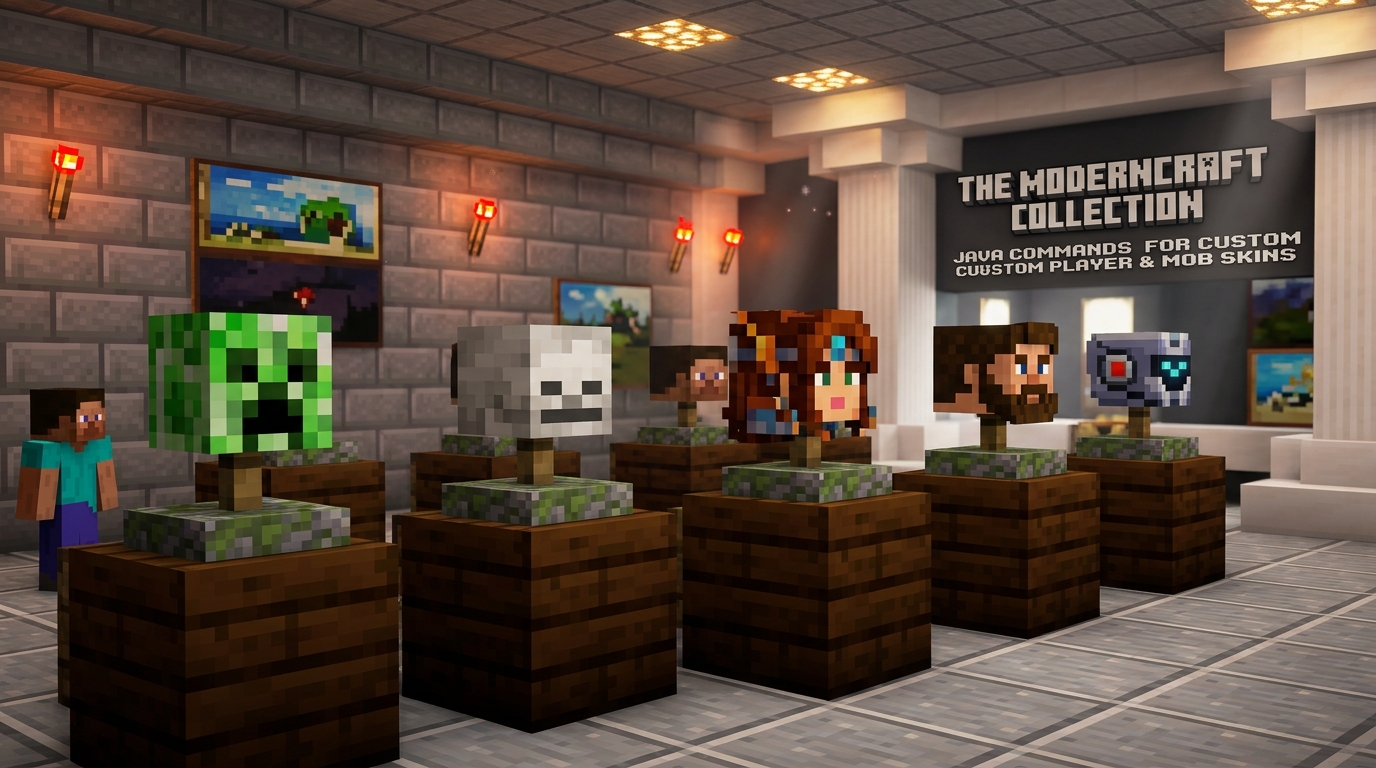
If you want to decorate your base with rare trophies without spending hours hunting Creepers or building complex charged Creeper farms, using Java commands is the perfect shortcut. Starting with version 1.20.5 and continuing into 1.21, the game uses a new profile component syntax that makes it easy to summon custom heads instantly. You can grab your own head by typing /give @s minecraft:player_head[minecraft:profile=YourUsername] into the chat console. This command works perfectly for any player head, allowing you to display your skin or your friends’ skins as decorative blocks. It is a fantastic way to add a personal touch to your builds or create a hall of fame for your server members.
Beyond just player skins, you can use official MHF accounts to get mob heads that do not naturally exist as items in the game. By using the command /give @s minecraft:player_head[minecraft:profile=MHF_Slime], you can obtain a miniature slime block head for your collection. This trick works for several creatures, including MHF_Blaze, MHF_Spider, and even MHF_Cake for those who want unique food decorations. These shortcuts allow you to skip the grind of survival mechanics while still getting the exact aesthetic you want. It is the fastest way to turn a boring room into a detailed trophy room filled with unique textures.
For the standard mob heads like Zombies, Skeletons, and Piglins, the commands are even simpler because they are built directly into the game’s item list. You can quickly generate these by typing /give @s minecraft:zombie_head or /give @s minecraft:piglin_head while in a world with cheats enabled. These items are great for wearing as disguises or placing on armor stands to create realistic scenes. Since the 1.21 update keeps these commands streamlined, you can spend less time typing and more time designing your perfect Minecraft world. Whether you are building a spooky dungeon or a high-end museum, these head commands provide all the variety you need.
Using MHF Accounts For Rare Mob Textures
If you want to decorate your base with rare mob trophies without building a massive charged creeper farm, MHF accounts are your best friend. These Minecraft History Fill accounts are official profiles that have fixed skins specifically for decoration. You can use a simple command to summon heads for mobs that do not have their own items, such as Endermen, Slimes, or Spiders. This is a perfect shortcut for players who want to skip the grind and focus on the creative side of their build. It turns your console into a trophy shop where you can grab any creature’s likeness in seconds.
To get these heads in the latest versions of Java Edition, you just need to use the /give command with the profile component. For example, if you want a classic Enderman head, you would type /give @s minecraft:player_head[minecraft:profile=MHF_Enderman] into your chat. You can also swap out the name for other mobs like MHF_Slime, MHF_Blaze, or even MHF_Cactus if you want a blocky decoration. These commands are case-sensitive, so make sure you capitalize the letters exactly as they appear in the account name. It is a quick and easy way to add personality to your world without needing any mods or external tools.
These heads are great for more than just showing off your hunting skills on a wall. You can place them on armor stands to create custom statues or use them as small decorative blocks for a cluttered workshop look. Since these accounts are official, the textures are reliable and will not change unexpectedly like a random player’s skin might. Whether you are building a spooky dungeon or a detailed museum, these MHF shortcuts provide the variety you need. They give you instant access to the game’s most iconic faces with just a few keystrokes.
Decorating with Ease
Building a massive charged creeper farm or hunting down rare spawns can take hours of your time, but these simple commands give you instant results. You can now skip the grind and decorate your trophy room with any head you desire by simply typing a quick line into the chat console. Whether you need your own face to mark a base or a specific mob head to add detail to a build, the updated syntax for 1.20.5 and 1.21 makes the process faster than ever. Just remember to use the profile component in Java Edition to ensure the textures load correctly every time. These shortcuts are perfect for players who want to focus on stress free building and style without worrying about complex redstone mechanics.
Your Minecraft world becomes much more personal when you start using these decorative items to tell a story. You can place a zombie head on a shelf for a spooky vibe or use MHF account names to get skins for mobs that do not have official head items yet. Adding these small details brings life to your armor stands and interior designs, making your builds feel unique and lived in. Since you no longer have to wait for a lightning storm to get a mob head, you can spend that extra time perfecting your latest construction project. Grab your favorite heads today and start showing off your achievements in style.
Get Custom Mob Heads Instantly with Commands
Mastering mob head commands is the fastest way to decorate your base without the headache of hunting charged creepers or building massive farms. Whether you want to display your own trophy with /give @s minecraft:player_head[minecraft:profile=YourUsername] or collect standard mob skulls, these shortcuts save you hours of grinding. The updated syntax for version 1.20.5 and beyond makes it easier than ever to use custom player head commands to customize your world with specific player skins. You no longer have to worry about complex NBT tags when you just want a simple cosmetic reward.
Using MHF accounts is a fantastic trick for grabbing heads that do not have their own official items in the creative inventory. By using the player head command with names like MHF_Slime or MHF_Blaze, you can add variety to your trophy room that goes far beyond the basic zombie and skeleton skulls. This method is perfect for console command enthusiasts who value aesthetics and vanity over technical farm builds. You can quickly fill your shelves with unique mob faces just by typing a few quick lines into the chat box.
Remember to double check your Minecraft version before entering these commands to ensure the square bracket syntax works correctly. If you are playing on the latest 1.21 update, the profile component is your best friend for obtaining high quality player heads instantly. These commands give you total creative freedom to celebrate your achievements or prank your friends with their own likeness. You can also master the art of armor stand posing tricks to create dynamic displays for your new collection. Keep these handy snippets in your notes so you can always spruce up your builds with the perfect decorative skull.
Frequently Asked Questions
1. How do I get a mob head using a command in Minecraft 1.21?
To get a basic mob head in the latest Java Edition, type /give @s minecraft:zombie_head or /give @s minecraft:creeper_head into your chat box. This works for all standard mobs like skeletons and piglins without needing to hunt for them.
2. What is the command for mob heads if I play on Bedrock Edition?
Bedrock Edition commands are very simple and direct. You just need to type /give @p zombie_head or /give @p skeleton_skull to get the item instantly in your inventory.
3. Do I need to enable anything special to use these commands?
Yes, you must be in Creative mode or have cheats enabled in your world settings for these commands to work. Once cheats are on, you can open your chat and start decorating your base immediately.
4. How can I get a head that looks like my own character?
In Java Edition, you can use the profile command to grab your specific skin. Type /give @s minecraft:player_head[minecraft:profile={name:"YourUsername"}] while replacing the name with your actual Minecraft username.
5. Can I get an Ender Dragon head using these shortcuts?
You absolutely can skip the trip to the End cities by using a command. Simply type /give @s minecraft:dragon_head to receive a dragon head that you can place on your walls or use in Redstone builds.
6. Why isn’t my mob head command working in the new update?
Minecraft versions 1.20.5 and 1.21 updated the command syntax to use square brackets for item components. Make sure you are using the new format like minecraft:player_head[minecraft:profile={name:"Name"}] to avoid errors in your console.