
Imagine you have just filled a chest with diamond blocks, but when you log back in, the chest is empty while the blocks are still in your inventory. This strange glitch is a result of chunk loading exploits, which are clever ways players trick Minecraft into forgetting to save specific parts of the world. By overwhelming a single 16×16 area with too much data, such as hundreds of written books, you can force the game to revert a chunk to its previous state.
These tricks are a massive headache for server owners because they can be used to duplicate rare items or even crash a world entirely. You might see players using book bans or massive clusters of item frames to hit the hidden data limits of the game. Understanding how these save errors work is the best way to keep your own builds safe and ensure your server stays stable.
Key Takeaways
- Chunk loading exploits allow players to duplicate items or crash servers by overwhelming 16×16 areas with excessive data, such as written books or item frames, forcing the game to revert to a previous save state.
- Nether portal loaders create a permanent loading state by using redstone loops to send items between dimensions, keeping automated farms active regardless of player distance.
- Placing redstone clocks or item-transferring hoppers across chunk boundaries forces the game to maintain activity in those areas, ensuring continuous resource production in spawn chunks and distant outposts.
- While these techniques maximize efficiency and bypass vanilla distance limits, excessive chunk loading can cause significant server lag and stability issues if not managed carefully.
Permanent Loading With Nether Portal Entities
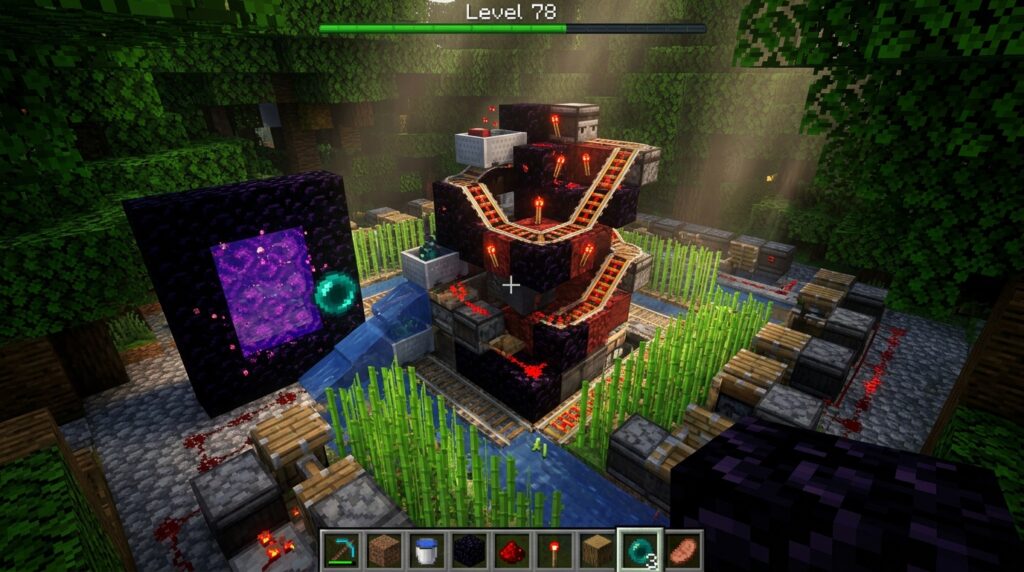
You can keep your favorite automated farms running around the clock without needing to stand right next to them. In Minecraft, chunks usually unload when you move too far away to save on processing power. However, you can trick the game into thinking a player is nearby by constantly sending items through a Nether portal. This simple loop creates a bridge between dimensions that forces the game to keep those specific blocks active and processing. It is a perfect solution for players who want to gather resources from iron farms or sugar cane patches while they are busy exploring or mining miles away.
Setting up this system is surprisingly easy and only requires a few basic redstone components like hoppers and droppers. You will need to build a small machine that spits an item into a Nether portal, while a matching setup on the other side catches it and sends it back. Because the game has to process the item as it changes dimensions, it keeps the surrounding chunks loaded to handle the transition. This creates a permanent loading state that prevents your machines from freezing in time. Just make sure you have a steady supply of items or a closed loop so the process never stops running.
This technique is a massive upgrade for anyone who finds it frustrating to wait around for crops to grow or items to smelt. By using a portal loader, you effectively bypass the distance limits and turn your base into a 24/7 production factory. It is much simpler than installing complex mods and works perfectly in vanilla survival worlds. Just remember that keeping too many chunks loaded at once can eventually cause lag, so use this trick specifically for your most important resource hubs. Once you have it running, you will never have to worry about your farms shutting down while you are away on an adventure.
Redstone Clock Methods For Spawn Chunk Activity
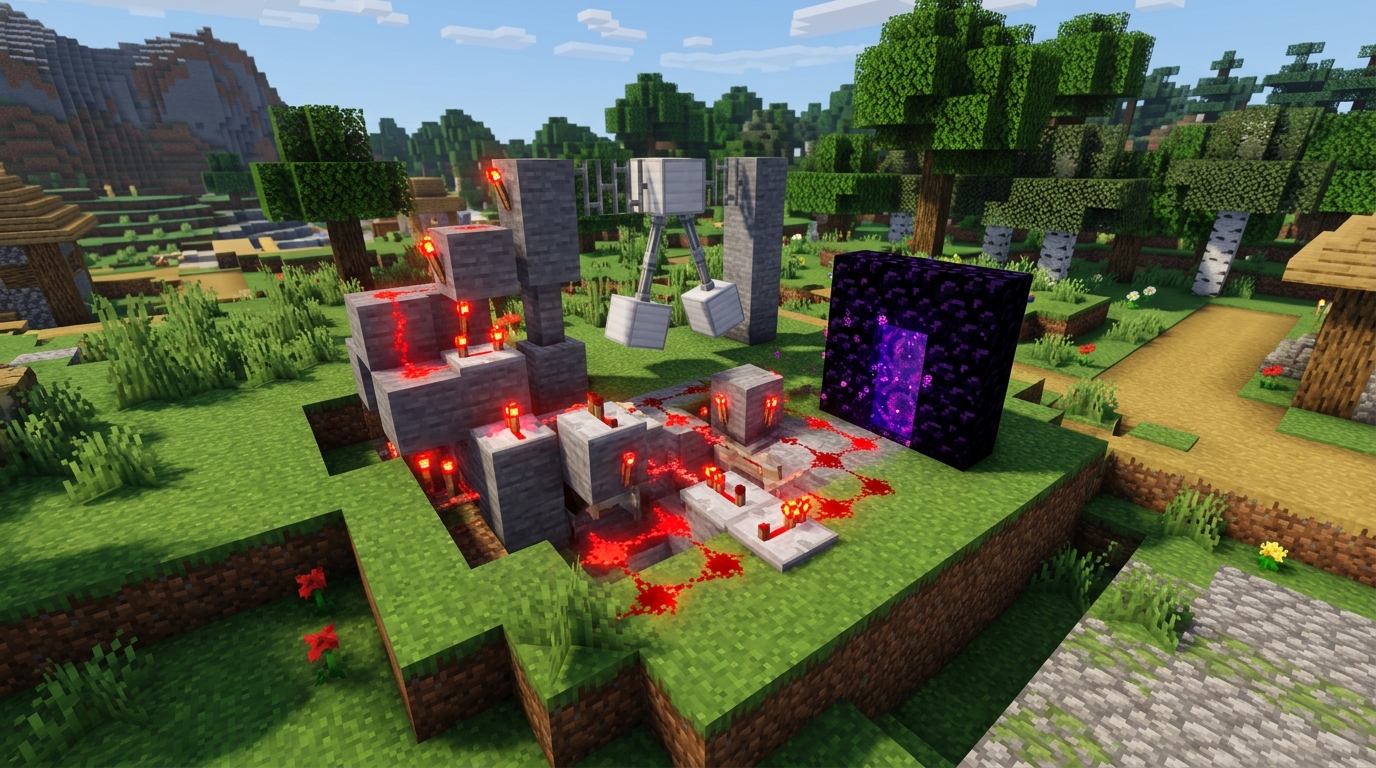
Your world spawn is a special area that stays loaded as long as you are in the Overworld, but its activity can be a bit finicky. Even though the spawn chunks are technically active, specific processes like redstone machinery and entity movement can sometimes go dormant if you wander too far away. You can bridge this gap by using a simple redstone clock positioned right at the center of your spawn chunks. This constant signal acts as a heartbeat for your world, tricking the game into keeping every connected machine fully operational. It is a fantastic way to ensure your iron farms or wool collectors never take a break while you are off exploring distant oceans.
Setting up this exploit is remarkably easy and does not require you to download any external tools or complicated mods. You can build a basic hopper clock or a repeating repeater circuit that cycles every few seconds to maintain a steady flow of updates. By placing this clock across a chunk border within your spawn region, you force the game to constantly re-evaluate the status of the surrounding area. This keeps your automated systems running at full speed regardless of your actual coordinates. It essentially creates a permanent hub of productivity that ignores the usual distance rules for item processing.
The beauty of using redstone clocks in this way is that it provides a consistent solution for solo players who want to maximize efficiency. You can set up your most important resource generators right at the world start and never worry about them freezing up again. Just remember that keeping too many complex machines running at once can eventually cause a bit of lag. It is best to stick to your most essential farms to keep your gameplay smooth and your chests overflowing with loot. This simple trick turns your spawn point into a powerful engine that drives your entire experience forward.
Hoppers And Droppers For Continuous Processing
You can keep your automated farms running around the clock by taking advantage of how items move across chunk borders. When you leave an area, the game usually puts those chunks to sleep to save memory, which causes your hoppers and machines to freeze instantly. By positioning a hopper or a dropper directly on the line between two chunks, you create a bridge that forces the game to keep the neighboring area active. This simple trick tricks the world into staying awake so your items continue to move through the system while you are miles away. It is a great way to ensure your iron farms or sugar cane sorters never stop working even when you are exploring the End.
Setting up this connection requires you to find the exact boundary of your current 16×16 area by using the F3 and G keys to see the yellow grid lines. Place your storage containers so that a hopper is pulling from a chest in one chunk and pushing into a block located in the next one. This constant flow of item data acts like a heartbeat that prevents the game from unloading the destination chunk. You do not need expensive mods or complicated redstone clocks to make this work effectively in your survival world. As long as items are flowing through that border, your machinery will stay powered and productive throughout your entire play session.
This method is especially helpful for large scale projects where you need thousands of blocks processed while you work on other tasks. You can chain these hopper lines together to keep a long path of chunks loaded all the way from your main base to your distant outposts. It saves you the trouble of standing still for hours just to wait for your furnaces to finish smelting or your crops to grow. Using these small glitches in the loading system gives you a huge advantage without requiring any deep technical knowledge. Your world will feel much more alive when your systems keep humming along no matter where you decide to travel.
Keep Your Farms Running From Anywhere
Mastering these chunk loading tricks changes the way you play by keeping your most important farms running even when you are thousands of blocks away. You no longer have to stand around your iron farm or sugarcane plantation just to make sure they are actually producing resources. By using simple redstone loops or clever portal setups, you can trick the game into thinking you are still nearby. This ensures that your storage systems are constantly filling up with loot while you are out exploring new biomes or battling bosses. It is the ultimate way to maximize your efficiency without ever touching a single mod or complex plugin.
You can now enjoy the freedom of a massive world without worrying about your base coming to a complete standstill. These exploits allow you to return home to chests overflowing with gunpowder, gold, and crops every single time. Instead of spending hours grinding for basic materials, you can focus on building epic structures or perfecting your redstone contraptions. These duplication glitch 1.21 methods are easy to set up and work perfectly for players who want a technical edge in their survival world. You can even apply these concepts to portal based gold farms to ensure they stay active while you are away. You have all the power you need to automate your empire using nothing but the mechanics of the game.
Frequently Asked Questions
1. What exactly is a chunk loading exploit?
A chunk loading exploit is a trick used to make the game forget to save your progress in a specific 16×16 area. By filling a chest with too much data, such as hundreds of written books, you can force the world to revert to an older save state. This allows you to keep items in your inventory while they also remain in the original chest.
2. How do players use Nether portals to keep farms running?
You can keep your iron or sugar cane farms active by building a redstone loop that tosses items back and forth through a Nether portal. Because the game has to process the item as it moves between dimensions, it keeps those chunks loaded even when you are far away. This lets your machines work 24/7 while you explore the rest of your world.
3. Can these exploits actually break a multiplayer server?
Yes, these tricks can cause serious stability issues or even crash a server if they are used to overload the memory. Server owners often worry about book bans or massive clusters of item frames because they push the data limits to the breaking point. If too many chunks stay loaded at once, the entire world can lag or stop responding.
4. What is a book ban and how does it work?
A book ban happens when a player fills a chunk with so many written books that the game cannot handle the amount of data. When you try to load into that area, your game might crash or prevent you from logging back in because the data limit is exceeded. It is a common way that players use chunk loading errors to cause trouble on public servers.
5. Do I need complicated redstone to keep my chunks loaded?
You only need a few simple components like hoppers, droppers, and a bit of redstone dust to set up a portal loader. By creating a machine that catches an item and spits it back through the portal, you create a permanent loading state. It is a beginner friendly way to ensure your automated farms never stop producing resources.
6. How can I protect my own builds from these save errors?
The best way to stay safe is to avoid keeping too many data heavy items like maps, item frames, or written books in one small area. Monitoring your server for strange lag spikes or unexpected item duplication can also help you catch these issues early. Understanding how the game saves your 16×16 chunks will help you keep your world stable and your items secure.