
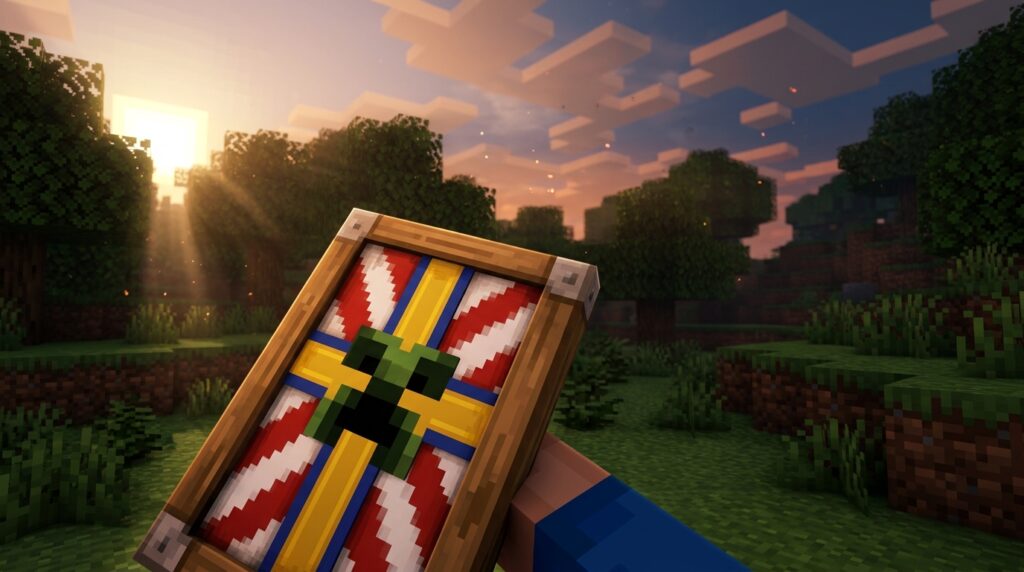
Minecraft shield patterns are designs you create by decorating a banner at a loom, then combining that banner with a plain shield. The loom lets you pick a shape and a dye color, and you can stack several designs on top of each other. Each banner can hold no more than six patterns, a limit listed in the Java Edition snapshot 18W43C changelog. Generic loom patterns also use just one dye, and special items like the Creeper Skull are not used up in the loom.
Bedrock Edition works a little differently. It added shield-banner customization during the 1.20 update cycle. There, the banner is used up in the process, and the shield must be unpatterned before you start. Once you know these steps, you can turn a plain shield into a personal design in just a few trips to the loom.
Key Takeaways
- You can add up to six patterns to a single Java Edition banner at the loom, so plan your layers before you start adding shapes.
- Generic loom patterns need just one dye per layer, so one dye in the loom’s dye slot is all you need for most shield designs.
- Bedrock Edition players must start with a plain, unpatterned shield, and the banner is used up when you combine it with the shield in a crafting table, so craft a spare banner first.
- Bold, simple shapes like a thick white cross or a clean black border read clearly on a shield, while tiny details blur together at shield size, so equip your test shield in your off hand before you commit your best banner.
Why Banners Are the Key to Shield Patterns
The banner is where your design really comes together. You can’t paint a pattern straight onto a shield. Instead, you build the design on a banner at the loom, then combine that finished banner with a plain shield in a crafting table. Think of the banner as your design canvas and the shield as the final surface you carry into battle.
The loom is your workspace for the banner. Pick a base shape, choose a dye, and add layers one at a time. Each new layer sits on top of the ones before it, so the order you add them in changes the result. Special pattern items, such as the Oxeye Daisy and Creeper Skull, are not used up in the loom, so you can reuse them on future banners.
Shields show their designs smaller than banners do. Fine details shrink until they blur together, so bold, simple layouts read best. A thick cross or a clean stripe usually looks sharper on a shield than a busy mix of tiny shapes.
If you play on Bedrock, keep an eye on updates. A recent Bedrock update changed the Globe pattern on shields to match Java Edition, so the shape you expect should look the same across both editions.
What Do You Need to Make a Patterned Shield?
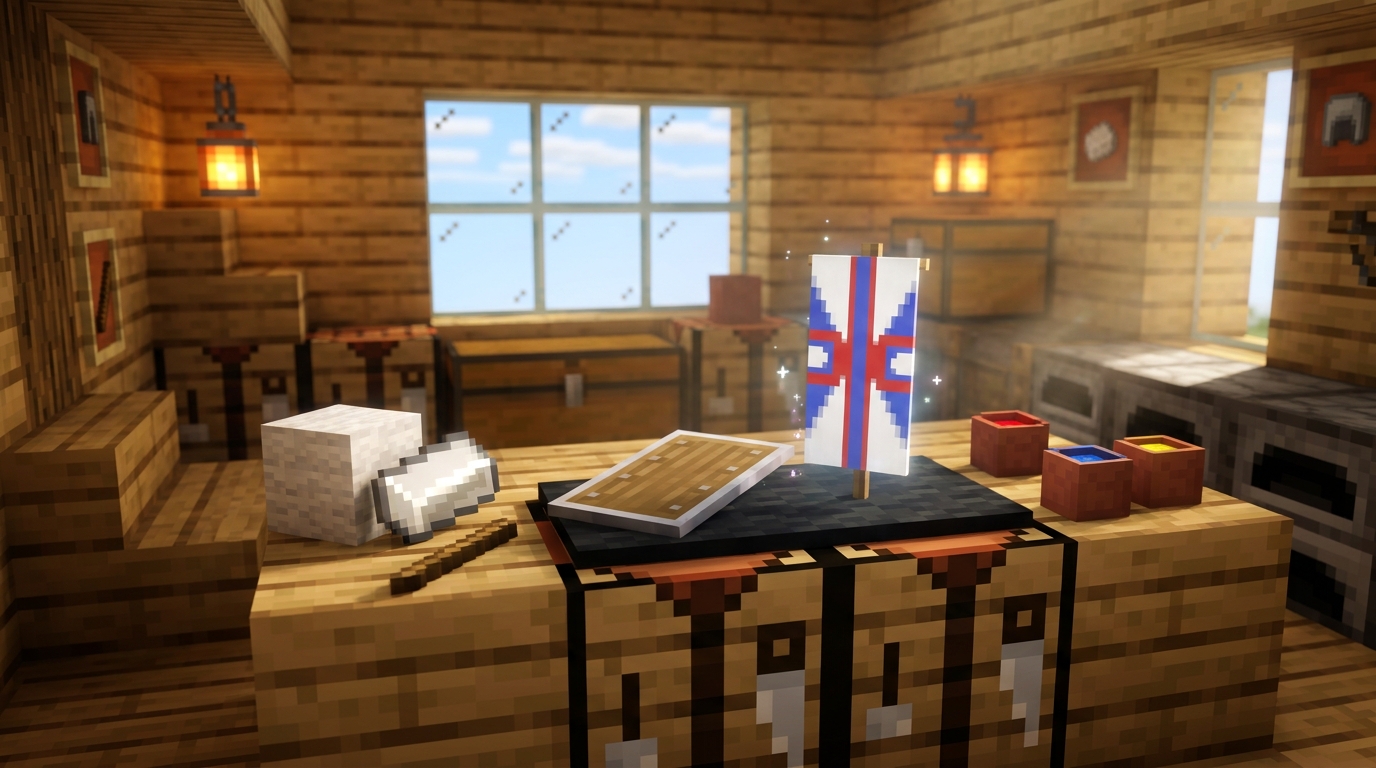
You need four things before you open the loom: a plain shield, a banner in your base color, a loom, and the dyes for each layer. Check the shield first, because it must be unpatterned before it can take a banner design.
Here is what to gather:
- A shield with no design on it, since a patterned shield cannot take a new banner
- A banner in the base color you want, which becomes the background of your design
- A loom, crafted from string and wooden planks, to add your shapes and colors
- One dye for each layer, because generic loom patterns use just one dye per layer
- Pattern items for special designs, such as Flow or Guster
Most designs need no extra items. The Java Edition tag lists 32 patterns in the no_item_required group, so you can build a lot of looks with only dye. Special designs are different. Flow and Guster came with pattern items in snapshot 24w11a, and Bordure Indented and Field Masoned followed in snapshot 24w33a. Wither Skeleton Skull and Enchanted Golden Apple items are also kept after the loom, so you can reuse them.
Bedrock players have one extra step. The banner is used up when it is combined with the shield, so confirm the shield is plain before you craft. If it already has a pattern, you will need a different shield to get your design.
How Do You Put a Pattern on a Shield Step by Step?
You build the design on a banner first, then combine that banner with a plain shield in a crafting table. Work through these steps in order, one action at a time.
- Place a plain banner in the banner slot on the loom. Its base color becomes the background behind every layer you add.
- Put one dye in the dye slot to set the color of your first layer. Generic patterns use only that single dye.
- Choose a pattern shape from the pattern selector, such as a cross, a stripe, or a border. Each shape appears as a new layer on top of the ones below it.
- Look at the preview in the output slot. If the shape looks clear there, you are ready for the next layer.
- Repeat steps 2 through 4 for each extra layer you want. A banner can hold up to six patterns, so stop there.
- Take the finished banner from the output slot and close the loom.
- Open a crafting table and place your plain shield in the middle square, with the patterned banner next to it in the grid.
- Take the new shield from the output slot. The banner is used up in this step, so keep a spare if you want to try again.
Now test your shield. Equip it in your off hand and look at it from a few angles. The shield appears smaller in your hand than it did at the loom, so a thin stripe may blur into the background. If that happens, you will need a fresh banner and a plain shield to try a bolder design. A thick cross or a bold border usually stays readable in the off hand, so start with those shapes for your first build.
How Many Patterns Can One Banner Hold?
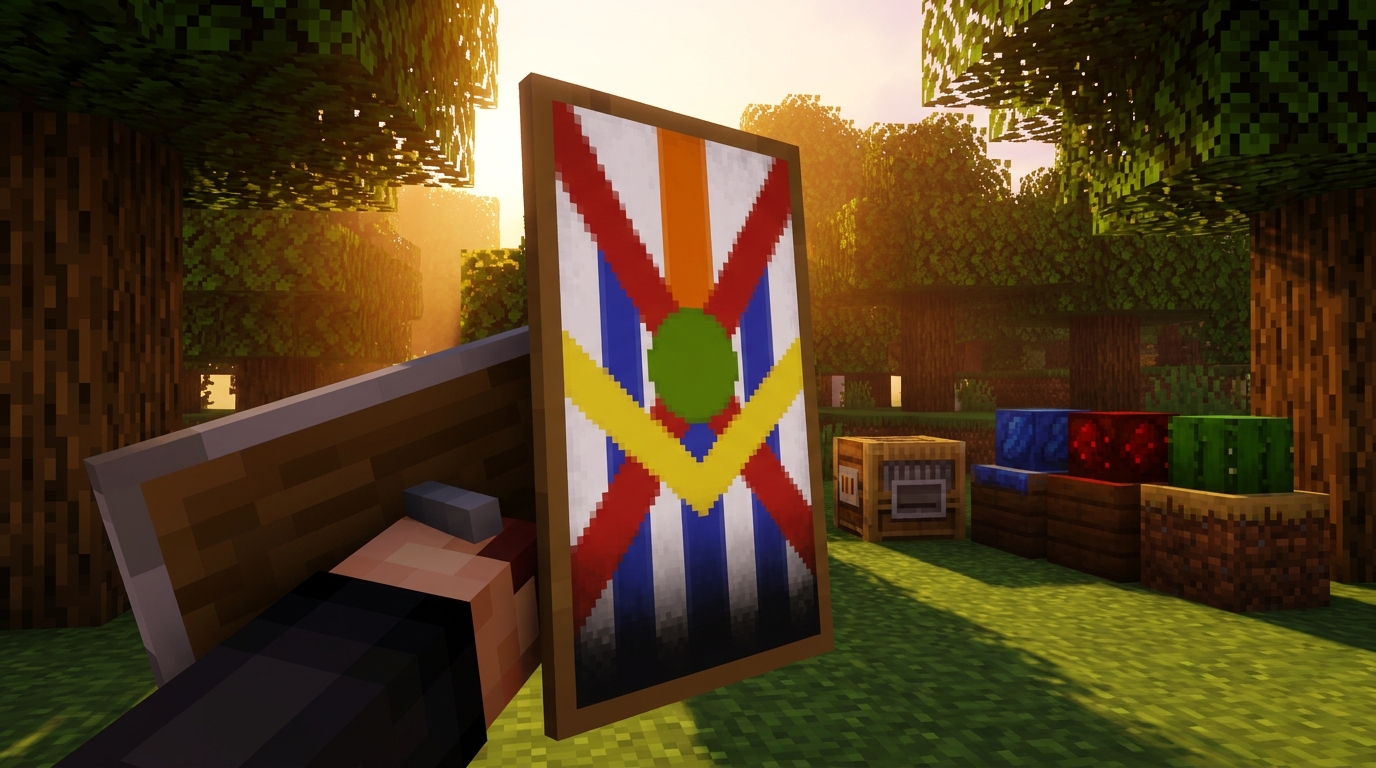
A Java Edition banner can hold up to six patterns, and that cap is the limit most players hit first. Once a banner has six layers, the loom will not accept another one, so plan your design before you start adding shapes.
Dye works differently than many players expect. Generic loom patterns now need just one dye, while older versions required anywhere from one to eight dyes depending on the design. If the shape you want uses a single color, one dye in the dye slot is all you need.
Special pattern items follow their own rules. The Oxeye Daisy, Creeper Skull, Wither Skeleton Skull and Enchanted Golden Apple patterns are not used up when you add them at the loom. You can keep them in your inventory and reuse them on later banners. Each one still counts as a pattern, so it takes up one of your six slots.
Planning your layers saves a lot of frustration. Sketch your design on paper first and count each layer as you go. Start with the big shapes, such as a bold cross or a wide border, and save the small details for the top. Before adding each layer, check how many you have used. If you are on layer five, pick one final accent instead of trying three small ones.
For example, you could start with a red base, add a blue cross, add a yellow border and a white stripe, then finish with a Creeper Skull for your last layer. That gives you a clear design that stays within the limit and leaves room to adjust if a shape looks wrong at the loom.
Are Shield Patterns Different on Bedrock Edition?
Yes, Bedrock Edition handles shield patterns a little differently, mostly in how you craft them and in how closely its designs follow Java Edition. Bedrock added shield-banner customization during the 1.20 update cycle, so you can now turn a banner design into a shield without leaving Bedrock.
The biggest difference is what happens to your materials. On Bedrock, the banner is consumed as soon as you combine it with the shield, so you can’t get it back afterward. If you’re building a detailed design with several layers, craft a spare banner first so one mistake doesn’t cost you the whole build. The shield also has to be plain, so keep a couple of blank shields in your chest for testing new designs.
Bedrock designs have also been moving closer to Java. The Bedrock 1.20.70/71 changelog says the Globe pattern on shields was updated to match Java Edition. That means a globe you make on Bedrock should look the same as one made on Java, so you can follow Java-based design guides with more confidence.
Matching isn’t a one-time fix, though. Mojang keeps working on parity and rendering, so a design that looked right last month may appear slightly different after an update. If a shape looks off on your shield, don’t assume your layers are wrong. Check the patch notes for your version first, since a rendering fix may be the reason.
Keep your design simple while you test. Bold shapes like a thick cross hold their look on a Bedrock shield, while thin details can blur after an update changes how patterns render. Try one layout on a spare shield, equip it in your off hand, and compare it with your plan before you use up your best banner.
Which Shield Designs Look Best in Minecraft?
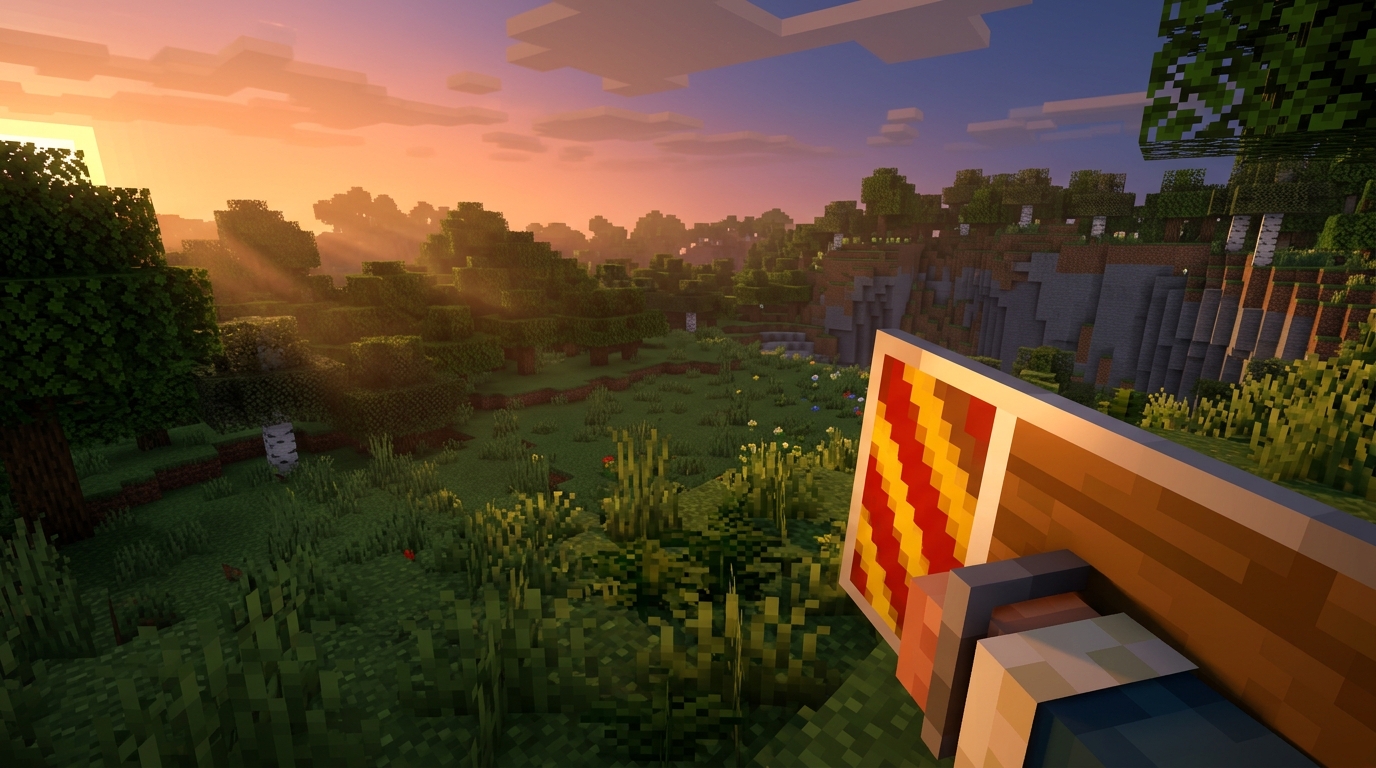
The designs that look best on a shield are bold layouts with one or two clear shapes, since fine details shrink and blur at shield size. Start with the combinations below. Each one begins with a plain banner in the base color listed first.
Most of these need only dye, because the Java Edition tag lists 32 no-item-required patterns. That gives you plenty of room to experiment before you touch a special item.
- Clean frame: white base, black Border, then a gray Stripe Center down the middle. The outline and the split make the shield look neat from a distance.
- Bold emblem: red base, white Cross, then a blue Circle Middle on top. The circle sits in the middle of the cross, so the whole shape reads as one central badge.
- Layered modern: light blue base, Gradient, then a dark blue Rhombus in the center. The gradient fades into the background, and the rhombus gives the eye a clear focal point.
- Framed look: black base, orange Bordure Indented, then a gray Field Masoned inside the frame. Both of these need their matching pattern items in your inventory. The newer framed patterns give the shield a crisp edge with a patterned center.
Flow and Guster are special pattern items, so you need the matching item in your inventory before you can use them. They suit a wind-inspired look. Try a green base, add a Flow layer, then finish with a bold white stripe across the top. The flowing shape stays readable because the stripe gives it a steady edge.
When you test a layout, equip the shield in your off hand and look at it from a few angles. If a thin line disappears, swap it for a thicker shape and try again.
Start Designing Your Own Shield Today
Your next step is a simple test. Craft one banner at the loom with a base color and a single bold layer, like a white Cross, then combine it with a plain shield in a crafting table. That two-layer build teaches you how the loom previews each shape and how the shield looks in your off hand.
Once that feels comfortable, save special pattern items like the Creeper Skull for your final accent layer. They still count toward your six-pattern cap, so place them on top where they stand out.
Then build one Java design and one Bedrock design from the same plan. Compare how a border or a cross looks on each edition, and notice how many banners you use up on Bedrock.
When your banner reaches six patterns, return to the section on how many patterns one banner can hold. It will help you decide which layer to drop.
Build Your First Patterned Shield
Your next step is to check your inventory for a plain shield. If you don’t have one, craft a shield from wooden planks and an iron ingot. Make sure it has no design on it, because a patterned shield won’t accept a new banner.
Then try the Clean frame layout from the list above. At the loom, dye a white banner, add a black Border, and finish with a gray Stripe Center. That’s three layers, which leaves you room under the six-pattern cap for a Creeper Skull accent later.
Once the shield is done, equip it in your off hand and walk around for a few minutes. Look at it from the side and from the front. If the black border stays crisp, you can try a bolder shape next time. If the gray stripe disappears into the background, replace it with a thicker shape and build again.
Bedrock players should craft a spare banner before combining it with the shield, since the banner is used up in that step. Then build the same Clean frame on Java Edition and compare the two. Notice how the border and the stripe look side by side, and keep a note of which layouts you want to reuse.