
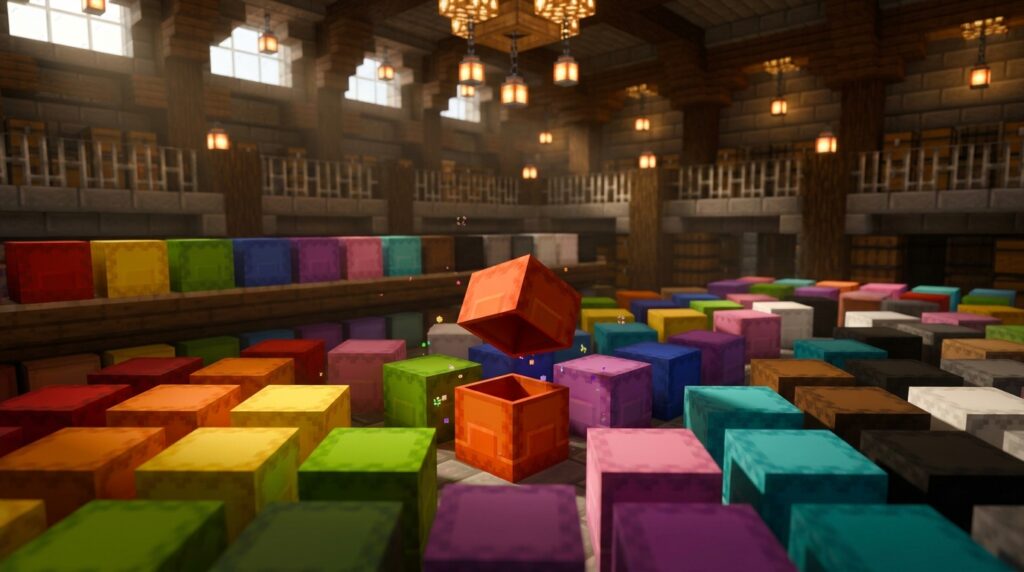
You can dye a shulker box one of 16 colors by combining it with a dye in a crafting grid. An undyed box is light purple, which is different from a box dyed purple, so check the shade when sorting.
Use colors as quick labels: reserve one for exploration gear and another for building blocks. Each box holds 27 stacks and keeps its contents when you break and pick it up, so color coding helps you move organized supplies.
Key Takeaways
- You can dye a shulker box by combining it with one dye in a crafting grid, choosing from 16 colors.
- An undyed shulker box is light purple, not purple, so keep the two shades distinct when sorting.
- A shulker box holds 27 stacks and keeps its contents when you break and pick it up, but you cannot store one shulker box inside another.
- You can wash a dyed shulker box in a water-filled cauldron to remove its color, then combine the box with a different dye to recolor it.
How Do You Dye A Shulker Box?
To dye a shulker box, combine it with one dye in a crafting grid. Minecraft has 16 dye colors, and the box takes the dye’s color. An undyed shulker box is light purple, which is different from a box dyed purple. Choose a color as a visual label, such as yellow for food supplies. Then follow these steps:
- Open a crafting grid.
- Place the shulker box in an empty slot.
- Place one dye in a different slot.
- Move the newly colored shulker box from the result slot to your inventory.
The dye changes the box’s appearance, helping you recognize its supplies without opening it.
What Are All The Shulker Box Colors?
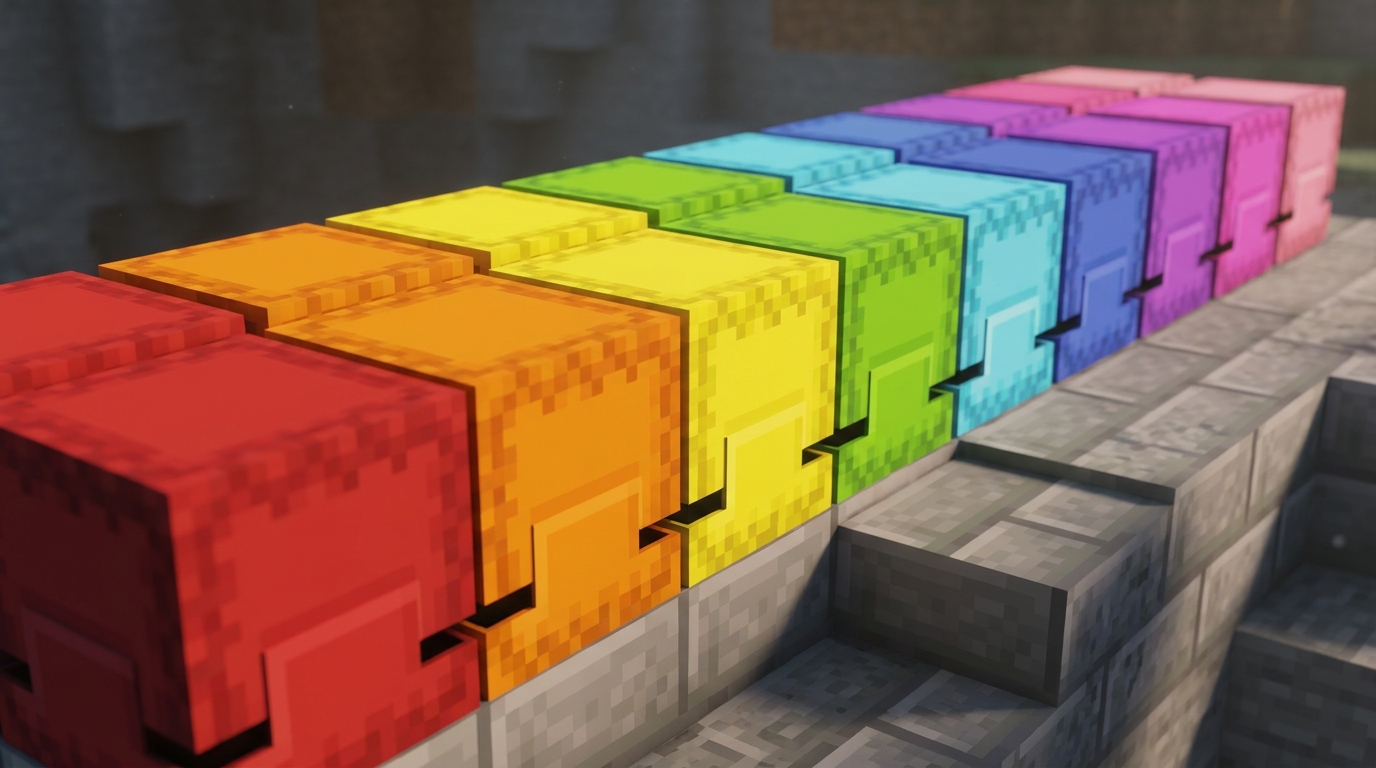
Minecraft has 16 dyed shulker box colors: white, orange, magenta, light blue, yellow, lime, pink, gray, light gray, cyan, purple, blue, brown, green, red, and black. The undyed shulker box is light purple, but it is not an extra dye color. Purple is a separate dyed option, so the undyed box and purple-dyed box have different appearances. Gray and light gray are separate choices, as are blue and light blue. When you sort boxes by color, use the exact dye names to keep similar shades distinct.
How Can Colors Organize Your Supplies?
Assign each shulker box color to a specific supply group, and keep the system consistent so you can spot supplies at a glance. For example, use a blue box for exploration items such as maps, a compass, and a boat. Put pickaxes and axes in a red tools box, stone bricks and glass in a green building box, and cooked food in an orange food box.
Clear categories make it easier to grab the right box before you leave your base or start a build. If every blue box holds travel supplies, you won’t mistake one for building blocks when you’re preparing to explore. Keep items for the same purpose together, too. A box labeled for building can hold the blocks you plan to use for one project.
For a more specific label, use an anvil to name a box, such as Cave Trip or Roof Materials. The color helps you find the category quickly, while the name tells you exactly what the box contains.
What Can Shulker Boxes Hold?

A shulker box holds 27 stacks of items, and its contents stay inside when you break and pick it up. You can carry supplies such as netherrack, quartz, and fire resistance potions, then place the box and open it to retrieve them. A colored box helps you recognize its contents before opening it. For example, mark a box of Nether materials with a color you use for building supplies, then take it on a construction trip. You cannot store one shulker box inside another. A box full of spare colored boxes cannot serve as a single packed container, so carry the boxes separately or store their contents directly.
How Do You Remove A Box’s Color?
To remove a shulker box’s color, wash the dyed box in a water-filled cauldron. This is useful if you accidentally dye a box the wrong color or want to reuse it for a different supply category.
In Java Edition, washing a dyed shulker box reduces the cauldron’s water level by one. After washing the box, combine it with a different dye in a crafting grid to recolor it. For example, wash a blue box and dye it orange to use it for food supplies.
Choose A Color System You’ll Remember
Before your next trip, choose colors based on the supplies you carry instead of assigning every shade at once. For a mining run, use a black box for coal and deepslate, a red box for redstone components, and a brown box for wood and crafting supplies. Keep the same meanings in every storage area, including an Ender Chest or base room, so a box keeps the same role from trip to trip.
Put a sign beside your shulker box staging spot with the color key, then dye only the boxes you’re filling now. If two shades are easy to mix up in your build, such as blue and light blue, give one a different job or leave it unassigned.