
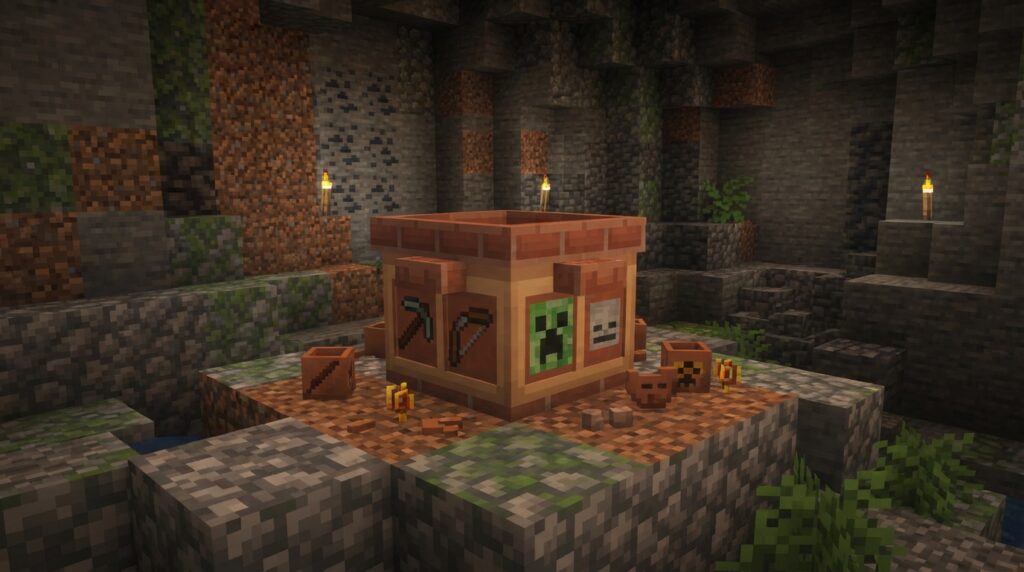
Pottery sherds are collectible archaeology items with partial pictures that decorate the sides of a Decorated Pot. Minecraft’s original 20 sherds come from five archaeology sites. You find them by brushing Suspicious Sand or Suspicious Gravel, and you cannot craft them. The sites are Desert Wells, Desert Temples, Cold Ocean Ruins, Warm Ocean Ruins, and Trail Ruins. Minecraft’s Java Edition 1.20 update notes list these archaeology finds.
Flow, Guster, and Scrape are three additional sherd designs found on decorated pots in Trial Chambers. The Java Edition 1.21 update notes describe these additions.
Key Takeaways
- You can collect the original 20 pottery sherds by brushing Suspicious Sand at Desert Temples, Desert Wells, and Warm Ocean Ruins, or Suspicious Gravel at Cold Ocean Ruins and Trail Ruins; you cannot craft sherds. Minecraft: Java Edition 1.20 update notes list these locations and how to obtain sherds.
- You can find Flow, Guster, and Scrape on Decorated Pots in Trial Chambers. Minecraft: Java Edition 1.21 update notes describe these sherds.
- A Decorated Pot uses four ingredients: each sherd adds a picture to one side, while a brick leaves that side blank, so four sherds show four pictures and one sherd with three bricks leaves one pictured side. Minecraft: Java Edition 1.20 update notes explain the recipe.
- You can break a finished Decorated Pot with bare hands or Silk Touch to keep its arrangement intact, or use a block-breaking tool to recover its component sherds for another recipe. Minecraft: Java Edition 1.20 update notes describe these drops.
What Do Pottery Sherd Designs Show?
Pottery sherd designs show fragments of pictures that you can collect and display on the four sides of a Decorated Pot. The original Trails & Tales release introduced 20 designs, making each sherd both an archaeology find and a collectible. Each sherd adds a picture to one side of a pot. The pictures do not combine into one large image. The four ingredients you use determine which sides show pictures. A sherd adds a design to its side, while a brick leaves that side blank. Minecraft’s Java Edition 1.20 update notes describe the original set and Decorated Pot recipe. You can collect individual sherds, then use them to build pots with different combinations. For example, use four different sherds to put four distinct pictures on one pot. The designs are Minecraft items, not instructions for making real pottery. This guide explains where to find sherds and how your ingredient choices affect a pot’s appearance, so you can choose which designs to collect and how to use them in your builds.
Where Can You Find Pottery Sherds?
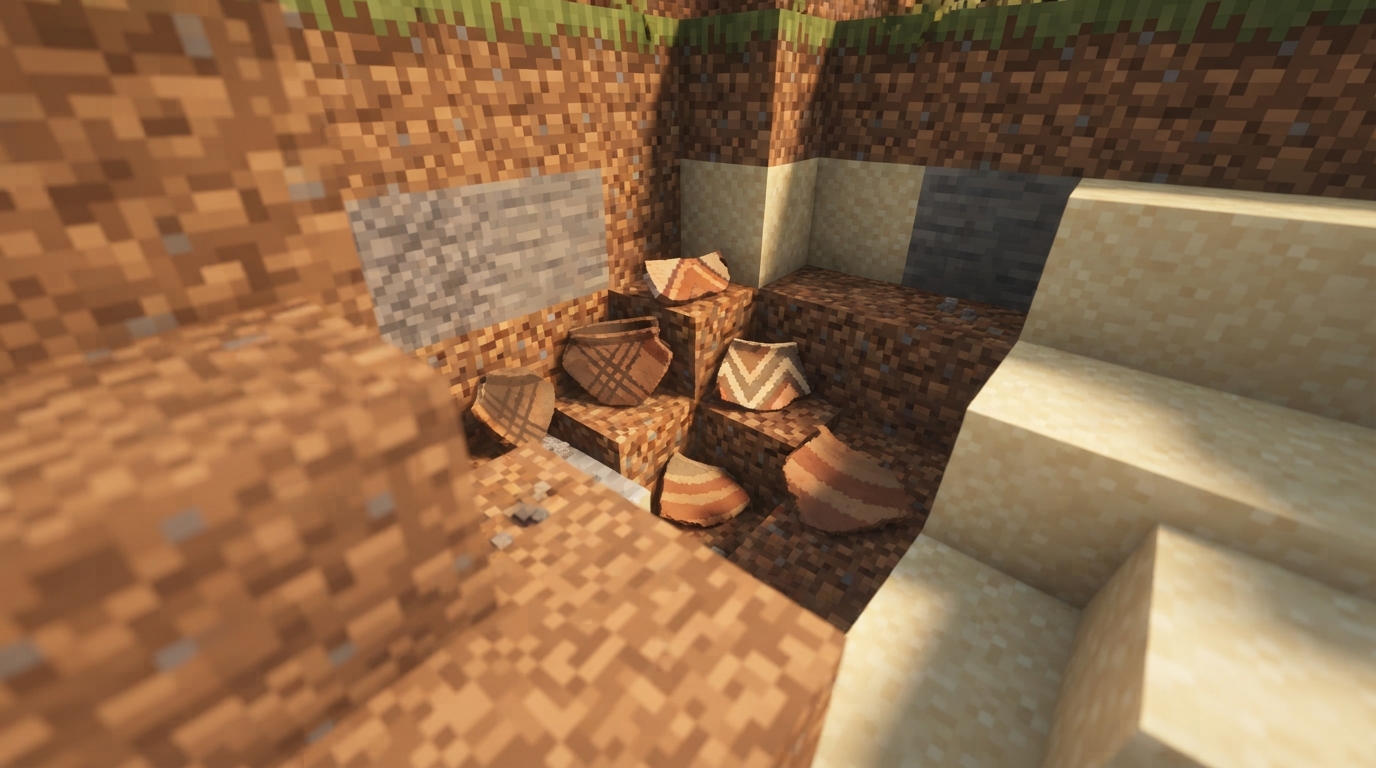
You can find the original 20 pottery sherds at five archaeology sites by brushing Suspicious Sand or Suspicious Gravel with a Brush. You cannot craft sherds. The Minecraft: Java Edition 1.20 update notes list the sites and their suspicious blocks.
- Suspicious Sand: Desert Temples, Desert Wells, and Warm Ocean Ruins. Minecraft: Java Edition 1.20 update notes list these locations.
- Suspicious Gravel: Cold Ocean Ruins and Trail Ruins. Minecraft: Java Edition 1.20 update notes list these locations.
For a desert search, check Desert Temples and Desert Wells for Suspicious Sand. If you explore underwater, look for Warm Ocean Ruins and brush their Suspicious Sand. Cold Ocean Ruins contain Suspicious Gravel instead. Brush the suspicious block at each site, not ordinary sand or gravel. Minecraft: Java Edition 1.20 update notes list the matching blocks.
Trail Ruins are buried structures in forested biomes. They generate in Taigas, Snowy Taigas, all Old Growth forest biomes, and Jungles. Their suspicious archaeology blocks are Suspicious Gravel. The official update notes describe Trail Ruins’ biome locations and archaeology blocks.
At each site, use your Brush on the matching suspicious block to obtain sherds. Desert Temples, Desert Wells, and Warm Ocean Ruins have Suspicious Sand. Cold Ocean Ruins and Trail Ruins have Suspicious Gravel. Minecraft: Java Edition 1.20 update notes list these archaeology blocks.
Plan your collection route around the search you prefer: visit desert structures for sand, explore ocean ruins for sand or gravel, or search the listed forest biomes for buried Trail Ruins. You need to brush suspicious blocks to obtain pottery sherds, so crafting materials cannot replace a site search. Minecraft: Java Edition 1.20 update notes confirm that sherds cannot be crafted.
Which Sherds Come From Trial Chambers?
Flow, Guster, and Scrape are the three pottery sherd designs added in Java Edition 1.21. You can obtain them by breaking Decorated Pots that display them in Trial Chambers. The official Java Edition 1.21 update notes describe them as additions to pottery sherds. These designs are separate from the original 20 sherds found at archaeology sites. You cannot get Flow, Guster, or Scrape by brushing Suspicious Sand or Suspicious Gravel. Instead, look for their designs on Decorated Pots in Trial Chambers. Check each pot’s design before breaking it to see whether it displays Flow, Guster, or Scrape. Breaking a decorated pot with a block-breaking tool returns its component sherds. Bare hands or a Silk Touch tool drops the pot intact, so those methods will not give you the sherds. For a collection record or screenshot, note the design name before breaking the pot. A pot displaying Flow yields the Flow Pottery Sherd. Pots displaying Guster and Scrape yield their matching sherds. Search Trial Chambers for these three designs and archaeology sites for the original set.
How Do Sherds Change A Pot’s Design?
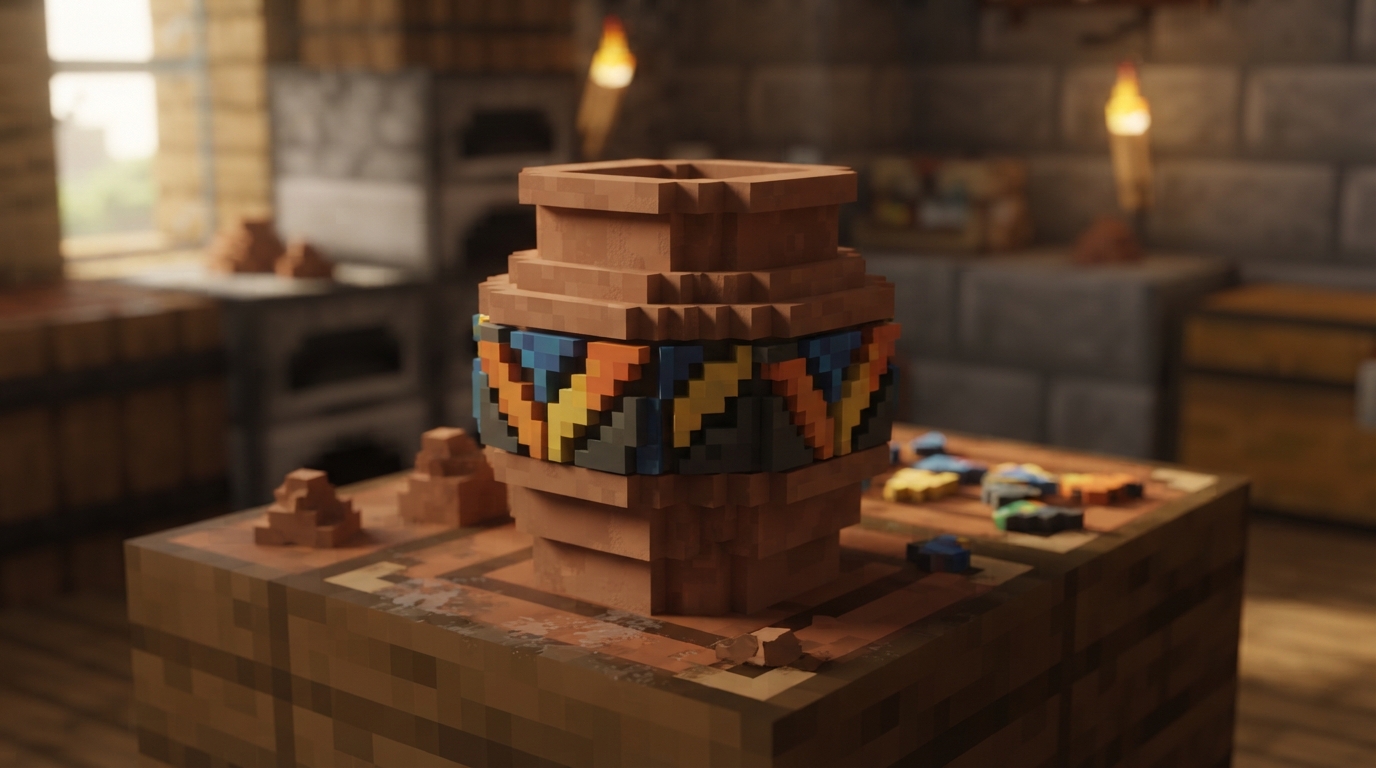
Sherds add pictures to the sides of a Decorated Pot, while bricks leave their sides blank. You make the pot with four ingredients arranged in the crafting grid. The ingredients and their positions affect which faces show pictures and how the pot is oriented. Minecraft’s Java Edition 1.20 update notes explain the four-item recipe and how bricks work in it. Use the recipe’s four ingredient slots around the empty center to plan which sides you want to show. Each step below changes one ingredient. Use the layout as a starting point for a screenshot, not as a named or guaranteed pattern.
- Place a pottery sherd in the top slot to assign a picture to one side of the pot.
- Place a second sherd in the left slot to add another pictured side.
- Place a third sherd in the right slot to add a third pictured side.
- Place a fourth sherd in the bottom slot to give the remaining side a picture, or use a brick in any slot for a blank side.
Four sherds give the pot a picture on every side. To repeat a design in a screenshot, put the same sherd in multiple recipe slots. The design can then appear on multiple sides, though the arrangement affects which faces point toward the camera. The sides you see depend on the pot’s orientation. For a simpler display, use one sherd and three bricks. The sherd adds a picture to one side, while the three brick-made sides stay blank. You could also use two sherds and two bricks to show two pictures with blank sides. These are ingredient-layout ideas, not guaranteed named patterns. To capture the combination you want, place the finished pot on a clear surface and turn it until the intended faces point toward the camera. A screenshot can show repeated designs together or place a sherd picture beside a blank side. Since ingredient placement affects orientation, check the pot from more than one angle before choosing a view.
Keep Or Reuse Your Decorated Pots
To keep a finished Decorated Pot’s arrangement, break it with bare hands or a Silk Touch tool. Either method drops the pot intact, so a pot with Flow, Guster, Scrape, or archaeology sherd designs stays assembled for display or moving. Minecraft: Java Edition 1.20 update notes describe these drops.
To try another combination, break the Decorated Pot with a block-breaking tool. The pot returns its component sherds, which you can use in a new recipe. For example, recover the sherds from a pot with four different pictures, then arrange them again to make a pot with repeated designs or blank sides. Minecraft: Java Edition 1.20 update notes explain what each breaking method drops.
Choose how to break the pot before you strike it. Bare hands or Silk Touch keeps the pot intact, while a block-breaking tool returns its component sherds. This lets you choose whether to save a finished display or reuse its sherd designs. Minecraft: Java Edition 1.20 update notes describe these drops.
Snapshot note: Java 26.3 Snapshot 1 made sherd patterns data-driven and changed dropped sherds to preserve item data, such as custom names. This is a snapshot update, not a general release. Read the Java 26.3 Snapshot 1 notes for details.
Plan Your Next Sherd Hunt
Before your next world session, make a short checklist of the sherd designs you still want. Mark each target as an archaeology find or a Trial Chambers find, then choose a destination that matches your target. For an original design, match the site to its suspicious block. For Flow, Guster, or Scrape, inspect decorated pots in a Trial Chamber. The Java Edition 1.20 update notes list the original archaeology locations.
If you want to build a display, choose the four designs before opening the crafting grid. Sketch the four ingredient slots on paper or take a screenshot of the recipe layout, then keep that record beside the finished pot. You can use it as a reference if you want to rebuild the same arrangement or compare it with another version. Minecraft: Java Edition 1.20 update notes describe the four-item Decorated Pot recipe.
If you are collecting Trial Chambers sherds, identify the design on each pot before breaking it and add the matching name to your checklist. Minecraft: Java Edition 1.21 update notes describe the Flow, Guster, and Scrape sherds. When you finish a session, store the recovered sherds separately from intact Decorated Pots so you can quickly choose ingredients for your next build.