
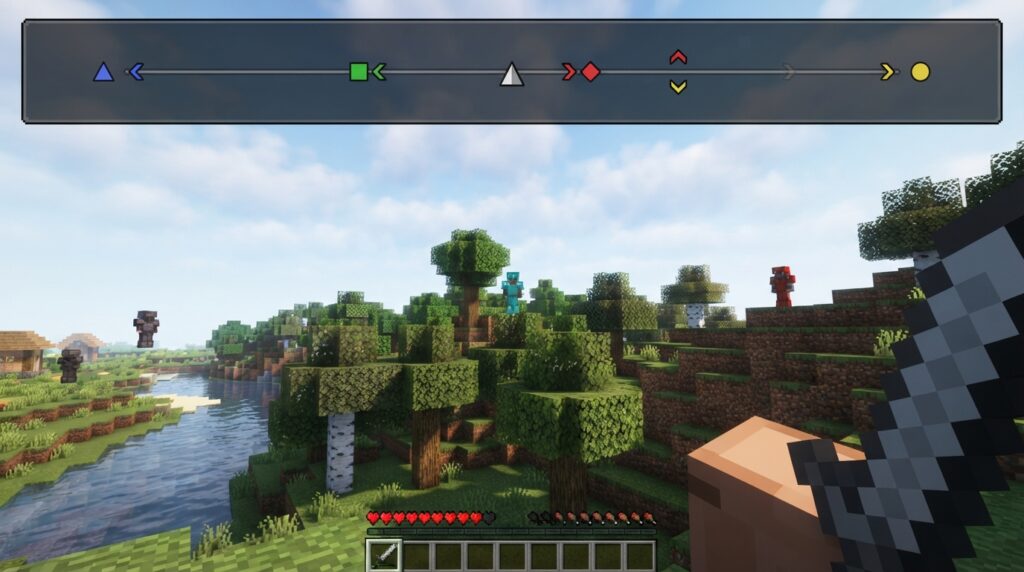
Lost your friends in a huge Minecraft world? This Minecraft Locator Bar guide explains how to read the bar, follow player markers, and find teammates faster with the up and down arrows. You’ll learn what marker colors, positions, and sizes mean while exploring caves, oceans, and the Nether. With the right settings, meeting up becomes much easier.
The Locator Bar appears in place of the experience bar when another visible player is nearby. A marker near the center means the player is ahead of you, while a marker on the left or right shows which way to turn. Marker size gives you a rough idea of distance, and vertical arrows show when someone is far above or below you.
Key Takeaways
- The Minecraft Locator Bar appears in place of the experience bar when visible players are nearby, helping multiplayer teammates regroup and find one another faster. It is available in supported Java and Bedrock versions, though worlds or servers can disable it.
- Read marker position as horizontal direction: center means the player is generally ahead, while left or right means turn that way. Turn until the marker moves toward the center, then travel forward.
- Marker size provides a rough distance estimate—a larger marker usually means the player is closer—while up and down arrows indicate that the player is significantly above or below you.
- Use the Locator Bar as a directional guide, not a map or exact navigation tool. Combine it with coordinates, landmarks, maps, and caution around terrain, lava, water, and hostile mobs.
Minecraft Locator Bar Introduction
The Minecraft Locator Bar is a multiplayer HUD feature that helps you find other visible players in your world. In newer Bedrock settings, it may be called Player Waypoints. It was introduced in Java Edition 1.21.6 and Bedrock Edition 1.21.90, so you can use it in supported versions of both editions. When another player is available to track, the bar appears in place of your experience bar and shows a colored marker for that player. This makes it useful for meeting friends, regrouping after an expedition, or finding teammates on a server.
The Locator Bar is a directional tool, not a minimap. It does not show terrain, buildings, or a complete view of your surroundings. A marker near the center means the player is generally in front of you, while a marker near either edge points to the left or right. An up or down arrow tells you that the player is noticeably higher or lower, such as in a tower, cave, or ravine. Marker size can also give you a rough idea of distance, but you still need to explore the world to reach the player.
Minecraft Locator Bar Icons And Markers
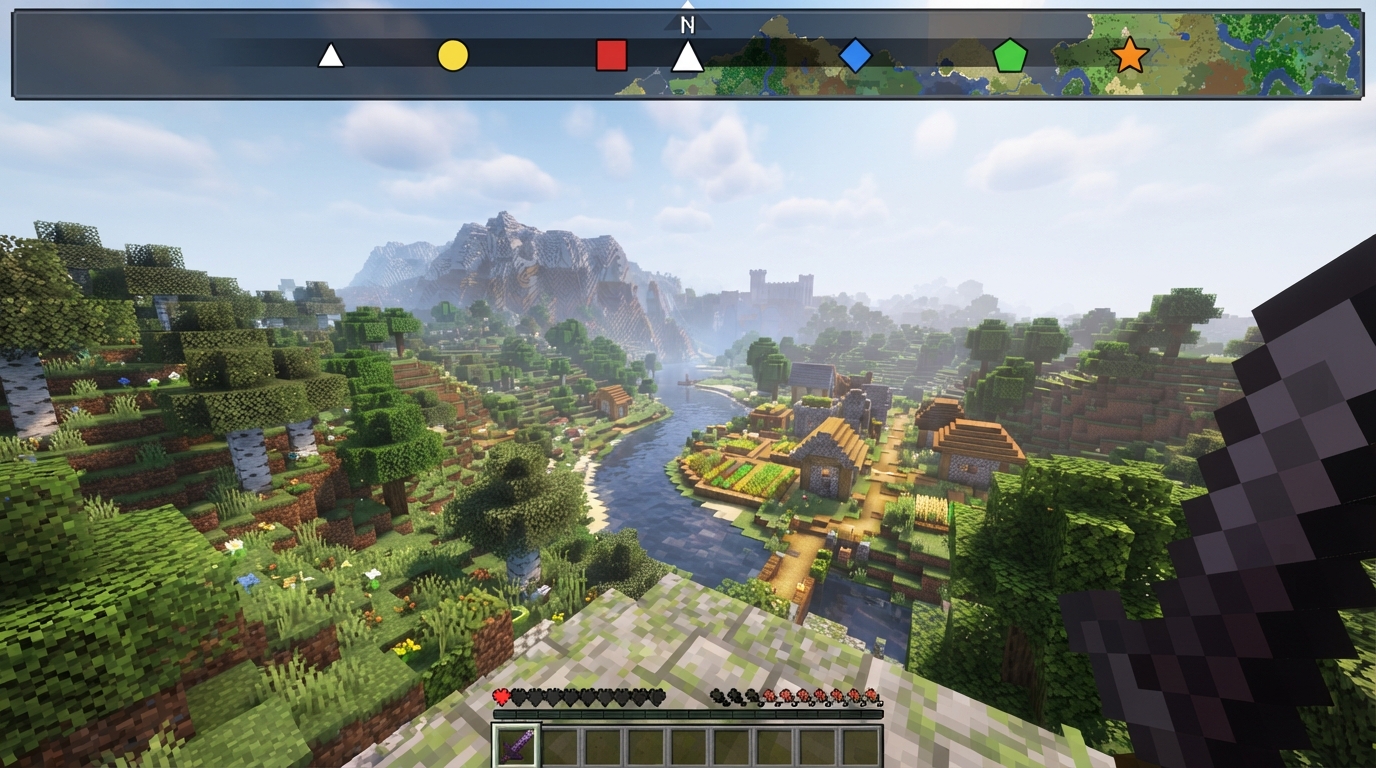
The Locator Bar shows each nearby, visible player as a colored marker, making it easier to tell teammates apart in a busy Minecraft world. The marker’s position matches your view. A marker near the center means the player is generally in front of you, while one near the left or right side means you need to turn in that direction. If the marker moves toward the center as you rotate, you are facing the right way. This gives you a quick way to check horizontal direction without opening a map or checking coordinates.
Marker size gives you a rough estimate of distance, not an exact measurement. A larger marker usually means the player is closer, while a smaller marker suggests they are farther away. For example, if your friend’s marker grows as you travel toward it, you are likely closing the gap. Treat this clue as an estimate because terrain, visibility, and the player’s movement can affect what you see.
Up or down arrows add a height clue when another player is well above or below you. An upward arrow means you need to look or travel higher, such as toward a hilltop, tower, or cave entrance above you. A downward arrow points to a player below your level. Use the marker’s horizontal position, size, and arrow together to narrow down the player’s location. You might see a small marker on the right with a downward arrow, which means the player is far to your right and somewhere below you.
Reading Player Directions On The Bar
The Locator Bar shows where other players are compared with the direction you are facing. If your friend’s colored marker appears on the right side, turn right until it moves toward the center, then keep walking in that direction. A marker near the center means the player is generally ahead of you, while one on the left tells you to turn left. Marker size can also give you a rough idea of distance, with a larger marker usually meaning the player is closer.
Use the arrows on a marker to check whether you need to change your height. When an upward arrow appears, look or move upward because the player is substantially above you, such as on a mountain or in a tower. A downward arrow means the player is below you, perhaps in a cave or underground base. Players generally appear within about 120 degrees of your horizontal view, so a marker can disappear when they move behind you. Turn around and scan the bar again if that happens.
Using Locator Bar In Multiplayer
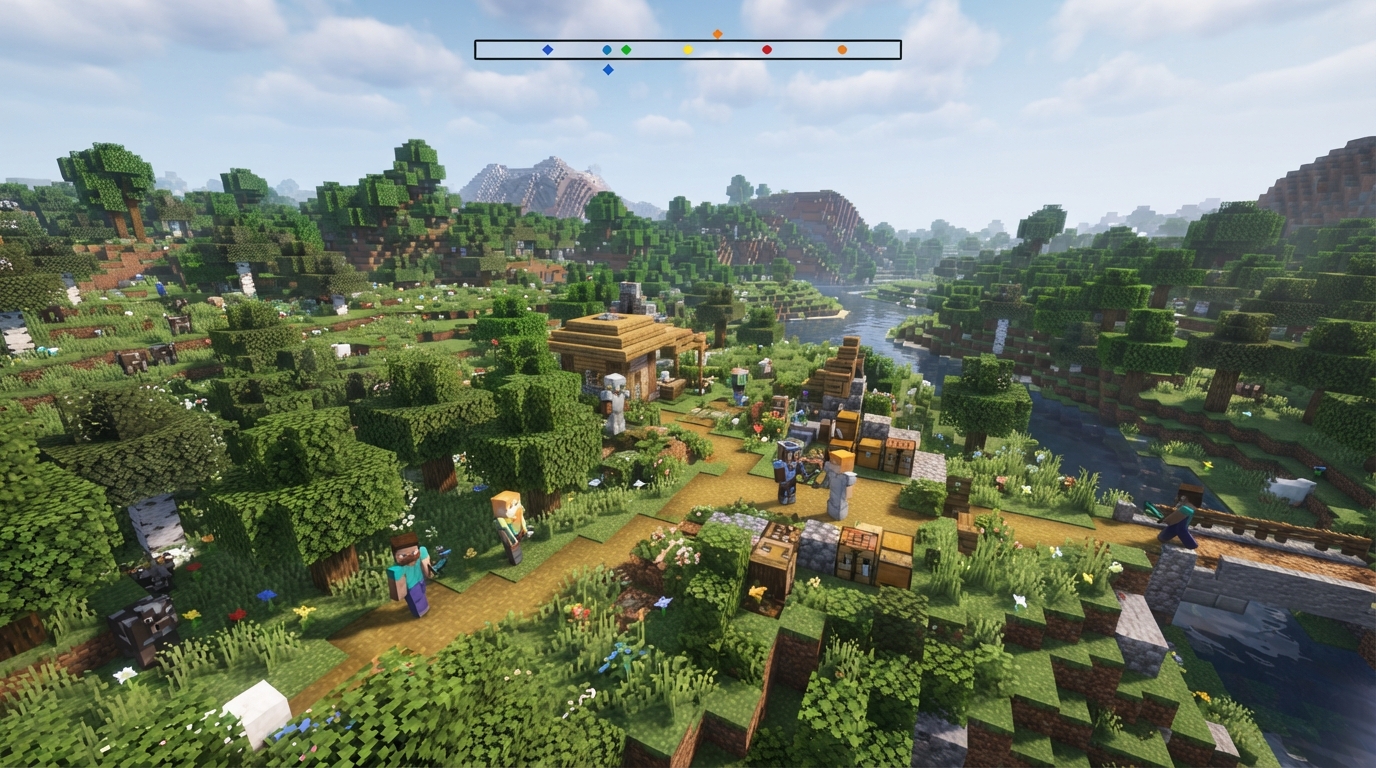
The Locator Bar makes it easier to reunite with teammates in a multiplayer world. A colored marker near the center means a player is roughly in front of you, while a marker to the left or right shows that you should turn in that direction. An up or down arrow indicates that the player is significantly above or below you, which helps when one of you is in a cave or on a mountain. Marker size gives you a rough idea of distance, so a larger marker usually means the player is closer.
Use the bar to find friends near a base, guide a teammate through a cave, or meet at a shared location such as a village or portal. For example, one player can stay at the base while another turns until the base player’s marker moves toward the center. They can then follow the marker while checking nearby landmarks. Remember that the Locator Bar cannot show terrain, coordinates, north, exact distance, or a safe route around cliffs, lava, water, or hostile mobs. You still need to use signs, landmarks, maps, or shared coordinates when precise navigation matters.
Availability depends on your Minecraft edition, version, and world settings. The feature was added in Java Edition 1.21.6 and Bedrock Edition 1.21.90, where newer settings may call it Player Waypoints. It is designed for multiplayer, so you should not expect it to guide you toward anything in a solo world. A server or world setting may also disable it. If the bar does not appear, check that everyone is playing on a supported version, the feature is enabled, and the players are in the same dimension and visible to one another.
Minecraft Locator Bar Guide Conclusion
The Minecraft Locator Bar gives you a quick view of where other players are around you. A marker near the center means that player is generally in front of you, while a marker toward the left or right shows the horizontal direction in which you should turn. Each player has a different marker color, making it easier to tell teammates apart when several people are nearby. Marker size gives you a rough idea of distance, with a larger marker usually meaning the player is closer. Use the vertical arrow with the marker to check whether that player is substantially above or below you, such as in a mountain, cave, or tower.
For more accurate multiplayer navigation, treat the Locator Bar as a guide rather than a complete set of coordinates. Turn until a marker is near the center, then check your coordinates to confirm your route and height. Maps and familiar landmarks, such as villages, rivers, portals, or tall builds, can help you stay oriented while traveling. You can also share your coordinates in chat so teammates can compare their positions with yours. Using these tools together makes it much easier to meet up without wandering around or losing your way.
Use the Locator Bar to Find Players
The Minecraft Locator Bar gives you a simple way to find nearby players in multiplayer worlds. It appears in place of the experience bar when another visible player is nearby, and each player is shown with a colored marker. A marker near the center means the player is ahead of you, while one on the left or right shows that you need to turn in that direction. Marker size can also give you a rough idea of distance, although it is not an exact measurement.
You can use the Locator Bar to meet friends, regroup after exploring, or find teammates during a server adventure. Up and down arrows show when another player is significantly above or below you, such as in a cave, tower, or Nether tunnel. If no marker appears, the player may be too far away, hidden from you, or affected by the world or server settings. Check the Player Waypoints or Locator Bar setting in your edition if the feature is unavailable, then use the markers with landmarks and coordinates for more reliable navigation.