
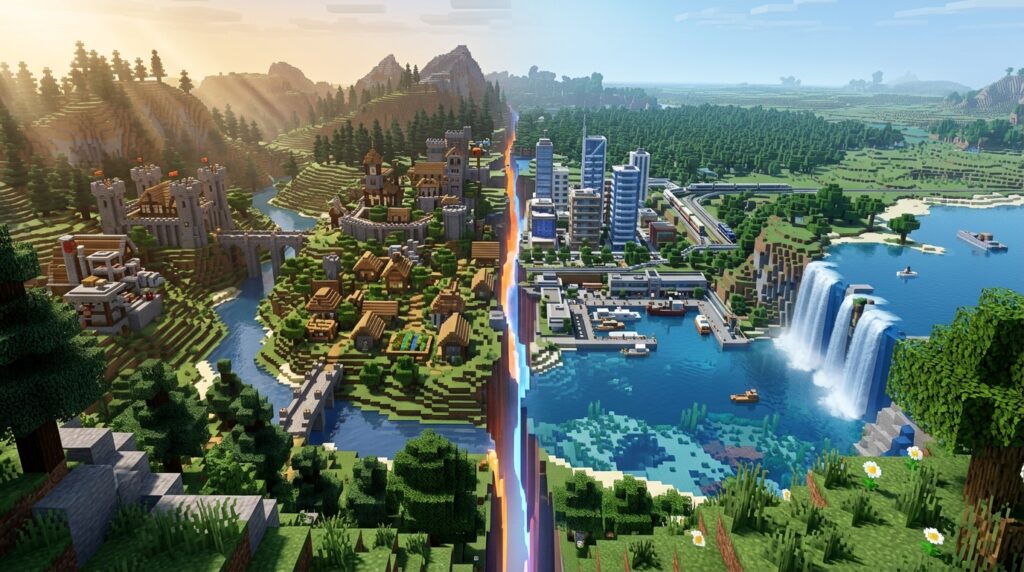
The differences between Java and Bedrock can change how you play Minecraft, from multiplayer and controls to redstone, combat, and mod support. Java Edition suits PC players who want deep customization, technical experiments, and third-party mods. Bedrock Edition is a better fit if you play on a console or mobile device, use a controller or touch screen, or want cross-platform multiplayer with friends.
Both editions include the same core blocks, biomes, mobs, and survival experience, but they use separate game engines. A farm that works perfectly in Java may behave differently in Bedrock. Features such as split-screen play and Marketplace content are also tied to Bedrock. Understanding these differences helps you choose the right edition and avoid surprises when you join a server, build a redstone machine, or start a world with friends.
Key Takeaways
- Choose Java Edition for PC-based customization, extensive third-party mods, custom servers, shaders, and technical projects involving Java-specific redstone and commands.
- Choose Bedrock Edition for cross-platform multiplayer across consoles, mobile devices, and Windows PCs, as well as controller or touch support, split-screen, and generally smoother performance on lower-end hardware.
- Java and Bedrock use separate engines, so combat, mob behavior, villager systems, commands, redstone, farms, and world generation can differ; designs and guides should always match the edition you play.
- Java and Bedrock players generally cannot share standard worlds or servers, so confirm which edition your friends use before buying the game or starting a multiplayer world.
Java Bedrock Multiplayer Compatibility
Java Edition is designed mainly for PC play on Windows, macOS, and Linux. You can join Java servers with other Java players on supported computers. Bedrock Edition runs on Windows PCs, consoles, and mobile devices, making it easier to play with friends who use different hardware. Bedrock supports cross-platform multiplayer across these devices, so someone playing on a console can join a friend on a phone or Windows PC. Before you buy the game or invite friends, check which edition everyone uses. Java and Bedrock players generally cannot join the same worlds or servers.
Bedrock also gives you more ways to play together on the same device or with different control styles. You can use a controller on supported platforms, touch controls on mobile, and split-screen multiplayer on compatible consoles. Java is a better fit if everyone in your group plays on a PC and wants access to Java-specific servers, mods, or technical features. If your group includes console or mobile players, Bedrock is usually the simpler choice for multiplayer.
Java Bedrock Gameplay Mechanics
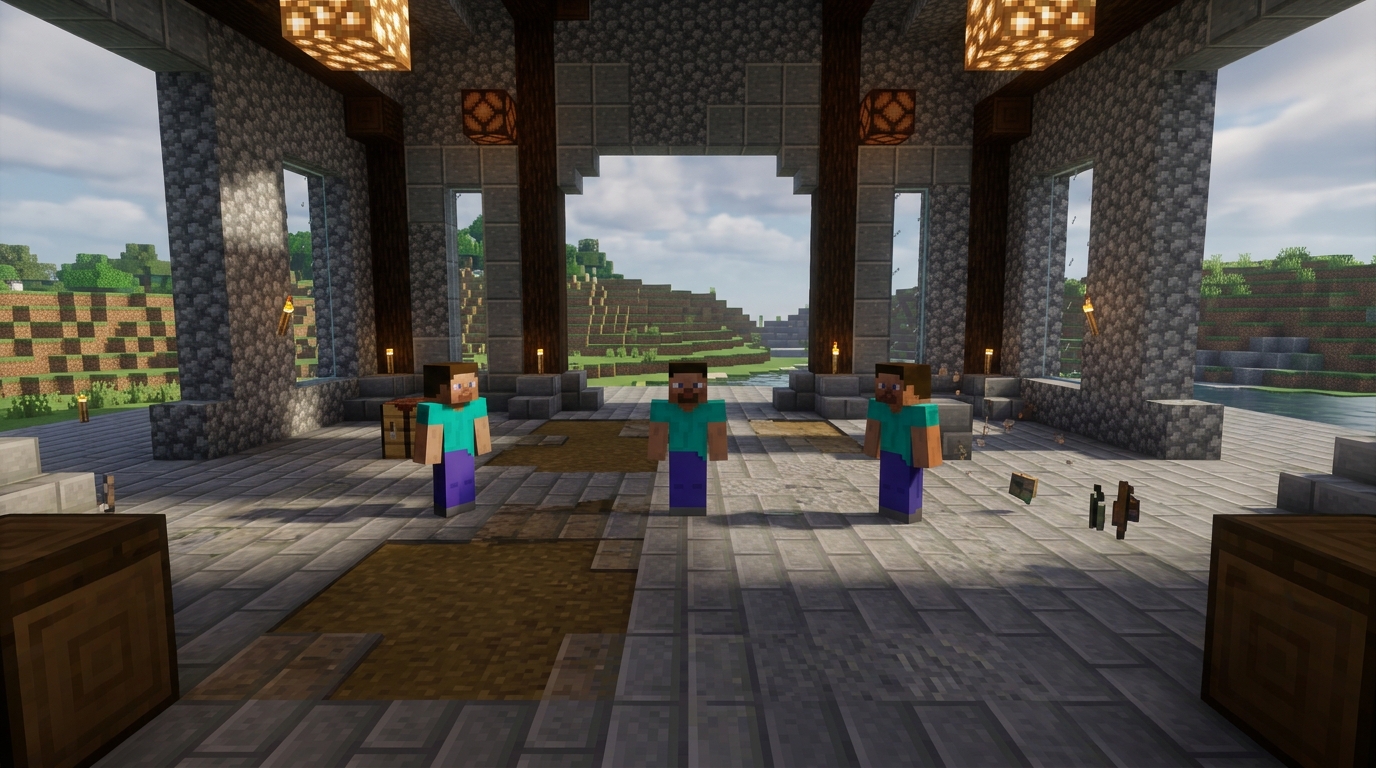
Java Edition uses an attack cooldown, so timing your sword swings usually matters more than clicking quickly. Bedrock Edition has different combat timing, movement, and hit detection, which can change how you fight mobs and other players. Mob behavior, spawn rules, and simulation distance also vary, so a farm that works well in Java may produce fewer mobs or fail in Bedrock. Even familiar enemies can have different pathfinding or attack patterns in each edition. Check guides for your specific edition before copying a combat strategy, mob farm, or survival design.
Redstone is one of the biggest differences between Java and Bedrock for technical players. Java Edition has quasi-connectivity, which lets components such as pistons respond to power from nearby blocks in ways that are not obvious. Bedrock pistons follow different powering and update rules. As a result, piston doors, flying machines, item sorters, and other redstone builds often need separate designs. Block placement can also feel different when you build under ledges, place redstone components, or bridge quickly, so test each design in the edition you plan to play. A build that works reliably in a Java test world may not work in Bedrock.
Villager systems also need careful testing because village detection, workstation claims, breeding, iron golem spawning, and restocking rules are not identical. These differences can affect trading halls, iron farms, breeder designs, and plans for securing your base. Commands use familiar concepts, but Java and Bedrock have different syntax, selectors, execute rules, and supported features. If you play with friends, remember that Java and Bedrock players generally cannot join the same standard world. Choose the edition that matches your group and devices. Both editions offer the core Minecraft experience, but your preferred farms, technical builds, and multiplayer setup should guide your choice.
Java Bedrock Mods And Content
One of the clearest differences between Java and Bedrock is how you get new content. On Java Edition, you can install third-party mods and modpacks that add technology, magic, new biomes, or completely different progression systems. You can also join custom servers with unique survival modes, adventure maps, and community-made mini-games. Java is a strong choice if you play on a computer and want extensive customization or technical experiments.
Bedrock Edition uses add-ons and resource packs to change gameplay, creatures, items, sounds, and visuals. Its in-game Marketplace offers ready-to-use worlds, skins, texture packs, and mini-games. Some Marketplace content is free, but much of it costs money. You can quickly add polished experiences without downloading and managing files yourself. Bedrock also supports cross-platform play, making it easier to enjoy community-created worlds with friends on consoles, phones, tablets, and Windows devices. Remember that Java and Bedrock players generally cannot join the same worlds or servers, so your friends’ edition should be part of your decision.
Choose Java if large modpacks, custom maps, and independent server communities matter most to you. Choose Bedrock if you prefer simple add-on installation, built-in skins and Marketplace worlds, controller or touch support, and multiplayer across different devices. Both editions support creative building and the same basic Minecraft experience, but their content systems and available experiences are different. Check which edition supports your favorite mod, map, skin pack, or mini-game before you buy or install it.
Java Bedrock Performance And World Features
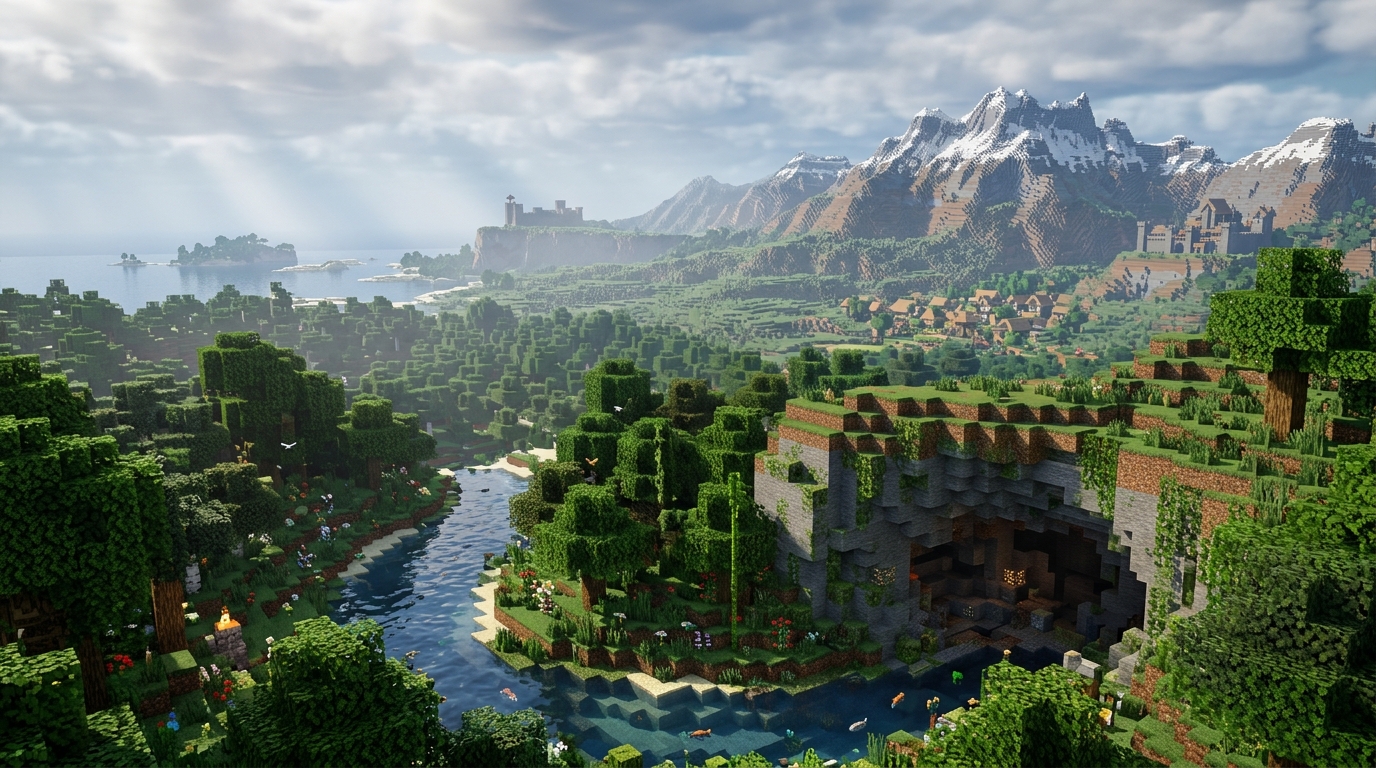
Java Edition is usually the better choice if you play on a PC and want to customize Minecraft extensively. You can use mods, shader packs, custom launchers, plugins, and technical tools. Java’s redstone behavior and commands also support detailed experiments and complex farms. Java includes snapshots, which let you test upcoming features before a full release, although these versions can be unstable. Its community server options are broad, with custom game modes, modded worlds, and plugins to explore.
Bedrock Edition generally runs more smoothly on lower-end PCs, phones, tablets, and consoles. It supports controller input, touch controls, and split-screen on compatible devices. World generation and seeds are broadly similar between the editions, but terrain, structures, redstone behavior, and some mob mechanics can still differ. A Java seed may not create an identical Bedrock world. Both editions include Hardcore mode, but they test experimental features differently. Java uses snapshots, while Bedrock uses preview versions or experimental settings. Bedrock also makes cross-platform play easier, while Java and Bedrock players normally cannot join the same worlds without special bridging tools.
Major updates now reach both editions on a similar schedule, so you are not choosing between completely different content libraries. However, version numbers, smaller patches, and test release timing can vary between Java and Bedrock. Choose Java if PC customization, technical builds, and large community servers matter most to you. Choose Bedrock if you want smooth performance, console or mobile access, and simple multiplayer with friends on different devices. Checking which edition your friends use is the most important step before you buy the game or start a shared world.
Java or Bedrock: Pick the Right Edition
Choosing between Minecraft Java and Bedrock Edition comes down to your device and how you want to play. Java is the better fit if you play on a PC and want extensive mods, custom servers, shaders, or technical projects that depend on Java-specific redstone and command behavior. It also gives you more room to test advanced mechanics, although world generation and other gameplay details can differ from Bedrock. Choose Bedrock if you want to play on consoles, mobile devices, or a PC with friends across different platforms. Bedrock also supports split-screen, controller and touch controls, smooth performance on many lower-end devices, and built-in Marketplace content.
Both editions share Minecraft’s core survival, building, exploration, and crafting experience, but they use separate engines and cannot normally share the same multiplayer worlds. Commands, redstone systems, mob behavior, world generation, and available content can vary, so a technical guide for one edition may not work the same way in the other. If your priority is PC mods, custom servers, and complex mechanics, Java is the natural choice. If you care most about cross-platform play, console or mobile access, split-screen, and easy add-on content, Bedrock makes more sense. Pick the edition that matches your device and the people you want to play with.