
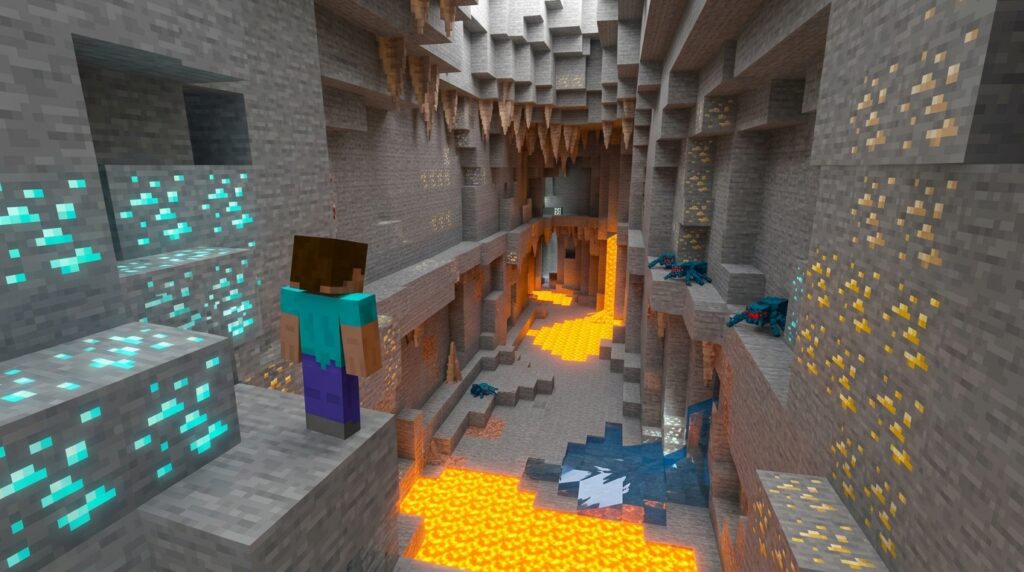
Tired of squinting at your screen while mining for diamonds or getting caught off guard by a Creeper in a pitch-black cave? The fullbright resource pack is the ultimate tool for Minecraft players who want to see everything clearly without placing a single torch. It instantly removes all darkness from your world, making deep underground ravines and murky ocean floors look as bright as a sunny day.
This simple pack works by tweaking the game’s lighting so you can focus on building and exploring instead of fumbling with Night Vision potions. It is incredibly easy to turn on and off in your settings, giving you a massive advantage during late-night survival sessions. Whether you are hunting for ancient debris in the Nether or just tired of losing your way at night, this utility ensures you never have to play in the dark again.
Key Takeaways
- The Fullbright resource pack eliminates the need for torches and Night Vision potions by removing all darkness from caves, the Nether, and underwater environments.
- Using this utility increases mining and exploration efficiency by allowing you to spot rare ores and structures from a distance without wasting inventory space or tool durability.
- Fullbright is compatible with performance-enhancing mods like Optifine and Sodium, though users may need companion mods like PolyTone to maintain consistent lighting in newer versions.
- Always verify server rules before using lighting modifications in multiplayer, as some communities classify the removal of darkness as an unfair advantage or a form of cheating.
Illuminating Deepslate Layers Without Torches
Mining for diamonds at the deepest levels of the world can be a slow process when you have to stop every few blocks to place a torch. When you reach the deepslate layers, the dark stone absorbs what little light you have, making it incredibly easy to miss a vein of precious ore hidden in a corner. The fullbright resource pack solves this problem by completely removing darkness from your game, allowing you to see every block as if it were under the midday sun. You can focus entirely on your path and your pickaxe without worrying about running out of coal or wood for light sources. This makes your survival sessions much more efficient since you no longer need to spend hours farming trees just to make enough torches for a single mining trip.
Because this pack modifies how your game renders light, you will notice that every cave and tunnel is perfectly illuminated from floor to ceiling. You can spot diamonds, redstone, and gold from a great distance, which helps you decide exactly which direction to dig without wasting durability on your tools. This utility is a fantastic alternative to X-ray packs because it keeps the world looking natural while simply removing the frustration of low visibility. It works perfectly in vanilla Minecraft or with performance mods, giving you a clear view of the underground landscape at all times. You will save a massive amount of inventory space by leaving stacks of charcoal behind and filling those slots with extra loot instead.
Clear Vision For Underwater Exploration
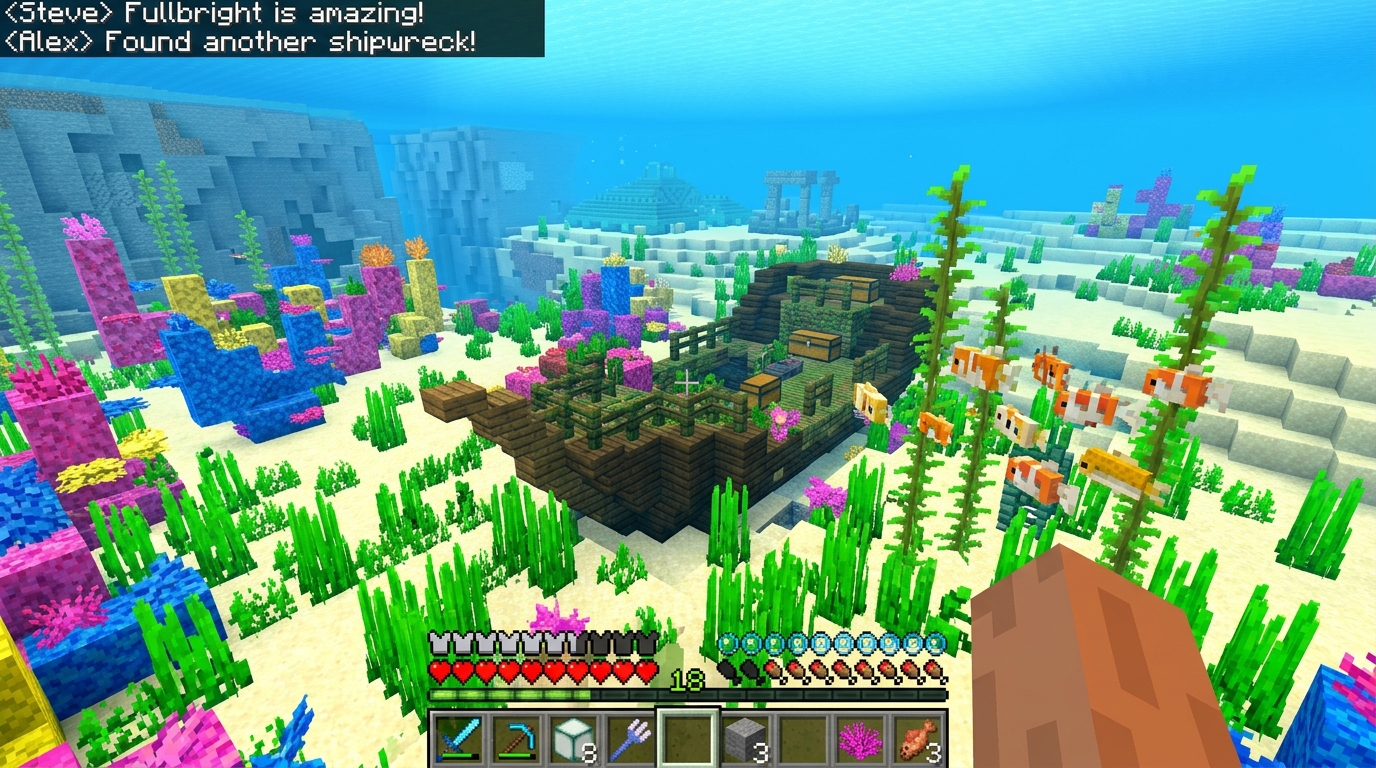
Diving into the deep ocean in Minecraft usually means struggling with murky water and low visibility that makes it impossible to see the floor. When you use the Fullbright resource pack, the dark blue fog and shadows completely vanish, giving you a crystal-clear view of the seabed from the surface. You can easily spot the wooden planks of a shipwreck or the stone bricks of an ocean ruin without having to dive down first. This makes gathering loot like buried treasure maps and enchanted books much faster because you never have to guess where the structures are located. It turns the entire ocean into a transparent playground where every hidden chest is visible at a glance.
Exploration becomes much safer and more efficient when you do not have to rely on limited Night Vision potions or messy conduits. Since the pack removes all darkness, you can identify dangerous drowned mobs or guardians before they ever have a chance to surprise you. You will save a ton of time while searching for rare items like sponges or heart of the sea materials because you can scan large areas in seconds. Instead of swimming blindly through the gloom, you can head straight for the loot and get back to your base quickly. It is a massive help for anyone who wants to conquer the deep sea without the usual headaches of underwater mining and traveling.
Compatibility With Sodium And Optifine Performance
You can easily pair the Fullbright resource pack with Optifine to get the best of both worlds. Since Optifine is built to optimize your graphics, it naturally supports the light level changes needed to see inside dark caves. To get it working, simply drag the pack into your resource folder and move it to the top of your active list. You should also check your video settings to ensure your brightness is set to moody or bright depending on the specific pack version. This setup ensures you can spot diamonds and iron ore from a distance without placing a single torch.
If you prefer using Sodium for a massive FPS boost, you might need a tiny bit of extra help to keep things bright. In newer versions of Minecraft like 1.21, Sodium handles lighting differently than the standard game engine. You may need to add companion mods like PolyTone to your mod folder to make sure the light levels stay consistent. Once that is installed, the resource pack will work perfectly, giving you a crystal clear view of underwater ravines and deepslate tunnels. This combination is a favorite for survival players who want high frame rates while they mine.
Running these performance mods alongside your lighting pack makes your gameplay much smoother and more efficient. You will no longer have to worry about your game lagging while you explore massive cave systems or hunt for abandoned mineshaft loot at night. Because these tools are client-side, they do not change the server world, making them a safe utility for your private survival adventures. Just remember to keep your mods updated to the latest version of the game to avoid any visual glitches. Now you can focus on gathering resources and building your base without ever running out of coal for torches.
Server Rules And Fair Play Guidelines
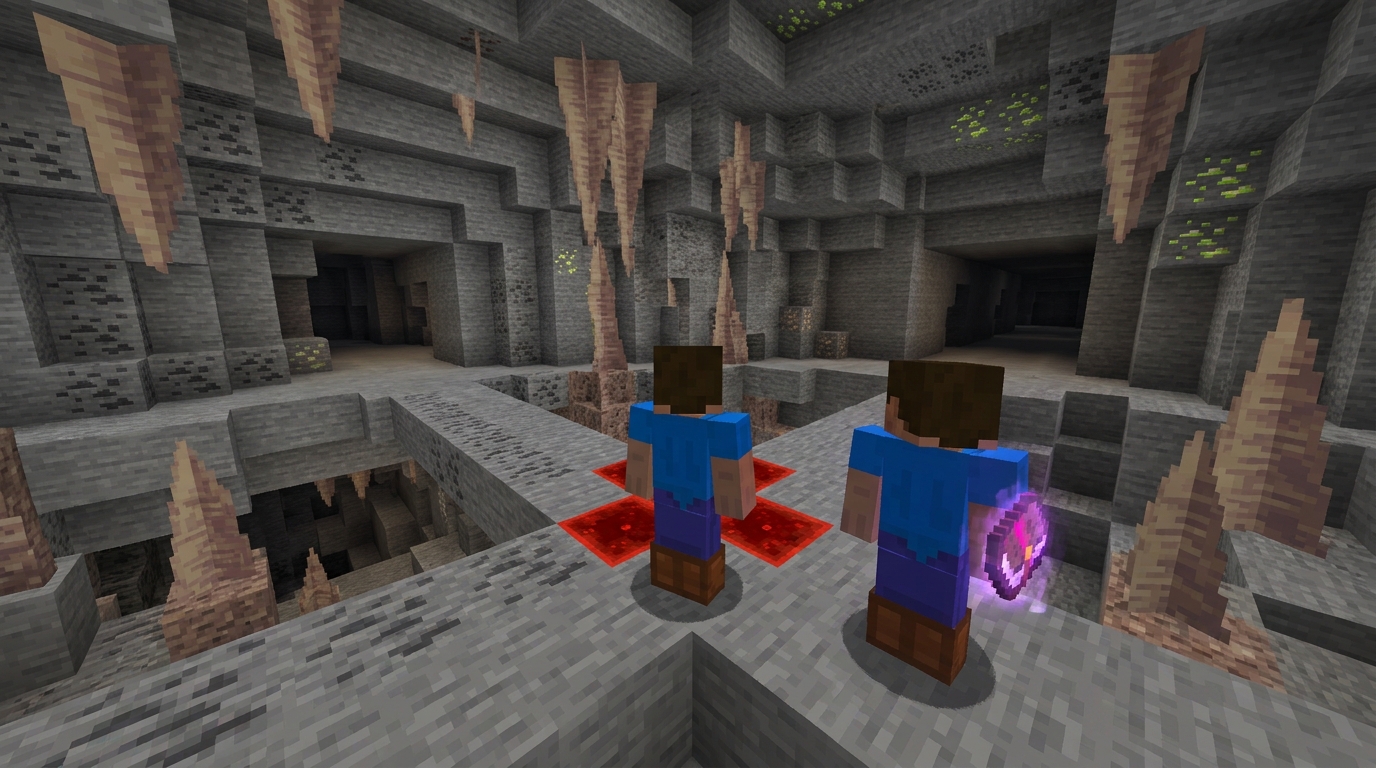
Before you jump into a competitive server with your new lighting setup, you should always take a moment to verify server rules and read the official guidelines. While being able to see every diamond ore in a dark cave is helpful, some multiplayer communities consider this an unfair advantage over players using standard settings. Many PvP servers and hardcore survival realms have specific guidelines against any utility mods that modify how you perceive the environment. You can usually find these rules posted in the server’s Discord channel or by typing a simple command like /rules when you first join the game.
Getting banned from your favorite server is a quick way to ruin your gaming session, so it is better to be safe than sorry. Some moderators view the removal of darkness as a form of cheating because it allows you to spot enemies or hidden traps without using torches or night vision potions. If the server description mentions vanilla gameplay only, they might have plugins that can detect when your light levels are not matching the standard game engine. You should ask a staff member if utility packs are allowed if the written rules seem a bit unclear or vague.
Fair play is all about ensuring everyone has the same experience when competing for resources or fighting in the arena. If you are playing on a private world with just a few friends, using this pack is usually perfectly fine and makes building large underground bases much more enjoyable. However, in a professional tournament or a ranked faction server, using any tool that bypasses the challenge of darkness could lead to a permanent strike on your account. Always remember that being a great member of the Minecraft community means respecting the boundaries set by the people hosting the world you are playing in.
Master Your Mines With Fullbright
Ultimately, adding the Fullbright resource pack to your utility folder is one of the smartest moves you can make for your survival world. It completely removes the frustration of getting lost in pitch-black tunnels or squinting to find that last vein of diamonds. You will no longer have to waste stacks of coal and sticks on torches just to see what is right in front of you. This pack provides a clean and clear view of every block, making your underground mining sessions much more efficient and relaxing. It acts as a perfect alternative to x-ray texture packs because it maintains the game’s integrity while simply turning the lights up.
Setting up this utility is a quick process that pays off the moment you step into a massive cave system or dive deep underwater. You can easily toggle it on when you are hunting for ores and switch it off when you want to enjoy the moody atmosphere of a campfire. It works seamlessly with popular performance tools like Sodium or Optifine, ensuring your game stays smooth while looking bright. Whether you are building a massive base at night or exploring the deepest parts of the world, you will never have to worry about darkness again. This simple change transforms Minecraft into a much more accessible and enjoyable experience for every type of player.
Frequently Asked Questions
1. What does the fullbright resource pack actually do?
This pack removes all darkness from your Minecraft world by tweaking the lighting settings. It makes the deepest caves and murky oceans look as bright as a sunny day so you can see everything clearly.
2. Will I still need to carry torches while mining?
You can leave your coal and wood at home because you won’t need torches for visibility anymore. Every block in deepslate layers will be perfectly illuminated, allowing you to spot diamond veins from a distance without placing a single light source.
3. Does this pack give me an advantage in the Nether?
Yes, it makes navigating the Nether much safer and easier by brightening up the dim environment. You will be able to hunt for ancient debris and spot hazards without fumbling for Night Vision potions.
4. How easy is it to turn the brightness on and off?
It is incredibly simple to manage through your in-game settings. You can quickly toggle the pack on when you go underground and turn it off whenever you want to return to standard lighting.
5. Can this pack help me save my tool durability?
Since you can see every ore and path from far away, you won’t waste your pickaxe durability digging in the wrong direction. You can plan your route directly to the gold or redstone you need without any guesswork.
6. Is this better than using Night Vision potions?
This utility is much more convenient because it provides a permanent light boost without the need for brewing. You can focus entirely on building and exploring instead of constantly checking your potion timers.