
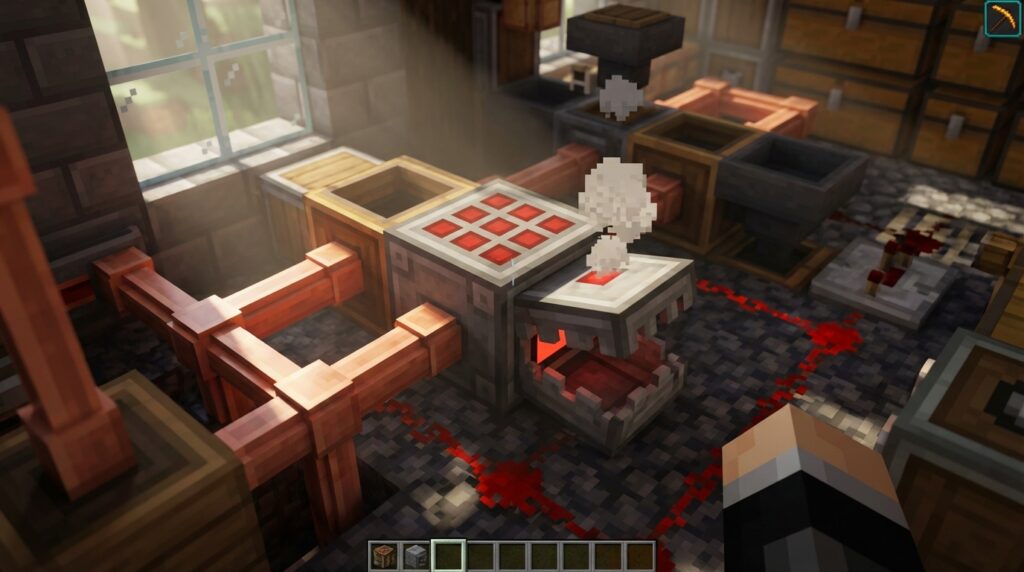
For years, Minecraft players have dreamed of a way to turn raw materials into finished items without clicking through menus for hours. The 1.21 Tricky Trials update finally made this a reality with the introduction of the Crafter, a specialized block that brings full automation to your survival world. This crafter block tutorial will help you master the mechanics of this tool so you can spend less time at a workbench and more time adventuring.
Building your first auto-crafter is surprisingly easy and only requires basic materials like iron, redstone, and a dropper. Once you place it down, you can use redstone pulses to instantly turn iron ingots into armor or logs into chests. Setting up a simple clock circuit allows the block to work while you are away, making it the perfect addition to your iron farm or gold grinder.
Key Takeaways
- The Crafter block enables full automation in Minecraft by using redstone pulses to instantly transform raw materials into finished items without manual menu interaction.
- Strategic grid management is achieved by clicking individual slots to disable them, allowing players to lock in specific recipe patterns for automated production.
- Integrating redstone clocks or comparators with the Crafter creates a continuous production loop that automatically processes resources while the player is away.
- Constructing a Crafter is highly accessible for early-game survival, requiring only basic materials like iron ingots, redstone dust, a crafting table, and a dropper.
Gathering Materials And Crafting The Block
To build your first Crafter, you will need to gather materials like five iron ingots, two pieces of redstone dust, one crafting table, and one dropper. Iron is easily found in underground veins or by smelting raw iron from caves, while redstone is typically located deep near the bedrock layer. You can make the dropper by surrounding a single piece of redstone dust with seven blocks of cobblestone in a crafting grid. Once you have these components ready, open your crafting table to arrange them into the final block. This straightforward recipe makes it easy to produce multiple Crafters even if you are still in the early stages of your survival world.
The assembly process requires a specific layout to ensure the recipe works correctly in your crafting grid. Place the crafting table in the very center slot and put the dropper directly beneath it in the bottom middle square. Line the top row and the middle sides with your five iron ingots to form a protective frame around the table. Finally, drop your two redstone dust pieces into the bottom left and bottom right corners to power the device. After you click the output icon, you will have a tool that bridges the gap between manual labor and total automation.
Setting up the Crafter is a major milestone because it changes how you interact with your gathered resources. Unlike a standard table that stays passive, this block acts as a machine that responds to redstone signals to spit out finished items. You can now create systems where raw iron flows in and finished iron blocks or tools pop out without you ever clicking a button. This simple block is the heart of your new factory, allowing you to focus on adventuring while your base handles the tedious work. It represents a massive shift in gameplay that makes your redstone circuits more powerful than ever before.
Managing The Grid And Disabling Slots
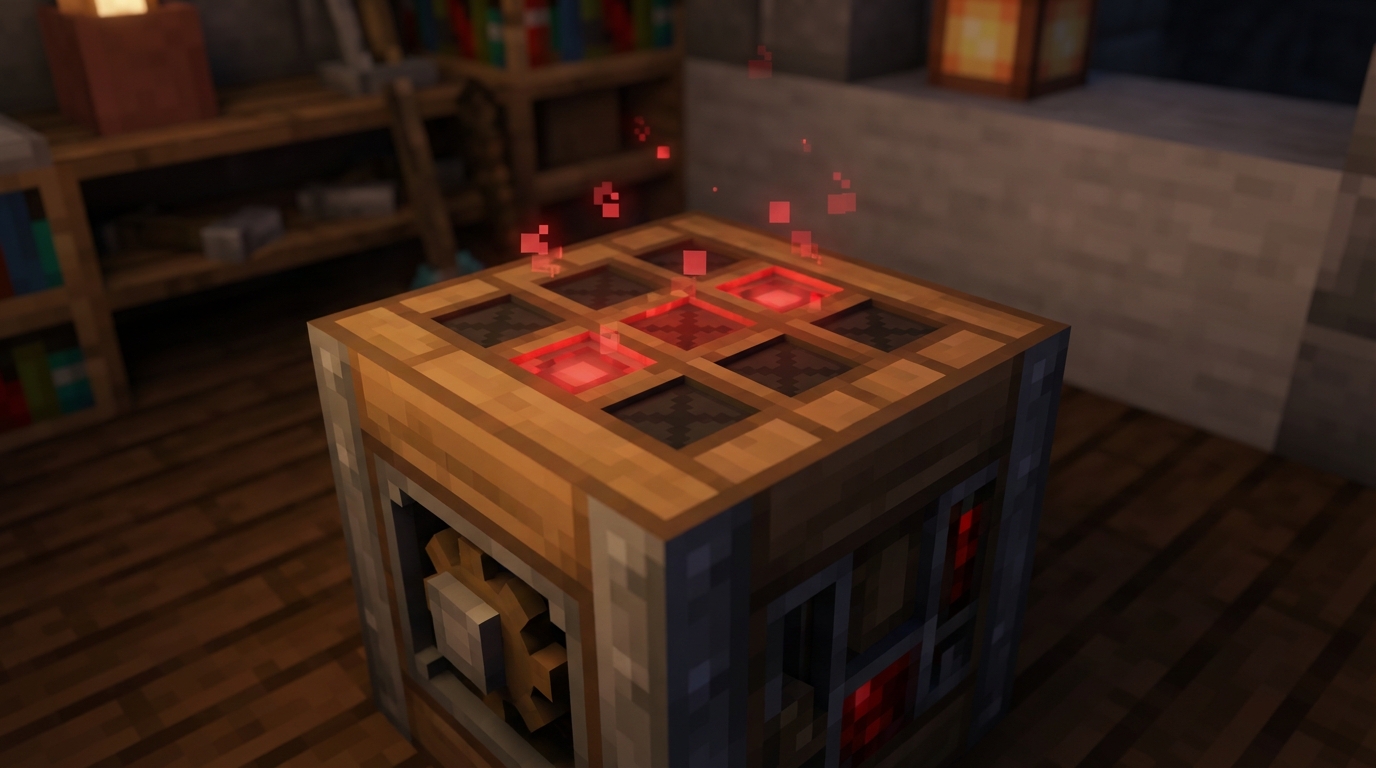
Managing the nine-slot grid inside the Crafter is the most important step to mastering automated crafting. When you open the UI, you can click on any empty slot to disable it, which marks it with a distinct red X. This feature tells the block to ignore that specific space when items are piped in from hoppers or droppers. By strategically blocking certain slots, you can force your items into the exact shapes needed for specific recipes. This simple trick ensures that your resources always land in the right spots without you having to manually move them around.
Setting up recipes for narrow items like swords, shovels, or ladders requires you to use these disabled slots to maintain the correct pattern. For example, if you want to make a wooden shovel, you should disable the left and right columns so that the planks and sticks can only fill the center vertical line. Without these red X markers, your hoppers might accidentally fill the entire grid, resulting in a mess of unwanted items or a jammed machine. Using slot management prevents these mistakes and allows you to create complex tools with perfect accuracy every single time.
Once you have your grid locked down, your auto-crafting farm will run much more smoothly and reliably. You can easily switch which slots are active if you decide to change your production line from ladders to pickaxes. This flexibility is what makes the crafter block tutorial so useful for your survival base. It transforms a standard crafting grid into a smart template that only accepts the ingredients you want. Mastering this UI interaction is the secret to building efficient, hands-off loops that keep your storage chests full of helpful gear.
Powering The Crafter With Redstone Pulses
To get your Crafter working, you need to understand that it acts like a dropper rather than a passive machine. Even if you fill every slot with iron ingots to make a bucket, the block will sit idle until it receives a redstone signal. Every time the Crafter gets a pulse of energy from a button or a lever, it checks its internal grid for a valid recipe and shoots the finished item out into the world or a chest. This manual trigger is great for one-off items, but you will want something more consistent for a truly automated base.
Setting up a redstone clock is the best way to keep your factory running while you go off on an adventure. You can build a simple loop using two observers facing each other, which creates a rapid pulse that tells the Crafter to work constantly. If you prefer a slower pace, place two redstone repeaters in a small circle to give the hoppers enough time to refill the crafting grid between shots. This ensures your machine does not fire an empty pulse before the next batch of ingredients has arrived in the slots.
Once your clock is connected, you can walk away and let the redstone do the heavy lifting for you. This setup is perfect for turning gold nuggets from high efficiency portal based gold farms into ingots or packing wheat into hay bales automatically. Just make sure to place a chest or a hopper in front of the Crafter to catch everything it spits out. With a steady pulse of redstone pulses, you have successfully moved from manual labor to a fully functional, high-tech Minecraft factory.
Building Your First Automated Iron Farm Loop
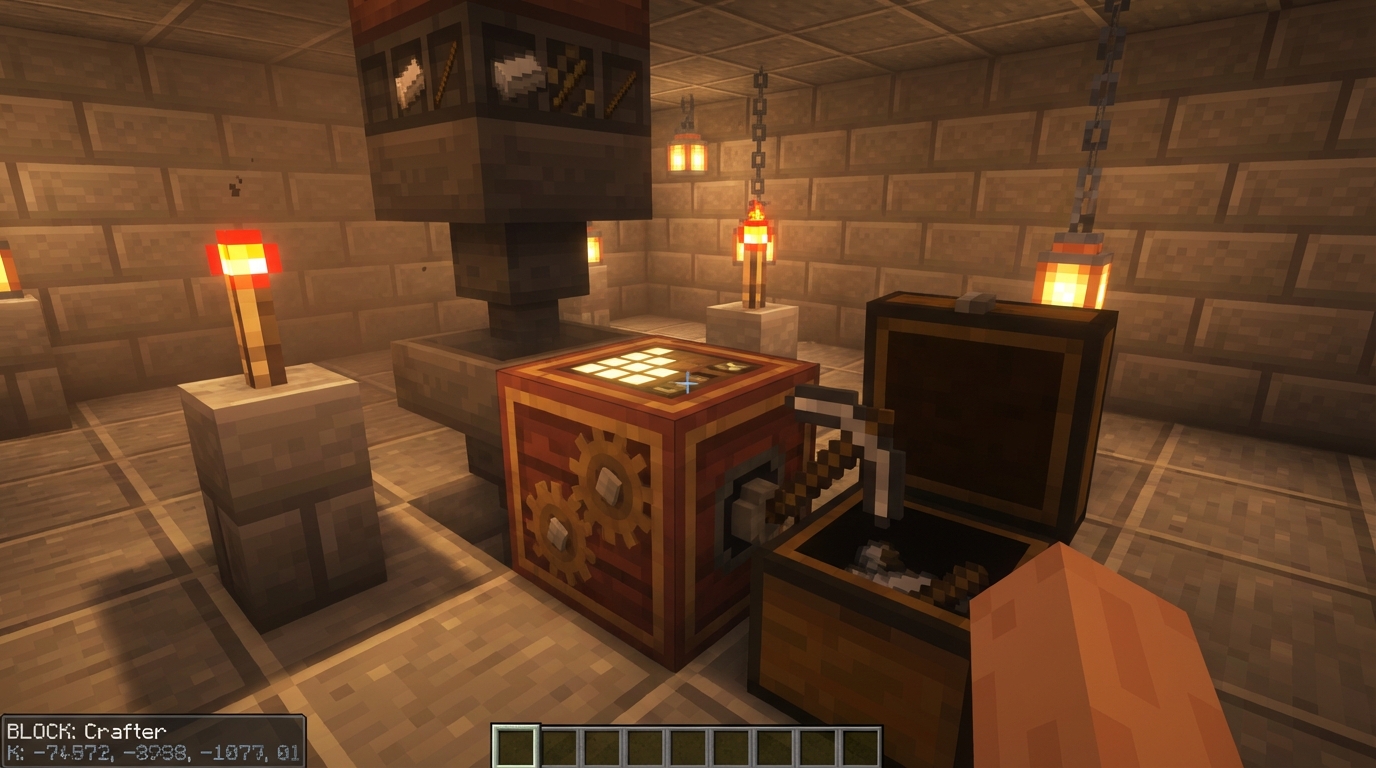
Setting up your first automated loop is the best way to see the Crafter in action. To start, place a Crafter on the ground and point a hopper into the top of it to feed in your iron ingots. You will need to open the Crafter grid and click on the empty slots to disable them, leaving only the nine squares open for your recipe. This ensures that the iron ingots fill up the entire grid to form a solid block rather than making something else. Once the grid is full of nine ingots, the Crafter is ready to transform your raw materials into a compact block.
The magic happens when you connect a simple redstone clock to provide a pulse to the Crafter. You can use a comparator to detect when the Crafter is full, which then triggers a signal to fire the block out. Place a chest or another hopper in front of the Crafter to catch the finished iron blocks as they are created. This setup is excellent for your easy iron farm because it prevents your storage chests from overflowing with thousands of individual ingots. You can now spend more time adventuring and less time manually clicking through your crafting table to clean up your loot.
Start Automating Your First Minecraft Recipes
The Crafter marks a massive turning point in your Minecraft journey because it finally frees you from clicking through menus for hours. Now that you understand how to use redstone pulses and hoppers to feed this block, you can say goodbye to manual labor. You should start with something simple, such as turning iron ingots into blocks or making chests from planks. These basic setups help you get used to the timing of redstone clocks without being too overwhelming. Once you see your first automated item pop out, you will realize how much time you are saving for your next big build.
As you get more comfortable with the grid, you can expand your factory to handle complex recipes like pistons or dispensers. You can connect multiple Crafters together to create a production line that handles every step of the process automatically. This allows you to focus your energy on exploring deep dark cities or conquering trial chambers while your base works for you. Mastering the copper bulb can also help you create more compact control systems for these machines. You might even pair this technology with an efficient automatic sugarcane farm to produce infinite paper for your library. Automation is no longer just for players using complicated mods, so take advantage of this new power. For example, you can learn how to build an automatic raid farm to gather massive amounts of redstone and emeralds to fuel your new industrial district. Your world is about to become much more efficient as you transform your storage room into a living, breathing machine.
Frequently Asked Questions
1. What materials do I need to make a Crafter?
You need five iron ingots, two pieces of redstone dust, one crafting table, and one dropper. You can easily find iron and redstone underground, while the dropper is made from cobblestone and a bit of redstone.
2. How do I arrange the items in the crafting grid?
Place the crafting table in the center and the dropper directly underneath it. Put your five iron ingots in the top row and the middle side slots, then place the two redstone dust pieces in the bottom corners.
3. How do I make the Crafter start making items?
The Crafter needs a redstone pulse to work, so you can use a button or a lever for manual crafting. For automatic crafting, connect it to a simple redstone clock circuit so it keeps making items while you are busy doing other things.
4. Can the Crafter help with my iron farm?
Yes, the Crafter is perfect for turning the raw iron from your farm into iron ingots or solid iron blocks automatically. This saves you tons of storage space and prevents you from having to click through menus for hours.
5. Is it hard to get a Crafter early in the game?
Not at all, because the recipe only uses basic materials like iron and cobblestone. You can set up your first auto-crafter as soon as you find a small vein of iron and a little redstone near the bottom of the world.
6. What kind of items can I automate with this block?
You can automate almost anything, such as turning logs into chests or iron ingots into armor. It is a helpful tool that handles all the repetitive workbench tasks for you.