
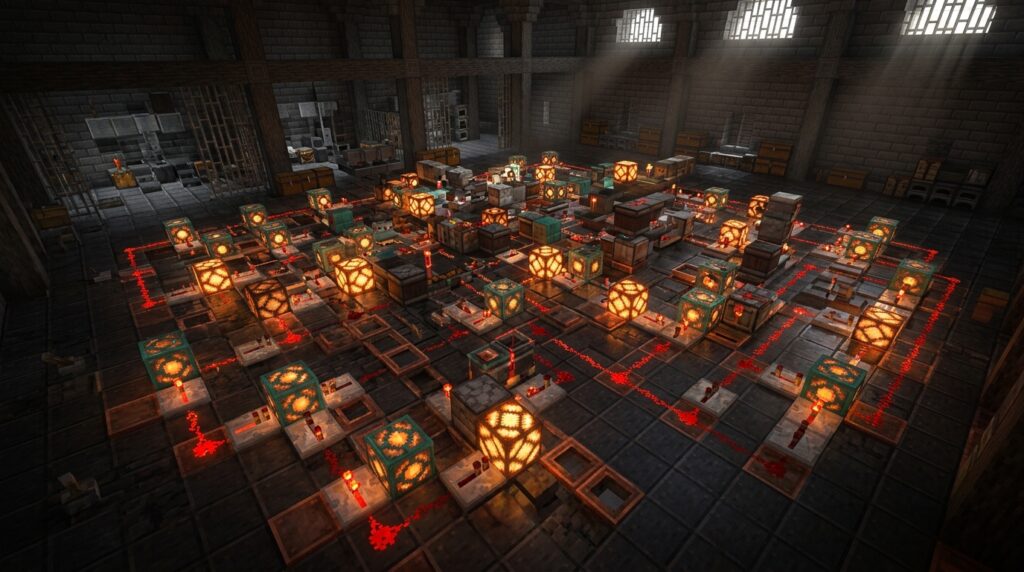
If you want to master the latest Redstone builds, understanding copper bulb lighting circuits is a massive upgrade for your Minecraft world. These unique blocks do more than just look good; they have a built-in memory that lets them stay on or off with a single pulse. You can finally ditch those bulky, old-school toggle latches and save a ton of space in your underground bases.
The best part is how these bulbs change based on their oxidation level, giving you total control over the mood of your room. A fresh, shiny bulb glows bright at level 15, but you can let it turn green to get a dim, spooky light level of 4. Just grab your honeycomb to lock in your favorite color or use an axe to scrape away the rust and brighten things up again.
Key Takeaways
- Copper bulbs function as built-in T-flip-flops, allowing you to toggle light states with a single pulse and eliminate bulky, traditional memory circuits like piston or dropper latches.
- The block’s unique one-tick delay provides a compact alternative to repeaters, enabling precise timing for pulse extenders and synchronized redstone contraptions in tight spaces.
- Oxidation levels directly dictate light intensity, ranging from a bright level 15 for new bulbs to a dim level 4 for fully oxidized blocks, offering total aesthetic control over room ambiance.
- Applying honeycomb to a copper bulb locks in its current oxidation state and light level permanently, while an axe can be used to scrape away oxidation and restore brightness.
Using Copper Bulbs As One Tick Latches
The copper bulb is a great addition to your base because it acts as a built-in T-flip-flop. In the past, creating a light switch that stayed on after pressing a button required a bulky circuit of pistons, droppers, or hoppers. Now, you can simply place a single copper bulb and hit it with a redstone pulse to toggle its state. This means your wiring can be much thinner and hidden easily behind your walls. You no longer need to worry about complex logic gates just to turn on a lamp.
One of the most useful features of this block is its unique one-tick delay during the toggling process. When you send a signal into the bulb, it processes that input with a tiny pause that redstone experts find incredibly useful for timing. You can use this specific delay to create compact pulse extenders or to synchronize different parts of your lighting system. It is much easier to manage than traditional repeaters when you are working in tight spaces. This small mechanical quirk allows you to build advanced contraptions without needing a massive basement full of dust.
If you want to keep your home looking sleek, you can use a button to trigger the bulb through a solid block. Since the bulb remembers whether it is on or off, a single wooden or stone button becomes a permanent light switch. You can even use an observer to detect when the bulb changes state, allowing you to trigger secondary effects like opening a hidden door at the same time. This block simplifies your redstone life by combining a light source and a memory cell into one package. Experimenting with these circuits will make your builds feel more professional and responsive.
Controlling Light Levels Through Copper Oxidation

The copper bulb is a unique block because its brilliance depends entirely on how much it has oxidized over time. When you first place a clean bulb, it shines with a bright light level of 15, which is perfect for illuminating large halls or outdoor paths. As the copper reacts with the air, it slowly transitions through four stages, eventually reaching a dim, moody light level of 4. This natural aging process allows you to choose the exact atmosphere for your base, ranging from a vivid white glow to a soft orange hue. You can even use an axe to scrape off the oxidation if you decide you want a brighter look for your room later on.
Once you find the perfect brightness for your build, you can use honeycomb to lock in that specific light level in place forever. By interacting with a bulb using honeycomb, you wax the surface to prevent any further oxidation from changing the color or intensity. This is incredibly helpful for creating consistent lighting designs where you want some hallways to feel bright and modern while others feel ancient and weathered. If you ever change your mind about the design, simply use an axe to strip the wax away and let the aging process begin again. This simple mechanic gives you total control over your home’s aesthetic without needing complex redstone setups.
Beyond just looking great, these bulbs are fantastic for compact redstone circuits because they have a built-in toggle function. You can send a quick pulse to a bulb to turn it on, and it will stay lit until it receives another signal, acting like a tiny memory cell. This one-tick delay property makes them much faster and more reliable than using old-fashioned wooden or stone buttons for your lighting. You can hide these bulbs behind walls or under floors to create sleek, hidden switches that react instantly to your touch. Integrating these into your base upgrades your lighting from a basic necessity to a high-quality redstone system.
Building Compact Vertical Copper Bulb Light Arrays
Building vertical lighting arrays with copper bulbs is a fantastic way to save space while adding a modern look to your base. Because these bulbs act as a built-in T-flip-flop, you can toggle an entire column of lights with a single button press without needing bulky redstone latches. You can stack bulbs directly on top of each other or place them behind walls to create sleek, hidden light sources. Their unique ability to pass a signal to adjacent blocks means you can trigger multiple bulbs at once by placing a single redstone torch or observer next to the column. This setup is perfect for narrow hallways or high-ceilinged rooms where you want a clean finish.
The real magic happens when you take advantage of the copper bulb’s one-tick delay to create satisfying visual patterns. When you power a vertical chain, the slight delay causes the lights to turn on one by one, creating a beautiful filling effect from bottom to top. You can easily build this by placing a solid block behind every other bulb and running a vertical line of redstone dust or a series of observers. This method keeps your circuitry incredibly thin, often only requiring a two-block deep space inside your walls. It is a great entry point for players who want to move beyond simple torches and experiment with more advanced mechanical designs.
To customize the ambiance of your vertical array, remember that the oxidation level of each bulb changes the light intensity. You can mix and match fully oxidized bulbs for a dim, moody basement vibe or use waxed, polished bulbs for a bright and vibrant workshop. If you want a specific look to stay forever, simply use honeycomb on the bulbs to lock in their current color and light level. This allows you to create gradient lighting effects that move from bright white at the floor to a faint teal glow at the ceiling. By combining these different states with your compact vertical wiring, you turn a simple utility into a stunning piece of base architecture.
Building Better Lighting With Copper Bulbs
You can now take these unique mechanical properties to build a more efficient and aesthetically pleasing lighting system for your survival base. The copper bulb is a significant upgrade because it features a built-in one-tick delay, which allows you to create compact redstone circuits that were previously much larger. Instead of hiding massive rows of repeaters behind your walls, you can use these blocks to precisely time your light shows or door transitions. This specific delay makes your redstone projects feel more responsive and polished without requiring expert-level knowledge.
Integrating these bulbs into your home allows you to experiment with both function and style. Since the copper bulb acts as a natural T-flip-flop, you can toggle your entire basement lighting with a single button press rather than a clunky lever. Remember that you can use honeycomb to wax your bulbs at a specific oxidation level to lock in your favorite light intensity. Whether you prefer a bright, clean look or a dim, moody atmosphere for a dungeon, these blocks give you total control over the environment.
Upgrading your base with copper bulb circuits is the perfect way to bridge the gap between simple decoration and advanced engineering. You will find that these circuits are much easier to troubleshoot because the bulb itself provides a clear visual indicator of the signal state. This makes your survival world feel more alive and technologically advanced while keeping your builds sleek and organized. Grab your honeycomb and some redstone dust to start transforming your hallways into a modern masterpiece.
Frequently Asked Questions
1. How do copper bulbs make my Redstone wiring simpler?
Copper bulbs have a built-in toggle feature that replaces bulky T-flip-flops made of pistons or droppers. You can turn a light on or off with a single button press using just one block. This saves you a lot of space and lets you hide your wiring behind thin walls.
2. How do I change the brightness of a copper bulb?
The light level depends on how much the copper has oxidized or rusted. A shiny new bulb gives off a bright level 15 light, while a fully oxidized green bulb emits a dim level 4 glow. You can use an axe to scrape off the rust and make the light brighter again.
3. Can I stop my copper bulbs from changing color?
Yes, you can lock in your favorite light level and color by using honeycomb on the bulb. This waxes the copper and prevents it from oxidizing any further. It is the perfect way to keep your spooky dim lighting or your bright shiny look forever.
4. What makes the copper bulb better than a regular Redstone lamp?
Unlike a Redstone lamp that needs a constant signal to stay on, a copper bulb stays on or off after just one quick pulse. It also has a unique one-tick delay when it toggles. This tiny pause is great for timing your contraptions without needing extra repeaters.
5. Do I need complex logic gates to make a light switch?
You no longer need to build complicated logic gates or large circuits to create a working light switch. Since the bulb remembers its state, you can simply connect a button directly to it. This makes building underground bases much faster and easier for you.
6. How can I use the copper bulb’s delay in my builds?
The bulb processes signals with a specific one-tick delay that is perfect for compact timing circuits. You can use this quirk to create pulse extenders or to sync up different parts of your base. It is a much more efficient way to manage Redstone timing in tight spaces.