
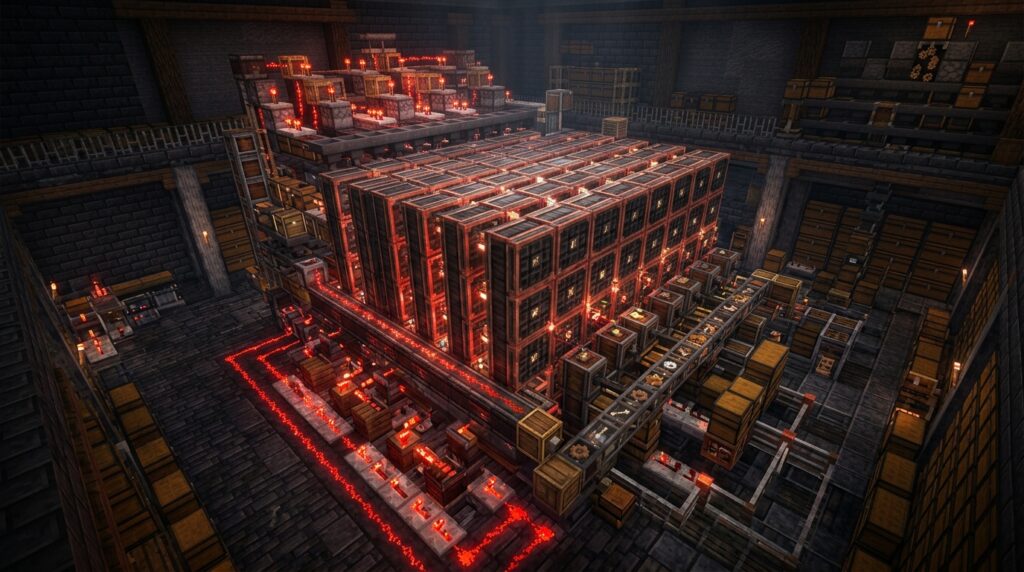
For years, you had to click through menus and manually drag items just to make a stack of chests or iron blocks. The 1.21 Tricky Trials update finally changes everything with the Crafter, a block that turns your raw materials into finished goods with a simple redstone pulse. Mastering automatic crafter redstone setups means you can finally walk away from your crafting table and let your gold farms or sugar cane patches produce golden carrots and paper while you go on your next adventure.
Building your first auto-factory is easy once you understand how to toggle slots to create specific patterns. By connecting a simple clock or a button to your Crafter, you can turn iron ingots into buckets or sticks into ladders without lifting a finger. These systems fit perfectly into your existing storage rooms, allowing you to transform messy chests of raw resources into organized, ready-to-use gear.
Key Takeaways
- The Crafter block automates resource processing by converting raw materials into finished goods upon receiving a redstone pulse, eliminating the need for manual crafting menus.
- Using a Redstone Comparator to monitor the Crafter’s fill level creates a self-regulating system that only triggers a pulse when the recipe is complete, preventing misfires and resource waste.
- Toggling specific slots in the 3×3 grid allows you to lock unnecessary spaces, ensuring items from hoppers land in the correct patterns for shaped recipes like buckets, tools, or armor.
- Advanced automation for complex items like pistons requires multi-hopper layouts and smart overflow protection to synchronize the delivery of different ingredients into the correct slots.
Essential Logic For Single Item Auto Crafting
Setting up a single-item auto crafter is the perfect way to keep your storage organized without lifting a finger. To get started, you need to place a Redstone Comparator directly against the back of your Crafter block. The Comparator is smart enough to detect how many items are currently sitting inside the crafting grid. When you fill all nine slots with iron ingots to make a block, the Comparator sends out a signal strength of nine. You can use this specific energy level to trigger a pulse that tells the Crafter exactly when it is time to output your new item.
Once your Comparator detects a full grid, you need a simple clock or a pulse circuit to finish the job. A great trick is to run a redstone line from the Comparator back into the Crafter using a repeater to ensure the signal is strong enough. This creates a loop where the Crafter only fires when the recipe is complete, preventing it from spitting out half-finished items. You can easily adjust this setup to make iron nuggets by clicking the slots in the Crafter UI to disable everything except one single space. This ensures your iron ingots are broken down into nuggets the moment they enter the system.
This logic is essential because the Crafter requires a fresh redstone pulse for every single action it takes. Without a proper setup, your machine might get stuck or waste resources by firing at the wrong time. By using the Comparator to monitor the fill level, you create a self-regulating system that manages your iron supply perfectly. Whether you are turning mountains of iron into compact blocks or preparing nuggets for lanterns, this simple logic loop saves you hours of manual clicking. It is a reliable way to upgrade your base and make your resource processing feel truly professional.
Managing Slot Toggles For Shaped Recipes
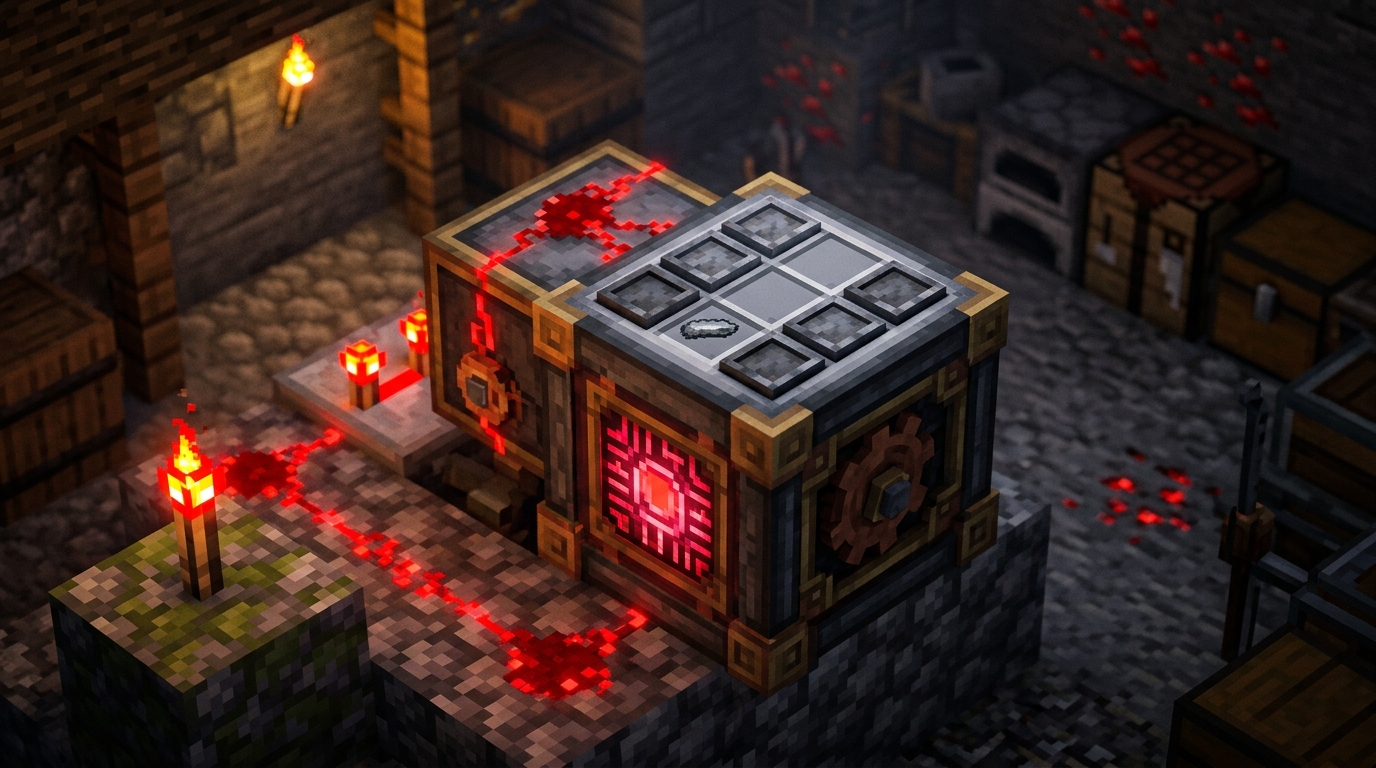
To master shaped recipes in the Crafter, you must first understand how to toggle the 3×3 grid slots. When you click a slot in the interface, it turns dark and becomes disabled, preventing any items from entering that specific space. This is helpful for items like buckets or wooden bowls that require a V shape rather than a full grid. By locking the unnecessary slots, you ensure that your hoppers only fill the spaces needed for your specific recipe. This simple step prevents your automation system from getting clogged with extra materials that do not belong in the final product.
Setting up a specialized crafter for tools or armor requires a precise layout to keep things running smoothly. For example, if you want to automate iron swords, you should disable every slot except for a vertical line of three in the center. You would place your iron ingots in the top two enabled slots and a stick in the bottom one to complete the pattern. Without these slots locked, a hopper might accidentally dump an iron ingot into a side slot, which would break the recipe and stop your production line. Using these toggles allows you to create dedicated stations for everything from chests to ladders without needing complex redstone timers.
Efficiency in your Minecraft base often comes down to how well you manage your item flow into these new blocks. You can use a comparator to read how many slots are filled, which helps you trigger the crafting pulse at exactly the right moment. If you are making something like a hopper, you only want the pulse to fire when all five iron ingots and the chest are in their correct spots. By disabling the four corner slots, you make it impossible for the system to misfire or create the wrong item. This level of control turns a simple redstone block into a powerful factory that handles all your crafting needs automatically.
Multi Hopper Layouts For Complex Item Crafting
Building complex items like pistons or observers requires you to manage multiple different ingredients at the exact same time. When you use a multi-hopper layout, you can point different hoppers into the Crafter from the top, sides, and bottom to fill specific slots in the grid. To make this work for a piston, you might have one hopper feeding cobblestone, another feeding wooden planks, and a third delivering iron and redstone. By locking certain slots in the Crafter interface, you ensure that the items land exactly where they belong for the recipe. This setup turns a manual task into a perfectly synchronized machine that handles the heavy lifting for you.
Proper timing is the secret ingredient to making these advanced layouts run without getting jammed or making the wrong items. You can use redstone repeaters and comparators to create a clock that only triggers the Crafter once all nine slots are filled with the correct materials. For an observer, you need to make sure the quartz and cobblestone enter the grid in the right order before the redstone pulse hits the block. If one hopper moves too fast, it might fill the wrong slot, so using a simple hopper clock or a series of delays is essential for consistency. Once you dial in the timing, your system will reliably pump out complex components as long as your chests are stocked. If you need a steady supply of materials to test this, you can build an easy iron farm to keep your hoppers full.
Smart Overflow Protection Using Comparator Signal Strength
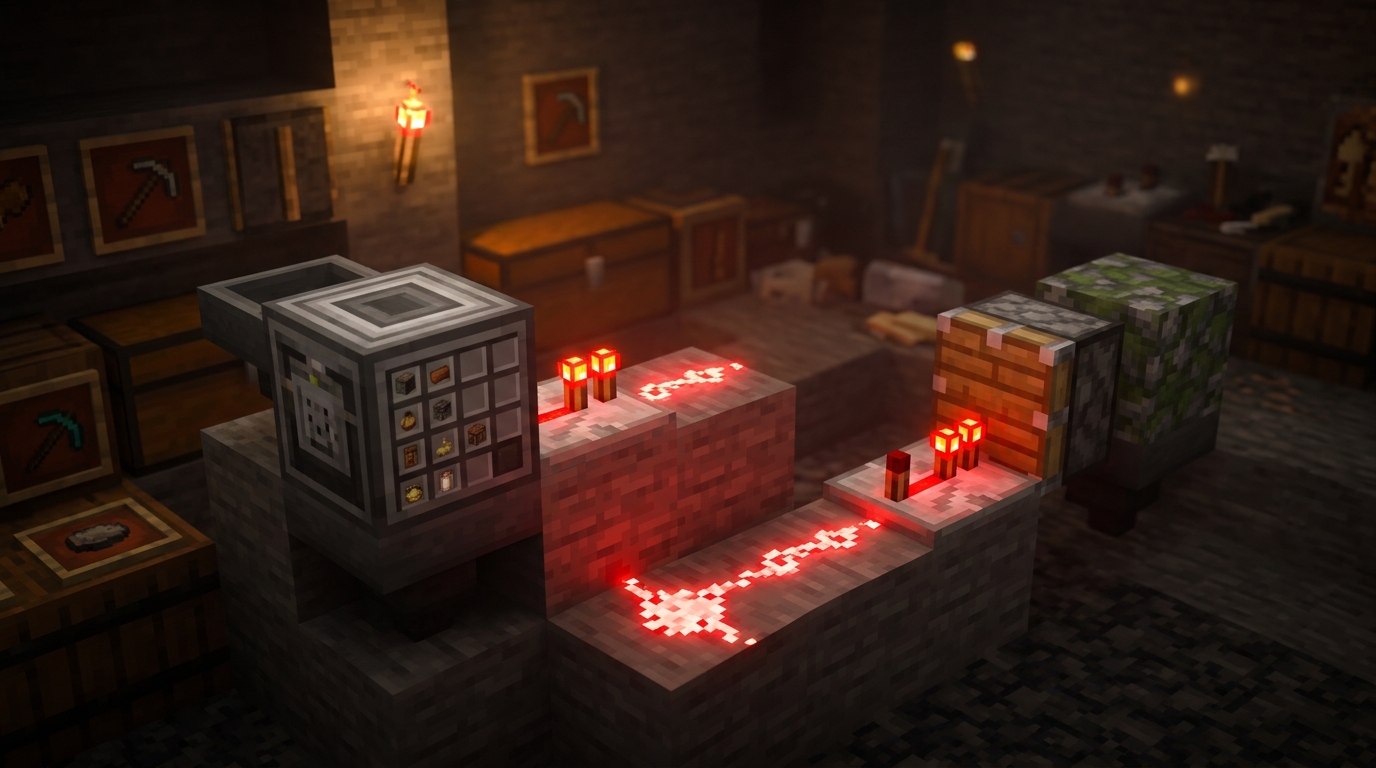
Managing complex recipes like pistons or observers requires more than a simple clock because you need every slot to be perfectly filled before the machine fires. By placing a comparator directly behind your Crafter, you can monitor exactly how many slots are occupied. Since each filled slot increases the redstone signal strength by one, you can set up a line of redstone dust that only reaches a target block once the count hits nine. This simple logic gate prevents the machine from spitting out unfinished ingredients or clogging your hopper lines with partial recipes. It ensures your automation stays synchronized even when your resource input speeds vary.
You can easily build this setup by running a redstone wire from your comparator into a solid block with a redstone torch on the other side. When the Crafter reaches the specific signal strength you need, the torch will turn off and trigger a pulse to complete the craft. This method is incredibly helpful for multi-item recipes where you are feeding in different materials like iron, cobblestone, and wood at different times. You won’t have to worry about one fast hopper ruining the entire batch by triggering the Crafter too early. It creates a reliable loop that waits for your inventory to be perfect before moving to the next step.
This smart overflow protection also saves you from the headache of manual resets when your storage system backs up. If your output chest is full, the Crafter will naturally stop because the signal strength remains constant until an item is removed. You can even use this logic to power a lamp or a note block that lets you know when your production line is running at full capacity. It turns a basic block into a sophisticated piece of machinery that handles all the heavy lifting for you. Building with this level of precision makes your redstone base feel much more professional and efficient. You can even combine these logic gates with smarter Minecraft lighting to indicate when your factory is active or stalled.
Mastering Your Hands-Free Crafting Hub
Mastering these multi-item redstone layouts is the final step in turning your base into a truly efficient hub. By using specific clock speeds and slot-toggling techniques, you can now produce complex items like pistons or firework rockets without lifting a finger. These designs ensure that your ingredients land in the right spots every time, preventing the machine from clogging or breaking. You no longer have to spend your survival sessions clicking through menus just to restock your building supplies.
Integrating these automated systems into your storage rooms will completely change how you play the game. You can set up a dedicated station for gold blocks or iron bars to save space, or even build an efficient automatic sugarcane farm for infinite paper. As you get more comfortable with these layouts, you will find new ways to connect your farms directly to your crafting lines. For example, you could build a simple automatic bee farm to supply honey blocks to your industrial district. Your world is now more than just a home, it is a fully functional industrial powerhouse ready for any project.
Frequently Asked Questions
1. What exactly does the Crafter block do in Minecraft?
The Crafter is a special block added in the Tricky Trials update that automatically makes items for you when it receives a redstone signal. Mastering the Crafter block allows you to set specific patterns in its grid to create anything from iron blocks to wooden ladders without ever opening a menu.
2. How do I make sure the Crafter only fires when the recipe is full?
You should place a Redstone Comparator behind the Crafter to monitor how many items are inside the grid. By connecting this to a redstone loop, you can ensure the machine only pulses and outputs an item once every required slot is filled with ingredients.
3. Can I use the Crafter to turn gold ingots into gold blocks automatically?
Yes, this is one of the best uses for the block because you can connect it directly to high efficiency portal based gold farms. Just fill all nine slots in the grid and use a comparator setup to trigger a pulse whenever the ninth ingot arrives.
4. How do I prevent the Crafter from making the wrong items?
You can click on individual slots in the Crafter grid to disable them, which is perfect for recipes that do not use all nine spaces. This ensures that items like buckets or torches are made correctly every time without extra materials clogging up the machine.
5. Do I need a fast redstone clock to make the Crafter work?
While you can use a fast clock, it is often better to use a simple pulse circuit triggered by a comparator. This method saves on lag and prevents the Crafter from firing empty pulses when you run out of raw materials.
6. Can the Crafter help me organize my storage room?
It is helpful for storage because it can condense bulky items like iron nuggets or wheat into blocks and hay bales. This frees up massive amounts of chest space and keeps your base looking tidy and professional.