
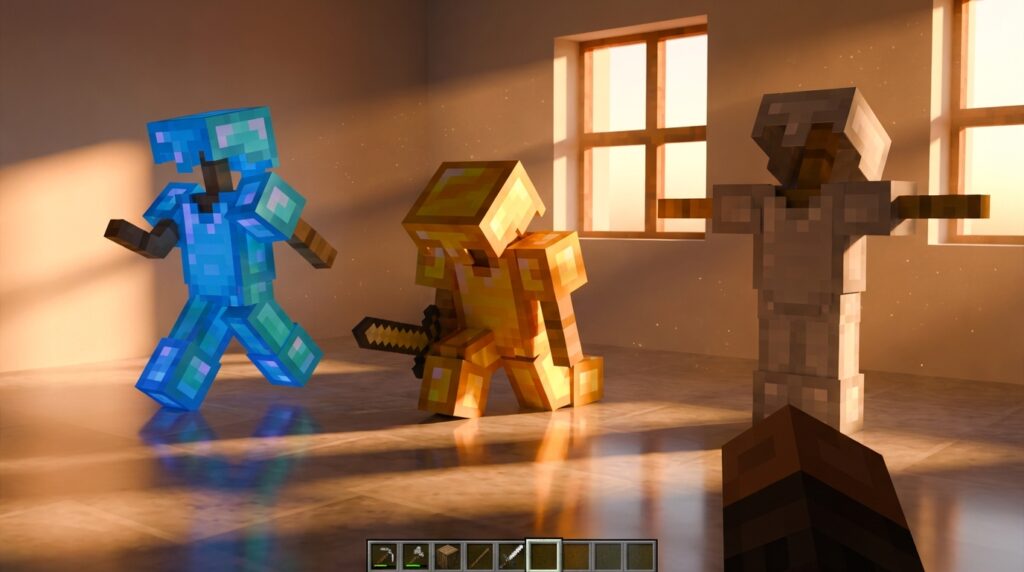
You can transform your Minecraft base from a simple storage room into a lively scene with the right armor stand posing tricks. These gravity-defying entities do much more than just hold your spare diamond chestplates or enchanted netherite gear. By using sticks and a smooth stone slab, you can create life-like guards for your castle or mannequins that look like they are mid-battle.
Whether you are playing on Bedrock or Java, mastering these poses allows you to tell a story within your builds. Bedrock players can simply sneak and click to cycle through different stances, while Java players can use pistons to nudge stands into perfect decorative spots. You can even bounce them on slime blocks or move them with flowing water to create unique displays that catch everyone’s eye.
Key Takeaways
- Bedrock Edition players can cycle through thirteen preset poses by simply crouching and interacting with the armor stand to create dynamic scenes without commands.
- Java Edition users must use NBT data merge commands to enable arms and manually adjust limb rotations for custom, lifelike character positions.
- Using pistons to push solid blocks into the same space as an armor stand allows you to create realistic dioramas, such as guards inside glass cases or characters sitting on furniture.
- Armor stands serve as powerful interior design tools when made invisible or posed with specific tools to simulate a lived-in environment where items appear to lean against walls or rest on surfaces.
Simple Sneak Posing For Bedrock Players
If you are playing on Bedrock Edition, you have a secret advantage when it comes to bringing your base to life. Unlike other versions of the game where you need complex commands, you can change your armor stand’s posture with just a simple button press. By crouching and interacting with the stand, you can cycle through thirteen different preset poses that range from heroic to casual. This makes it incredibly easy to turn a standard equipment rack into a lifelike statue or a busy NPC. You can quickly find the perfect look for a castle guard or a resting traveler without ever leaving your survival world.
These unique poses allow you to get creative with how you display your armor and items. You can set up a stand to look like it is lunging forward with a sword, or pose it to hold a shield in a defensive stance. Some poses even make the stand look like it is dancing or waving, which is perfect for adding personality to a storefront or a town square. Since armor stands are entities, you can move them into position using pistons to fit them perfectly into tight corners or behind counters. This simple trick turns a basic utility item into a powerful tool for interior design and storytelling.
The best part about this feature is how it interacts with the items you place in the stand’s hands. When you give a posed armor stand a shovel, a pickaxe, or even a spyglass, the tool aligns with the specific arm position you have chosen. You can create a scene of a miner working in a cave or a scholar studying a map by matching the right item with the right pose. Experimenting with these thirteen options is the fastest way to add movement and energy to your builds. It takes very little effort to transform a boring hallway into an impressive gallery of legendary warriors.
Using Pistons To Create Realistic Dioramas
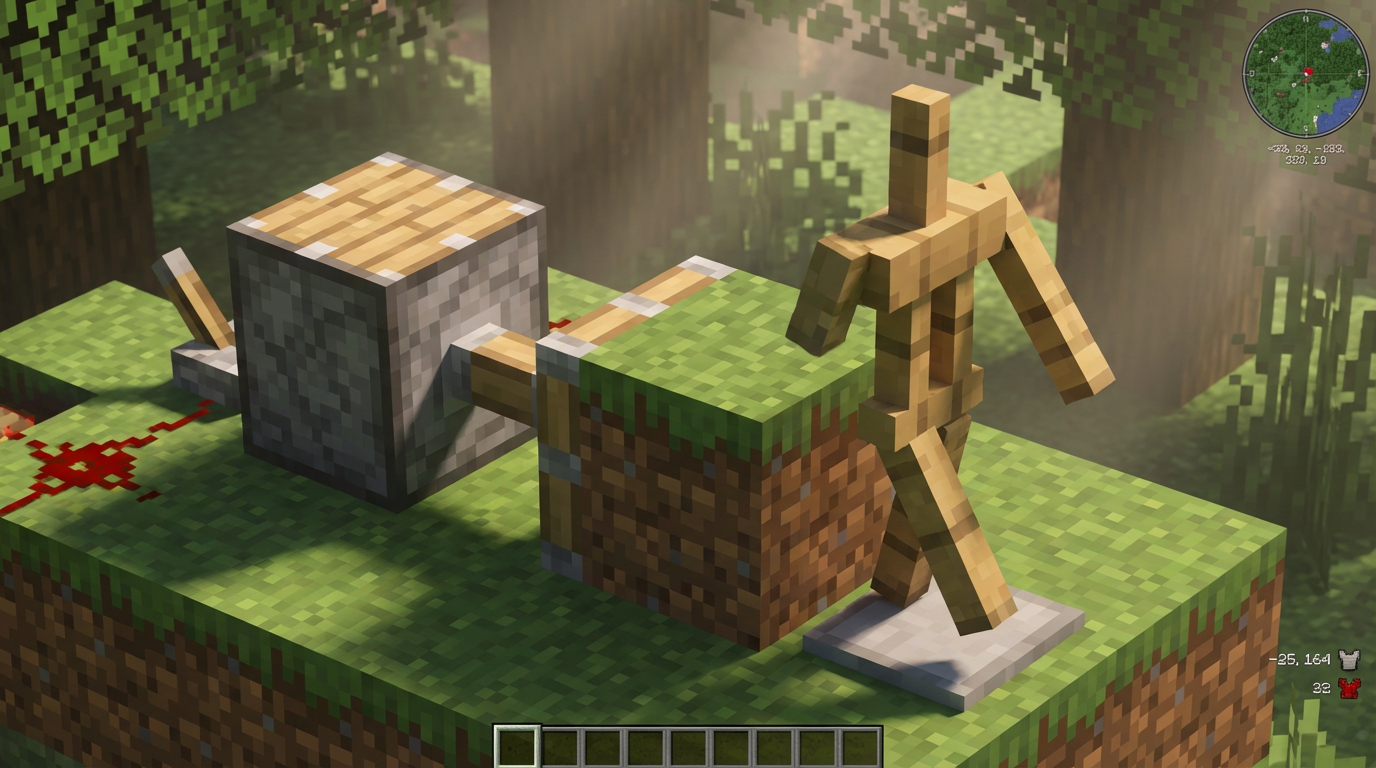
Pistons are your best friend when it comes to turning a standard armor stand into a lifelike part of your build. Since armor stands are entities and not blocks, you cannot simply place a solid block inside them like you would with a regular decoration. To get around this, you can place a block above the stand and use a piston to push it downward into the stand’s space. This trick allows you to make it look like a guard is standing perfectly inside a glass display case or a knight is sitting comfortably on a wooden chair. It is a simple technique that completely changes how you design your interior rooms.
Creating these realistic dioramas adds a layer of depth and story to your base that blocks alone cannot provide. You can experiment by pushing different blocks like stairs or slabs into the stand to create unique seating arrangements or specialized workstations. For example, pushing a stone slab into the lower half of an armor stand makes it appear as though your character is wading through water or emerging from the floor. This method is entirely vanilla friendly and works wonders for builders who want to showcase their rare enchanted gear in a more creative way. Using these subtle tricks will make your home feel lived in and full of history.
Essential Java Edition Commands For Arms
In Java Edition, your armor stands start out without arms, which can feel a bit limiting when you want to create a lively scene. To fix this, you need to use the NBT data merge command to toggle a hidden setting. By typing /data merge entity @e[type=armor_stand,limit=1,sort=nearest] {ShowArms:1b}, you will instantly see wooden arms appear on your stand. This simple change allows the stand to hold items like swords, shields, or even tools. It is the first step in transforming a static equipment rack into a dynamic character for your base.
Once your armor stand has arms, you can start fine tuning its pose to make it look like a real guard or a busy villager. Custom rotations are handled through NBT tags that control the head, body, and limbs individually. For example, you can use the Pose tag to tilt the right arm by adding {Pose:{RightArm:[30f,0f,0f]}} to your command. This specific string of numbers tells the game exactly how many degrees to rotate the arm on its axis. Experimenting with these coordinates lets you create unique looks, such as a statue waving hello or a knight mid swing.
To make your interior designs truly stand out, try combining these limb rotations with different held items. You can make an armor stand look like it is leaning against a wall or reaching for a shelf by adjusting the arm and leg angles together. Remember that these commands affect the closest stand to you, so stand right next to your target before hitting enter. Using these secret vanilla features turns a simple armor rack into a storytelling tool. You can build entire scenes, from busy tavern crowds to battle recreations, all without using any external mods.
Creative Armor Stand Scenes For Interior Design
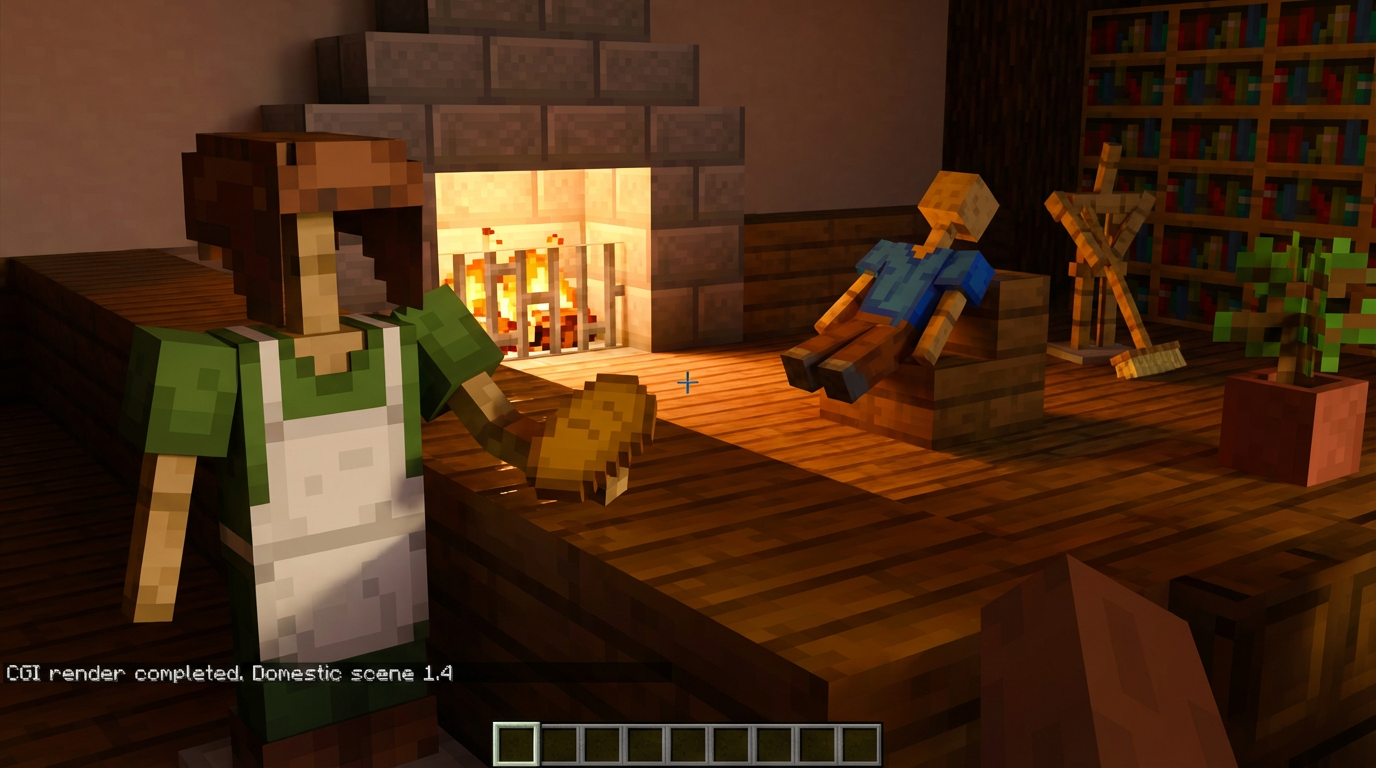
Transforming your base from a simple house into a lived-in home is all about the small details you add to each room. While armor stands are great for holding your spare netherite gear, they truly shine when you use them as invisible props for interior design. By using commands to make a stand invisible and giving it arms, you can make a sword look like it is leaning against a wall or a shield look like it is resting on a table. These tiny adjustments create a sense of history and activity in your builds that blocks alone cannot achieve. You can even place a single tool on a workbench to make it look like your character just stepped away from a crafting project.
Creating a realistic scene often involves using pistons to push blocks into the same space as your posed armor stand. If you want to make a kitchen look authentic, try posing a stand so its head is positioned just above a counter while wearing a custom player head that looks like a toaster or a loaf of bread. For those playing on Bedrock Edition, you can learn armor stand posing simply by crouching and interacting with the stand to cycle through different animations. This allows you to create guards that look like they are saluting or scholars that appear to be reading a book in your library. These dynamic poses help tell a story without needing to use any mods or external add-ons.
If you want to add some extra flair to your outdoor areas, consider using armor stands to create custom statues or garden features. You can equip them with dyed leather armor to match your favorite color scheme and place them in fountains or along stone pathways. By burying the stand one block deep, you can make it look like a bust sitting on a pedestal or a decorative carving. Adding items like tridents or bows to their hands can turn a plain hallway into a grand trophy room filled with frozen warriors. Experimenting with different angles and equipment will give your Minecraft world a unique, professional look that reflects your personal style.
Bring Your World to Life With Custom Poses
Mastering these armor stand tricks turns your Minecraft base from a simple storage room into a living, breathing story. By combining manual posing in Bedrock or using pistons to push stands into glass blocks, you can create realistic scenes like a blacksmith working at an anvil or a royal guard standing at attention. You should try mixing different equipment types, such as netherite chestplates with carved pumpkins, to give your statues unique personalities. These small details make your interior design feel much more professional and intentional.
You can take your creativity even further by using invisible armor stands to make items look like they are sitting directly on tables or shelves. For example, placing a sword in the hand of an invisible stand and posing it correctly can make the weapon appear as if it is leaning against a wall. If you are playing on Bedrock, remember to use the sneak-click mechanic to cycle through different poses until you find the perfect stance for your display. These secret vanilla features allow you to build incredible scenes without needing any external mods or complex add-ons.
Bringing your world to life is all about experimenting with how these entities interact with the environment around them. Try placing armor stands on top of slime blocks or using water streams to move them into specific corners for a more dynamic look. Whether you are building a museum for your rarest gear or a busy marketplace filled with NPCs, these posing techniques are essential tools for any creative builder. Once you start using these tricks, you will find that every room in your house has the potential to tell its own unique tale.
Frequently Asked Questions
1. How do I change an armor stand’s pose on Bedrock Edition?
You can change the pose by crouching and interacting with the stand. This lets you cycle through thirteen different preset stances like lunging with a sword or holding a shield.
2. Can I move armor stands into tight spaces?
Yes, you can use pistons to nudge armor stands into specific decorative spots like corners or behind shop counters. Since they are entities, they will slide right into place when pushed by a block.
3. How do I make my armor stands look more lifelike?
You can create realistic scenes by using different poses to make stands look like castle guards or travelers. Adding items like sticks and smooth stone slabs helps you build detailed mannequins that look like they are in the middle of a battle.
4. Is it possible to move armor stands without using pistons?
You can move your armor stands using flowing water or by bouncing them on slime blocks. These methods are great for creating unique displays that catch the eye of anyone visiting your base.
5. What is the main difference between posing on Java and Bedrock?
Bedrock players can change poses by sneaking and clicking, while Java players usually rely on pistons and clever environmental tricks to position their stands. Both versions allow you to tell a story by placing stands in creative ways.
6. Can armor stands hold items other than armor?
Armor stands can hold various items like swords and shields to help you build a more immersive scene. You can even master the change game mode command to pose them to look like they are waving or dancing to add personality to your town square or storefront.