

Building massive castles and exploring deep caves makes Minecraft fun, but spending half your playtime organizing messy chests ruins the vibe. Instead of adding new dragons or magic spells, the best utility mods focus on fixing these everyday annoyances. These simple upgrades remove the boring parts of the game by making your inventory easier to manage and complex crafting recipes a breeze to find.
Imagine instantly pulling up the recipe for any block without leaving your game screen, or moving massive stacks of cobblestone with a quick swipe of your mouse wheel. You can transform a clunky vanilla experience into something smooth and effortless with just a few small additions. Slipping these helpful tools into your game saves you hours of tedious clicking so you can get back to building your next masterpiece.
Key Takeaways
- Utility mods enhance the core Minecraft experience by fixing everyday annoyances like inventory management and navigation without feeling like cheats.
- Tools like Mouse Tweaks and Just Enough Items eliminate tedious clicking and wiki searches by streamlining inventory sorting and providing in-game crafting recipes.
- Mods like JourneyMap and AppleSkin remove the guesswork from survival by adding visual maps, custom waypoints, and clear hunger saturation indicators.
- Installing these simple quality-of-life upgrades saves hours of frustration, allowing players to focus entirely on building and exploring.
Sorting Items Faster With Mouse Tweaks
Managing your inventory after a long mining trip can easily become the most tedious part of your Minecraft survival world. Instead of spending time clicking every single piece of dirt and iron ore into your chests, you can use the Mouse Tweaks mod to upgrade your storage system. This simple utility mod removes the friction of vanilla inventory management without feeling like you are using a cheat client. It is designed specifically for casual players who just want a smoother experience while organizing their hard-earned loot. You will quickly wonder how you ever played the game without these quality of life upgrades.
The biggest feature you will notice right away is the ability to use your scroll wheel to move items instantly. If you open a chest and hover your mouse over a stack of cobblestone, simply scrolling up will push those blocks right into your storage. You can also hold down your left click and drag your cursor across multiple items to pick them all up in one fluid motion. This means dumping your pockets after exploring a massive cave system takes seconds instead of minutes. Crafting becomes just as easy when you can drag a line of wooden planks across a crafting table to make sticks almost instantly.
Installing this mod gives you more time to focus on building your base and less time acting as a virtual warehouse worker. It perfectly bridges the gap for players who prefer a pure survival experience but need better tools for sorting out messy chests. You do not have to worry about learning complicated keybinds or setting up advanced sorting machines with redstone. Everything works naturally with the mouse movements you already use every day. Once you start dragging and scrolling your way through your diamond and gold stacks, your vanilla gameplay will feel much smoother.
Finding Every Crafting Recipe Using JEI
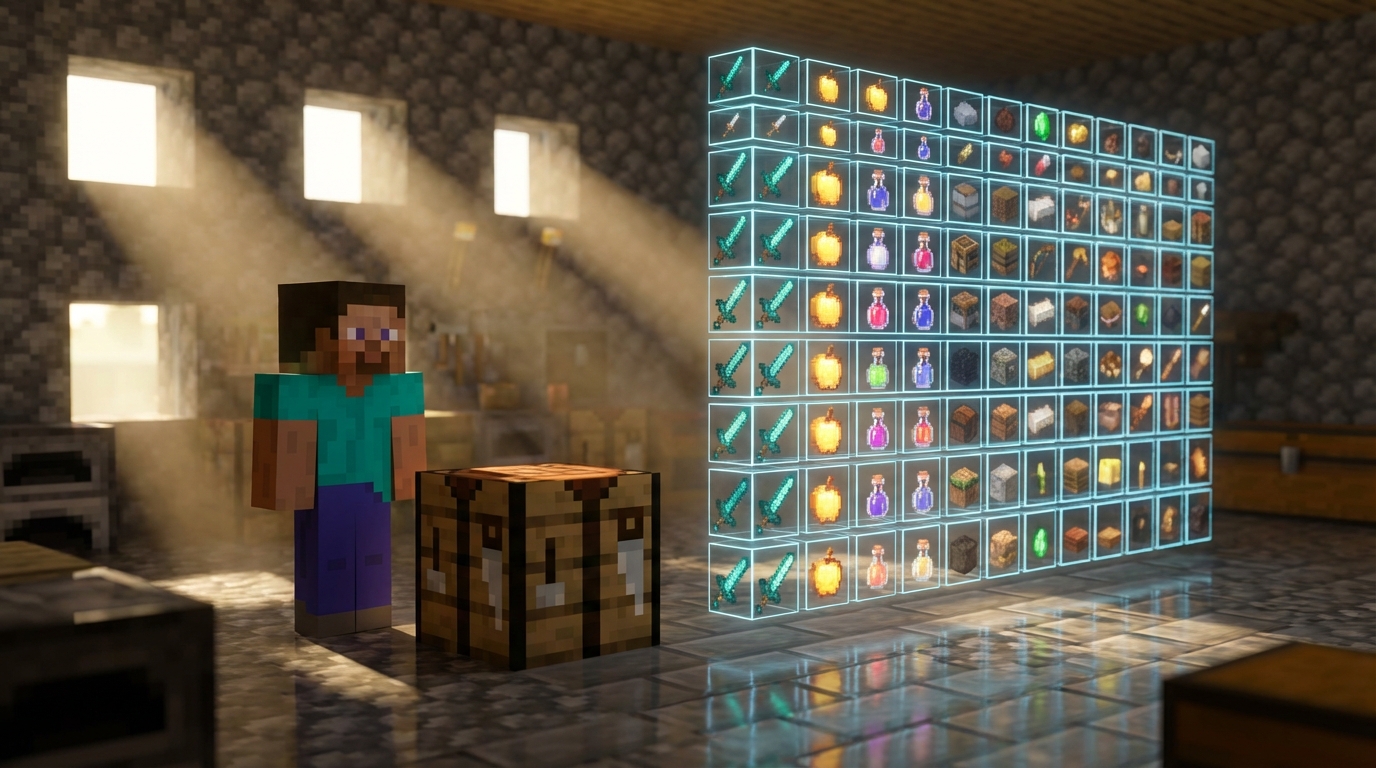
If you have ever forgotten how to craft a specific block, Just Enough Items is the perfect solution for your survival world. This popular utility mod adds a simple, searchable menu directly to your inventory screen. Instead of constantly pausing your game to look up recipes on a wiki, you can simply open your inventory and browse through every available item on the right side of your screen. You just type the name of the block you need into the search bar at the bottom, and the mod instantly filters the results. It removes all the frustration of trying to remember exact crafting layouts, letting you focus entirely on enjoying your adventure.
Using this tool is easy and feels like a natural part of the game rather than a cheat. Say you want to build an automatic farm but cannot recall the exact placement of cobblestone, redstone, and quartz for an observer. You simply hover your mouse over the observer icon in your new sidebar and press a single key to reveal the exact crafting grid layout. The mod also shows you what machines or furnaces you might need to process certain materials. It even works in reverse, allowing you to click on a piece of string to see every single item you can craft with it.
Adding this simple upgrade to your game changes how you manage your resources and plan your builds. Because it only provides information you would otherwise have to search for online, it keeps your vanilla survival experience authentic and balanced. It becomes essential if you plan to add other content packs later, as those often introduce hundreds of unfamiliar materials. You will never have to waste time guessing how to build complex tools or decorations again. By keeping all this helpful knowledge right inside your game window, you get to spend much more time actually playing and building.
Exploring The Overworld Safely With JourneyMap
Have you ever ventured out to find a desert biome and lost your way back to your starter house? Getting lost in the massive Overworld is a frustrating experience for any survival player. Thankfully, installing a utility mod like JourneyMap solves this problem without feeling like you are cheating the system. This popular quality of life upgrade adds a clean, real-time minimap right to the corner of your screen. You can clearly see nearby rivers, mountains, and even approaching creepers before they sneak up on you.
The best feature of this mapping tool is the ability to create custom waypoints anywhere in your world. When you finally find that rare woodland mansion or a massive diamond ravine, you can drop a colorful marker on your map to save the exact coordinates. You will never have to write down your X and Z coordinates on a sticky note ever again. If you wander thousands of blocks away to gather building materials, your map will always guide you safely back to your front door. You can even color-code your markers to easily distinguish between your main base, a nearby village, or a dangerous Nether portal location.
Pressing a single key opens up a beautiful, full-screen view of every chunk you have explored so far. This expanded view lets you plan out your next big building project or find the fastest route across a massive ocean. Because the map only reveals areas you have actually walked through, it keeps the spirit of vanilla survival intact. It simply acts as a fantastic quality of life improvement that removes the friction of getting turned around in dense jungles. Adding this tool to your daily gameplay lets you focus entirely on building and mining instead of constantly worrying about finding your way home.
Managing Your Saturation Using AppleSkin
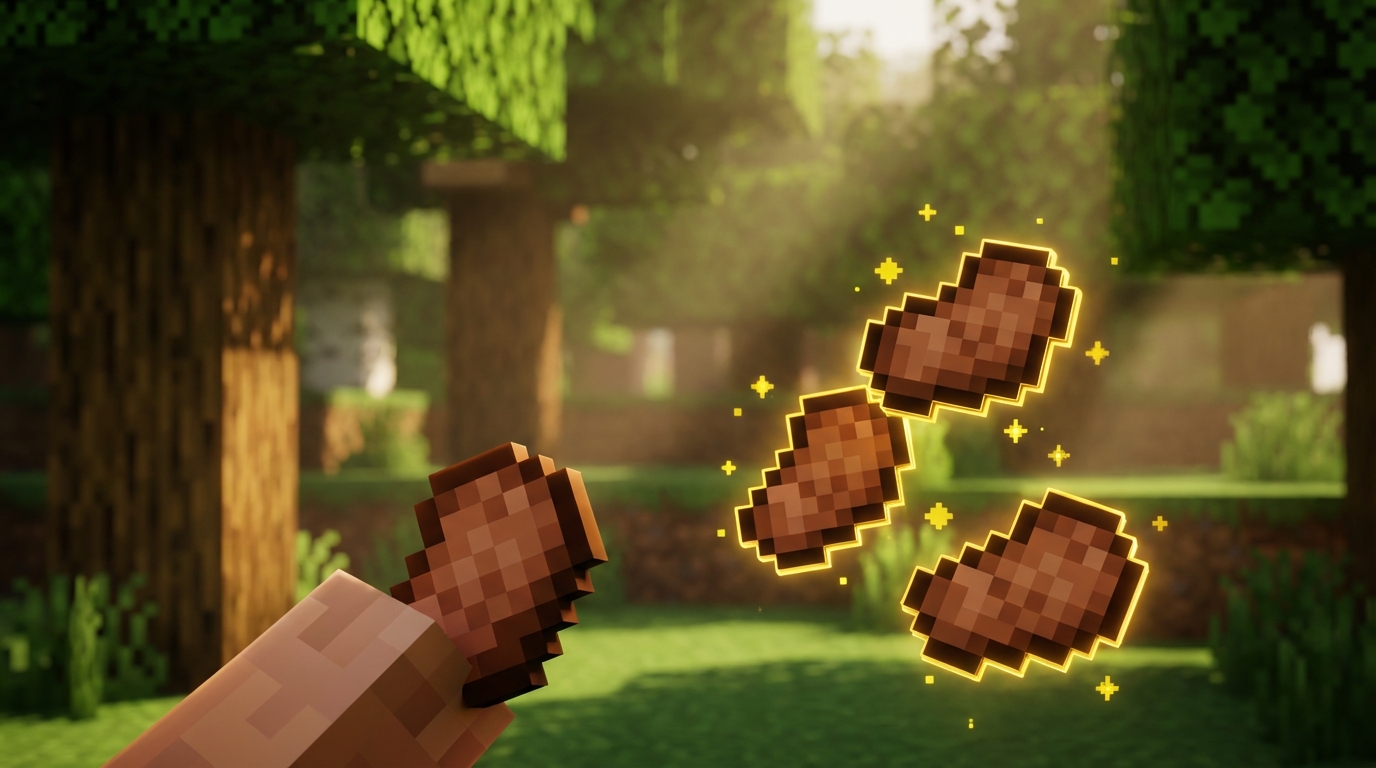
When you are exploring a dangerous cave system, relying on guesswork to manage your hunger can quickly lead to disaster. Minecraft hides a crucial mechanic called saturation, which acts as an invisible buffer that keeps your hunger bar full while you take damage or sprint. AppleSkin is a helpful utility mod that removes this guesswork by making your hidden saturation visible on your screen. Instead of wondering when you will need to eat again, you get a clear visual overlay right on top of your standard food icons. This simple quality of life upgrade means you can focus entirely on your adventure without constantly worrying about your next meal.
Holding any food item in your hand instantly updates your display to show how much hunger and saturation that specific snack will restore. If you are choosing between eating a simple apple or a golden carrot during a tough fight with a horde of zombies, you will clearly see which option provides the best healing buffer. The mod adds a yellow outline to your screen’s drumstick icons, letting you track your exact saturation levels at a glance. You will also see a helpful flashing animation on your health bar that indicates how much health your current food will regenerate. Knowing exactly how your food impacts your character helps you save your most valuable meals for when you actually need them.
Installing this tool is a fantastic way to improve your survival experience without feeling like you are cheating the game. It simply gives you the information you need to make smarter decisions about your inventory and resource management. Many casual survival players consider this small tweak essential for modern play because it removes unnecessary frustration. You will never again waste a perfectly good cooked steak when a few sweet berries would have done the job. Adding this simple upgrade to your mod list will make your daily farming and combat routines feel much more rewarding.
Sort Messy Chests and Find Diamonds Faster
Adding these simple utility mods to your game changes how you experience your daily survival routine without feeling like you are cheating. Instead of using unfair hacks, you get practical upgrades that remove the annoying parts of resource gathering and base building. A good minimap keeps you from getting lost in massive cave systems while you hunt for diamonds. Simple inventory tweaks let you organize your messy chests full of cobblestone and dirt with just a single click. These small quality of life improvements let you spend less time fighting clumsy menus and more time actually enjoying your blocky adventures.
You will quickly wonder how you ever played the vanilla game without tools like Just Enough Items at your side. Having a searchable list of every crafting recipe right on your screen saves you from constantly minimizing the game to check a wiki. Pair that with Mouse Tweaks, and you can instantly drag stacks of iron ore into your furnaces using just your scroll wheel. These upgrades feel natural once you install them, blending perfectly into your regular crafting habits. They do not add crazy magic spells or complicated machines, but they make your core survival experience so much smoother.
Setting up a few of these basic tweaks is the perfect way to kick off your next survival world. You do not need a powerful gaming rig to run them, and they work beautifully whether you are a casual builder or a hardcore explorer. Grab a basic minimap and an inventory sorter before you punch your first tree to see the difference for yourself. Your future self will thank you when you avoid losing hours of progress to a simple navigation mistake. Give these helpful additions a try today, and get ready to build your best base yet with zero frustration.
Frequently Asked Questions
1. What exactly are utility mods in Minecraft?
Utility mods are simple tools that fix everyday annoyances in your game instead of adding massive things like new dragons or magic spells. They focus on making boring tasks easier, like organizing messy chests or finding complex crafting recipes. You get to spend less time clicking and more time building your next masterpiece.
2. Will using utility mods feel like I am cheating?
Not at all! These mods are designed for casual players who just want a smoother survival experience. They act as simple quality of life upgrades that remove the friction of vanilla inventory management without feeling like a cheat client.
3. How do utility mods help me find crafting recipes?
You can instantly pull up the crafting recipe for any block right on your game screen. This means you never have to pause your game and open a web browser just to figure out how to craft a new item. It makes complex crafting a breeze.
4. What makes the Mouse Tweaks mod so helpful?
Mouse Tweaks upgrades your storage system by letting you move items much faster. Instead of clicking every single piece of dirt or iron ore into a chest, you can move stacks instantly with simple mouse movements. You will quickly wonder how you ever played the game without it.
5. How do I use my scroll wheel to move items?
You just need to open a chest and hover your mouse directly over a stack of items like cobblestone. Simply scrolling your mouse wheel up will push those blocks right into your storage. It is a fantastic way to dump your pockets after a long mining trip.
6. Can I pick up multiple different items at the same time?
Yes, you can easily pick up lots of items in one fluid motion. Just hold down your left click and drag your cursor across the different items you want to grab. This saves you hours of tedious clicking when organizing your hard-earned loot.
7. Are these utility mods good for casual players?
They are perfect for casual players who want a smoother and effortless vanilla experience. You do not need to be a technical expert to enjoy spending less time organizing and more time exploring deep caves. Just a few small additions will make your entire game feel so much better.