

If you are soaring through a dense jungle with your Elytra or standing near a massive villager trading hall, you know how quickly your game can turn into a stuttering slideshow. You do not have to settle for frozen screens and missed sword swings during intense creeper fights. Installing the right performance mods completely transforms how your blocky world runs. Modern tools rebuild the game’s engine from the ground up to give you huge performance leaps.
Instead of lowering your render distance until you can barely see past your nose, today’s top performance tools work silently behind the scenes to fix the core code. You can easily triple your frame rate using a modern foundation like Fabric alongside powerhouse mods like Sodium and Lithium. Your complex redstone contraptions and giant mob farms will finally run perfectly without overloading your computer. You get to keep your beautiful, sprawling worlds while enjoying a completely smooth adventure.
Key Takeaways
- Sodium has replaced OptiFine as the essential visual optimization mod, boosting frame rates three to five times higher by completely rewriting how the game renders blocks.
- Lithium works behind the scenes to optimize game logic, ensuring complex redstone machines and massive mob farms run smoothly without causing annoying stutters.
- FerriteCore acts as a powerful memory manager that cuts RAM requirements by up to half, preventing random freezes during high-speed exploration.
- Combining these three Fabric mods revitalizes older computers, eliminating the need to buy expensive gaming hardware to enjoy a completely lag-free adventure.
Replacing OptiFine With Sodium
For years, players automatically installed OptiFine to fix laggy worlds, but that old favorite has a modern replacement. Sodium is now the absolute must-have core mod for a perfectly smooth Minecraft experience, and you do not need an expensive gaming PC to use it. Instead of just tweaking a few video settings, this powerful tool completely rewrites how the game draws blocks on your screen. You will easily see your frames per second jump three to five times higher than normal. This massive boost means you can finally say goodbye to annoying stuttering while exploring bustling multiplayer servers.
Understanding how Sodium works is simple when you look at it in action. The vanilla game tries to load every single detail at once. This causes your computer to struggle when you stare at massive player builds or gigantic redstone machines. Sodium fixes this problem by using a modern system that only renders exactly what you need to see at any given moment. You can sprint through dense jungle biomes or fly an Elytra over sprawling city bases without your screen freezing. Your computer finally gets a break, allowing you to enjoy giant creative projects exactly how they were meant to be seen.
Getting started with this performance upgrade is incredibly easy since it runs beautifully on the lightweight Fabric loader. You do not need to be a technical expert to install it and instantly feel the difference. Once you load into your favorite survival world, you will immediately notice how fluid your camera movements feel. Building complex automatic crop farms and fighting off hordes of zombies suddenly becomes a seamless adventure. You get to experience the ultimate version of Minecraft, completely free from the lag that used to hold you down.
Fixing Game Lag With Lithium
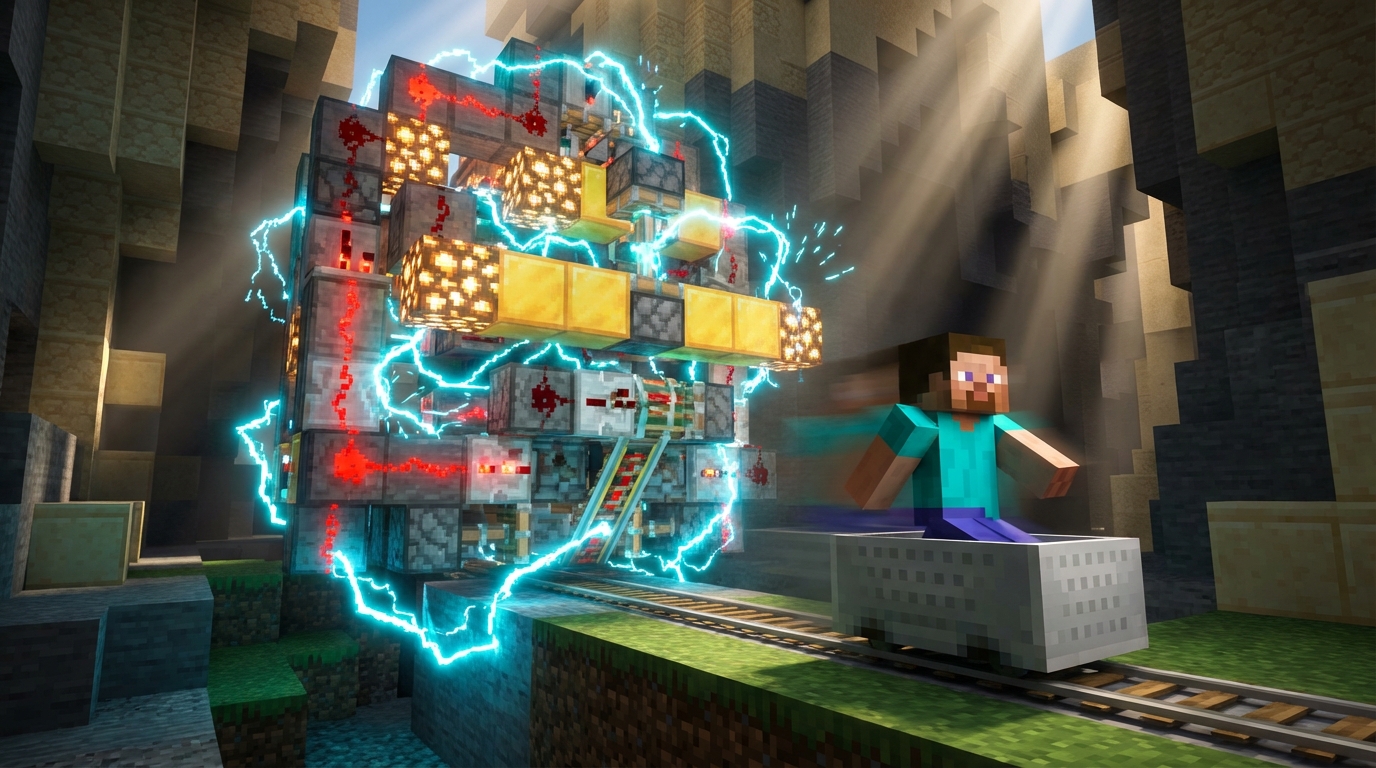
When you want to stop annoying game stutters, Lithium is the perfect tool to add to your Minecraft world. Instead of changing how your game looks, this mod works entirely behind the scenes to fix how the game thinks. It rewrites the core logic for things like mob behavior, gravity physics, and how blocks update when you place them. Your computer spends way less time calculating every tiny movement a zombie makes or how water flows down a mountain. By lightening this heavy processing load, you get a consistently smooth experience.
You will really notice the magic of this mod when you start building massive projects in your survival world. If you love breeding hundreds of cows in a tiny pen for a giant animal farm, the game usually struggles to handle all those creatures bumping into each other. Lithium optimizes those collision physics so your frame rate stays high even when you are surrounded by a massive herd. It also works wonders for complex redstone machines, like automatic crop harvesters or giant item sorting systems. The mod processes these rapid block updates incredibly fast, ensuring your elaborate contraptions run perfectly without causing frustrating lag for everyone else on your multiplayer server.
Saving RAM Using FerriteCore
If you want to keep your game running smoothly without buying a new computer, FerriteCore is an absolute must-have mod. This tool works behind the scenes to slash the amount of memory Minecraft needs to run by up to half. Instead of letting the game hog all your system resources, it optimizes how information is stored. You will immediately notice a difference when you load into your favorite survival world or join a massive multiplayer server. Your computer can finally breathe a sigh of relief while giving you a perfectly smooth experience.
When you strap on your Elytra and fly quickly through huge, heavily explored worlds, your game usually struggles to load all those new areas at once. This heavy loading process causes those annoying random freezes or sudden crashes right in the middle of your adventure. FerriteCore fixes this problem by drastically reducing the memory footprint of all those loaded blocks and items. You can soar over giant oceans, massive mountains, and complex redstone machines without watching your screen suddenly lock up. The mod ensures your game stays incredibly stable even when you push your exploration speeds to the absolute limit.
Building a modern optimization setup is completely different today than it was a few years ago. You get the absolute best results when you pair FerriteCore with other powerful Fabric mods like Sodium and Lithium. While Sodium handles your visual rendering and Lithium fixes your game logic, FerriteCore acts as the perfect memory manager. Together, they rewrite how the game engine handles heavy tasks, letting you build massive bases without any lag. You will never have to worry about running out of memory again while enjoying a flawless block-building adventure.
Create Your Ultimate Lag-Free Minecraft Experience
Combining these three modern Fabric mods creates the ultimate lag-free Minecraft experience for your everyday gameplay. Instead of just changing a few video settings, this powerful trio actually rewrites how the game handles graphics and background logic. You will finally be able to explore massive multiplayer worlds or fly through dense jungles without dealing with annoying stuttering. Even when you are standing right next to a massive automated redstone sorting machine, your frame rate will stay perfectly smooth. They work together flawlessly to fix the root causes of game lag so you can just focus on having fun.
You do not need to spend thousands of dollars on an expensive new gaming computer just to enjoy your favorite blocky worlds. Downloading this simple Fabric mod stack today will instantly revive your older computer and give it a massive performance boost. Installation takes only a few minutes, and you will notice the incredible difference the second you load into your favorite survival server. Your fan will run quieter, your chunks will load faster, and those frustrating lag spikes will become a thing of the past. Giving your current PC this easy software upgrade is the smartest way to get right back to building your dream castle.
Setting up these optimization tools allows you to finally play the game exactly how it was meant to be experienced. You can turn up your render distance to admire your massive crop farms from far away without crashing your game. There is no better feeling than watching your frames per second skyrocket while you glide around with your Elytra. Grab these three essential mods right now to transform your choppy gameplay into a beautifully fluid adventure. Your next big building project is waiting, and now you have the perfect performance to make it happen.
Frequently Asked Questions
1. What is the best mod to use instead of OptiFine?
For a long time, OptiFine was the go-to choice, but Sodium is now the top pick for boosting your frames. Sodium completely rewrites how Minecraft draws blocks on your screen, giving you huge performance leaps. You will easily see your game run three to five times smoother, especially around large mob farms.
2. How do these new FPS boost mods actually work?
Instead of just forcing you to lower your render distance, modern tools work quietly behind the scenes to fix the core code of the game. They stop the game from trying to load every single detail at once. This means your computer will not struggle when you fly past a massive villager trading hall with your Elytra.
3. Will these mods break my redstone contraptions?
You do not need to worry about your complex builds breaking when using these performance tools. Mods like Lithium and Sodium are designed to make your game run perfectly without messing up your redstone timing. Your giant automatic farms and clever traps will work exactly as you planned while running smoother than ever.
4. Do I need an expensive gaming PC to run these mods?
You definitely do not need a pricey computer to enjoy a perfectly smooth Minecraft adventure. These mods are specifically built to rescue older or weaker computers from stuttering slideshows. By installing Sodium on the Fabric loader, you can explore bustling multiplayer servers without spending a dime on new computer parts.
5. Can I still use a high render distance with FPS mods?
Yes, you get to keep your beautiful, sprawling worlds looking amazing. Because these mods optimize how the game handles graphics, you can finally see past your own nose without causing terrible lag. You will be able to spot distant mountains and giant player builds clearly while fighting off creepers with zero frozen screens.
6. What do I need to install Sodium?
To get Sodium running, you will need to use a modern mod loader called Fabric. Fabric provides a smooth foundation that lets Sodium and other helpful mods like Lithium work together perfectly. Just install the Fabric loader first, drop the Sodium file into your mods folder, and you are ready to play.
7. Why does vanilla Minecraft lag so much around large builds?
The base game tries to load and draw every single detail around you all at once. When you stand near a massive villager trading hall or a dense jungle, your computer simply gets overwhelmed by all those block updates. Performance mods fix this by only drawing what you actually need to see, giving you a completely smooth adventure.