
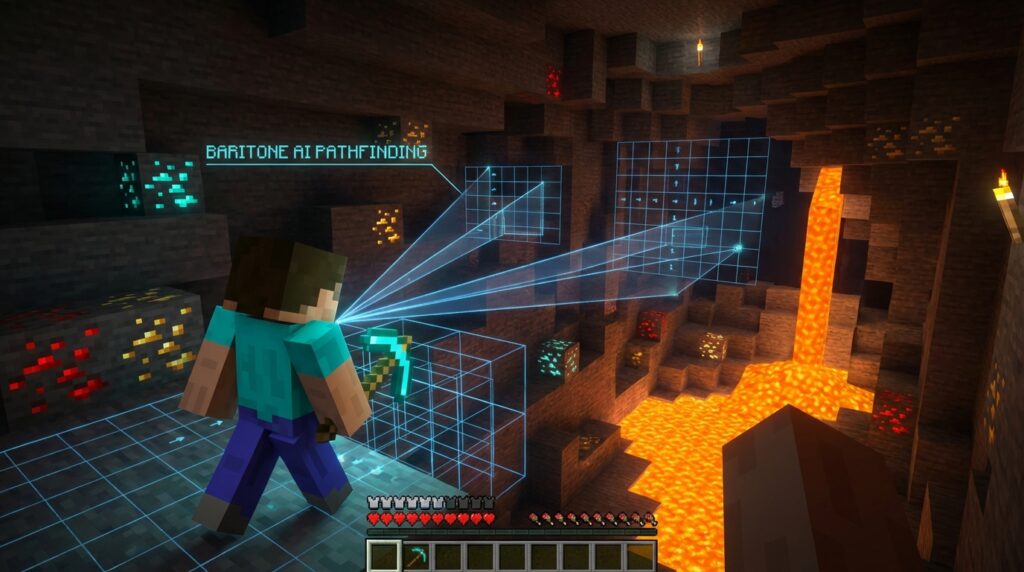
Imagine spending hours strip-mining for diamonds or carefully placing thousands of blocks for a massive castle. What if you could type a quick command and watch your character do the hard work automatically? Mastering the Baritone bot transforms your everyday Minecraft character into a brilliant automated assistant. Instead of grinding away at repetitive tasks, you can watch your character safely cross dangerous ravines and gather resources completely on its own.
You can type a command like #mine diamond_ore and watch your character dig straight to the valuable loot, easily dodging lava pools along the way. Whether you want to chop entire forests of wood while you grab a snack or need help building complex blueprints block by block, this tool improves your survival experience. You get to skip the boring grind and focus entirely on the fun parts of your blocky world.
Key Takeaways
- The Baritone bot functions as an intelligent in-game assistant that uses advanced 3D pathfinding to safely navigate dangerous terrain and bypass hazards.
- Simple chat commands instantly transform your character into an automated miner, capable of hunting down specific resources and chaining multiple material requests together.
- By loading schematic files, players can command the bot to automatically construct complex buildings block-by-block using materials supplied in their inventory.
- Successful automation requires proper preparation, meaning players must stock their inventories with adequate food, torches, and durable tools before sending the bot on long missions.
Introduction To The Baritone Bot
Minecraft automation allows you to finally leave repetitive tasks behind. Baritone is a powerful artificial intelligence bot that acts like your personal in-game assistant to handle the boring parts of your survival journey. Instead of just seeing blocks on a screen, this clever tool reads your entire Minecraft world as a giant three-dimensional grid. It uses this grid to calculate the fastest and safest routes across mountains, oceans, and deep cave systems. You will change how you travel and gather resources once you let this bot take the wheel.
Watching Baritone navigate your world is amazing because it knows exactly how to move like a real player. The bot easily jumps over dangerous ravines, climbs tall ladders, and places dirt blocks to bridge across lava pools. Beyond simple walking, you can use basic chat commands to make the bot hunt down specific materials. If you type a command to mine diamond ore, the assistant immediately calculates the best path through solid rock to reach those valuable gems. You can sit back and watch your inventory fill up with rare loot while the bot does the heavy digging.
This tool goes far beyond just digging tunnels and walking across the map. You can load custom building blueprints and watch the bot construct massive houses or farms block by block. It automatically grabs the right wood or stone from your hotbar and places everything in the perfect spot. Learning to use these automation features saves you countless hours of grinding in your adventures. Read on to learn how to install and command this virtual helper to conquer your next big project.
Installing Baritone For Minecraft Java Edition
Getting Baritone set up for Minecraft Java Edition is a breeze, even if you are totally new to using mods. To start using this automated assistant, you first need a mod loader like Fabric installed on your computer. Once you have your loader ready to go, simply download the Baritone file that matches your game version, such as the 1.21 release. Make sure you grab the standalone mod version if you want to use it alongside your other favorite mods. You also need to download the Fabric API file to ensure your game runs smoothly without crashing.
With your files downloaded, the next step is moving them into your Minecraft mods folder. You can easily find this location by typing %appdata% into your computer search bar and opening the .minecraft directory. Just drag and drop both the Baritone and Fabric API files right into that mods folder. Now you can launch your game, load into your favorite survival world, and test out your new pathfinding engine. Type a simple command like #mine diamond_ore in your chat box to watch your bot immediately start digging the perfect tunnel to those precious gems.
Mining Ores Automatically With Simple Chat Commands
Getting your hands on valuable resources has never been easier thanks to Baritone’s automated mining features. By simply typing a command like #mine diamond_ore into your chat, you instantly turn your character into a highly efficient mining machine. The bot uses advanced pathfinding to calculate the quickest route to the exact blocks you want. It automatically tunnels through solid deepslate, navigates around tricky underground caves, and breaks the blocks for you. You no longer have to spend endless hours strip-mining and hoping to get lucky.
You can easily customize your resource gathering by chaining multiple blocks together in a single prompt. For example, typing #mine iron_ore coal_ore gold_ore tells the bot to hunt down all three of those materials simultaneously. While it digs through the world, Baritone actively works to keep your character safe from common hazards. It automatically bridges over dangerous lava pools, avoids falling gravel, and places blocks to prevent you from taking fall damage. This intelligent movement means you can confidently let the bot run without worrying about losing your hard-earned gear.
Preparing for your automated expedition only takes a few basic steps before you can sit back and relax. Just make sure your inventory is stocked with plenty of durable pickaxes, torches, and some food to keep your hunger bar full. Once you hit enter on your mining command, you can watch as your inventory fills up with valuable loot. When your bags are packed with diamonds and gold, you can use the #stop command to pause the bot instantly. It is the perfect way to gather massive amounts of materials or rare gems while you take a break from the keyboard.
Building Schematics And Navigating Complex Terrain
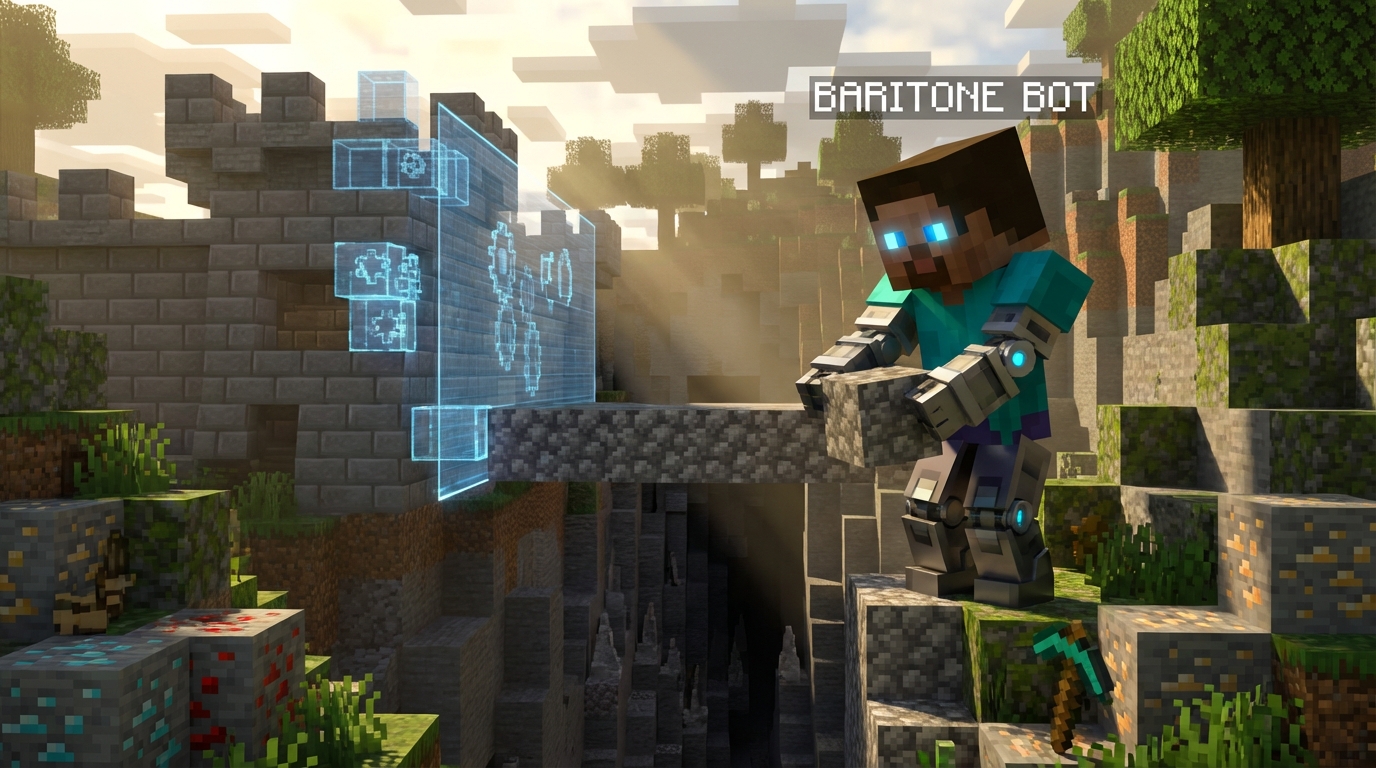
You can sit back and watch as your Minecraft character automatically handles the most dangerous terrain in the game. When you tell Baritone to travel to a specific coordinate, the bot calculates the safest and fastest route for you. If a massive lava pool blocks your path, the bot automatically places dirt blocks to create a safe bridge. It even calculates perfect jumps to parkour over deep ravines in the Nether. You never have to worry about falling into a pit or getting stuck on a steep mountain again.
Beyond just walking around, you can turn this tool into your own personal construction worker. By loading a saved schematic blueprint like a .litematic file, you can command the bot to build massive castles or complex redstone farms block by block. You just need to provide the required building materials in your inventory or in nearby chests. The bot automatically grabs the cobblestone, oak wood, or glass it needs and places every single piece in the exact right spot. This feature saves you hours of tedious clicking and lets you focus on planning your next big project.
Digging perfect underground highways is another massive benefit of using this automated system. Simply give the bot a command to tunnel forward, and it mines straight through solid stone, gravel, and dirt without stopping. If it runs into water or lava while digging, it automatically blocks off the liquids to keep your path safe. You can easily carve out a massive three-by-three tunnel through the tough Deepslate layer while you step away from your keyboard. Your survival experience becomes much more enjoyable when you remove the boring grind of repetitive mining.
Final Automation Tips
You are now ready to let your new Baritone bot handle the most boring grinds in your survival world. Instead of spending your entire weekend digging endless tunnels for a few pieces of ancient debris, you can type a simple command and watch the magic happen. This powerful tool frees up massive amounts of your time so you can focus entirely on the fun parts of your Minecraft adventure. While your automated buddy strips away the Netherrack, you can plan out your next massive castle build or prepare your gear for an Ender Dragon fight. Mastering these pathfinding and mining commands truly changes how you experience the game block by block.
Before you let your bot run wild across your world, keep a few automation tips in mind to keep your character safe. Always make sure you have plenty of food in your hotbar because the bot automatically eats when your hunger bar drops. You should also pack plenty of extra pickaxes and torches if you plan on running a massive diamond mining operation overnight. It is highly recommended to block off lava pools near your base to prevent any accidental fiery deaths while the bot navigates around tight corners. Just remember to check in on your inventory occasionally so your valuable dropped items do not despawn when your pockets get full of cobblestone.
Your days of holding down the left mouse button for hours on end are officially over. Once you get comfortable with basic resource gathering, you can start experimenting with automated schematic building to construct massive farms instantly. The Baritone bot is easily one of the most helpful tools you will ever install for your adventures. Go ahead and test out your new commands in a safe single-player world before taking your skills to a multiplayer server. Have a blast exploring your freshly mined tunnels and enjoy all the extra diamonds you are about to effortlessly collect.
Let Baritone Handle the Long Minecraft Walks
Mastering the Baritone bot changes how you experience your daily adventures in Minecraft. Instead of spending hours running across endless plains or getting lost in deep caves, you now have a smart assistant that handles the boring travel for you. You simply tell the bot where you want to go, and it calculates the fastest route by walking, jumping, or even placing dirt blocks to cross dangerous lava pools. This automated pathfinding frees up your time so you can focus on the parts of the game you actually enjoy. Whether you need to travel thousands of blocks to find a woodland mansion or escape a tricky ravine, Baritone navigates the terrain with ease.
Beyond just walking around, this powerful tool takes the grind out of gathering materials and constructing bases. You can type a simple command like #mine diamond_ore and watch as your character automatically digs straight to the valuable resources. The bot knows exactly how to avoid dangers like lava pockets or steep drops while it collects your requested items. When you have all your materials ready, you can even use Baritone to automatically build complex structures from saved blueprints. Watching your base build itself block by block is incredibly satisfying and saves you from placing thousands of cobblestone blocks by hand.
Setting up this automated helper might take a little practice at first, but the massive time savings are absolutely worth the effort. You never have to worry about tedious tasks like strip-mining for iron or clearing out massive areas of stone again. As you get more comfortable with the commands, you will discover completely new ways to dominate your survival worlds or technical servers. Just remember to keep your tools repaired and your inventory stocked with food before you send your bot out on a long mission. Now you are ready to let the bot handle the heavy lifting while you plan your next massive Minecraft project.
Frequently Asked Questions
1. What exactly is the Baritone bot in Minecraft?
The Baritone bot is your personal artificial intelligence assistant in Minecraft. It takes over repetitive tasks like strip-mining for diamonds or chopping down huge forests so you can focus on the fun stuff. You just type a simple command, and it handles the hard work for you.
2. How does Baritone keep my character safe while exploring?
Baritone reads your Minecraft world as a giant three-dimensional grid to find the safest paths. It knows exactly how to jump over dangerous ravines, climb tall ladders, and place dirt blocks to bridge across lava pools. You can trust it to travel safely without falling into danger.
3. How do I tell the bot to find specific resources like diamonds?
You can send the bot on a mining mission using basic chat commands. If you type #mine diamond_ore into your chat, your character automatically digs straight to the valuable loot. It calculates the fastest route underground to grab exactly what you need.
4. Can Baritone help me build large structures?
Yes, Baritone is perfect for constructing complex blueprints block by block. Instead of carefully placing thousands of blocks for a massive castle yourself, the bot does the heavy lifting. You can just grab a snack and watch your dream base come to life automatically.
5. Will the bot gather wood for me while I do other things?
Absolutely, you can command the bot to chop down entire forests of wood completely on its own. This saves you tons of time, letting you step away from your keyboard while your inventory fills up with valuable building materials. It is the perfect way to skip the boring grind.
6. Does the bot move like a real Minecraft player?
Watching Baritone navigate your world is amazing because it moves exactly like a real person. It understands how to sprint, jump, and interact with the environment naturally. It will even place blocks to get over obstacles just like you would during normal gameplay.
7. Do I need to know coding to use the Baritone bot?
You do not need any coding skills to use this clever tool. Everything works through simple text commands that you type straight into your regular game chat. It is designed to be super easy so you can start automating your survival world right away.