
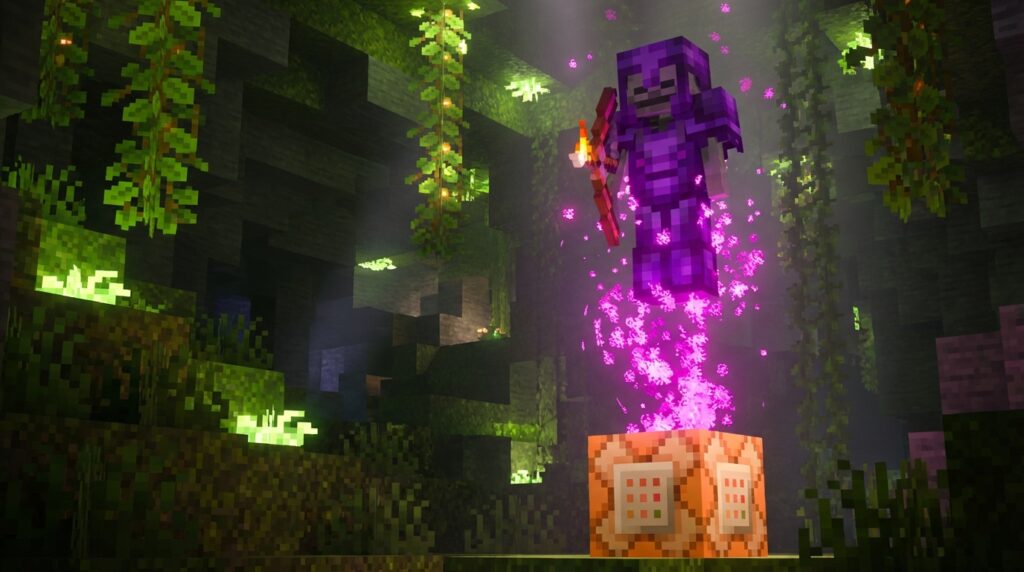
Have you ever wanted to drop a towering, custom-built boss mob right in the middle of your friend’s base? The /summon tool is one of the most powerful features in Minecraft, letting you instantly create everything from a simple pig to a fully armored skeleton riding a giant spider. By learning a few basic summon command tricks, you can completely change how you play the game. Whether you are running around on the latest Java or Bedrock updates, typing a quick line of text gives you total control over the living world around you.
You do not need to be a coding expert to start using these commands right away. Simply typing ~ ~ ~ after your chosen mob drops the creature exactly where your character is standing. As you get more comfortable, you can easily tell your newly spawned mobs exactly which way to face or what enchanted weapons to hold. Mastering these simple setups turns your blocky world into a giant sandbox.
Key Takeaways
- The Minecraft /summon command allows you to instantly generate custom creatures at exact coordinates without needing any advanced coding skills.
- By utilizing data tags like ArmorItems and HandItems in Java Edition, you can equip spawned monsters with specific enchanted gear to create challenging boss fights.
- The Passengers tag lets you stack multiple creatures on top of each other, allowing you to design unique and hilarious custom mob jockeys.
- Adjusting the Age and Size tags gives you complete control over a mob’s physical attributes, enabling the creation of permanent baby animals or massive, screen-filling monsters.
Equipping Mobs With Custom Armor
Equipping mobs with specific gear makes your custom boss fights much more exciting. Instead of waiting for a random zombie to spawn with a rusty iron helmet, you can use the summon command to dress them in full netherite armor. You can even hand them powerful weapons like a diamond sword enchanted with Fire Aspect to make them truly terrifying. This trick is perfect for creating epic challenges in your creative worlds or just having a good laugh at a skeleton wearing a carved pumpkin. By adding a simple string of text to your console code, you control exactly what your new creation wears into battle.
To make this happen in Java Edition, you will need to use data tags right after your basic coordinate numbers. You simply type out your standard summon command and then add the ArmorItems and HandItems tags to specify the exact gear. For example, you can tell the game to place diamond boots on the monster’s feet and a shield in its offhand slot. Bedrock players can achieve similar results by using save structure blocks or specific spawn events to generate heavily armed monsters. You can even adjust the drop chances for each piece of equipment, ensuring your friends get a massive reward after defeating your custom gladiator.
Once you master equipping basic armor, you can start combining these tricks to build the ultimate Minecraft encounters. Picture a supercharged creeper riding a bat while wearing an enchanted golden apple on its head. You have complete freedom to mix and match any items in the game to design unique challenges. Just remember that giving a zombie a powerful bow will not actually make it shoot arrows, since their artificial intelligence only understands melee combat. Stick to the weapons that match how the monster naturally fights, and you will create an unforgettable battlefield experience.
Building Hilarious Custom Mob Jockeys
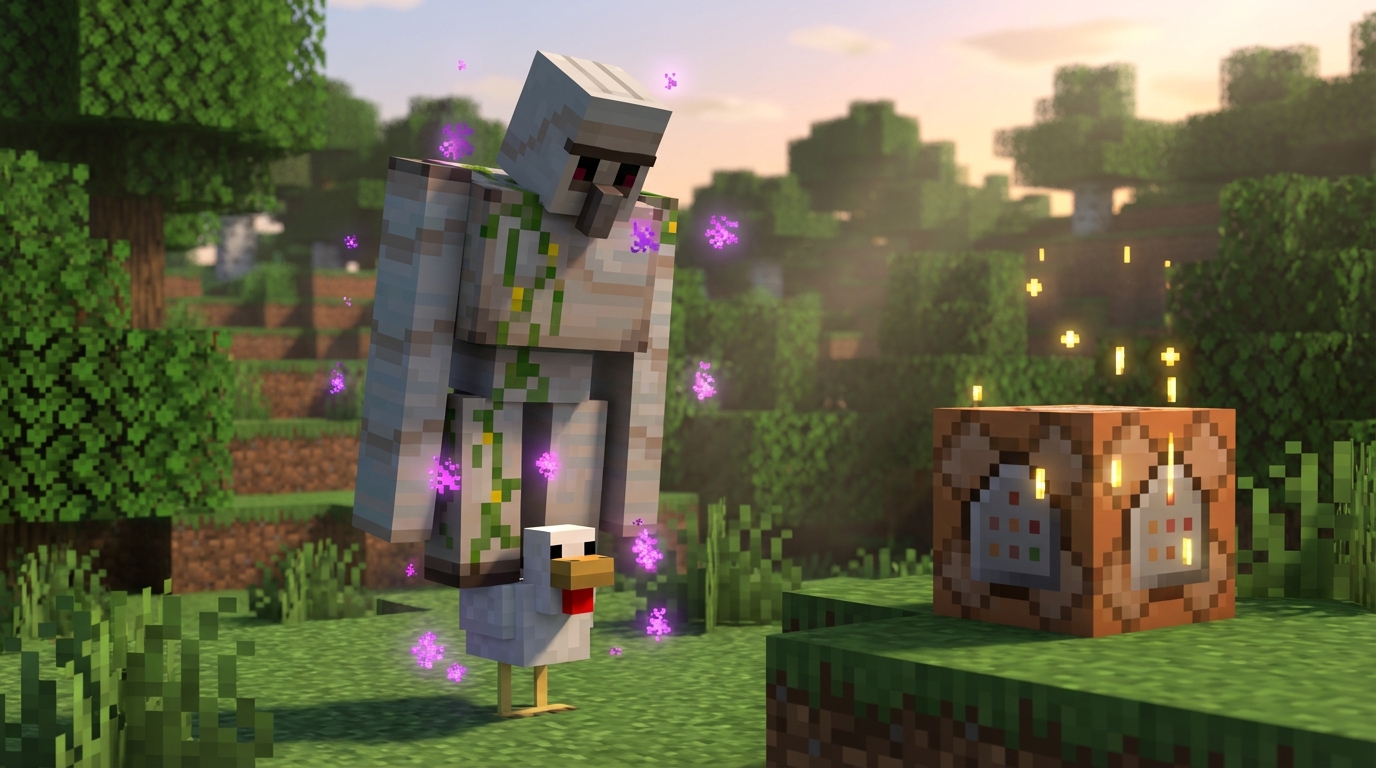
One of the funniest things you can do in Minecraft is create your own custom mob jockeys using a simple console code. Instead of waiting to find a rare spider jockey in the wild, you can use the special Passengers tag within the summon command to force any creature to ride another. For example, you can easily spawn a highly explosive creeper that flies around your world on the back of a tiny bat. This trick works by telling the game exactly which entity should be the base and which one gets to sit on top. It completely changes how you experience creative mode, letting you build hilarious encounters for your friends to stumble upon.
The crazy combinations do not stop with just two animals, because you can actually chain this tag multiple times to build towering stacks of mobs. You can use this exact method to stack five pigs right on top of each other for a ridiculous farmyard tower. If you want to design an epic custom boss fight, try putting a fully armored skeleton on top of a speedy ravager. Giving the top rider an enchanted diamond sword or a powerful bow makes the encounter even more dangerous and exciting. Your friends will be completely shocked when they have to fight a towering monster combination that they have never seen before.
Setting up these wild combinations is as simple as typing the code into your chat window or placing it inside a command block. You just need to make sure your brackets and tags are lined up perfectly so the game reads the passenger list correctly. Since recent game updates have refined how commands work, testing out weird creature pairings is easier than ever. You can spend hours just mixing different spawned entities to see what ridiculous riding animations the game produces. Grab your favorite Minecraft monsters and start building the ultimate custom jockey to surprise everyone on your server.
Changing Mob Sizes And Age Tags
You can easily create adorable baby animals or terrifying tiny monsters that never grow up by tweaking their age data. When you use the summon command in Java Edition, adding the IsBaby tag lets you instantly spawn the miniature version of a mob. If you want to make sure your new little friend stays small forever, you just need to set their Age value to a massive negative number like negative one million. This trick is perfect for populating a custom petting zoo or creating a funny challenge where you fight swarms of permanent baby zombies. You can even combine this with other commands to make a tiny baby pig that wears full diamond armor.
Changing the size of certain mobs takes your custom boss fights to an entirely new level. Slimes and magma cubes have a special Size tag that you can change to make them absolutely massive. By typing a simple command with a size value of ten or twenty, you will spawn a screen-filling monster that crushes everything in its path. Your friends will definitely panic when they see a slime that is taller than the trees in your survival world. Be careful with going too high with the size numbers, because a slime with a size of one hundred will cause massive lag and might crash your game.
Taking these size and age tricks a step further allows you to build completely unique encounters for your custom maps. You can use Passengers tags to stack a permanent baby zombie on top of a giant slime for a hilarious but deadly boss battle. Giving that tiny zombie a powerful enchanted sword and custom armor makes the fight even more challenging for anyone brave enough to step into your arena. These simple console codes give you the power to mix and match different traits until you find the perfect enemy. Testing out these chaotic combinations in creative mode is a fantastic way to surprise your friends with an unforgettable Minecraft adventure.
Summon Phantom-Riding Creepers to Surprise Your Friends
You now have all the tools you need to completely transform your Minecraft world using the summon command. Instead of fighting the same basic enemies, you can easily spawn hilarious mob combinations with just a few simple console codes. Picture the surprise on your friends’ faces when they encounter a creeper riding on top of a flying phantom. You can also equip these custom mobs with unique armor sets and powerful weapons to make them stand out even more. The possibilities for creating weird and wild creatures are truly endless once you understand how these basic tags work.
It is time to jump right into creative mode and start bringing your wildest game ideas to life. You can design epic custom boss fights that will test the survival skills of anyone who plays on your map. Try summoning a giant zombie decked out in full enchanted diamond armor and holding a flaming sword for your very first challenge. By mixing different entity types and gear, you will create unique Minecraft challenges that go far beyond the standard vanilla gameplay. Grab your command blocks, type in your favorite new codes, and watch as your ultimate custom monsters spawn right before your eyes.
Frequently Asked Questions
1. How do I spawn a mob exactly where I am standing?
You can easily spawn any creature right at your feet by typing the tilde symbol three times after your command. Just type /summon pig ~ ~ ~ into your chat box. The game reads those symbols as your exact current location and drops the mob right there.
2. Can I give spawned mobs enchanted weapons?
Yes, you can hand your custom mobs incredibly powerful gear to make them a real challenge. By adding the HandItems data tag to your command in Java Edition, you can give a zombie a diamond sword enchanted with Fire Aspect. This is perfect for creating epic boss fights in your world.
3. How do I dress my spawned mobs in custom armor?
You can force a mob to wear specific gear by using the ArmorItems data tag right after your coordinate numbers. This lets you equip a skeleton with full netherite armor or even place a carved pumpkin on its head. Just string the text together in your console code to control exactly what they wear into battle.
4. Do these summon tricks work on both Java and Bedrock editions?
The basic summon commands work beautifully on both versions of the game. However, adding specific data tags for things like custom armor and weapons works a bit differently depending on your setup. The ArmorItems and HandItems tags are specifically used for Java Edition players.
5. How do I make a summoned mob face a certain direction?
You can easily tell your newly spawned creatures exactly which way to look when they appear. Just add the specific rotation numbers to the end of your basic summon command. This gives you total control over how your custom boss enters the scene.
6. Can I summon one mob riding on top of another?
You absolutely can stack creatures on top of each other using a simple command trick. You could easily spawn a fully armored skeleton riding on the back of a giant spider. It is a fantastic way to surprise your friends with terrifying custom monsters.
7. Do I need to know how to code to use these commands?
You do not need any coding experience to start playing with the summon tool. Typing a quick line of text in your chat box is all it takes to instantly create the exact creature you want. As you practice with simple coordinates, you will quickly master how to build your own giant sandbox.