
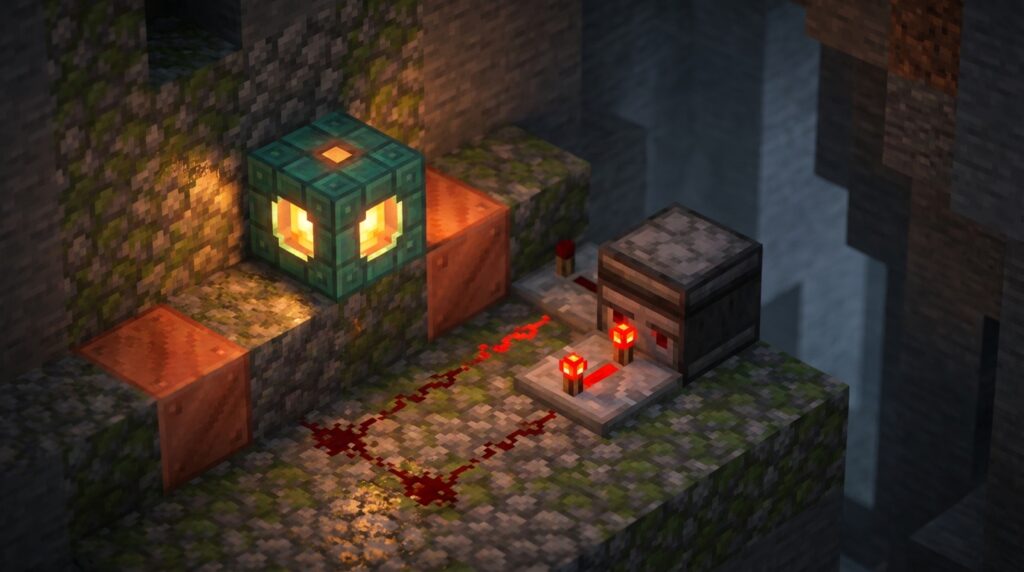
You finally have a way to simplify your complex contraptions without filling your base with messy wiring. The 1.21 Tricky Trials update introduced copper bulb redstone mechanics that change how you handle power in your world. This block isn’t just a pretty light; it acts as a built-in toggle switch that remembers its state even after the signal turns off. You can use it to replace bulky T-flip-flops, saving you tons of space in tight underground tunnels.
Crafting these blocks is easy and gives you four bulbs for every blaze rod you spend. You just need to combine copper blocks with redstone dust to start building smarter machines. Because the bulb stays lit until it receives a second pulse, it is perfect for making simple light switches or advanced sorting systems. You will love how much cleaner your hidden doors and auto-farms look with this compact logic gate.
Key Takeaways
- The copper bulb functions as a compact, one-block T-flip-flop that toggles and maintains its power state with a single redstone pulse.
- Crafting four bulbs requires three copper blocks of identical oxidation levels, one blaze rod, and one piece of redstone dust.
- Pairing a copper bulb with a redstone comparator allows for the creation of space-efficient logic gates and memory storage in tight builds.
- Oxidation levels determine both the bulb’s light emission brightness and the processing speed of the redstone signal, allowing for fine-tuned circuit timing.
Crafting Copper Bulbs With Blaze Rods
To craft a set of four copper bulbs, you need to gather three copper blocks, one blaze rod, and a single pinch of redstone dust. You must arrange the copper blocks in a T-shape at the top and sides of the crafting grid while placing the blaze rod right in the center. The redstone dust goes in the bottom middle slot to finish the recipe and bring the block to life. All three copper blocks must be in the same state of oxidation to work together. This means you cannot mix a weathered block with a fresh orange one if you want to successfully craft these lights.
Once you have your materials ready, you will see why the inclusion of a blaze rod is so significant for your redstone builds. This recipe creates a block that acts as a built-in T-flip-flop, which means it toggles on or off with just a single short pulse. This is a major improvement for your builds because it replaces bulky piston-based circuits with a single, compact block. You can now build logic gates and memory storage in much smaller spaces than ever before. Using these bulbs allows you to simplify your wiring while adding a cool, industrial look to your survival base.
Building One Block T Flip Flops
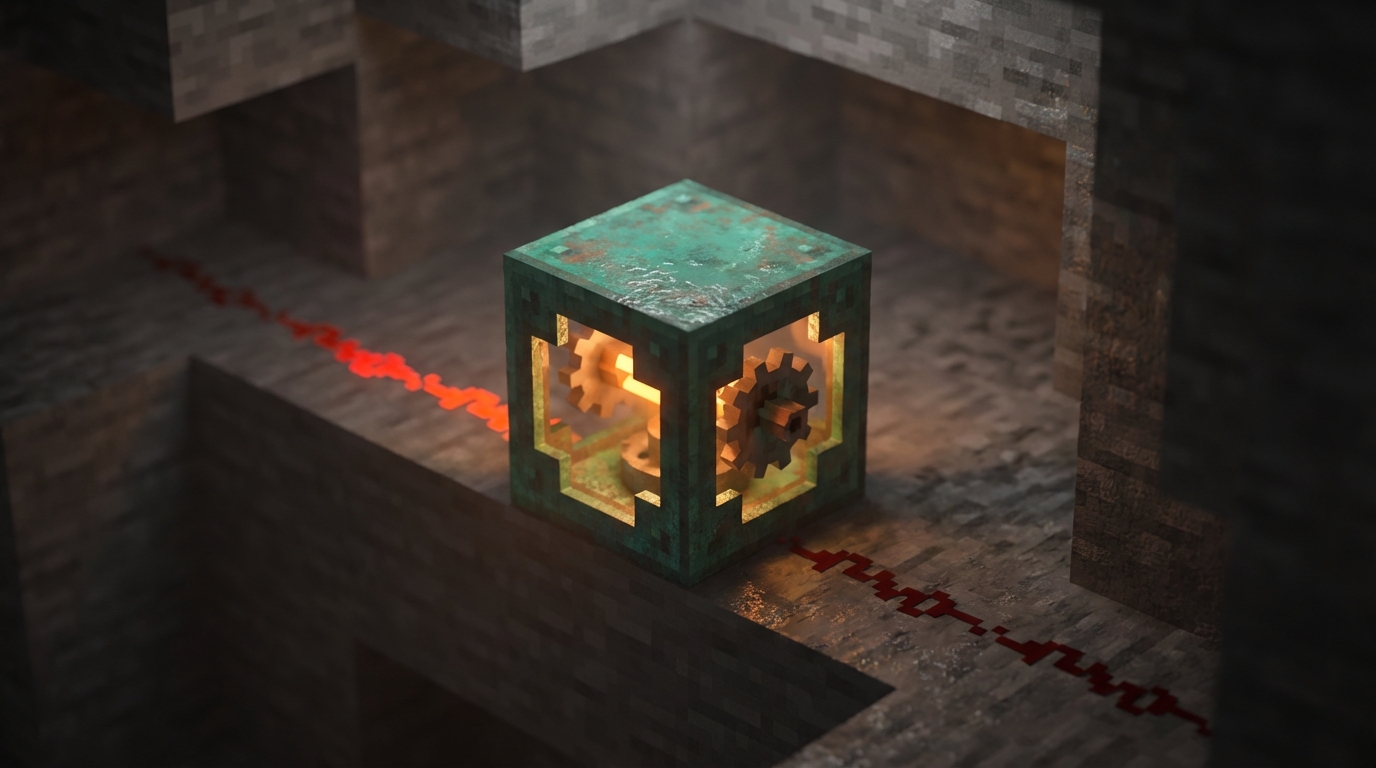
The copper bulb is a massive help for technical players because it has a built-in memory state. In the past, you had to build bulky circuits with pistons and observers just to create a basic T-flip-flop. Now, you can simply place a single copper bulb and watch it toggle between an on and off state every time it receives a redstone pulse. This means you can turn a simple button press into a permanent switch without any complicated wiring. It is the perfect solution for keeping your secret doors open or keeping your farm lights active with minimal effort.
To get your machine running, you just need to place a redstone comparator next to the copper bulb. The comparator detects whether the bulb is lit or dark and sends out a signal based on that state. Because the bulb stays lit even after the button pulse ends, your circuit will remain powered until you press the button again. This one-block setup replaces large rows of repeaters and torches, saving you a ton of space in your underground bases. You can now fit complex logic into tiny walls where you previously had no room for redstone.
Using this block allows you to create much cleaner builds because you can hide your wiring more easily. Since the bulb does not need a constant signal to stay on, you do not have to worry about redstone burnout or noisy piston sounds. You can even use different oxidation levels of the copper to change how fast the bulb responds to your inputs. This flexibility lets you fine-tune your contraptions for the exact timing you need. It is a simple tool that makes your redstone projects feel much more professional and compact.
Reading Signal Strength With Comparators
The magic of the copper bulb really shines when you place a redstone comparator directly next to it. Since the bulb stays on or off after a single pulse, the comparator can read that state and output a steady signal. This means you no longer need to build bulky flip-flops using pistons or multiple gates to remember a simple toggle. You can now store a bit of information in a single block space, which is a massive win for anyone trying to keep their wiring tidy. It makes your builds much cleaner and allows you to fit complex logic into tiny rooms or narrow walls.
You can take your designs even further by using the different oxidation levels of the bulb to your advantage. While the bulb is primarily a toggle, the way it interacts with comparators allows you to create incredibly compact pulse dividers and logic gates. For example, you can build a T-flip-flop that is only two blocks wide by simply running a comparator out of the bulb into your next circuit component. This efficiency is perfect for hidden doors or complex sorting systems where every block of space matters. By mastering this interaction, you will find yourself replacing old redstone designs with these sleek and modern alternatives.
Managing Oxidation States And Light Levels
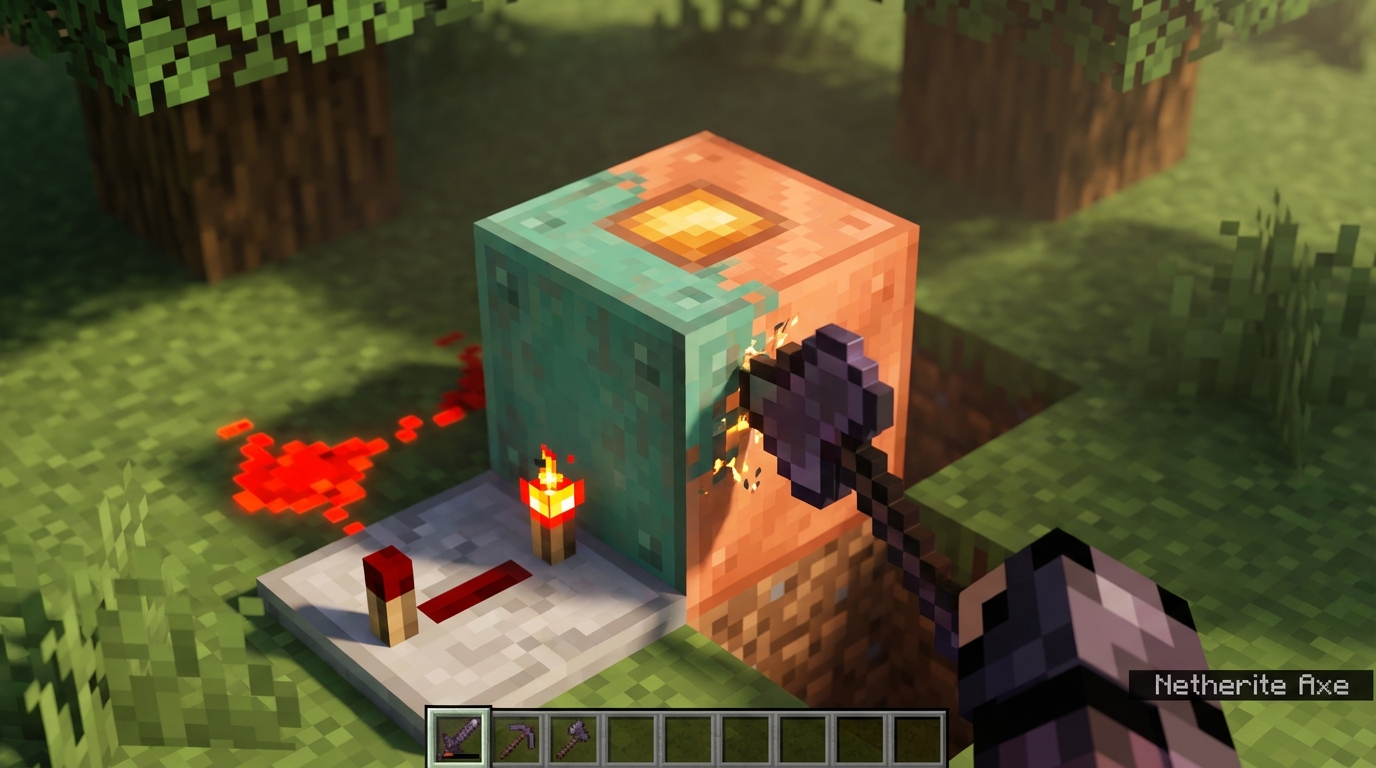
The oxidation state of your copper bulb does more than just change its color, as it directly controls how much light the block emits. A brand new, orange copper bulb shines at a bright light level of 15, while a fully weathered, green bulb drops down to a dim level of 4. You can use an axe to scrape away oxidation or apply honeycomb to wax the bulb and lock in your favorite brightness level. This flexibility is perfect for builders who want to create atmospheric lighting without changing their entire redstone layout. Choosing the right state allows you to hide logic gates in dark corners or use them as bright beacons in your base.
Beyond just looking good, the oxidation level of a copper bulb actually changes the speed of your redstone circuits. When you send a pulse to a clean bulb, it processes the signal significantly faster than a weathered one. This unique mechanic means you can fine-tune the timing of your logic gates simply by letting the copper age or by cleaning it with an axe. This allows for incredibly compact designs where timing is everything. You can now build complex machines that take up much less space by using these varying speeds to your advantage.
Build Smarter Machines With Copper Bulbs
The copper bulb is a great addition for anyone who loves building clever machines without the headache of massive wiring. Its ability to remember its state means you can finally ditch those huge, noisy T-flip-flops that used to take up so much room in your walls. By using this single block, you can toggle your secret doors or lighting systems with a simple button press. This makes your builds look much cleaner and saves you a lot of time during the construction process. You can spend less time troubleshooting messy wires and more time actually enjoying your finished base.
Mastering this block allows you to shrink your logic gates down to a fraction of their original size. Whether you are building a complex item sorter or a simple hidden entrance, these compact designs let you fit more functionality into tight spaces. You no longer have to worry about bulky redstone components poking out of your ceilings or floors. With the copper bulb in your toolkit, your Minecraft world will feel more advanced and professional than ever before. It is the perfect way to show off your technical skills while keeping your designs sleek and efficient.
Frequently Asked Questions
1. What exactly does a copper bulb do for redstone circuits?
The copper bulb acts as a built-in toggle switch that remembers its state. When you give it a quick pulse, it stays powered on until it receives a second pulse, which makes it perfect for replacing bulky T-flip-flop circuits.
2. How do I craft a copper bulb?
Place three copper blocks in a T-shape at the top and sides of your crafting table grid with a blaze rod in the center. Add one piece of redstone dust in the bottom middle slot to get four bulbs. Make sure all three copper blocks have the same level of oxidation or the recipe will not work.
3. Why should I use these instead of traditional redstone wiring?
These bulbs save a massive amount of space because they pack complex logic into a single block. You can use them to make your hidden doors and auto-farms much smaller and cleaner without messy rows of pistons and repeaters.
4. Can I mix different types of copper blocks when crafting?
No, you must use three copper blocks that are in the exact same state of oxidation. If you try to mix a fresh orange block with a green weathered one, the crafting recipe will stay empty.
5. Is the copper bulb useful for lighting up my base?
Yes, it works as a great light source that you can control with a simple button. Since it stays lit after one press, you can create easy light switches for your house without needing complicated wiring behind the walls.
6. How does the copper bulb help with advanced machines?
Because the bulb stays on or off until it gets another signal, it functions as a compact memory cell or logic gate. This allows you to build advanced sorting systems and complex recipes in tight underground tunnels where space is limited.