
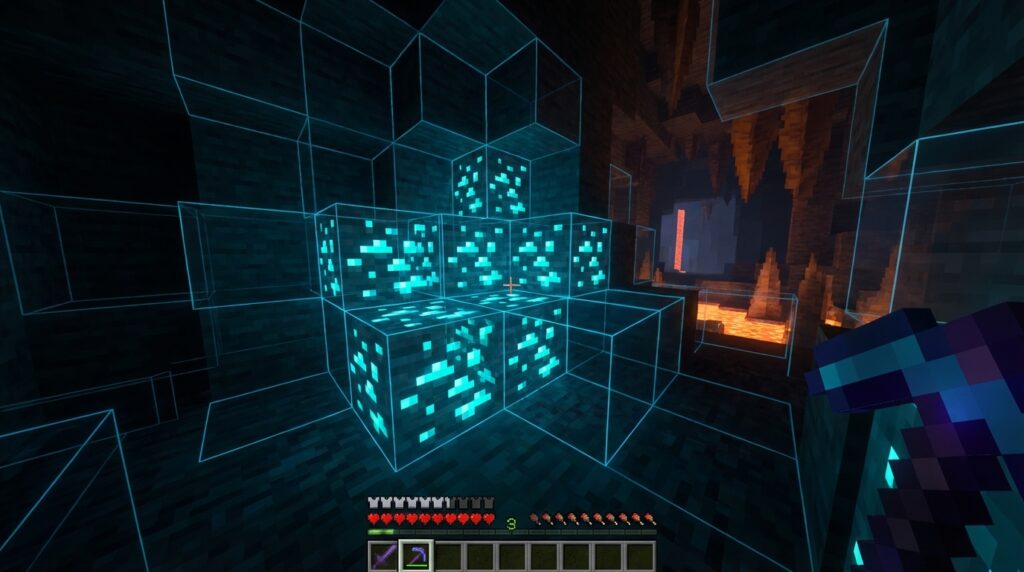
Finding rare ores like Diamonds or Ancient Debris can take hours of tedious mining and hundreds of broken pickaxes. Using an xray texture pack bedrock edition players love is the fastest way to skip the grind and see straight through the ground. These packs work by making common blocks like stone and dirt completely transparent while keeping valuable treasures visible. You can spot a hidden Dungeon or a Stronghold from a distance without ever placing a single torch.
Because these are resource packs rather than complex mods, you can easily install them on Windows 10, mobile devices, and consoles using a simple .mcpack file. They are fully updated for version 1.21, ensuring you can find the newest loot in trials and caves without any technical headaches. It is a great solution for anyone who wants to spend less time digging through gravel and more time crafting powerful gear. Using these packs transforms your world into a clear map where every vein of Gold and Emerald is ripe for the taking.
Key Takeaways
- X-ray resource packs for Bedrock Edition streamline gameplay by making common blocks like stone and dirt transparent, allowing players to locate rare ores and hidden structures instantly without tedious mining.
- Installation is a simple process involving a .mcpack file that integrates directly into the game’s resource settings across all Bedrock platforms, including Windows 10, mobile and consoles.
- Optimal visibility requires disabling smooth lighting and using Night Vision potions to ensure valuable ores glow brightly against the darkened, transparent environment.
- Using X-ray packs on multiplayer servers carries a high risk of detection, so players must mine in natural patterns and avoid heading directly toward rare resources to bypass anti-cheat monitors.
How X-Ray Resource Packs Reveal Hidden Ores
X-ray resource packs for Bedrock Edition work by changing the way your game handles textures for common blocks like stone, dirt, and gravel. Instead of seeing solid walls while you mine, these packs make those everyday blocks completely transparent or invisible. This allows you to look straight through the ground to find exactly what you are searching for without wasting any pickaxe durability. You will see floating veins of Diamond Ore and Ancient Debris glowing in the darkness of the deep caves. It turns your screen into a clear map of every valuable resource hidden beneath the surface.
Getting these visuals to work is incredibly simple because you do not need to install complex mods or hacked clients. Since Bedrock Edition uses .mcpack files, you can just import the resource pack directly into your game settings and activate it. Once the pack is live, the visual filter applies instantly to your world, highlighting dungeons and strongholds alongside the ores. This method is much more stable than using xray glitch methods because it relies on the game’s own rendering system to show you the hidden loot. You can easily toggle it on or off whenever you want to switch between finding diamonds and building your base.
These specialized packs are perfect for players who want to save time while gathering materials for late-game gear. Whether you are playing on a mobile device, a console, or a PC, the transparent textures work the same way across all Bedrock platforms. You can quickly spot buried treasure or follow a trail of Gold Ore straight to a hidden Mineshaft. This visual tool helps you avoid dangerous lava pockets and navigate directly to the coordinates of the rarest blocks in the game. It makes the grind for Netherite much faster by pointing you right toward the Ancient Debris hidden in the walls.
Steps To Activate X-Ray On Bedrock Platforms
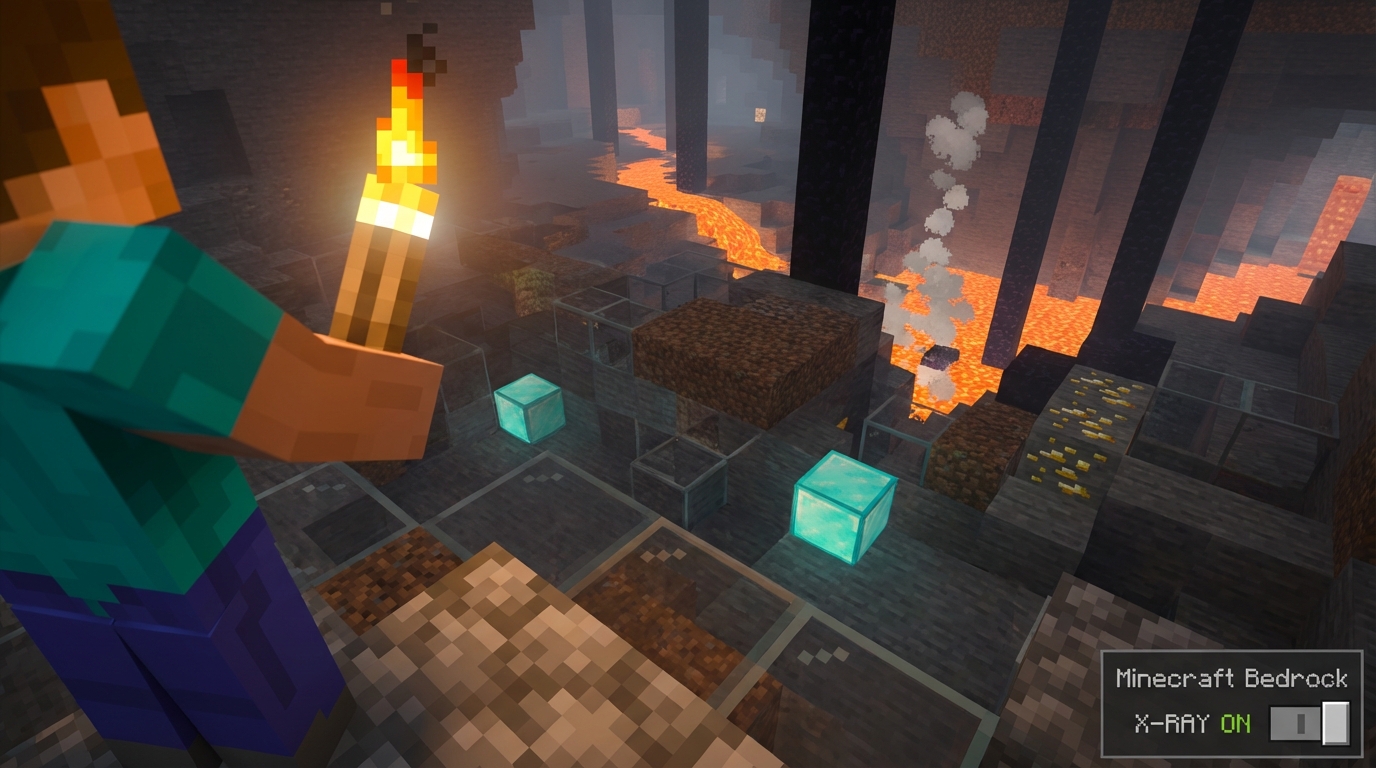
Activating an X-Ray texture pack on Bedrock is a straightforward process because it uses the game’s built-in resource system. Once you have downloaded your .mcpack file, simply open it to automatically import the textures directly into your Minecraft library. You will see a notification at the top of your screen confirming that the import was successful. This method works perfectly on Windows 10, mobile devices, and even consoles if you have a way to access your files. It is much more stable than using glitches because the game treats it like any other visual skin or texture update.
To get the X-Ray working in your specific world, you need to head into the settings menu before hitting the play button. Scroll down to the Resource Packs tab on the left sidebar and look under the My Packs section to find your newly imported file. Click on the pack and hit the activate button to move it into the Active list at the top. This step ensures that stone and dirt blocks become transparent the moment you load into your map. You can also do this from the global resources menu in the main settings if you want the X-Ray active for every world you join.
Before you start digging for diamonds, make sure you turn off disabling smooth lighting in your video settings for the best results. Disabling this feature helps the ores glow brightly against the darkened caves, making it much easier to spot ancient debris or hidden dungeons. If you are playing on a realm or a friend’s world, remember that the host might need to have the pack active for everyone to see through the walls. Once everything is toggled on, you can go straight into the ground and head directly toward the rarest loot without wasting any pickaxe durability.
Using Night Vision To Clear Up Dark Caves
When you activate an xray texture pack on Bedrock, you might notice that the underground world looks quite dark at first. Since these packs turn common blocks like stone and deepslate transparent, the lack of natural light in deep caves can make it hard to distinguish one ore from another. You are essentially looking into a massive, unlit void where textures struggle to pop against the shadows. To fix this, you need a reliable way to illuminate the hidden treasures waiting behind those invisible walls. Without a light source, you might walk right past a vein of Diamonds or a cluster of Ancient Debris simply because the screen is too dim.
The most effective way to solve this visibility issue is by drinking a Potion of Night Vision. This simple brew instantly brightens every corner of the map, turning that murky darkness into a clear view of every hidden block. You will be able to spot distant Strongholds and Abandoned Mineshafts with ease because the potion removes the game’s natural lighting limits. If you do not have the ingredients for potions, you can also try consulting a potion brewing chart to learn how to craft them. This combination ensures that your resource pack works perfectly, allowing you to find your way through the deep layers of the world without ever needing to place a single torch.
Staying Safe While Using X-Ray On Servers
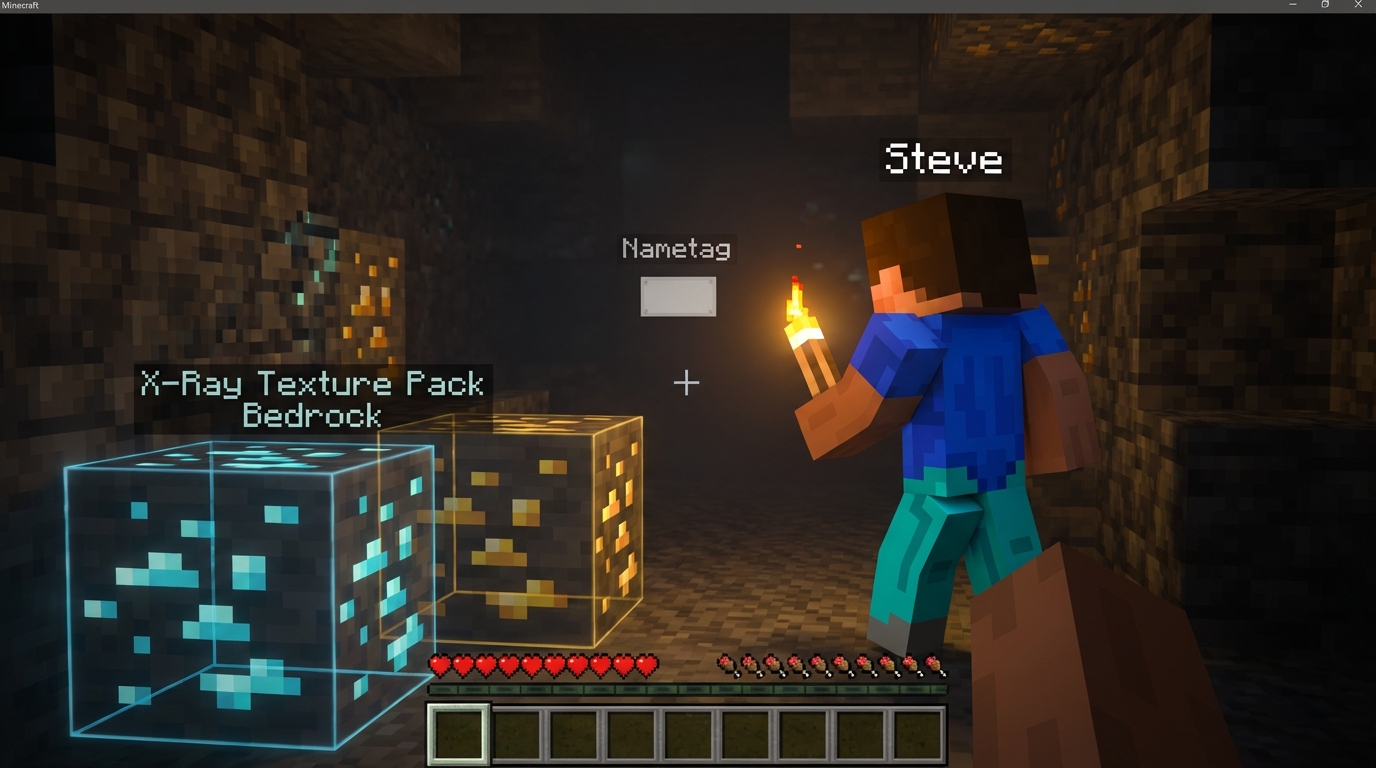
Using an x-ray texture pack on Bedrock servers comes with a high risk of being caught by active moderators or anti-cheat plugins. Even though you are only changing your local resource pack, your behavior in the game can easily give you away to staff members. If you suddenly dig in a straight line directly toward a vein of diamonds or ancient debris, it looks very suspicious on the server logs. Most large multiplayer realms use tools that track how many ores a player finds in a short amount of time. You should always try to mine in a natural pattern to avoid triggering these automatic alerts.
Staying safe requires you to act like a normal player who is just having a lucky day in the mines. Never head straight for the rarest ores the moment you see them through the transparent stone blocks. It is much smarter to mine around the area first or follow existing caves to make your path look accidental. You should also avoid clearing out every single diamond vein in an area, as this leaves a clear trail for admins to find. Keeping your diamond count reasonable helps you stay under the radar while still getting the resources you need.
Responsible use of these packs is especially important if you want to keep your access to your favorite Bedrock realms. Many servers have strict rules against visual modifications, and a permanent ban is often the result of being too greedy with your finds. You might want to test how the pack looks in a single-player world first so you understand exactly how the transparency works. This practice helps you move through the underground more naturally when you finally jump into a multiplayer session. If you want to maximize your inventory even further, you can also learn duplication glitch 1.21 techniques to multiply your rarest finds. Always remember that the goal is to enhance your experience without ruining the game for everyone else on the server.
Find Diamonds and Rare Ores Instantly
Using an xray texture pack on Bedrock Edition completely changes the way you approach your survival world. Instead of spending hours strip mining at coordinate Y-59 and hoping for the best, you can see every Diamond vein and Ancient Debris block directly through the stone. These resource packs are much more stable than using glitches because they work with the game’s official engine rather than breaking it. You will save a massive amount of time by walking straight to the resources you need. It turns a tedious chore into a fast and rewarding experience that lets you get back to building and exploring.
Setting up these visual tools is simple since they use the standard .mcpack format found in your global resources. Once active, common blocks like dirt and gravel disappear, leaving only the valuable loot and hidden structures like Strongholds visible to your eyes. This method works across Windows, mobile, and consoles, making it a versatile choice for any Bedrock player. You won’t have to worry about complex mods or game-breaking exploits that might crash your world. Once you have gathered enough resources, you can learn how to build a secret piston door to hide your diamonds from other players. With the right ancient city loot map, you are always just a few swings away from your next full set of Netherite gear.
Frequently Asked Questions
1. What exactly is an xray texture pack for Bedrock?
It is a special resource pack that makes common blocks like stone, dirt, and gravel completely transparent. This lets you look through the ground to see valuable ores like Diamonds and Ancient Debris floating in the dark.
2. How do I install an xray pack on my device?
You can easily install these packs by downloading a .mcpack file and opening it to import it directly into your game. Once imported, simply go to your Global Resources in the settings menu and activate it to start seeing through walls.
3. Does this pack work on the latest 1.21 update?
Yes, these packs are fully updated for version 1.21 and the newest game features. You can use them to quickly find trial chambers or spot new loot in deep caves without any technical issues.
4. Can I use an xray texture pack on my console or phone?
Since these are resource packs and not complex mods, they work perfectly on mobile devices, Windows 10, and consoles. You just need to apply the pack to your world or global settings to get that clear view of the underground. This is especially useful when planning underground base layouts that stay hidden from other players.
5. Will using an xray pack break my pickaxes faster?
Actually, it helps you save your pickaxe durability because you only mine the blocks that matter. You can walk straight to a vein of Gold or Emeralds instead of clearing out hundreds of useless stone blocks.
6. Do I need to place torches while using this pack?
You can spot hidden Dungeons and Strongholds from a distance without ever placing a single torch. The ores and structures stand out clearly against the transparent world, making exploration much faster and easier.