
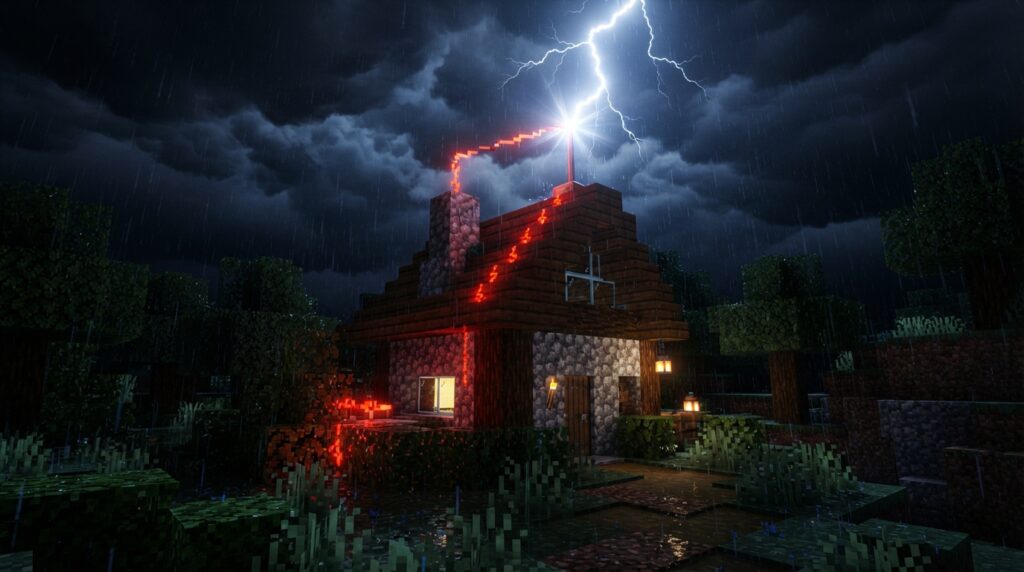
You can use a Minecraft lightning rod to draw strikes away from a wooden roof and send a redstone signal when lightning hits. If the rod is the highest block in its column, it can redirect lightning within 128 blocks in Java Edition or 64 blocks in Bedrock Edition. That makes placement important for survival builds and villages. Read about the rod’s range.
A strike powers the rod’s redstone signal for 8 game ticks, which is enough to trigger a simple storm indicator. But redirected lightning can still start nearby fires and affect mobs, so placing a rod near villagers does not automatically keep them safe. A villager struck by lightning becomes a witch. Learn about the rod’s effects.
Key Takeaways
- A lightning rod redirects eligible strikes within 128 blocks in Java Edition or 64 blocks in Bedrock Edition when the rod is the highest block in its column, according to the Minecraft Wiki.
- A lightning rod can help protect a wooden build, but keep villagers and animals outside the 6×12×6 area around the rod, where redirected lightning can affect mobs. Keep flammable blocks away from the rod because redirected lightning can still start nearby fires, as the Minecraft Wiki notes.
- A lightning rod sends a redstone signal for 8 game ticks only when lightning strikes it, according to the Minecraft Wiki, so you can connect the rod to a lamp for a brief storm alert.
- A lightning rod can direct lightning close enough to charge a creeper within a 4×4 area, but keep the setup away from villagers, wooden structures, and valuable builds.
What Does a Lightning Rod Do?
A lightning rod redirects eligible lightning strikes and emits a redstone signal when struck. This gives you a way to manage storm risks and make storms part of your build. You can craft one from three copper ingots, giving it a practical use in survival mode and a place in your roof design.
For the rod to redirect lightning, it must be the highest block in its column. In that position, it redirects strikes within 128 blocks in Java Edition or 64 blocks in Bedrock Edition, according to the Minecraft Wiki’s lightning rod details.
The redstone signal lets a strike trigger a circuit, so the rod can do more than draw lightning away from a structure. You can add it to a build that reacts to storms or use its copper design as a functional detail on a tower or roofline. Both its protective role and redstone output come from lightning hitting the rod.
How Do You Protect Wooden Builds?
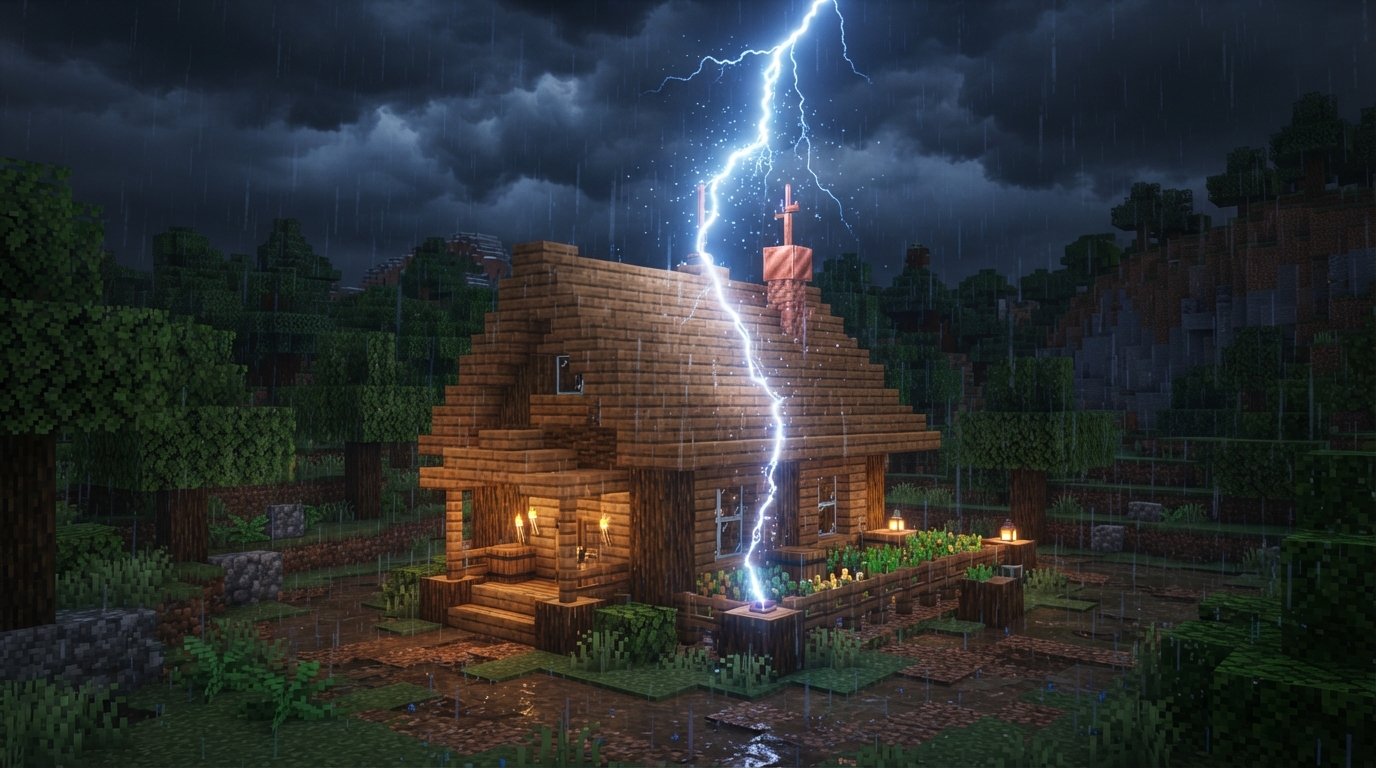
To help protect a wooden build, place a lightning rod high above it and keep flammable blocks and mobs out of the rod’s strike area. A rod redirects lightning, but it does not make nearby ground or buildings completely safe. A strike can still start nearby fires and affect mobs in a 6×12×6 area around the rod, according to the Minecraft Wiki. Use these steps to place a rod near a home, barn, or other wooden build:
- Build a stone or cobblestone support above the structure, then place the rod at the top so it is the highest block in its column.
- Keep the rod and its strike area away from flammable roofs and wooden walls. A separate stone tower can put more distance between the strike and your build.
- Keep animals and villagers out of the strike area, including livestock beside a barn.
Can Lightning Rods Keep Villagers Safe?
A lightning rod can help protect villagers by drawing strikes away, but placing one near a village does not guarantee their safety. A redirected strike can still affect mobs in a 6×12×6 area around the rod, according to the Minecraft Wiki.
Place the rod beyond the settlement, not beside a crowded village square, wooden homes, or a barn. Check the area for flammable blocks and mobs, and keep villagers out of the strike area. If lightning hits a villager directly, the villager turns into a witch, so choose the rod’s location carefully.
How Do You Use Rods With Redstone?
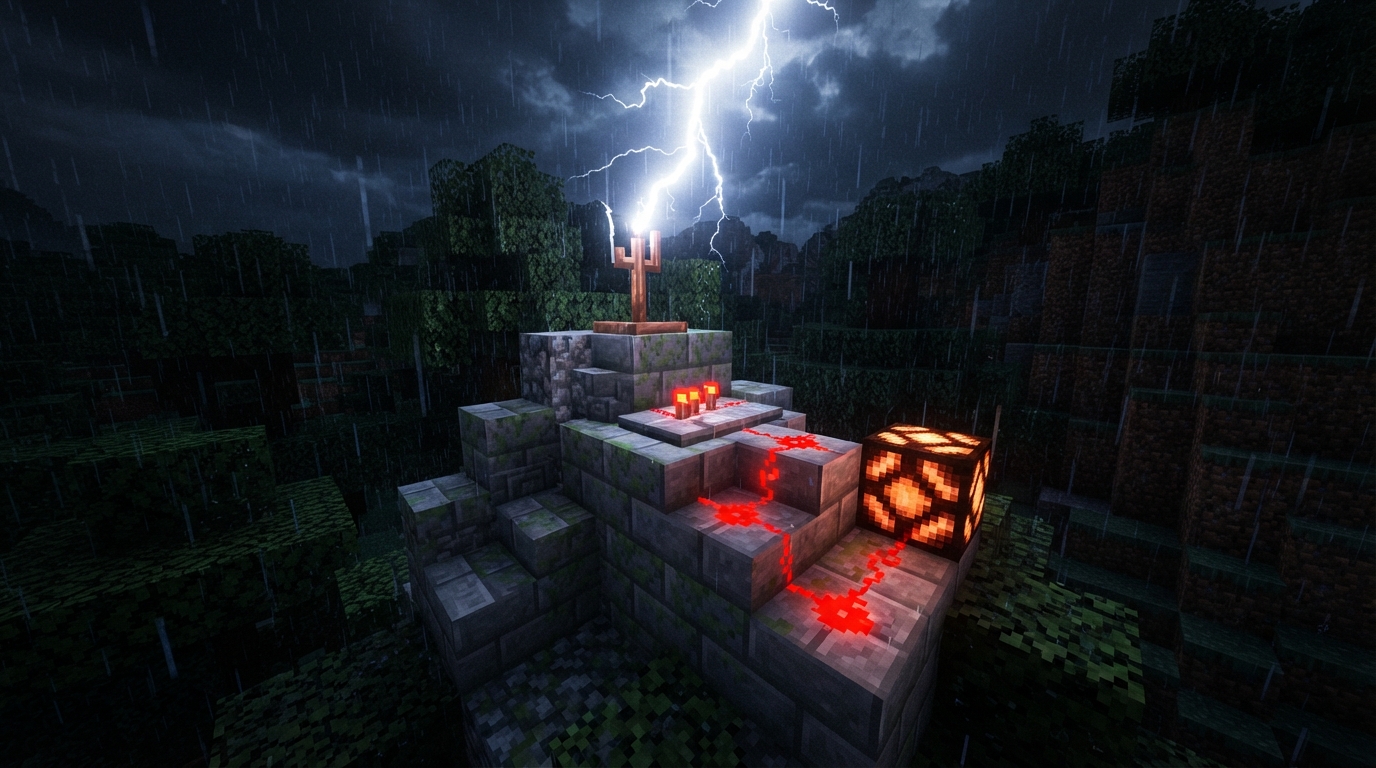
You can use a lightning rod as a brief redstone input for a storm alert. The rod emits a signal for 8 game ticks when struck, according to the Minecraft Wiki. Rain or thunder without a lightning strike will not activate the circuit.
Connect the rod to a lamp to make a simple alert that flashes when lightning hits:
- Place a redstone lamp on a solid block near the rod.
- Lay redstone dust from the rod to the lamp.
- Wait for lightning to strike the rod and briefly light the lamp.
You can use the same strike-dependent signal to trigger a bell or another redstone contraption. Since the circuit reacts to a lightning strike, not just stormy weather, you can use the rod to power a storm-event display as well as help protect a build. The Minecraft Wiki notes that the signal lasts 8 game ticks.
Can Rods Help Create Charged Creepers?
Yes. You can use a lightning rod to direct a strike close enough to charge a creeper. A creeper becomes charged when lightning strikes within a 4×4 area. Charged creepers can help you obtain mob heads, so use this setup for a specific drop, not to protect a base.
Keep the creeper and rod well away from villagers, wooden structures, and valuable builds. A redirected strike can still start fires and affect nearby mobs, as the Minecraft Wiki explains. A charged creeper’s blast can also damage nearby builds, so choose an isolated spot with nothing important nearby.
How Can You Build a Weather Station?
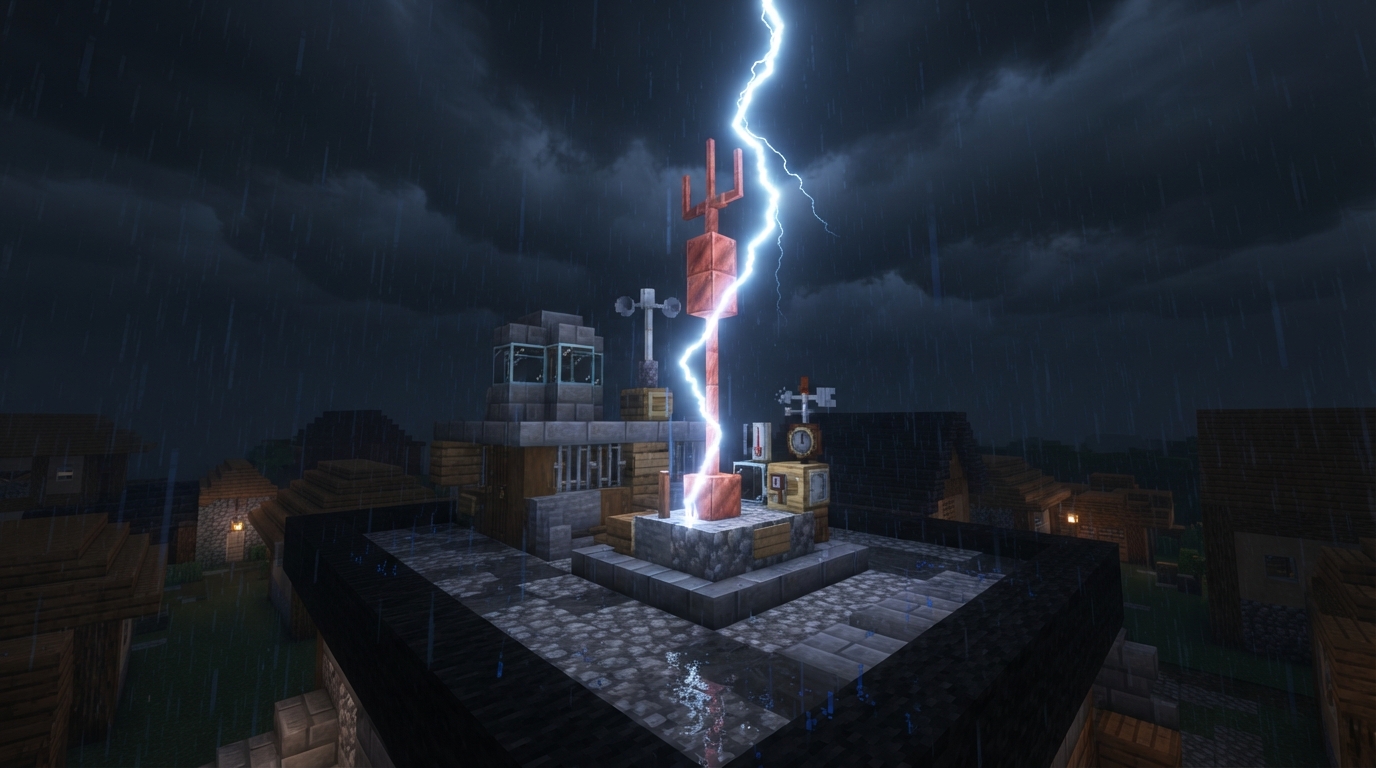
Build a compact weather station by placing a lightning rod at the peak of a small stone tower or village observatory, then connecting its redstone output to a lamp or another visible display. The display signals a storm when lightning strikes the rod, and the copper rod gives the roof a clear focal point. Minecraft Java Edition 1.21.9 added oxidation to lightning rods, so the rod can change appearance over time like other copper blocks.
Choose a Safe Spot for Your Rod
Before placing the rod, mark its intended spot with a temporary pillar. Then check the 6×12×6 area around it for mobs, and check nearby for burnable blocks. Redirected lightning can still affect mobs in that area and start nearby fires, as the Minecraft Wiki notes.
If the marked area overlaps a villager path, animal pen, or wooden wall, move the pillar until the area is clear. Check from the ground and the roof to make sure a wooden overhang is not beside the target. If your base has a redstone alert, keep the lamp visible from your doorway and place the rod on a separate tower. After checking the spot, replace the marker with the rod and wire the lamp.