
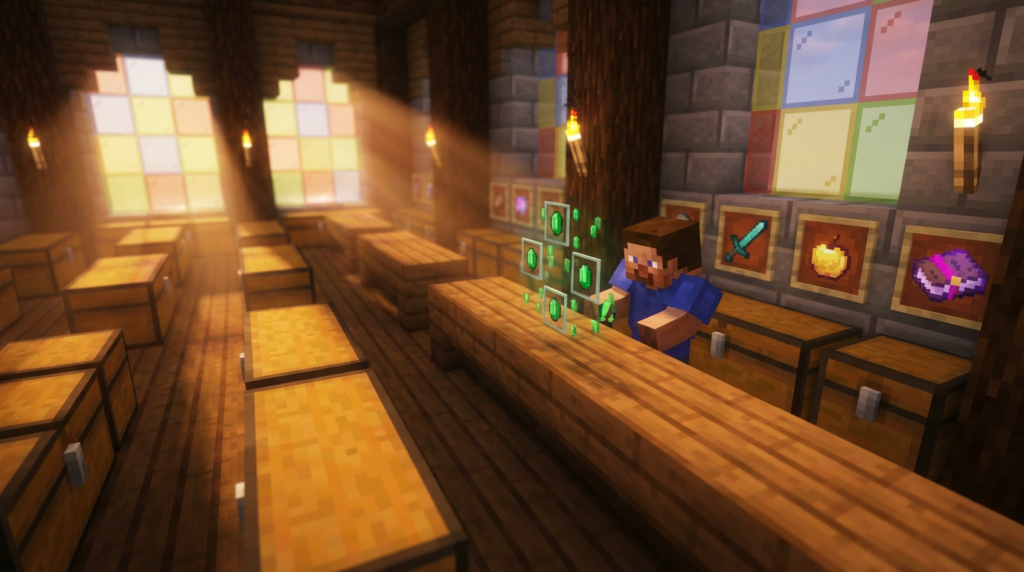
Running a busy Minecraft server means you cannot spend every second manually trading emeralds for enchanted books with your players. Using admin shop scripts allows you to build automated marketplaces where players can buy building blocks or sell their extra diamonds even while you are offline. These tools handle the heavy lifting of price adjustments and inventory management so your economy stays balanced without constant supervision.
You need a system that works perfectly every time a player clicks a sign to restock their torches or upgrade their armor. Since many older customization tools are being phased out by 2026, it is the perfect time to set up a modern, reliable shop for your community. Getting your economy right ensures that everyone from casual builders to hardcore miners has a fair way to get the gear they need.
Key Takeaways
- Admin shop scripts automate server economies by providing unlimited stock and 24/7 trading, removing the need for manual restocking or staff supervision.
- Dynamic pricing and adjustable buy/sell rates prevent inflation by automatically devaluing over-farmed resources and maintaining a fair gap between new players and veterans.
- Custom GUI menus and interactive chest interfaces create a professional shopping experience that allows players to quickly purchase bulk materials or rare gear.
- Transitioning to modern script systems now is essential for server stability, as many legacy customization tools are scheduled to be phased out by 2026.
Essential Features of Minecraft Admin Shop Scripts
Admin shop scripts provide the foundation for a stable server economy by allowing you to create unlimited supply points for players. You can set up specialized signs or chest interfaces where users buy essential building blocks like oak logs or stone without worrying about stock running out. These scripts ensure that even if every player on the server needs glass for a massive project, the shop will never go empty. By removing the need for manual restocking, you save hours of time that would otherwise be spent filling double chests. This automation keeps the marketplace active even when you are offline or busy building your own base.
Controlling the flow of high-value items is another vital feature of these powerful tools. You can easily set fixed prices for rare treasures like diamonds, netherite ingots, or enchanted golden apples to prevent extreme inflation. If you notice that players are getting too rich, you can adjust the buy and sell rates instantly through a simple command or configuration file. This level of control helps you balance the game so that new players can still afford basic iron tools while veterans have to work for their endgame gear. A well-balanced shop prevents a few wealthy users from dominating the entire server economy.
Customization options allow you to tailor the shopping experience to fit your specific server theme or game mode. You might choose to create a sleek GUI menu that opens with a single click, making it easy for players to browse categories like redstone or farming supplies. Some scripts even support dynamic pricing that changes based on how much of an item is being sold by the community. You can also restrict certain items to specific player ranks or permissions, adding another layer of progression to your world. These features transform a simple trading post into a professional and engaging economic system for everyone involved.
Setting Up Custom Buy and Sell GUI Menus
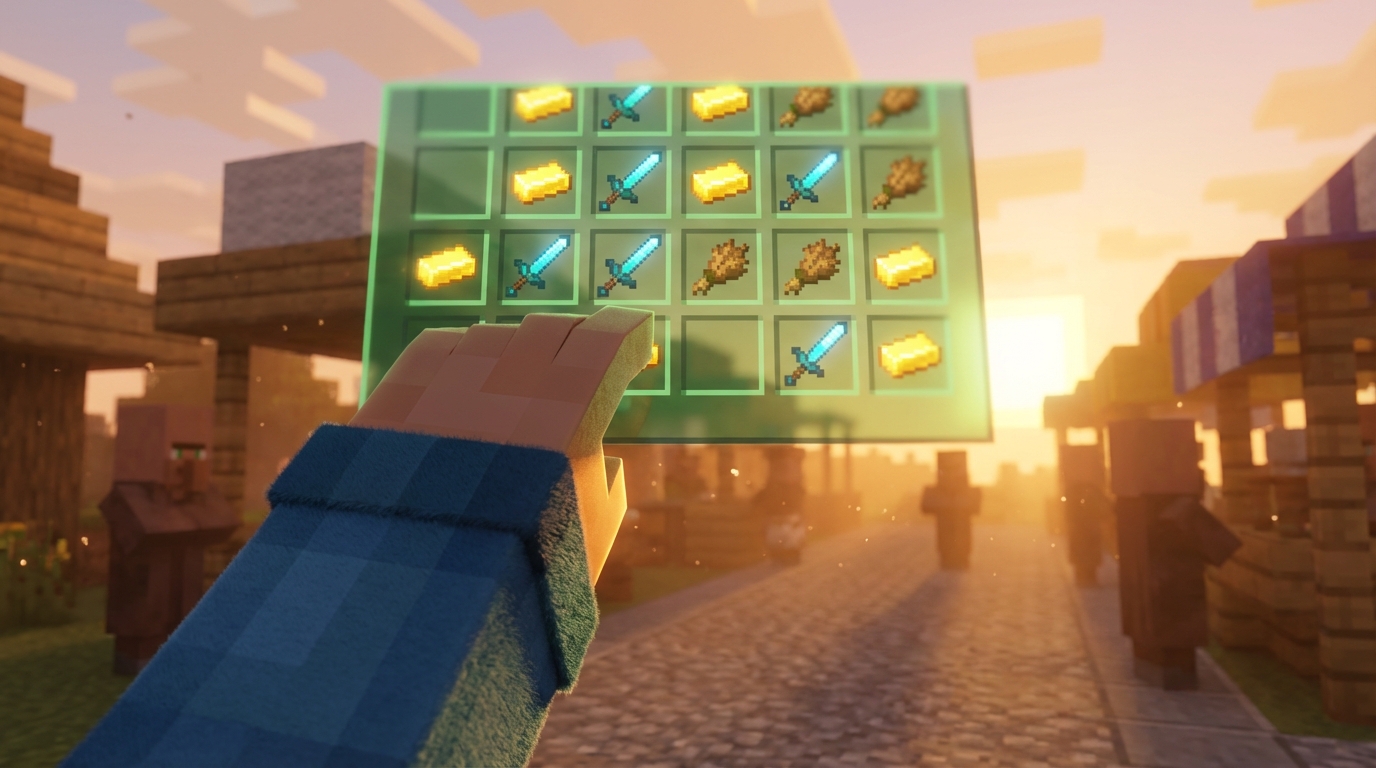
Creating a custom shop begins with opening your script editor to define the layout of your chest menu. You can decide exactly how many rows appear in the GUI and assign specific items like diamonds or iron ingots to different slots. By setting simple price variables, you tell the script how much in-game currency a player receives when they click an item. This process turns a standard storage chest into an interactive storefront that handles transactions automatically. You can even add colored text to the item lore to display the current buy and sell prices clearly.
Once your layout is ready, you need to configure the specific actions that happen when a player interacts with the menu. For example, you can write a short line of code that checks if a player has enough gold ore in their inventory before allowing a sale. If they have the items, the script removes the ore and instantly adds the coins to their virtual balance. You can also include a success sound effect like an experience orb pickup to give the player instant feedback. These small details make the trading experience feel professional and rewarding for everyone on your server.
Automating Your Server Economy With Scripted Price Balances
Maintaining a balanced server economy is a major challenge when players start stockpiling rare materials like diamonds and netherite. Admin shop scripts solve this by automatically lowering the sale price as more items are sold to the shop. If one player spends all day mining ancient debris, the script will detect the high supply and drop the value to prevent them from becoming an overnight billionaire. This constant adjustment ensures that no single resource can be exploited to ruin the local market. You can set specific limits so that prices eventually bounce back once the selling spree stops.
Dynamic pricing keeps your world competitive and exciting for everyone involved in the community. Instead of seeing the same fixed prices every week, your players will have to keep an eye on the market trends before selling their loot. For example, if everyone is selling emeralds from raid farms, the script will make those emeralds worth much less than a stack of wood. This encourages players to gather different types of blocks rather than focusing on just one easy farm. It creates a living economy that reacts to player behavior without you needing to change settings manually.
Setting up these automated scripts is a great way to save time while keeping your server fair for new members. You won’t have to worry about inflation making basic items too expensive for beginners to afford. Because the script handles the math for you, the gap between the richest and poorest players stays at a manageable level. You can even create custom alerts that tell the whole server when a specific item’s value has reached an all-time high. This makes your economy feel like a real game feature that adds depth to the survival experience.
Final section: Conclusion
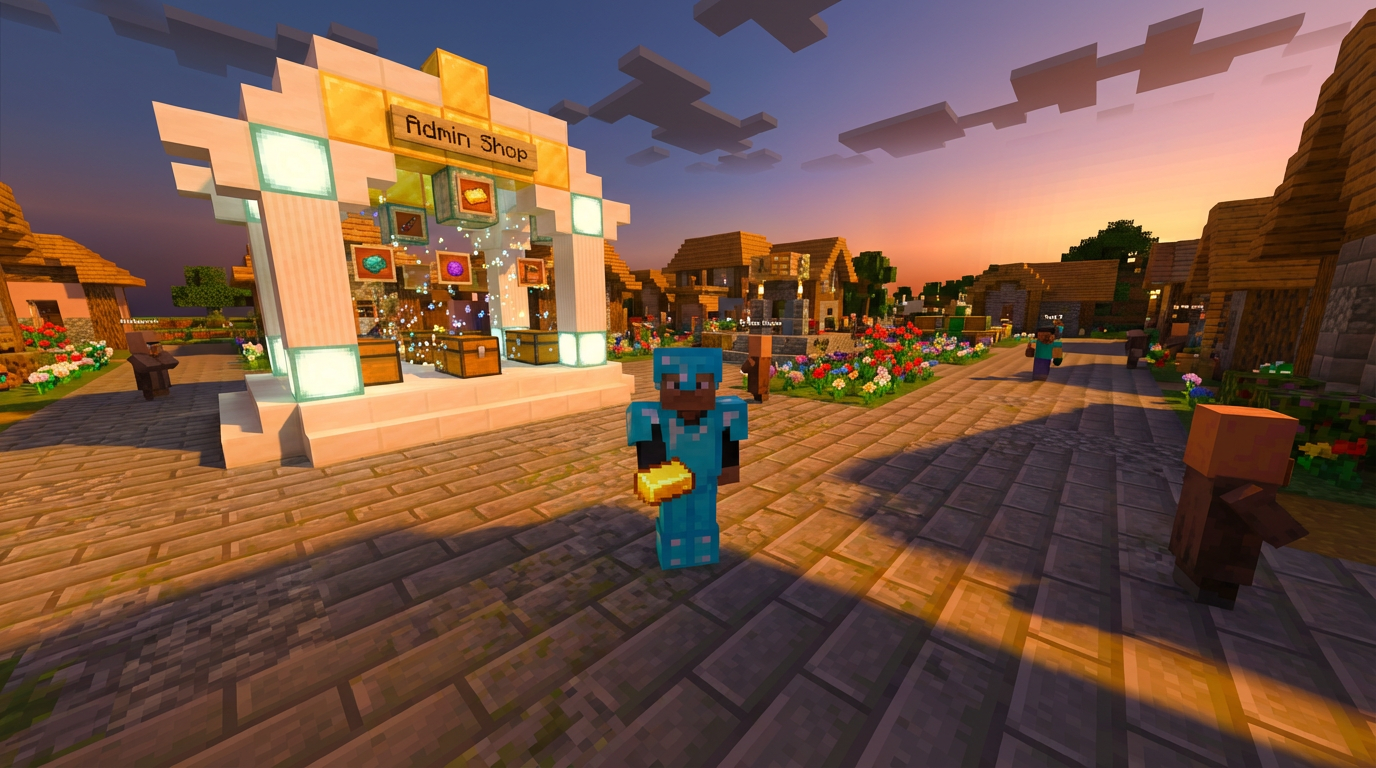
Selecting the right admin shop script is the final step in building unique server economies that keep your players coming back for more. These tools allow you to set up official server stores where players can buy essential items like diamonds, obsidian, or golden apples. By automating these trades, you ensure that the market remains stable even when you are offline. A well-configured shop prevents resource shortages and gives new players a fair chance to catch up with veterans. You can even customize the prices to reflect the rarity of items on your specific map.
Your community will feel much more professional and polished when the trading interface is easy to navigate. High-quality scripts often include features like hoverable item descriptions or bulk-buy options for large building projects. Imagine a player being able to stock up on thousands of stone bricks for their castle with just a few clicks. This convenience encourages long-term play because people spend less time grinding and more time creating. Choosing a reliable script ensures that your server economy stays balanced and fun for everyone involved.
Automate Your Economy With Admin Shop Scripts
Admin shop scripts are the secret ingredient to making your Minecraft server run like a well oiled machine. These handy tools let you set up automated marketplaces where players can trade their hard earned diamonds for rare items like enchanted books or netherite scraps. By using these scripts, you remove the need for an actual staff member to stand behind a counter all day. Your community members can simply click a sign or use a command to get the building blocks they need. This keeps the economy moving smoothly even when you are busy exploring a deep dark cave or building a massive castle.
Setting up your first shop is a great way to encourage players to interact and stay active on your server. You can create specialized stalls that sell everything from basic cobblestone to powerful potions and mob spawners. It is important to balance your prices so that players feel rewarded for their mining trips and farming sessions. If you want to better trading prices for your community, you can easily adjust the script to change the costs in real time. These small tweaks help maintain a fun challenge for both new survivors and seasoned veterans.
Managing your server economy becomes much easier when you let these automated scripts handle the heavy lifting. You can track which items are popular and see exactly how much currency is flowing through your virtual world. This data allows you to host special sales or events, like a weekend discount on fireworks for an in game celebration. Since the scripts work automatically, you spend less time fixing trade errors and more time enjoying the game with your friends. A well managed shop creates a professional feel that keeps your community coming back for more adventures.
Frequently Asked Questions
1. What exactly is a Minecraft admin shop script?
An admin shop script is a helpful tool that lets you create automated markets where players can buy and sell items 24/7. It acts like a robot shopkeeper that never runs out of stock, allowing your community to trade emeralds for things like glass or oak logs even when you are not logged in.
2. How do these scripts help keep my server economy balanced?
You can set fixed prices for rare items like netherite ingots or diamonds to stop inflation from ruining the fun. If you notice players are getting too much gold, you can quickly change the buy and sell rates with a simple command to keep things fair for everyone.
3. Will the shop ever run out of items like torches or stone?
No, these scripts provide an unlimited supply of items so your players can always get the building blocks they need. You never have to worry about manually restocking chests because the system handles everything automatically.
4. Why should I set up a new shop script right now?
Many older server tools are being phased out by 2026, so it is the perfect time to switch to a modern and reliable system. Setting up a fresh shop now ensures your players can continue to upgrade their armor and restock supplies without any interruptions.
5. Can I use these scripts to sell enchanted gear?
Yes, you can easily set up specialized signs or chest interfaces where players can buy enchanted books or upgraded armor. This gives your hardcore miners a reliable way to get high-end gear without needing you to be there to facilitate the trade. This is especially useful for intense Minecraft PvP environments where gear quality determines survival.
6. Is it difficult to change the prices in my shop?
It is actually very simple and you can make changes instantly through a configuration file or a quick in-game command. This allows you to react fast if you want to hold a weekend sale on building materials or increase the cost of rare treasures. Many of the best Minecraft prison servers use similar automated systems to manage their complex economies and player rewards.