

Imagine having the power to change the weather, teleport across mountains, or instantly grant yourself a diamond sword with a single keystroke. Whether you are managing a busy server or building your dream world in Creative mode, our updated bedrock command list gives you total control over every block and mob. With over 70 unique commands available in version 1.21.6, you can master your environment by simply typing a quick slash in the chat box.
You can easily switch your playstyle by typing /gamemode creative to fly or use /effect to give yourself super speed and strength. If things get too crowded, a quick /kill @e[type=zombie] will clear out the monsters so you can focus on building. These tools turn you from a regular player into the ultimate creator of your own Minecraft universe.
Key Takeaways
- Mastering over 70 unique Bedrock commands allows you to bypass manual labor by instantly clearing massive areas, changing the weather, or toggling between game modes.
- Use player management commands like /op, /ability, and /kick to maintain total authority over your server and grant unique powers like flight even in Survival mode.
- Customizing game rules with commands such as /gamerule keepinventory true and /gamerule mobgriefing false protects your progress from frustrating setbacks like death or explosions.
- Automate your world by linking Impulse, Repeat, and Chain command blocks to create sophisticated systems like automated shops, security, and persistent status effects.
Essential Player Management and Operator Commands
Taking control of your Minecraft world starts with mastering the basic player management commands that define your experience. You can instantly swap between Survival and Creative modes using the /gamemode command followed by a number or name, such as /gamemode 1 to start building with infinite blocks. If you are playing with friends on a console or mobile device, you can use /op to give them power to help you manage the world. These simple codes allow you to customize how everyone interacts with the environment without needing to restart the game. Using these tools ensures that you are always in charge of the rules and the pacing of your adventure.
One of the most unique features for Bedrock players is the /ability command, which grants special powers that are usually restricted. You can use /ability @s mayfly true to give yourself the power of flight even while you are playing in Survival mode. This is perfect for exploring large maps or building tall structures without the fear of falling. You can also use /effect to give yourself super speed or night vision to make cave exploration much easier. These commands turn you into a powerful operator who can overcome any challenge the game throws your way.
Managing your community is just as important as managing your own abilities when hosting a session. If a friend is causing trouble, you can use the /kick command followed by their username to remove them from the game instantly. You can also use /xp to give your friends levels for enchanting or /enchant to buff their gear with powerful upgrades. If things get too chaotic, the /kill command can be used on specific players or entities to reset the board. Learning these essential codes makes you a better host and ensures everyone has a fun, fair time in your world.
Transforming Your World with Building Commands
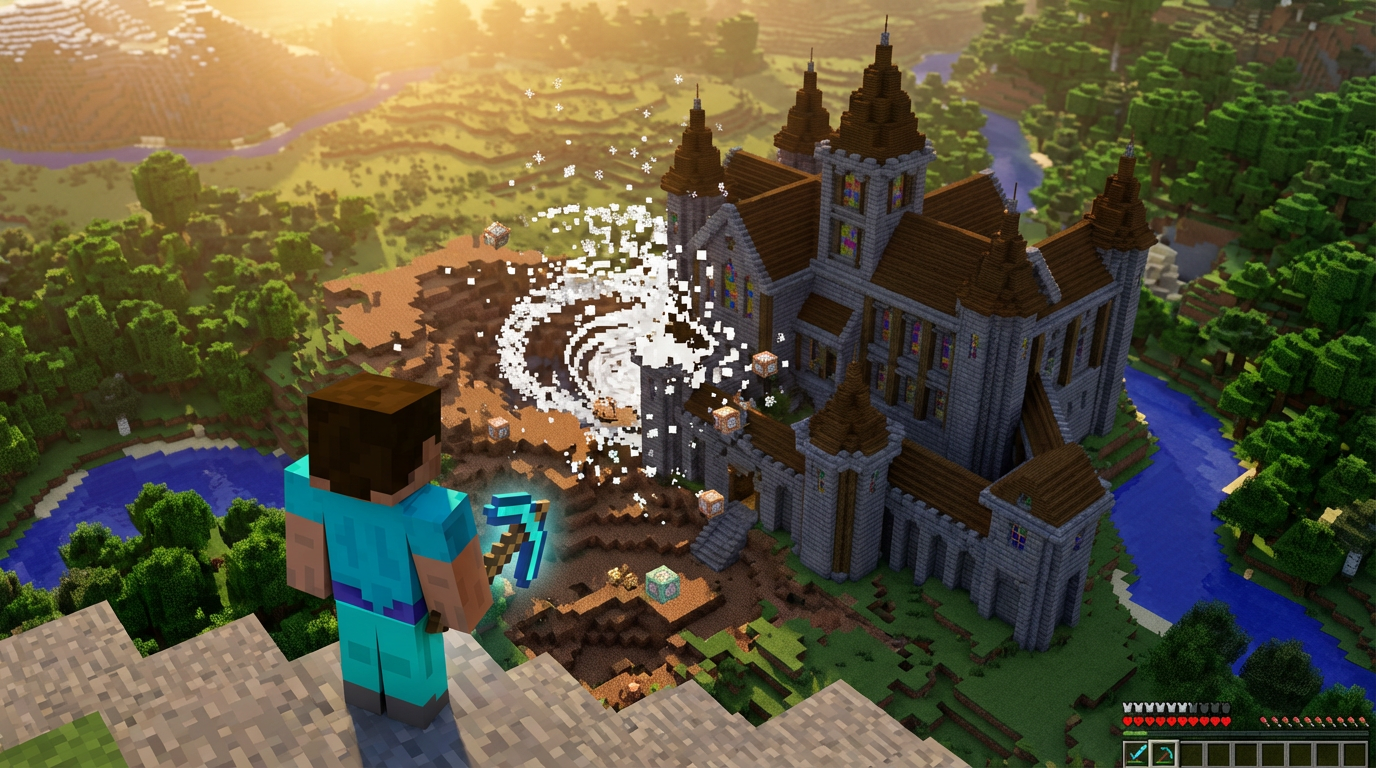
Mastering building commands allows you to bypass hours of manual labor on your console or mobile device. You can use the /setblock command to place a single block exactly where you need it, which is perfect for fixing small mistakes or adding finishing touches. If you want to clear a massive area or build a giant wall, the /fill command is your best friend. By entering the coordinates for two opposite corners, you can fill the entire space with stone, wood, or even air to hollow out a mountain. This tool is essential for Bedrock players who want to create sprawling cities or complex maps without placing every block by hand.
Managing the environment is just as easy when you know the right phrases to type into the chat. You can instantly change the weather with /weather clear if a thunderstorm is ruining your view or use /weather rain to help your crops grow. If you prefer to work in the daylight, the /time set day command ensures you never have to deal with unwanted mobs during a build. These commands provide total control over your surroundings, allowing you to focus on your creativity rather than the time of day. Using these simple shortcuts turns your world into a truly custom experience that reacts to your every whim.
Beyond simple building, these commands help you manage how players and entities behave in your world. You can use /gamemode creative to fly around and gather resources or switch to survival for a true challenge. If you are playing with friends, the /tp command lets you teleport directly to their location so you never get lost in a large biome. You can even use the /effect command to give yourself super speed or night vision for a limited time. These tools are the foundation of any great Bedrock adventure, making it easier than ever to lead your server like a pro.
Spawning Entities and Managing Game Rules
Summoning specific creatures to your world is as simple as typing a quick line into the chat box. You can use the /summon command to bring any mob directly to your current location, whether you need a horse for travel or a villager for trading. For example, typing /summon iron_golem will create a powerful protector to guard your base from monsters. You can even use this command to spawn boss mobs like the Ender Dragon if you want a serious challenge. This tool is perfect for console and mobile players who want to populate their creative builds without searching for spawn eggs in the menu.
Managing the hidden rules of your world allows you to customize your gameplay experience exactly how you like it. By using the /gamerule command, you can toggle settings that usually stay hidden, such as stopping fire from spreading through your wooden house. One of the most popular choices for Bedrock players is /gamerule keepinventory true, which ensures you never lose your items if you fall into lava. You can also turn off mob griefing to prevent Creepers from blowing up your hard work. These adjustments help you focus on the fun parts of the game without worrying about frustrating setbacks.
Controlling the environment and player abilities gives you total authority over your Bedrock server or local world. If you find yourself in a dark cave, you can use /effect @s night_vision 99999 to see every corner clearly without placing torches. You can also use /ability @p mayfly true to give a friend the power to fly even while they are in survival mode. These commands work seamlessly across Nintendo Switch, PlayStation, Xbox, and mobile devices, making you a true master of your domain. Experimenting with these settings turns a standard survival world into a personalized playground tailored to your specific needs.
Automating Your Gameplay with Command Blocks
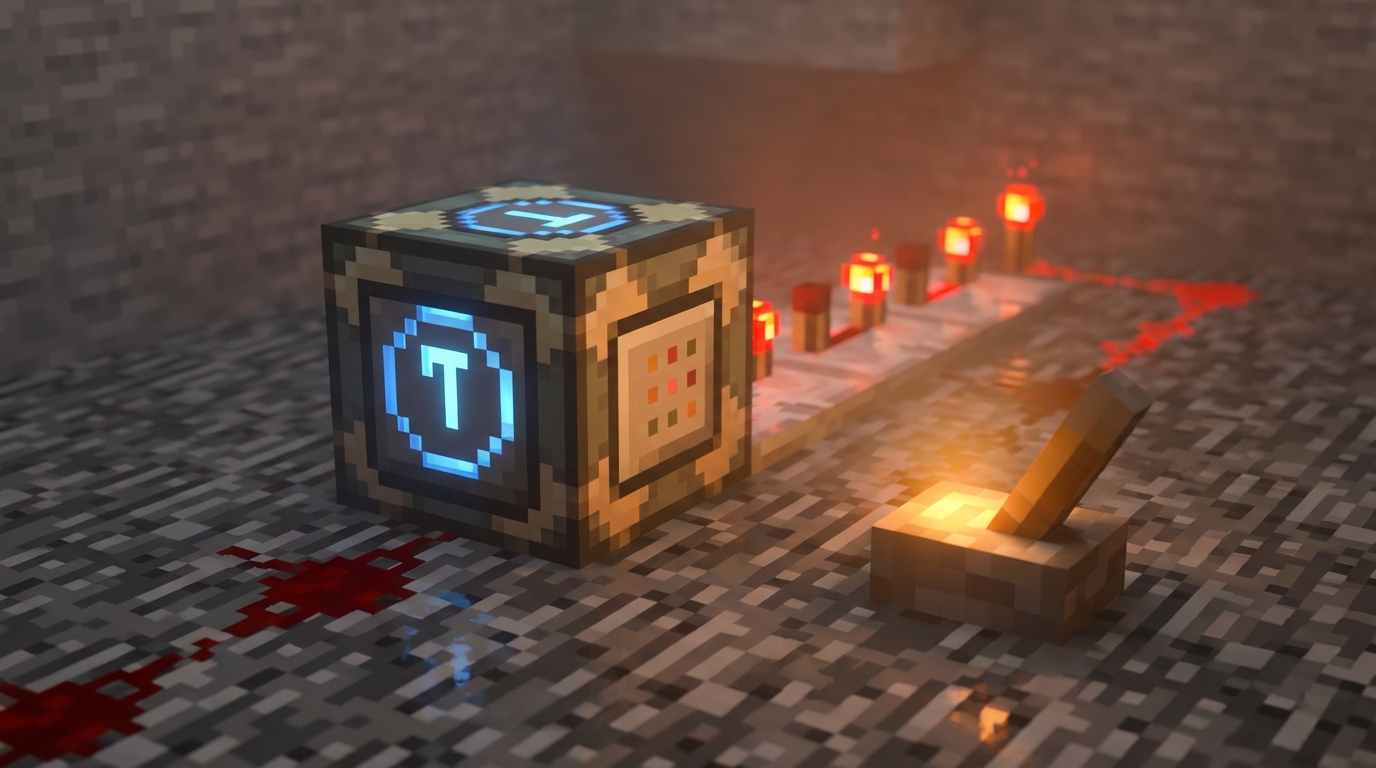
Command blocks are the secret to turning your Bedrock world into a fully functioning machine without needing to type in the chat every few seconds. By using an Impulse command block, you can trigger a one-time action like /give @p diamond_sword whenever you press a button or step on a pressure plate. These blocks are perfect for creating simple shops or starting kits for your friends on a console or mobile device. You just need to make sure you have operator status and cheats enabled to start placing these powerful tools. They act as the foundation for any custom map or private server shortcut you want to build.
If you want to create more complex systems, you can use Chain and Repeat command blocks to handle the heavy lifting automatically. A Repeat block is incredibly useful for constant effects, such as running /effect @a night_vision 99999 1 true to keep everyone seeing clearly in the dark. You can then attach Chain blocks to these to trigger a sequence of events that happen one after the other in a single tick. This allows you to build automated security systems that detect players or custom weather cycles that change based on the time of day. Linking these blocks together transforms a few simple commands into a sophisticated game engine.
Managing these automated systems is much easier when you use specific Bedrock commands to keep them running smoothly regardless of where you are. Since command blocks only work in loaded chunks, you should use the /tickingarea command to ensure your machines stay active even when you wander far away. This is especially helpful for mobile and console players who want their farms or teleporters to function across the entire map. You can also use the /gamerule commandblockoutput false command to keep your chat from being flooded with notification messages. With these settings in place, your automated world will feel professional and seamless for every player who joins.
Master Your World With Bedrock Commands
Mastering this bedrock command list gives you the power to transform your console or mobile experience into something truly unique. Whether you are playing on a tablet or a game console, these tools allow you to bypass the grind and focus on your most ambitious builds. You can instantly clear out massive areas of stone or swap from Survival to Creative mode with a quick keystroke. Experimenting with different syntax options will help you understand how to control every aspect of your environment. Start by trying out simple teleportation or time adjustments to see how much faster your projects can move.
The true magic of Bedrock Edition happens when you combine these commands with functional blocks like command blocks. You can set up a Repeat block to keep it daytime forever or use a Chain block to trigger a series of rewards for players on your server. Using the /ability command is a great way to give your friends special powers like world builder status or the ability to fly. These shortcuts make managing a multiplayer world much easier for operators who want to keep things organized. You will quickly find that a few well placed commands save you hours of manual work.
Take these examples and start testing them in your own world to see what kind of adventures you can create. There is no limit to what you can achieve when you have over seventy unique commands at your fingertips. You might want to enchant your favorite sword with a level ten sharpness or use the /effect command to run faster than a horse. Every new update brings even more possibilities to the Bedrock platform, so keep practicing to stay ahead of the curve. Your Minecraft journey is about to become a lot more exciting as you take full control of the game.